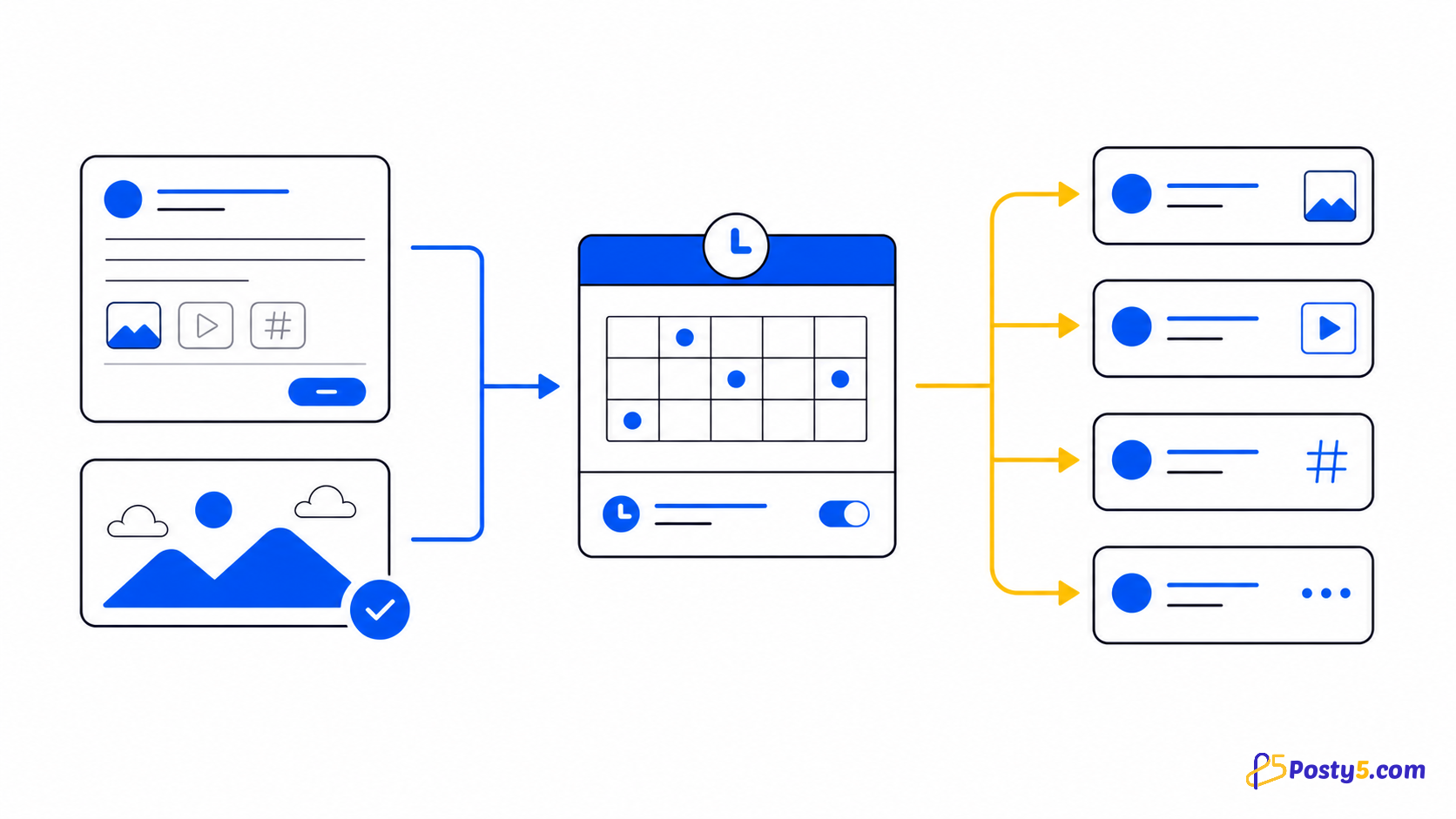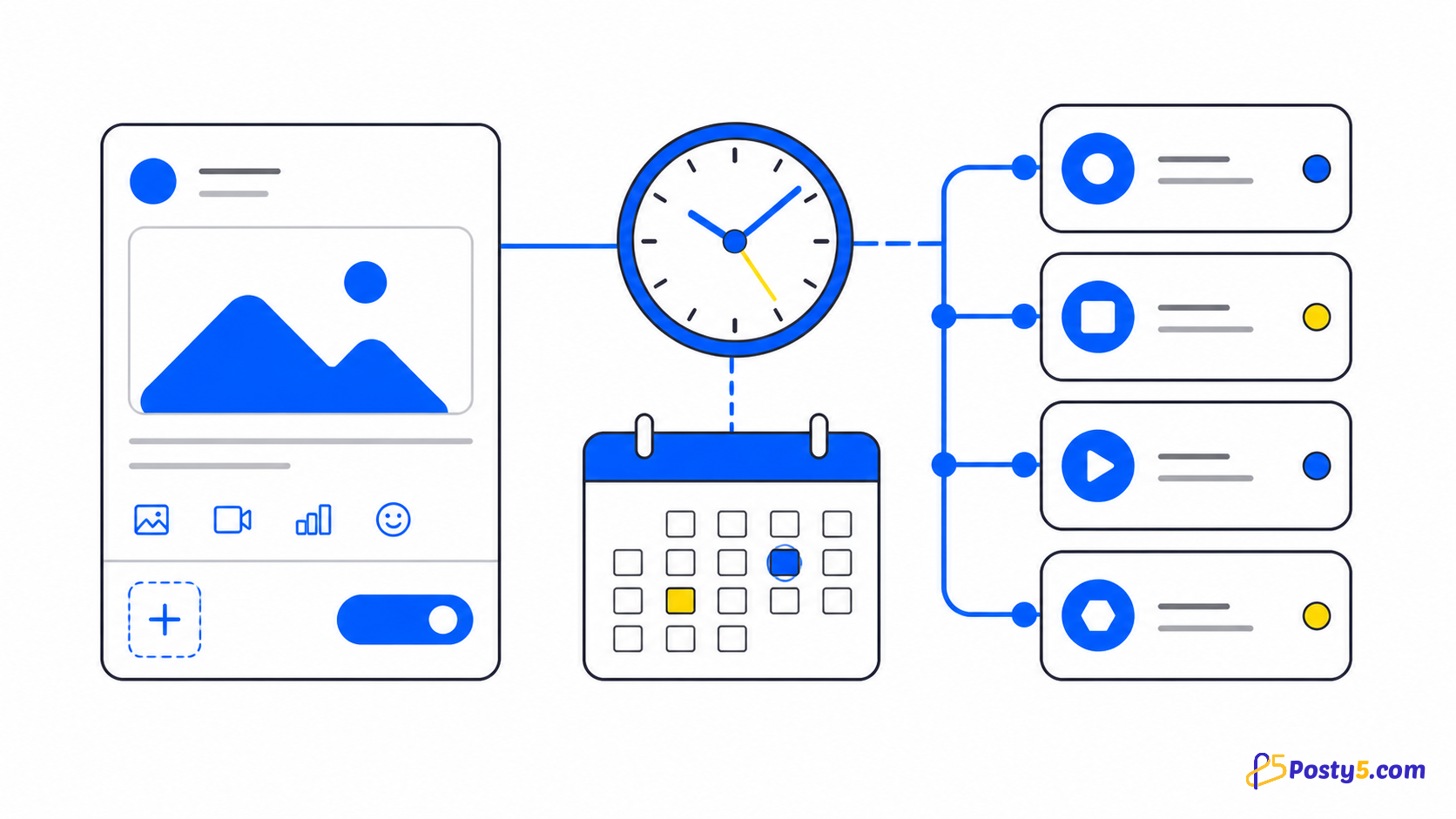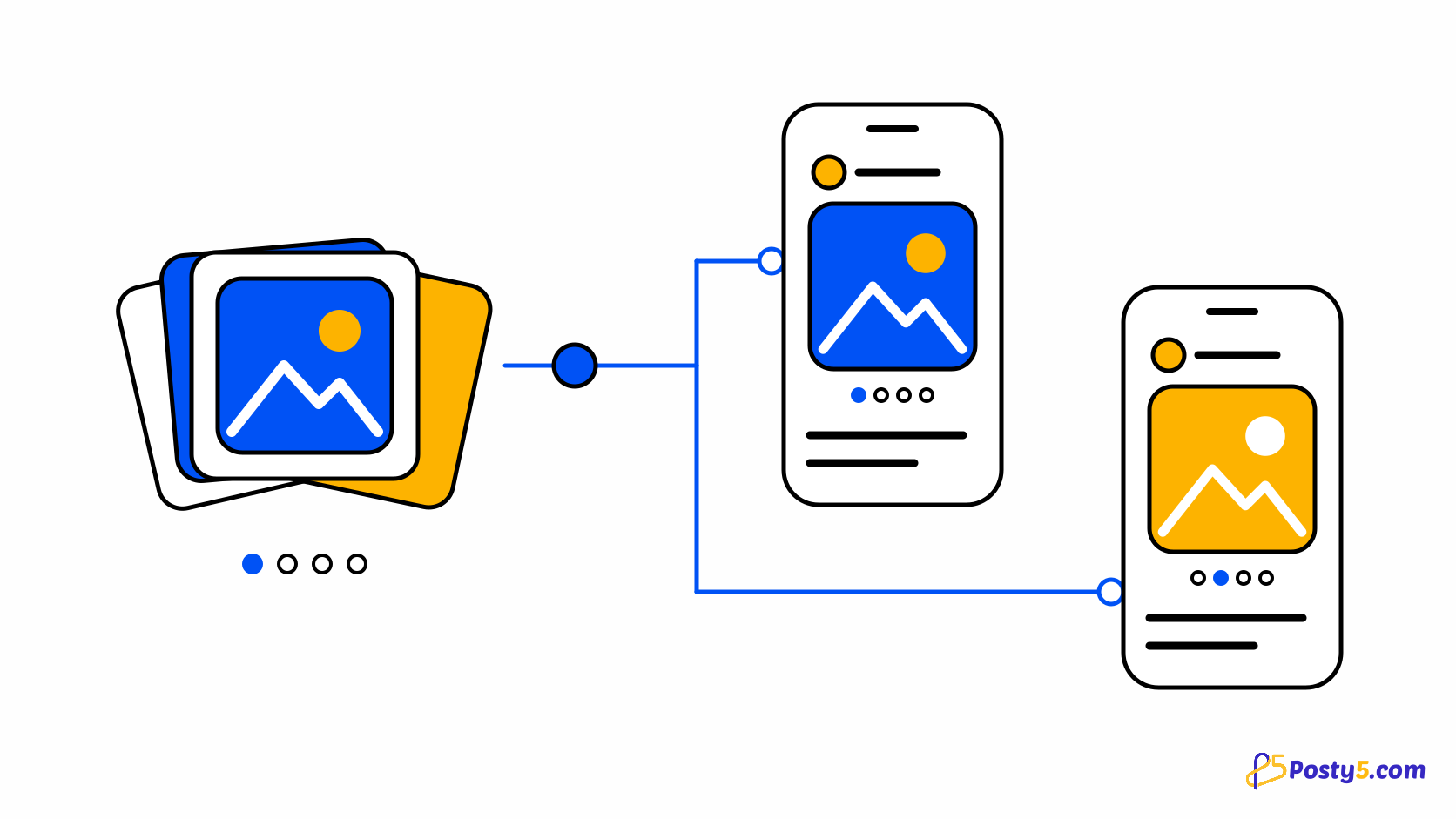
An Instagram carousel is one post holding several images that people swipe through. If you want the same set on Facebook and Threads as well, the usual routine is to build it three times in three apps and hope the order and the caption still match. Building it once and letting each platform receive its own copy removes that repetition.
In Posty5's Social Media Publisher a carousel is an image post with two to ten images, and image posts, carousels included, are available on the Pro plan or higher. One form sends the carousel to Instagram, Facebook and Threads, gives X its first four images, and leaves out the platforms that take no images. The Social Media Publisher guide covers connecting accounts and the rest of the workflow.
What each platform receives
Posty5 decides per platform what the carousel becomes. Which platforms are involved depends on the accounts in the workspace, or the single account, you post to.
| Platform | What it receives |
|---|---|
| The whole carousel, 2 to 10 images. Every image must share one aspect ratio. An account connected without a Facebook Page receives it the same way. | |
| Facebook (Pages) | The same carousel. |
| Threads | The same carousel, with its own short text; see how to schedule Threads posts. |
| X | The first 4 images. Publishing to X is available on the Pro plan or higher; see how to schedule posts on X. |
| YouTube, TikTok | Nothing: neither takes image posts, so both are skipped. The create screen names the skipped platforms. |
A single image makes an ordinary image post rather than a carousel. The same form handles both: two or more images turn it into a carousel.
Post a carousel step by step
- Sign in to Posty5, open Social Media Publisher and start a new post for a workspace or a single account.
- Choose Image as the post type. Posty5 names any of your platforms that will be skipped, such as YouTube and TikTok.
- Under Images, add the first picture with Upload File or From URL. A URL must be a direct link to the image that is publicly reachable, so the social network can fetch it.
- Choose Add image for each further picture, up to 10; a counter shows how many you have. Each image can come from a file or a URL, and a delete button beside it removes one you no longer want.
- Write the caption. If Threads or X is among the destinations, each has its own short text field.
- Optionally add hashtags, a comment to post under the carousel, or tracked links to count clicks per platform (Pro plan or higher).
- Choose Publish Now, or pick a later time and choose Schedule Post; scheduling is available on the Pro plan or higher. Then open the post's status page to follow each platform.
Placing many carousels at once? The bulk scheduling guide shows how a CSV row with up to 10 image URLs becomes a carousel.
Build your first carousel
Open Social Media Publisher, choose Image and add two or more pictures.
Follow each platform's result
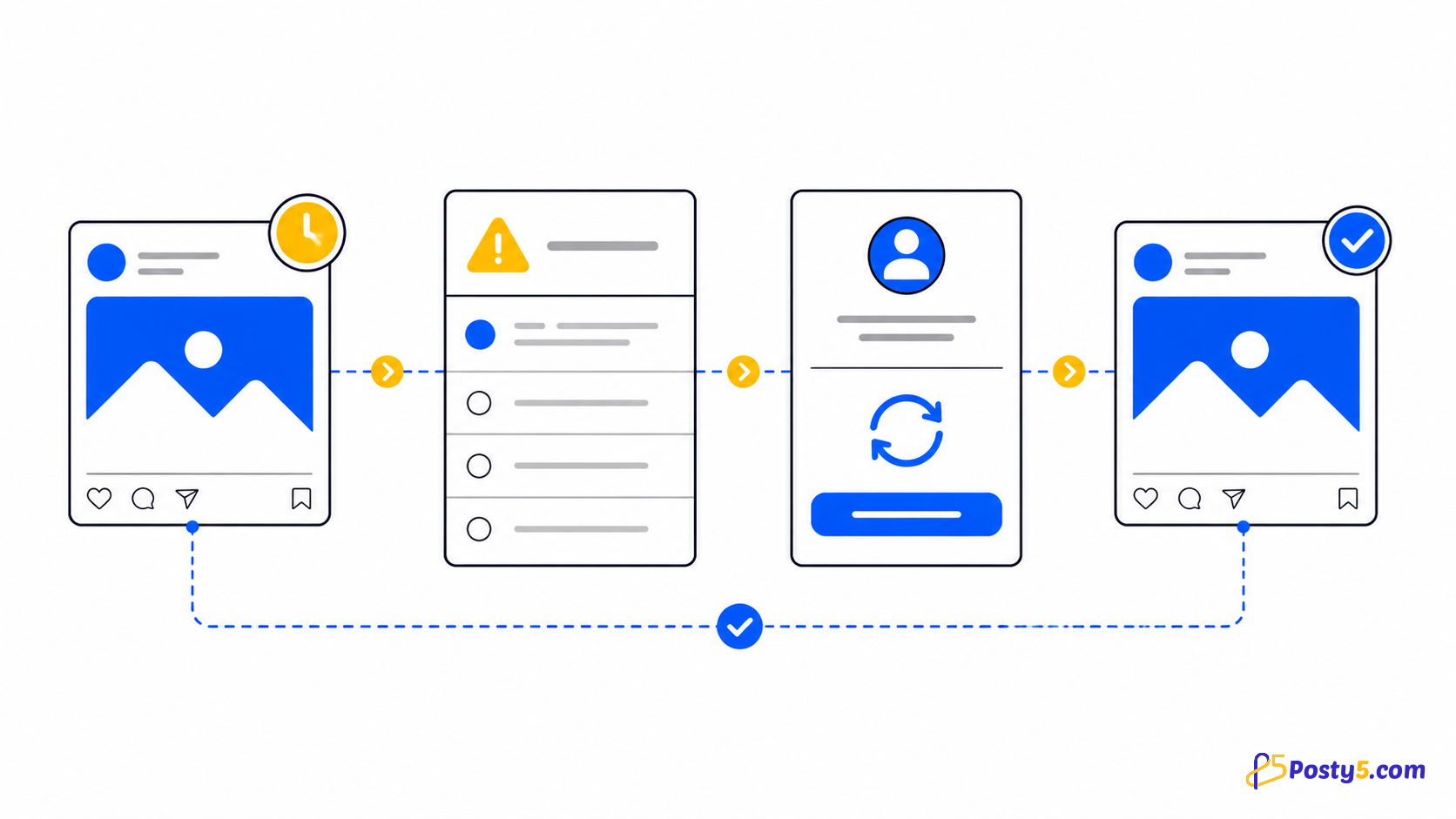
A carousel has one status per platform, not one for the whole post. Instagram can be done while Threads is still processing or X is retrying; each moves through states such as pending, processing, processingInPlatform, done, error or failedByPlatform on its own. From the post list you can retry a post that failed, or remove a published one.
When a platform refuses the carousel, its status carries the platform's error. The publishing-status guide explains each status and what to do next: wait, reconnect the account, fix the images or retry.
Rules to check before you publish
- Two to ten images make a carousel; one image makes a single-image post.
- Each image is an uploaded file or a URL, and one carousel can mix both.
- Instagram needs every image in a carousel to share one aspect ratio. When Posty5 knows the image sizes it refuses a mismatch up front with "Instagram needs every image of a carousel to have the same aspect ratio."; otherwise Instagram's own refusal appears on the Instagram status.
- X receives only the first four images, in the order they appear in the form.
- YouTube and TikTok take no image posts, so a carousel skips them. TikTok photo posts are not supported.
- Instagram limits an account to 100 published posts in 24 hours.
- Image posts, carousels included, and scheduling are available on the Pro plan or higher; see what the plans include.
Frequently asked questions
How many images can an Instagram carousel have in Posty5?
Two to ten. A single image publishes as an ordinary image post.
Can I post the same carousel to Facebook and Threads?
Yes. One image post goes to Instagram, Facebook Pages and Threads, as a carousel on each.
What does X receive from a carousel?
The first four images. Publishing to X is available on the Pro plan or higher.
Why were YouTube and TikTok skipped?
Posty5 publishes only video to YouTube and TikTok, so an image post skips them. The create screen names them before you publish.
Can I schedule an Instagram carousel?
Yes, on the Pro plan or higher: pick a later time and choose Schedule Post. The scheduling guide explains the time picker.
Why did Instagram reject my carousel?
Check the aspect ratio first: every image must share one. Then read the Instagram status on the post's page, which carries the platform's error.