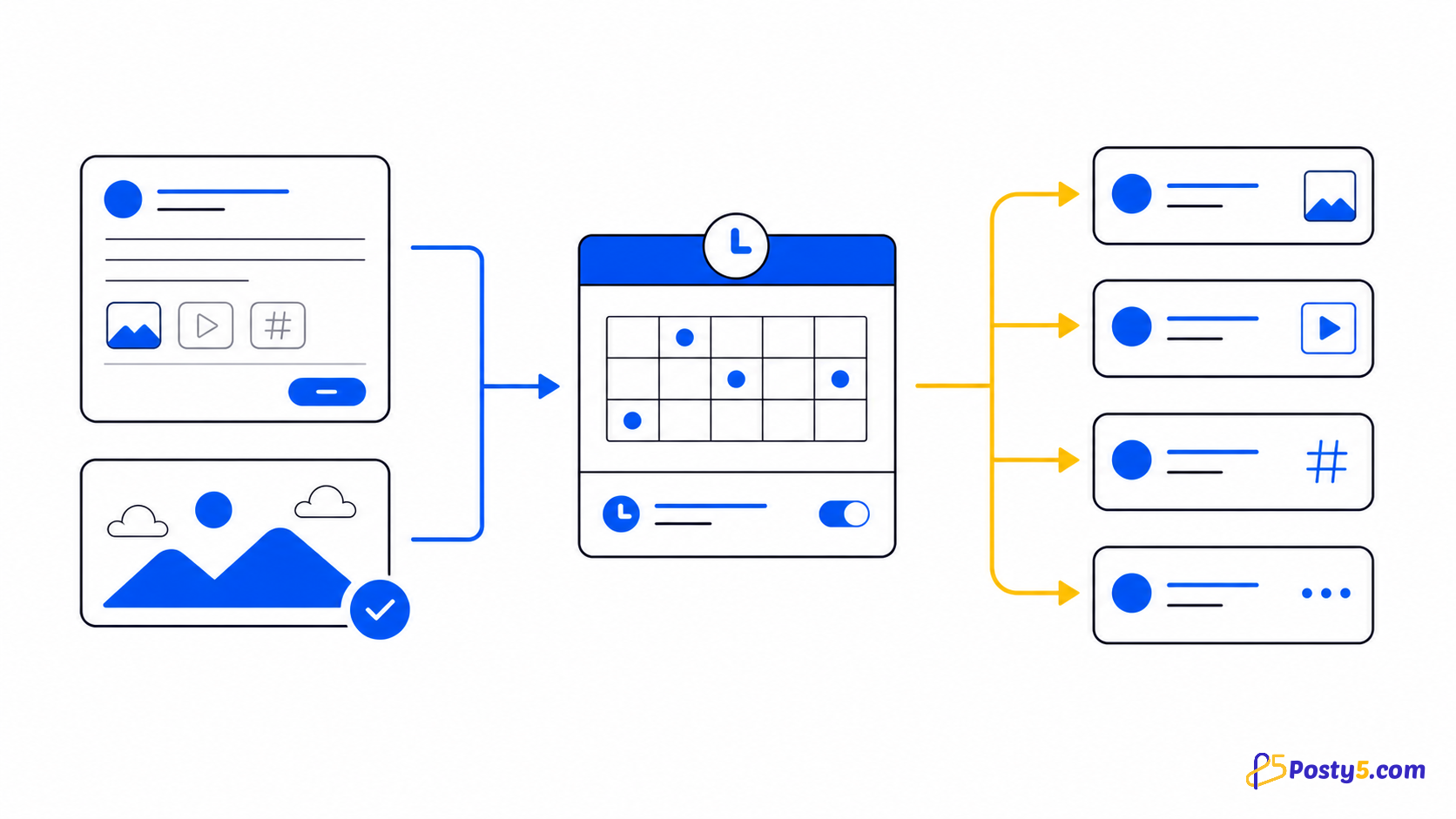
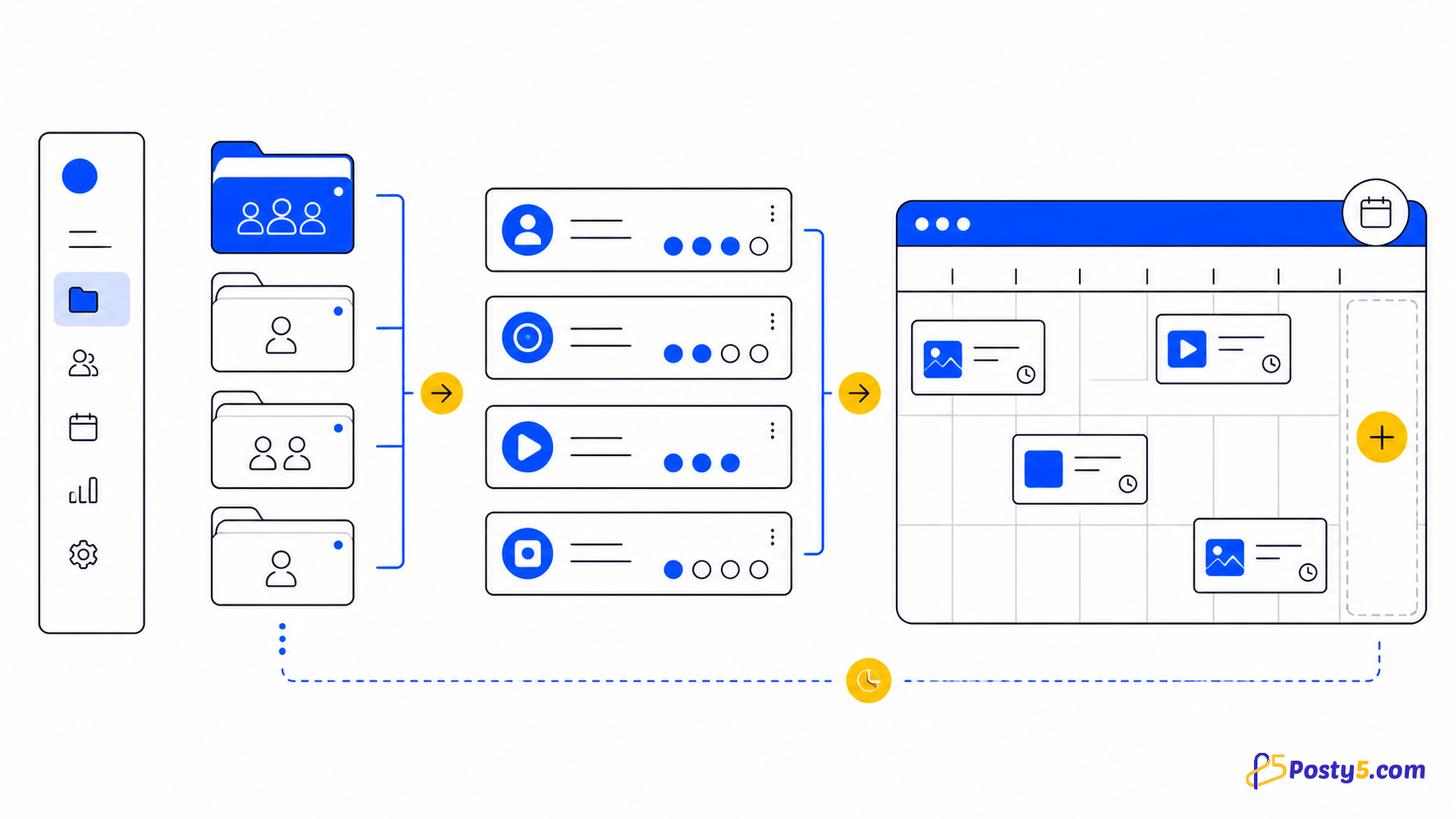
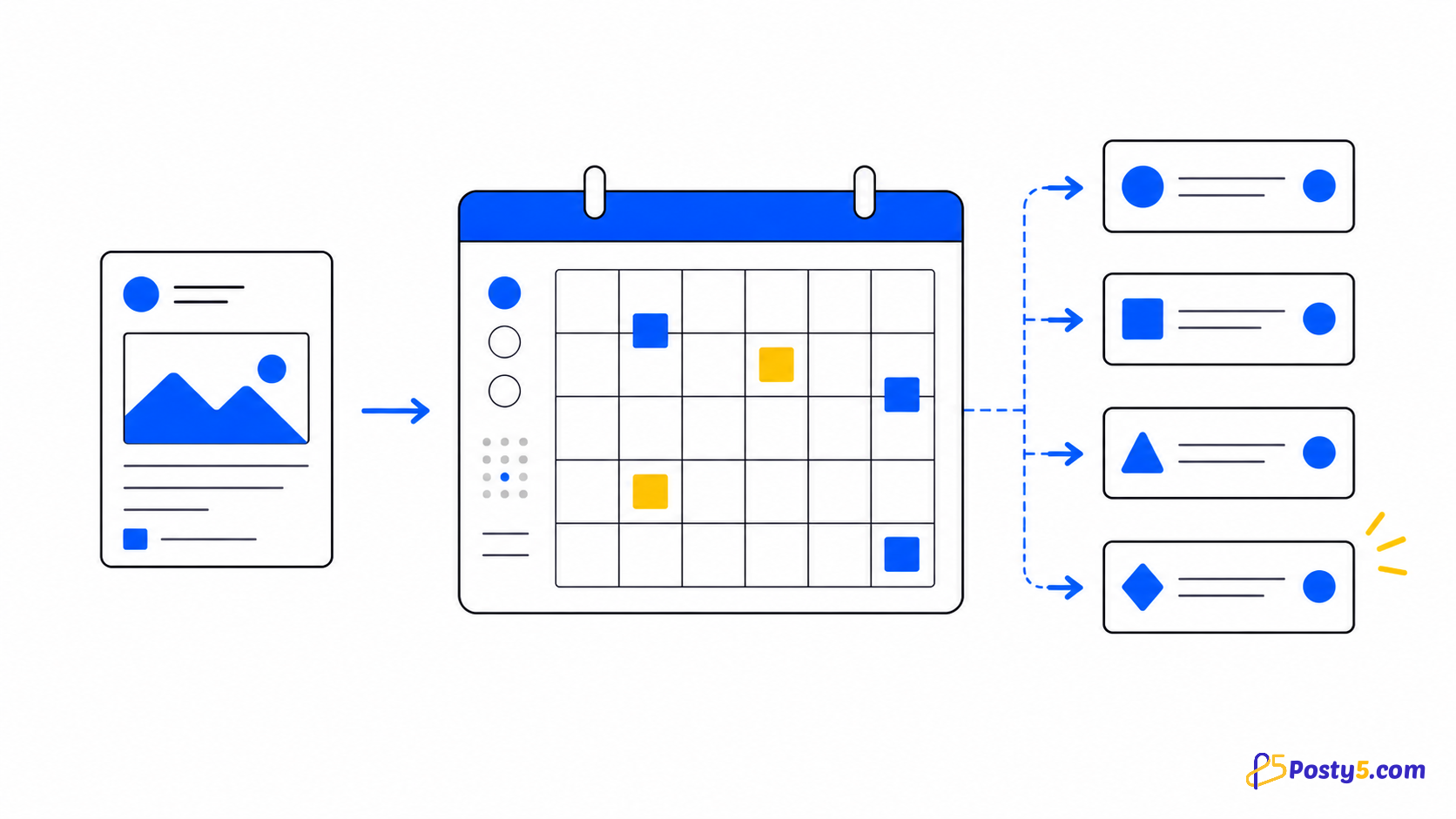
Posty5 connects YouTube, TikTok, Facebook, Instagram, Threads and X, with X available on the Pro plan or higher. One form sends video, images, text or stories to the selected accounts that accept that type and skips the others. A workspace groups the accounts for one brand or client. Assign or unassign platform accounts, then choose the workspace to auto-select those destinations for a new post.
The verified publishing workflow
- Connect each account through the platform's own sign-in screen. Facebook Pages are selected from the profiles the login manages; Instagram connects through a Facebook Page or directly with Instagram Login for Business and Creator accounts; Threads uses its own login; connecting X needs the Pro plan or higher.
- A workspace groups the accounts for one brand or client. Assign or unassign platform accounts, then choose the workspace to auto-select those destinations for a new post.
- Use an uploaded video, a direct video URL, or a supported Facebook, YouTube, TikTok or Instagram video URL. Only reuse media you are allowed to publish.
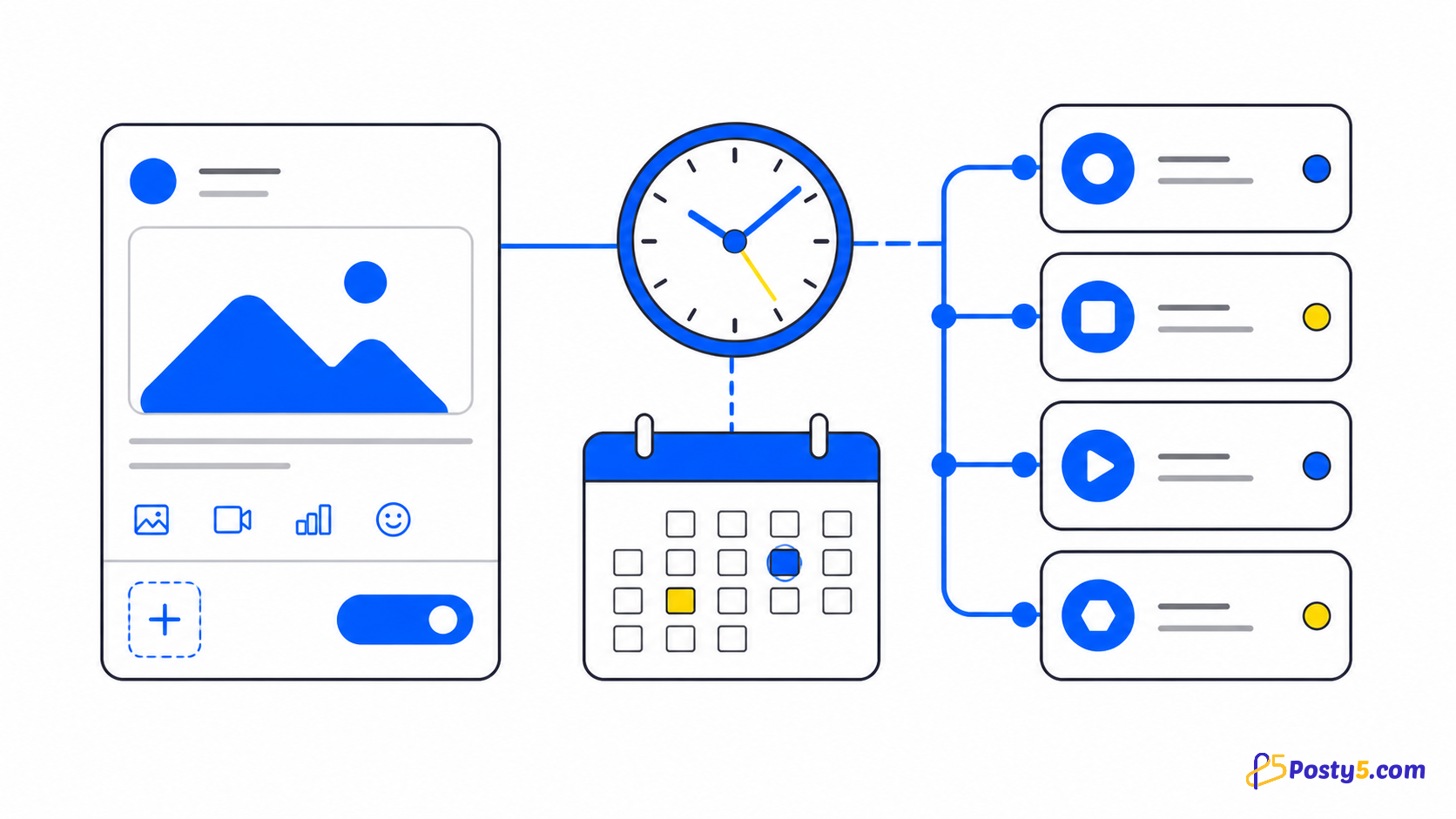
- Choose Publish now, or, on the Pro plan or higher, Schedule a later time; on Free and Starter the schedule option carries a Pro badge while publishing now still works. The picker accepts a time from five minutes ahead and shows it in your profile's time zone.
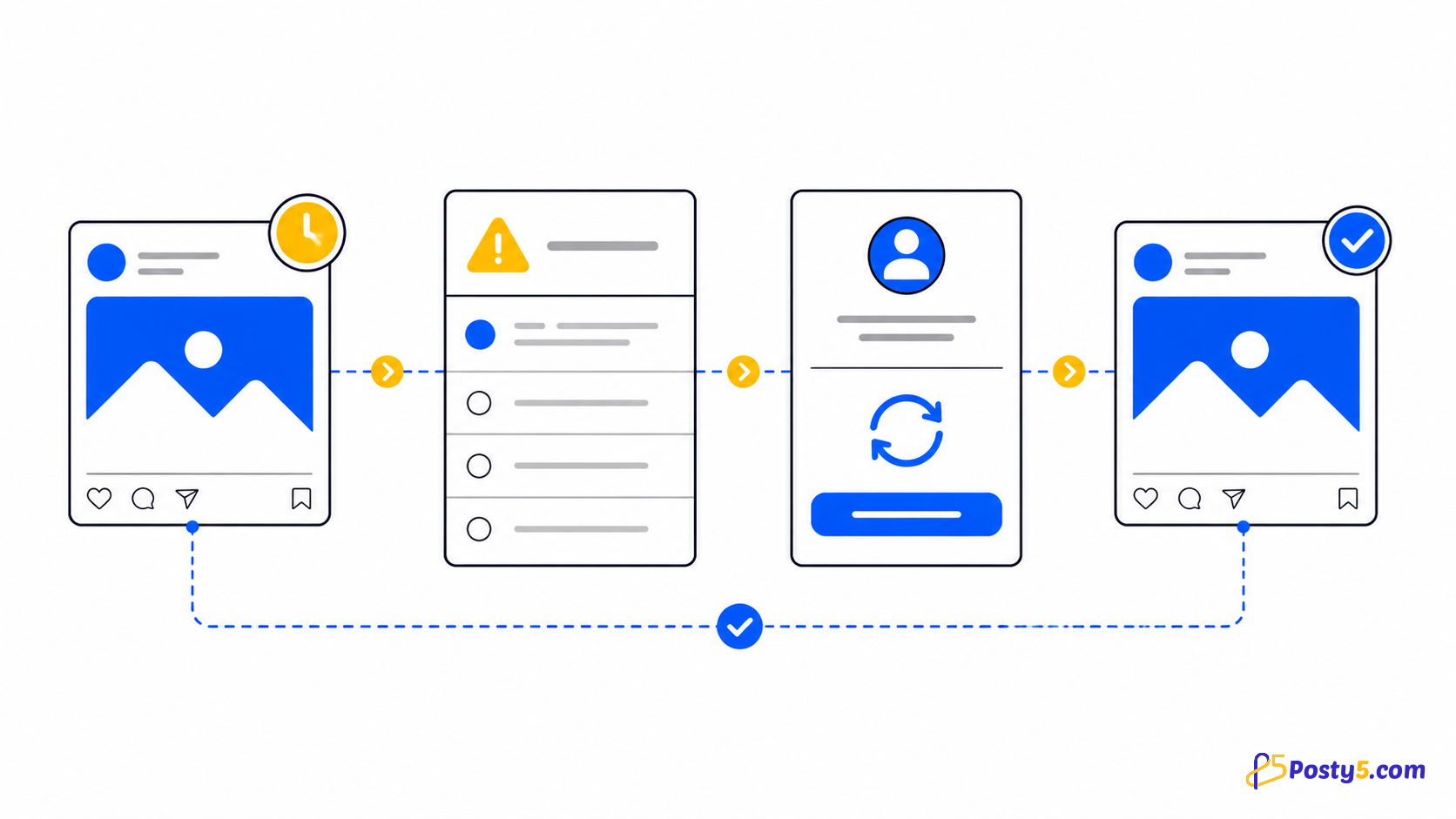
- Statuses are independent per platform. One destination may be done while another is pending, processing, processingInPlatform, retrying or in an error state.
- Wait for pending, processing, processingInPlatform and retrying. Fix invalidVideoURL or invalidPostVideoURL at the source; inspect the affected platform for failedByPlatform; retry only when the source and connection are ready.
Read each platform status
Statuses are independent per platform. One destination may be done while another is pending, processing, processingInPlatform, retrying or in an error state.
Important boundaries
A single source does not guarantee identical output or timing. Privacy, thumbnail, caption and comment controls depend on what the connected platform exposes.
Frequently asked questions
Which social platforms are supported?
Posty5 connects YouTube, TikTok, Facebook, Instagram, Threads and X, with X available on the Pro plan or higher. One form sends video, images, text or stories to the selected accounts that accept that type and skips the others.
Can one video go to several platforms at once?
Yes. One video goes to every selected account that accepts video: YouTube, TikTok, Facebook, Instagram, Threads and, on the Pro plan or higher, X. Each destination keeps its own status, and each platform's length limit still applies.
Can I schedule a post?
Choose Publish now, or, on the Pro plan or higher, Schedule a later time; on Free and Starter the schedule option carries a Pro badge while publishing now still works. The picker accepts a time from five minutes ahead and shows it in your profile's time zone.
What if only one platform fails?
Wait for pending, processing, processingInPlatform and retrying. Fix invalidVideoURL or invalidPostVideoURL at the source; inspect the affected platform for failedByPlatform; retry only when the source and connection are ready.
Continue through the Social Media Publisher guides
- Read: Posty5 Social Media Publisher: One Post, Six Platforms
- Read: Social Post Not Publishing? Read Each Platform Status
- Read: How to Connect Social Accounts to Posty5
- Read: How to Schedule Social Media Posts with Posty5
- Read: Social Publisher Workspaces: Group Accounts for Faster Posting
- Read: A Buffer Alternative for Focused Multi-Platform Video Publishing
- Read: A Hootsuite Alternative for a Focused Short-Video Workflow
- Read: One Vertical Video for Shorts, Reels and TikTok