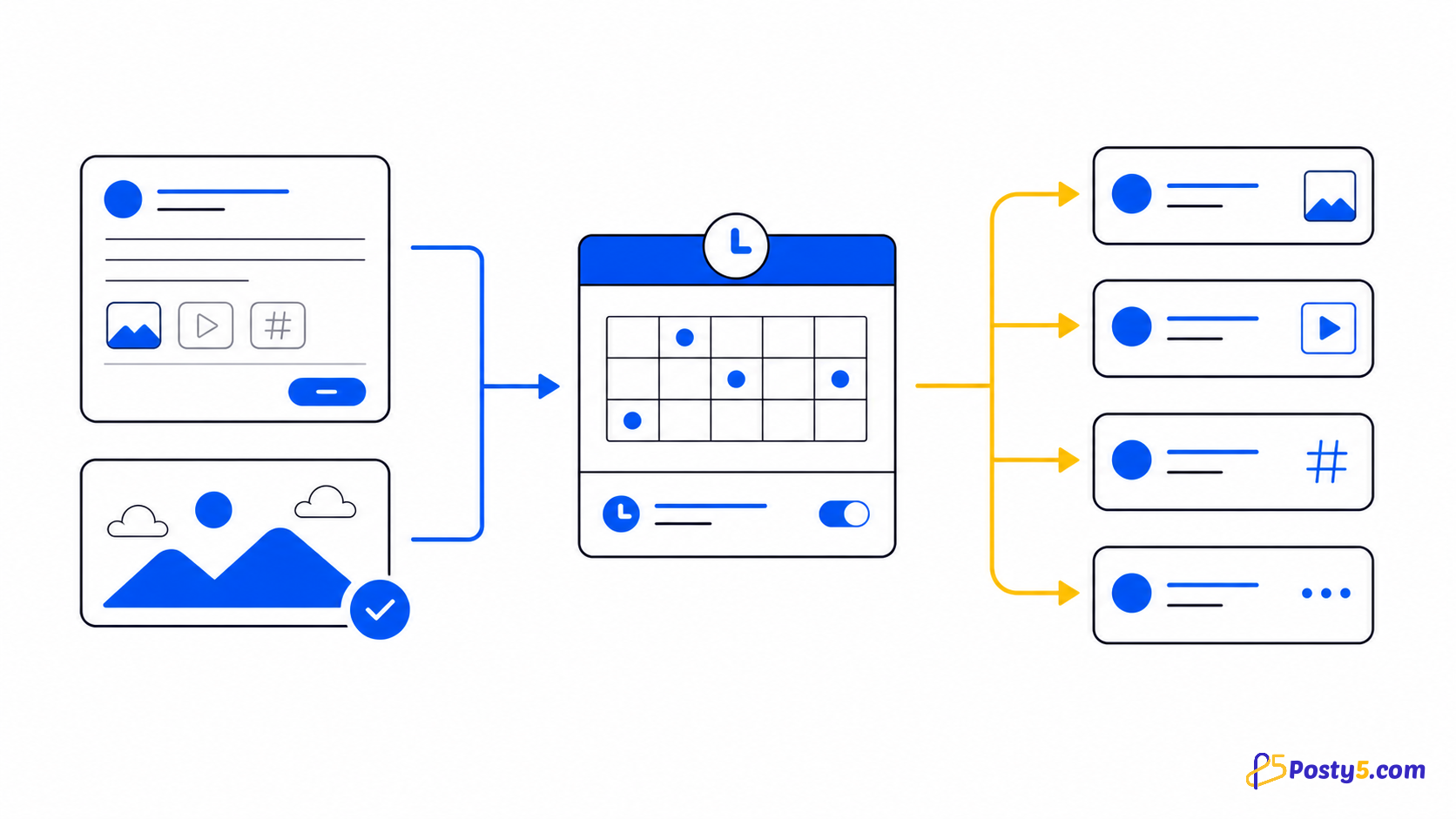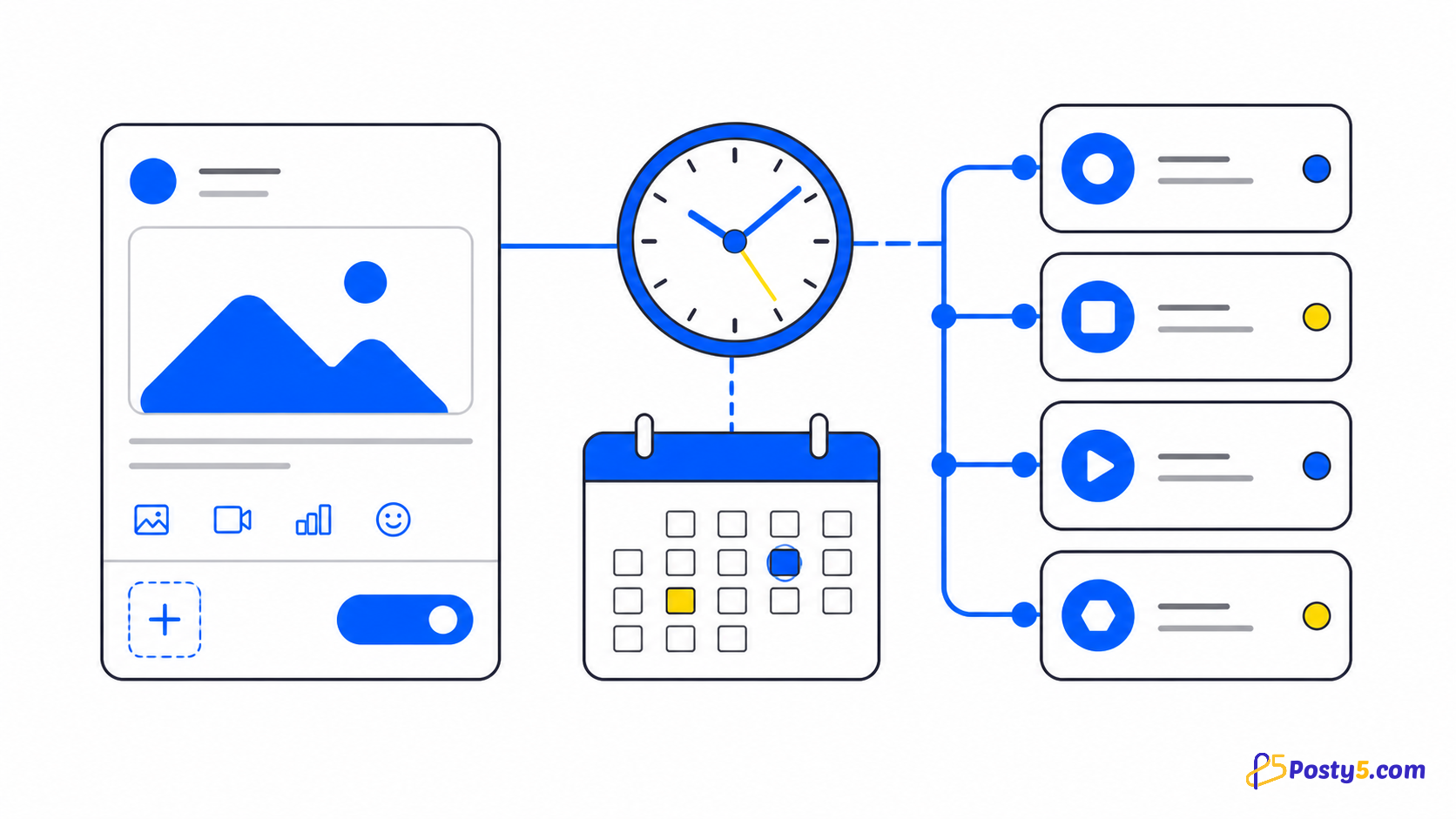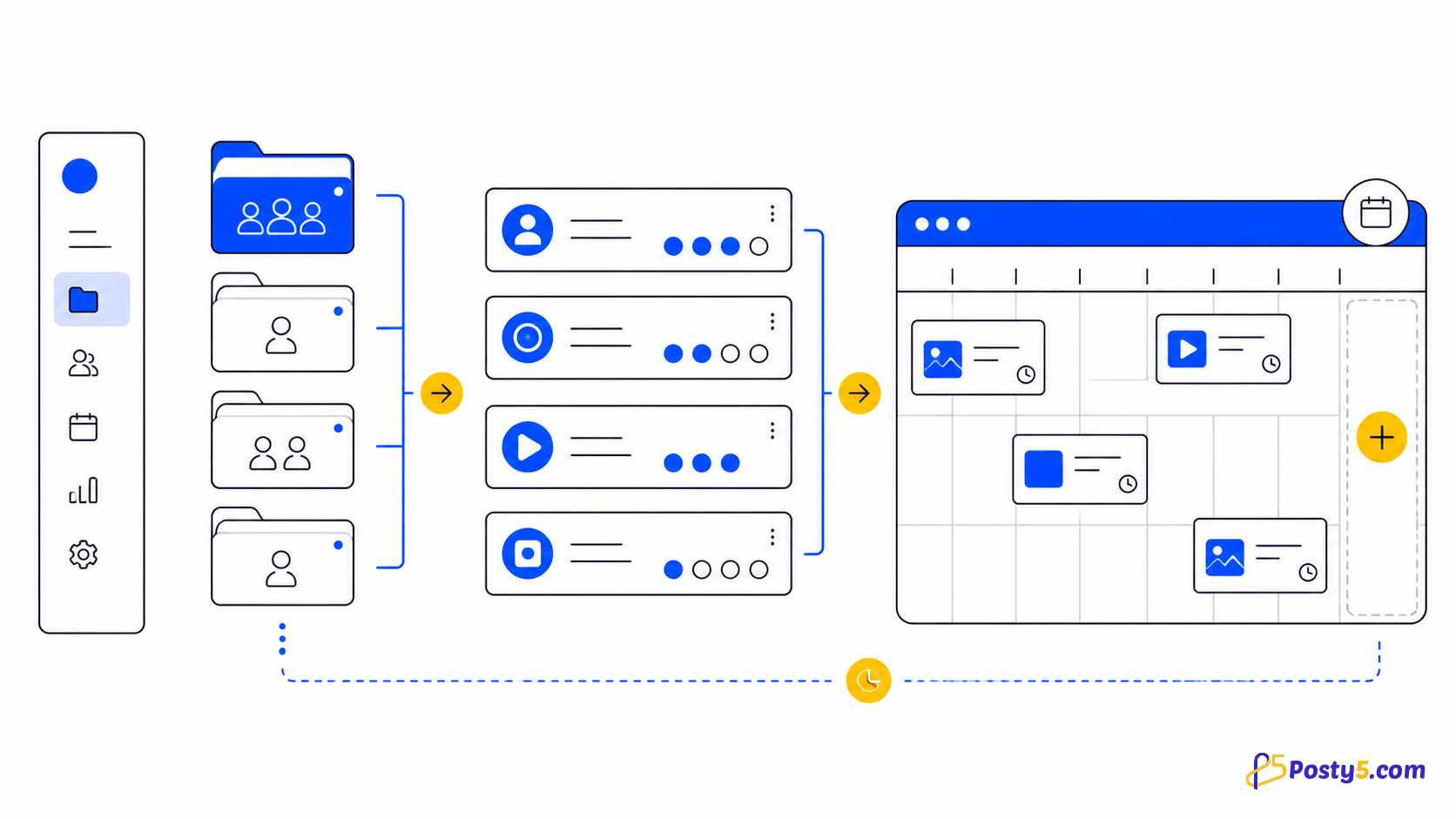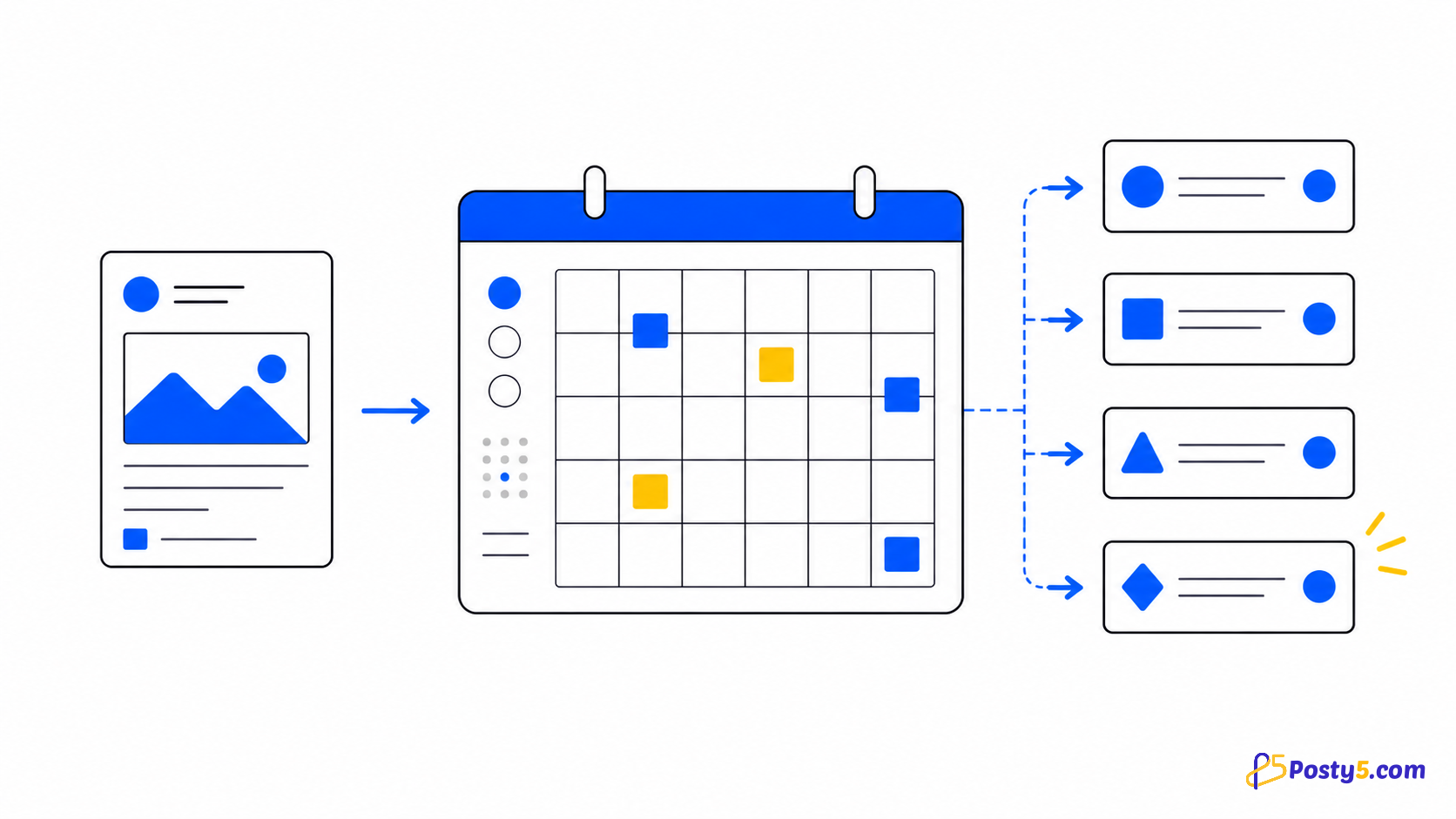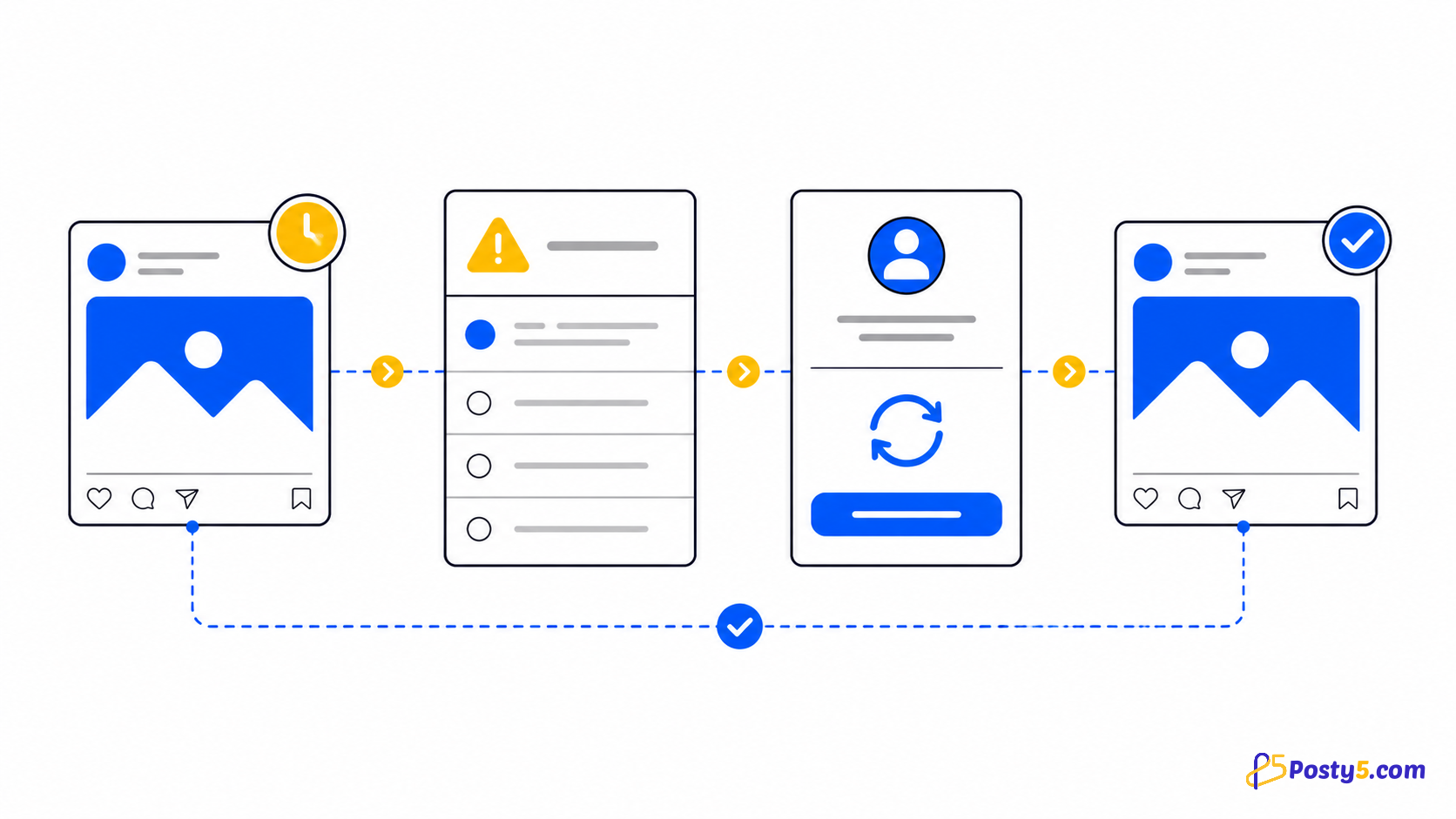
Statuses are independent per platform. One destination may be done while another is pending, processing, processingInPlatform, retrying or in an error state.
Read each platform status
- pending · processing · processingInPlatform · retrying
- done · canceled
- error · failedByPlatform · invalidVideoURL · invalidPostVideoURL · needsMaintenance
- removing · removed · removeFailed
The status set also includes done, canceled, error, failedByPlatform, needsMaintenance, removing, removed and removeFailed. Read the destination's status before changing the whole post.
Important boundaries
Wait for pending, processing, processingInPlatform and retrying. Fix invalidVideoURL or invalidPostVideoURL at the source; inspect the affected platform for failedByPlatform; retry only when the source and connection are ready.
If submission is blocked before any platform status appears, verify the account connection and consult the platform guide for account-wide usage information.
Messages from Threads, X and Instagram
- "X publishing quota for this month is exhausted": Posty5 shares one monthly X allowance across all users, and it is used up. The X destination fails while the others continue; retry it next month or publish that post on X yourself.
- An X rate limit: when X refuses a post for too many requests, Posty5 holds that destination until X's reset time and only then lets a retry go through.
- "Publishing to X is available only on the Pro plan or higher.": the account is on Free or Starter, so X destinations are refused; see what the plans include.
- A Threads media error: Threads processes an image or video in a container first, and when that container fails or expires the Threads destination shows the platform's error. Check the media and retry.
- "Reconnect Instagram": the Facebook Page that an Instagram account was connected through is gone. Reconnect the account, through another Page or directly with Instagram Login.
- Instagram's 24-hour publishing limit (100 posts) or Threads' (250 posts): the platform refuses more posts from that account until its window moves on.
Frequently asked questions
What if only one platform fails?
Wait for pending, processing, processingInPlatform and retrying. Fix invalidVideoURL or invalidPostVideoURL at the source; inspect the affected platform for failedByPlatform; retry only when the source and connection are ready.
Why did an account become authenticationExpired?
Connection states are active, inactive and authenticationExpired. Reconnect with the same platform identity; using a different account is rejected by the current flow.
Can I schedule a post?
Choose Publish now, or, on the Pro plan or higher, Schedule a later time; on Free and Starter the schedule option carries a Pro badge while publishing now still works. The picker accepts a time from five minutes ahead and shows it in your profile's time zone.
Can one video go to several platforms at once?
Yes. One video goes to every selected account that accepts video: YouTube, TikTok, Facebook, Instagram, Threads and, on the Pro plan or higher, X. Each destination keeps its own status, and each platform's length limit still applies.
Continue through the Social Media Publisher guides
- Read: Posty5 Social Media Publisher: One Post, Six Platforms
- Read: How to Publish One Video to Four Social Platforms
- Read: How to Connect Social Accounts to Posty5
- Read: How to Schedule Social Media Posts with Posty5
- Read: Social Publisher Workspaces: Group Accounts for Faster Posting
- Read: A Buffer Alternative for Focused Multi-Platform Video Publishing
- Read: A Hootsuite Alternative for a Focused Short-Video Workflow
- Read: One Vertical Video for Shorts, Reels and TikTok