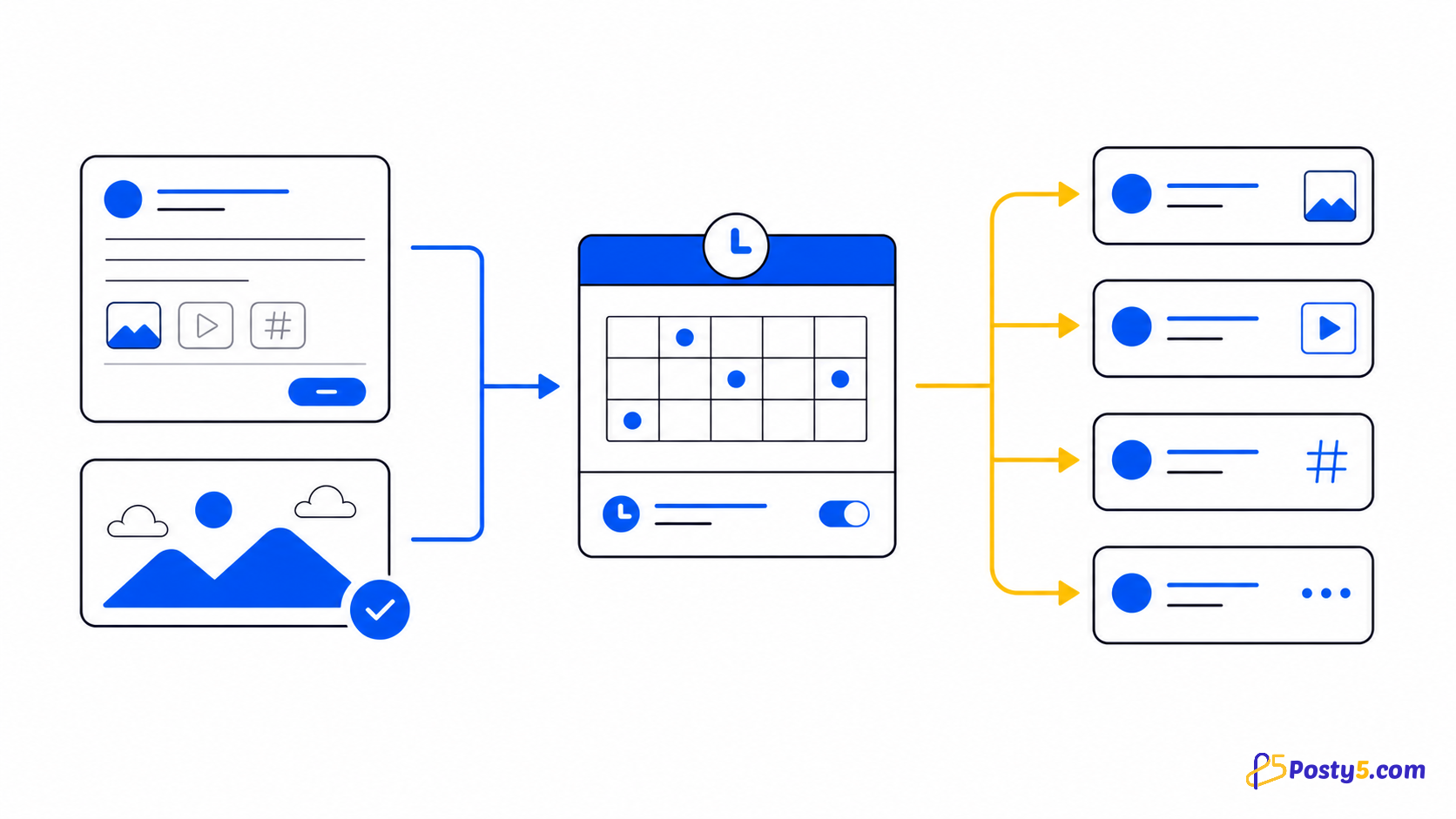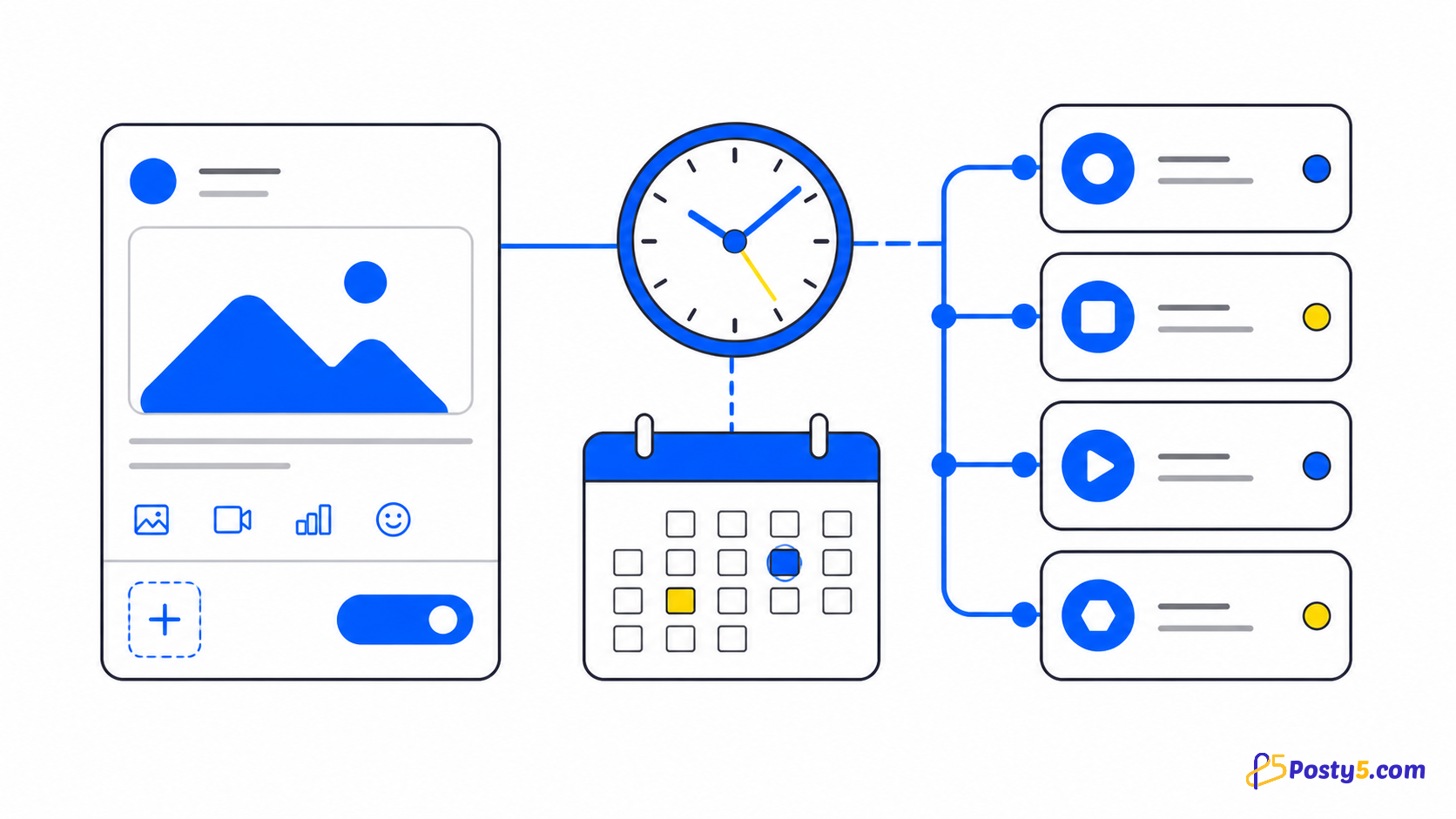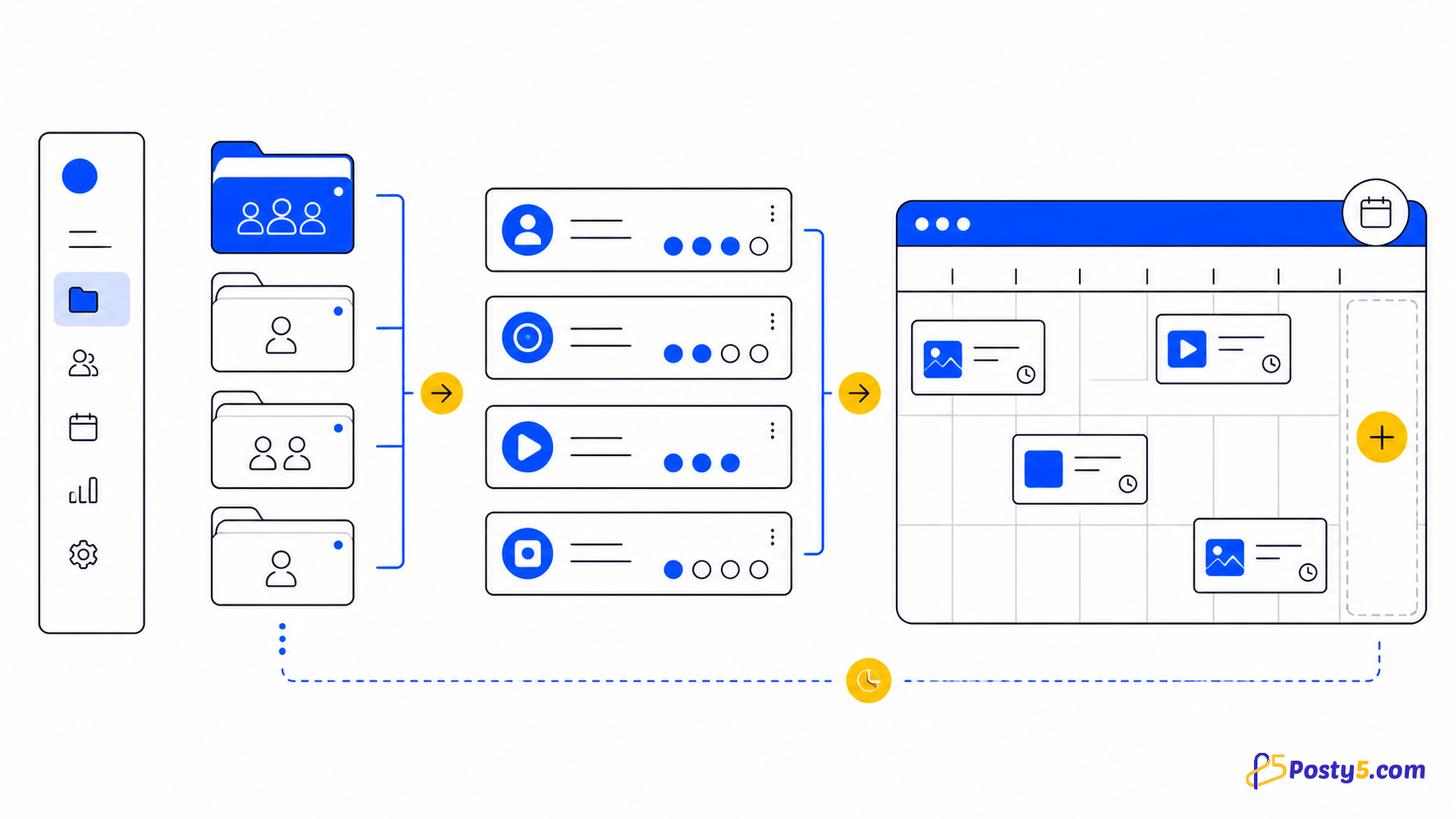
A workspace groups the accounts for one brand or client. Assign or unassign platform accounts, then choose the workspace to auto-select those destinations for a new post.
Group accounts in a workspace
A workspace groups the accounts for one brand or client. Assign or unassign platform accounts, then choose the workspace to auto-select those destinations for a new post.
- Connect each account through the platform's own sign-in screen. Facebook Pages are selected from the profiles the login manages; Instagram connects through a Facebook Page or directly with Instagram Login for Business and Creator accounts; Threads uses its own login; connecting X needs the Pro plan or higher.
- A workspace groups the accounts for one brand or client. Assign or unassign platform accounts, then choose the workspace to auto-select those destinations for a new post.
- Use an uploaded video, a direct video URL, or a supported Facebook, YouTube, TikTok or Instagram video URL. Only reuse media you are allowed to publish.
Read each platform status
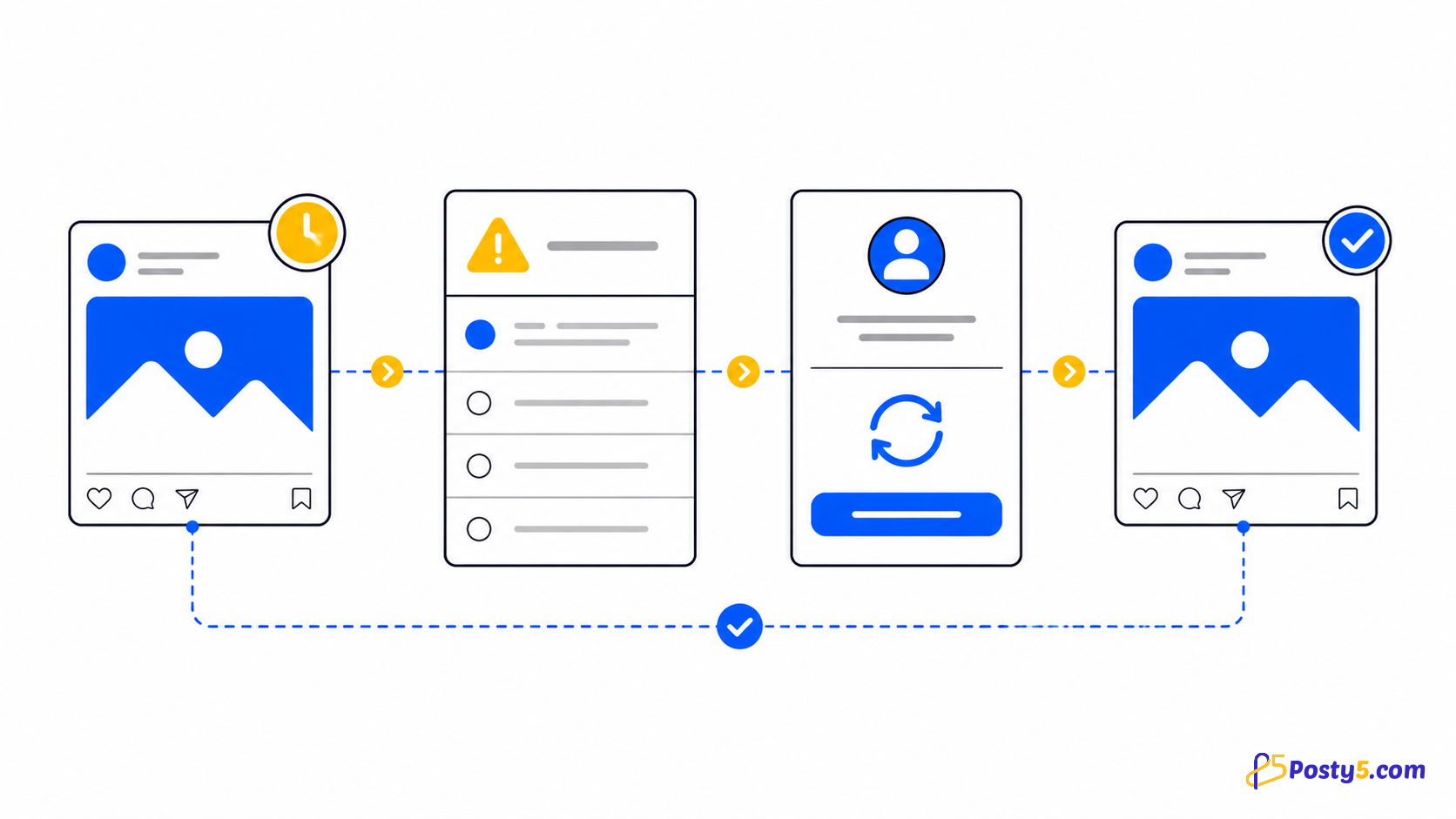
Statuses are independent per platform. One destination may be done while another is pending, processing, processingInPlatform, retrying or in an error state.
Important boundaries
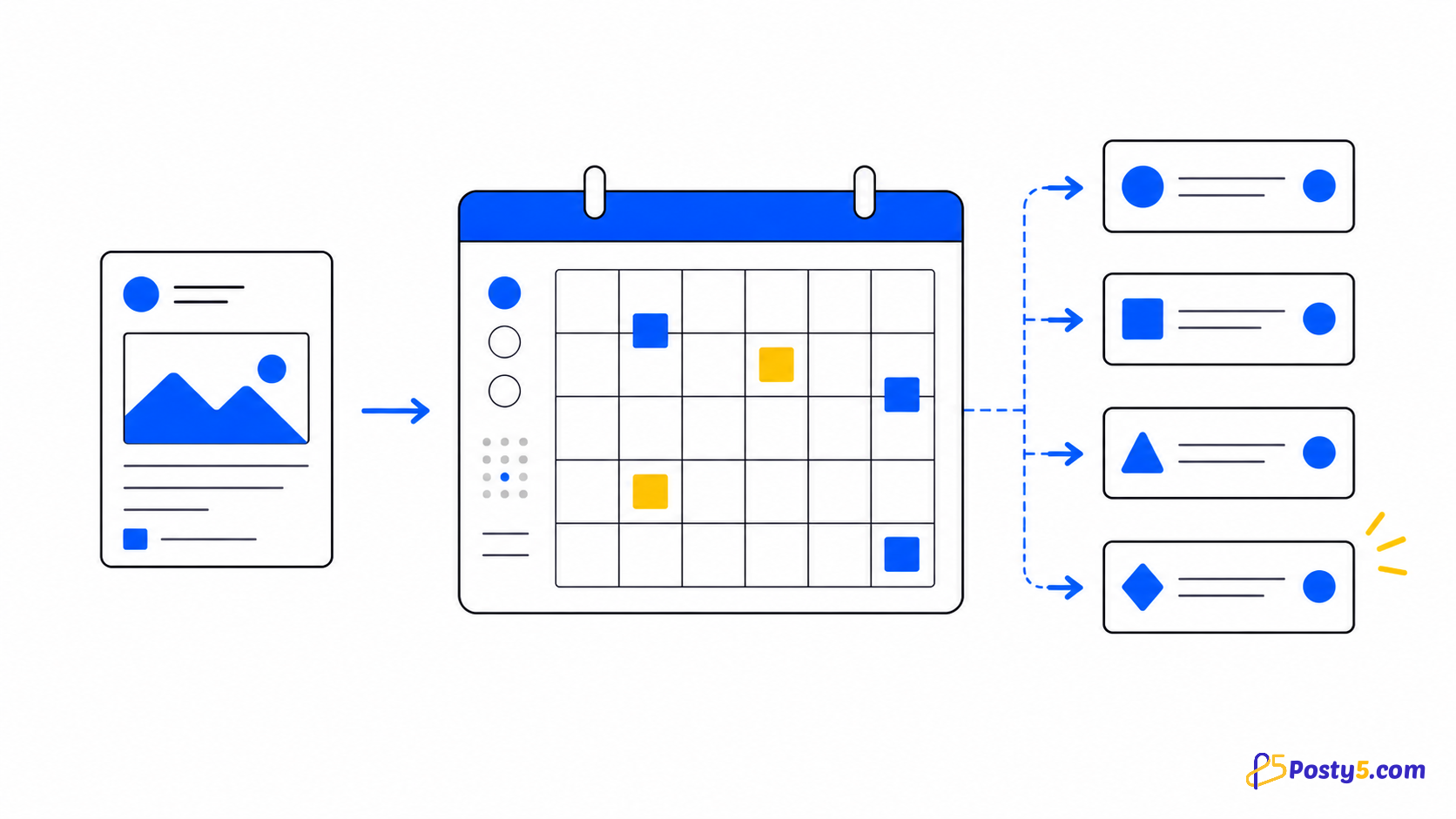
Posty5 includes a month-view content calendar and CSV bulk scheduling of up to 50 posts per batch, which like all scheduling needs the Pro plan or higher. It does not offer evergreen recycling, best-time suggestions or a cross-platform analytics suite: engagement numbers appear for Threads and X posts, and tracked links count clicks per platform.
Frequently asked questions
What does a workspace do?
A workspace groups the accounts for one brand or client. Assign or unassign platform accounts, then choose the workspace to auto-select those destinations for a new post.
Why did an account become authenticationExpired?
Connection states are active, inactive and authenticationExpired. Reconnect with the same platform identity; using a different account is rejected by the current flow.
Can one video go to several platforms at once?
Yes. One video goes to every selected account that accepts video: YouTube, TikTok, Facebook, Instagram, Threads and, on the Pro plan or higher, X. Each destination keeps its own status, and each platform's length limit still applies.
What if only one platform fails?
Wait for pending, processing, processingInPlatform and retrying. Fix invalidVideoURL or invalidPostVideoURL at the source; inspect the affected platform for failedByPlatform; retry only when the source and connection are ready.
Continue through the Social Media Publisher guides
- Read: Posty5 Social Media Publisher: One Post, Six Platforms
- Read: Social Post Not Publishing? Read Each Platform Status
- Read: How to Publish One Video to Four Social Platforms
- Read: How to Connect Social Accounts to Posty5
- Read: How to Schedule Social Media Posts with Posty5
- Read: A Buffer Alternative for Focused Multi-Platform Video Publishing
- Read: A Hootsuite Alternative for a Focused Short-Video Workflow
- Read: One Vertical Video for Shorts, Reels and TikTok