Stories are the posts people make on the day: a new arrival, a reminder that the doors open at ten, a quick look behind the counter. The trouble is timing. A story is meant to be seen at a particular moment, and posting it by hand on Instagram and then again on a Facebook Page means being at the phone twice, at the right minute.
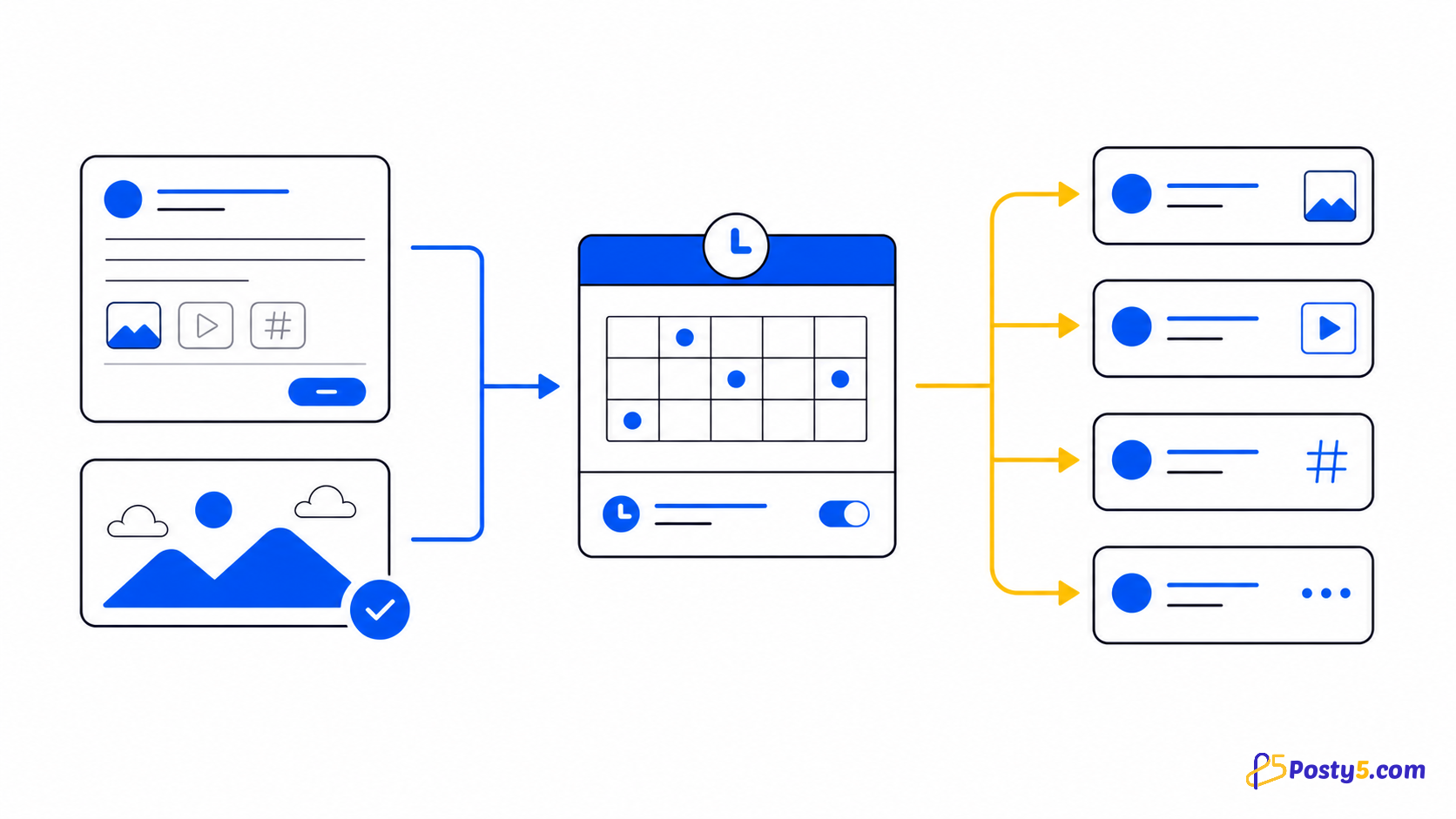
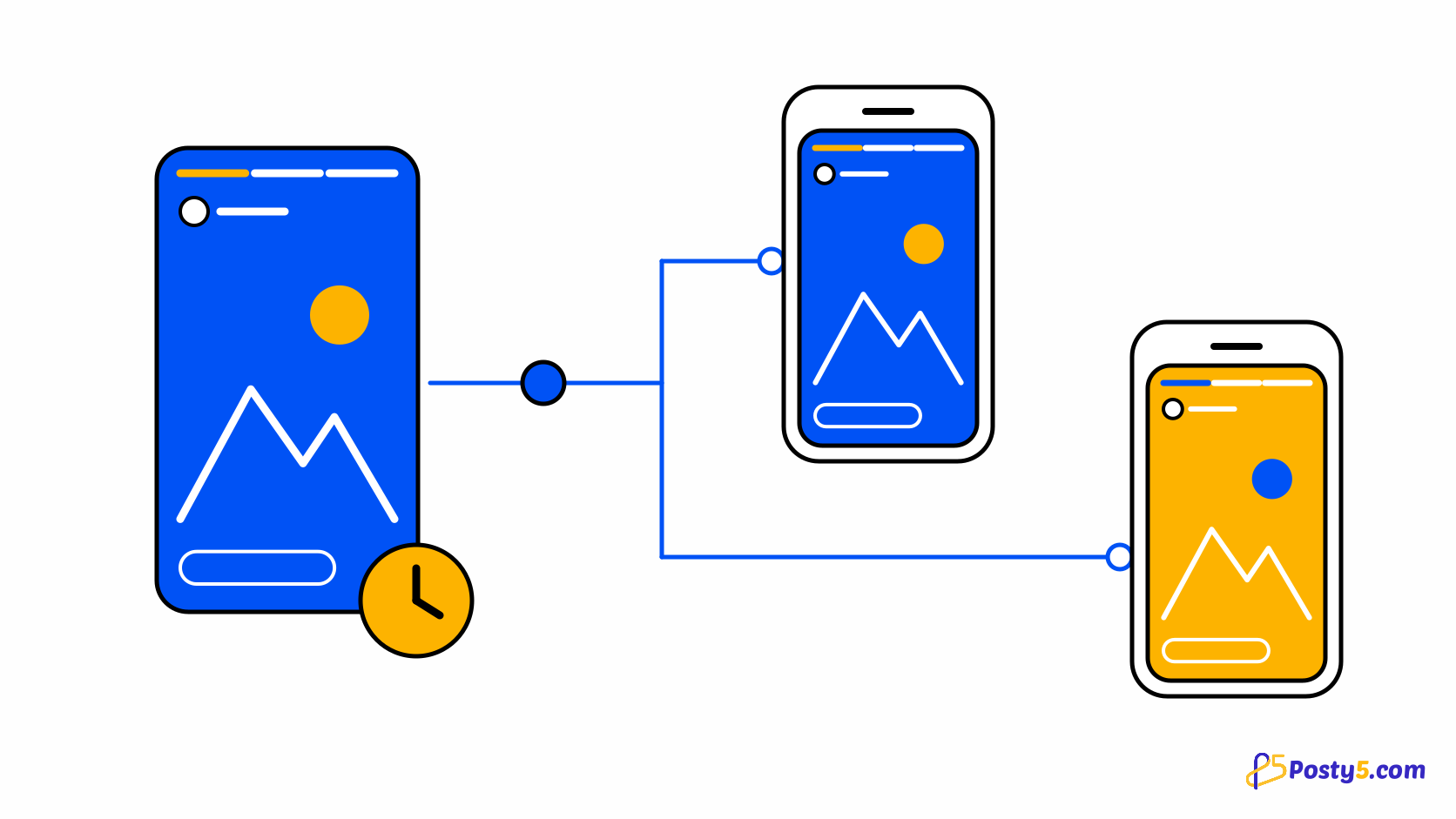
Posty5's Social Media Publisher lets you publish stories to Instagram and Facebook at once from one form, and stories are available on the Starter plan or higher. You pick one image or one short vertical video, choose the workspace or account, and send it right away; choosing a later time for a story needs the Pro plan or higher. The Social Media Publisher guide covers the tool as a whole; this article covers stories.
What a story can contain and where it goes
A story in Posty5 is one piece of media: a single image or a single short vertical video. You can upload the file from your device or give a URL that points to it. There is no multi-image story; if you want several images in one post, a carousel is the post type for that.
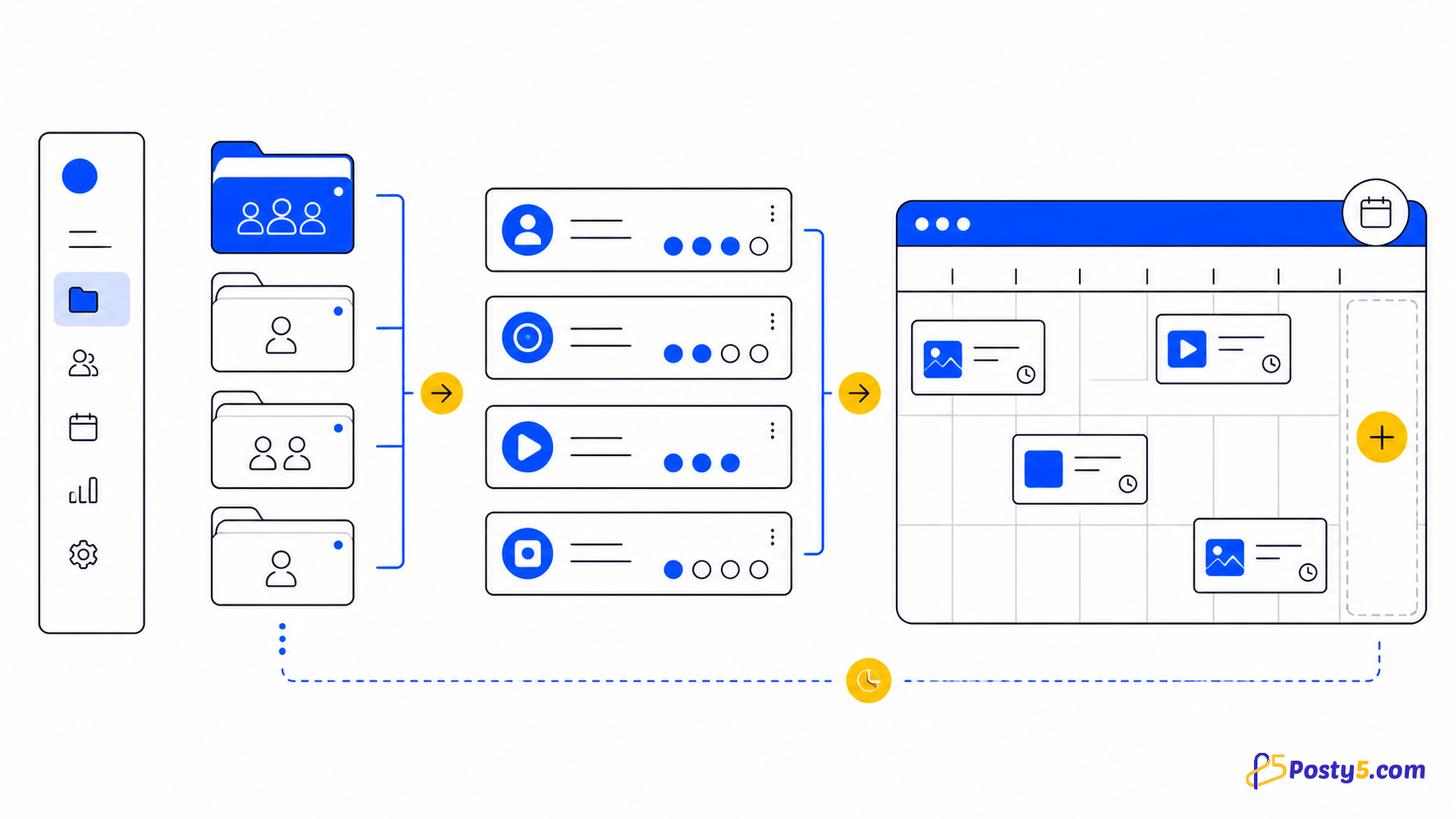
The story goes to the Instagram accounts and Facebook Pages in the workspace or account you choose. Stories are not a post type for YouTube, TikTok, Threads or X in Posty5, so those accounts are skipped, and the create card names the platforms that will be skipped before you publish. If your Instagram account or Facebook Page is not connected yet, start with the guide to connecting accounts. An Instagram Business or Creator account can also connect without a Facebook Page.
Publish or schedule a story, step by step
- Sign in to Posty5, open Social Media Publisher and choose Create Post for the workspace or the single account you want to post to.
- Choose Story. The card lists the platforms in that workspace that do not take stories and will be skipped.
- Choose image or video, then upload the file or paste its URL. Use a vertical video for a video story.
- Check the destination: the workspace's Instagram accounts and Facebook Pages, or the one account you opened the form from.
- Publish now, or pick a later date and time; scheduling a story needs the Pro plan or higher. The time must be at least 5 minutes ahead and is read in the time zone on your Posty5 profile.
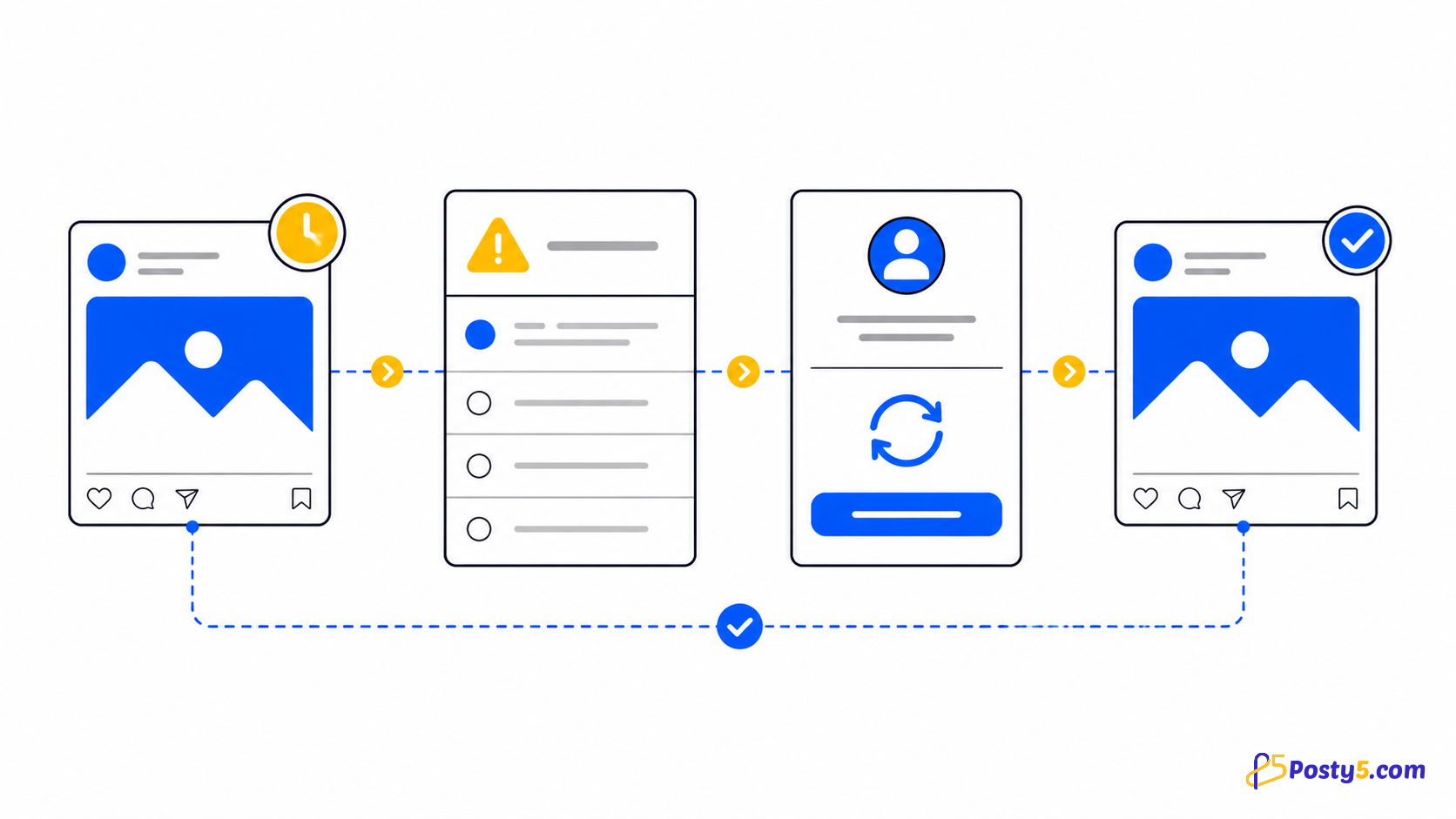
- Open the post's status page. Each platform has its own line, so you can see that Instagram has published while a Facebook Page is still processing, or the other way round.
Post your next story
Open Social Media Publisher, choose Story and send one image or video to Instagram and your Facebook Pages.
Scheduling stories ahead of time
Choosing a later time for a story is available on the Pro plan or higher. On the Starter plan you can publish a story right away, and the schedule picker shows a Pro badge and stays locked. A story you scheduled before a plan change keeps its date.
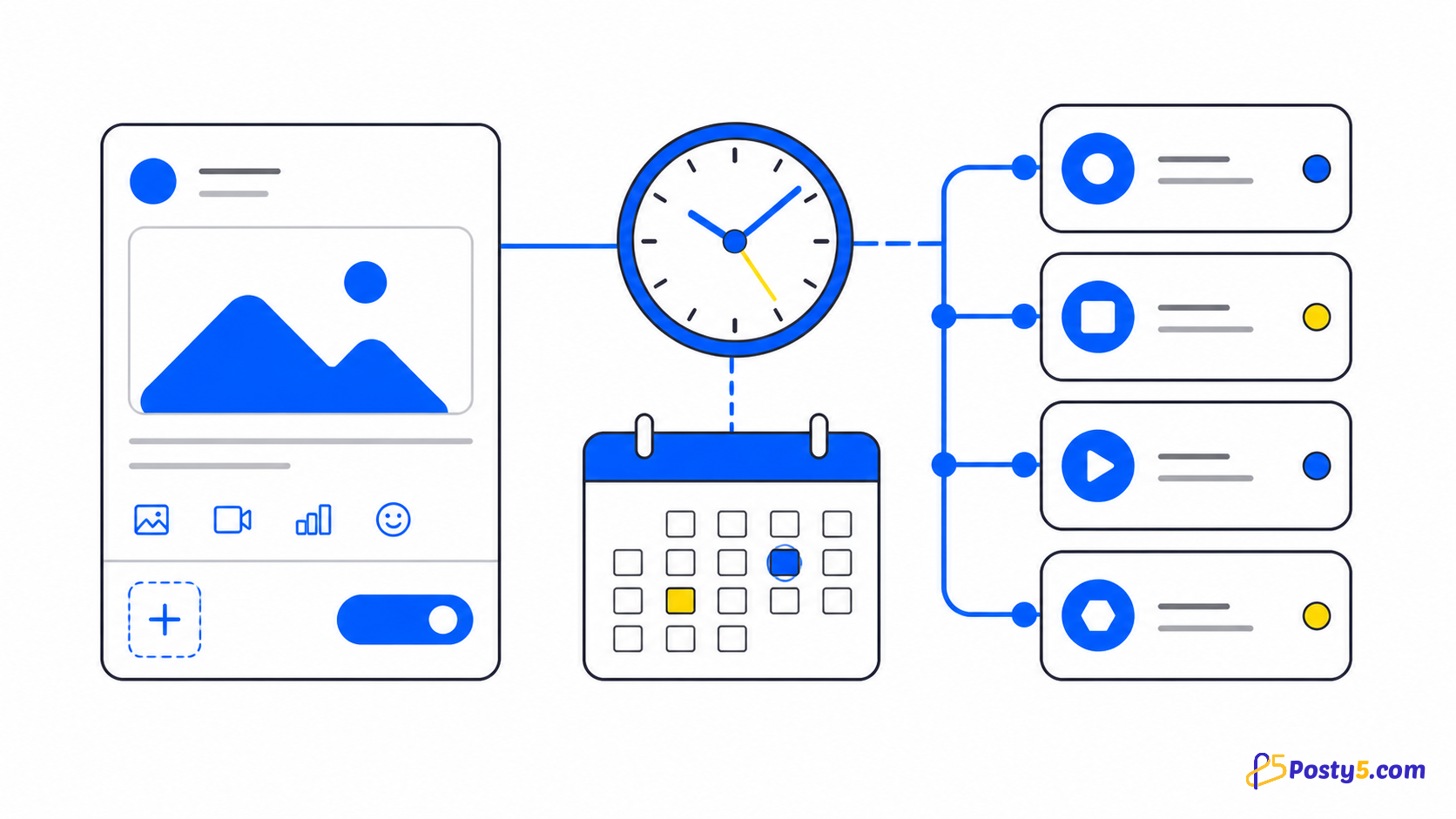
Scheduled stories appear on the content calendar next to your other posts, and you can filter the calendar by post type to see only stories. That makes it easy to check, before a launch week starts, that each day has its story. If you announce an offer in a newsletter or a group chat at nine, the story can be set for nine as well. For how scheduling works across post types, including the time zone, read the scheduling guide.
What happens after a story is published
Once a story is live, the platform decides how long it stays visible. Instagram and Facebook remove stories after their own display period; Posty5 does not set that period and does not change it.
The status page shows each platform's result. A story that the platform is still handling shows as processing, and a destination that failed shows an error you can act on. The publishing-status guide explains each status and when a retry makes sense.
What Posty5 stories do not include
Posty5 publishes the image or the video itself. It does not add stickers, links, music or mentions to a story, and it does not report story views or other story analytics: engagement numbers in Posty5 exist for Threads and X posts only. It does not repeat a story on a schedule either; each story is its own post.
Stories need the Starter plan or higher, and scheduling them needs the Pro plan or higher. See what each plan includes before you plan a week of stories.
Frequently asked questions
Can I schedule Instagram stories with Posty5?
Yes. Stories are available on the Starter plan or higher, and choosing a later time for a story needs the Pro plan or higher. On Starter you can publish a story right away.
Can one story go to Instagram and a Facebook Page at the same time?
Yes. Create the story for a workspace and it goes to every Instagram account and Facebook Page in it. Other platforms in the workspace are skipped.
What can a story contain?
One image or one short vertical video, uploaded from your device or given as a URL.
How long does a story stay up?
As long as the platform shows it. Instagram and Facebook remove stories after their own display period; Posty5 does not change it.
Can I add stickers, links or music?
No. Posty5 publishes the image or video as the story, without stickers, links, music or mentions.
Does Posty5 show how many people viewed a story?
No. Posty5 does not report story views; it shows each platform's publishing status. Engagement numbers are available for Threads and X posts only.