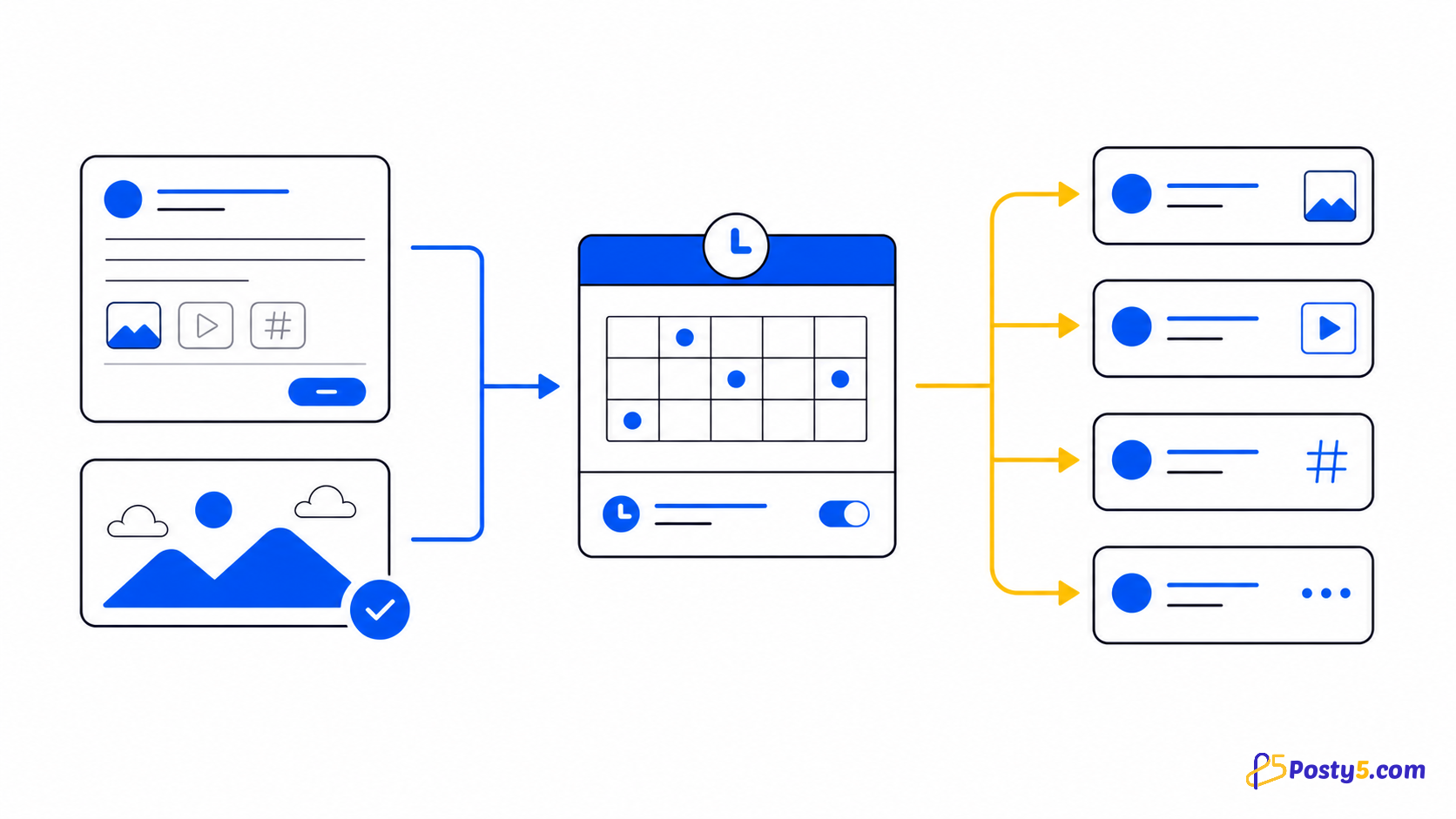
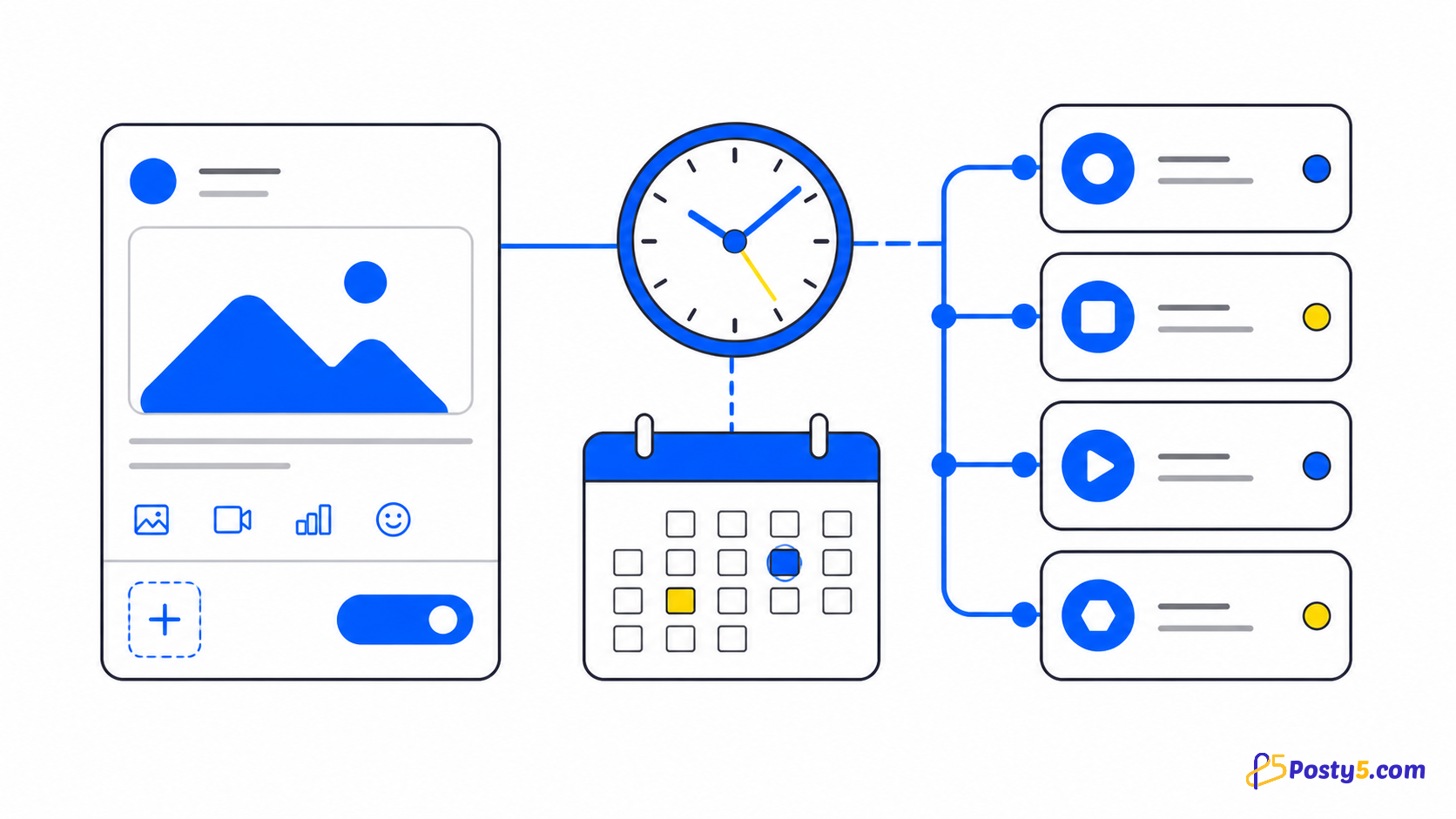
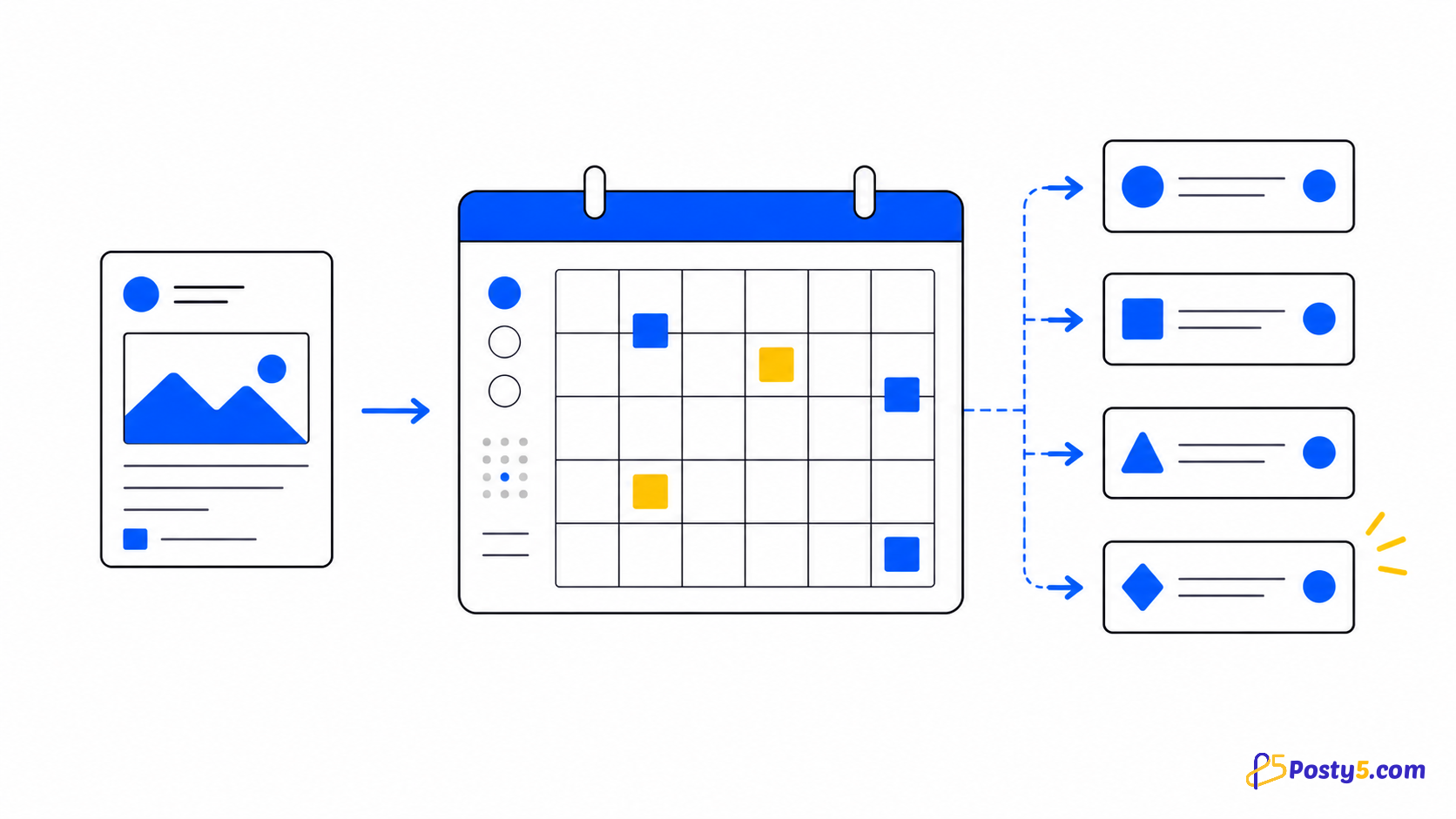
Posty5 connects YouTube, TikTok, Facebook, Instagram, Threads and X, with X available on the Pro plan or higher. One form sends video, images, text or stories to the selected accounts that accept that type and skips the others. Connect each account through the platform's own sign-in screen. Facebook Pages are selected from the profiles the login manages; Instagram connects through a Facebook Page or directly with Instagram Login for Business and Creator accounts; Threads uses its own login; connecting X needs the Pro plan or higher.
Connect accounts safely
Connect each account through the platform's own sign-in screen. Facebook Pages are selected from the profiles the login manages; Instagram connects through a Facebook Page or directly with Instagram Login for Business and Creator accounts; Threads uses its own login; connecting X needs the Pro plan or higher.
- Connect each account through the platform's own sign-in screen. Facebook Pages are selected from the profiles the login manages; Instagram connects through a Facebook Page or directly with Instagram Login for Business and Creator accounts; Threads uses its own login; connecting X needs the Pro plan or higher.
- Connection states are active, inactive and authenticationExpired. Reconnect with the same platform identity; using a different account is rejected by the current flow.
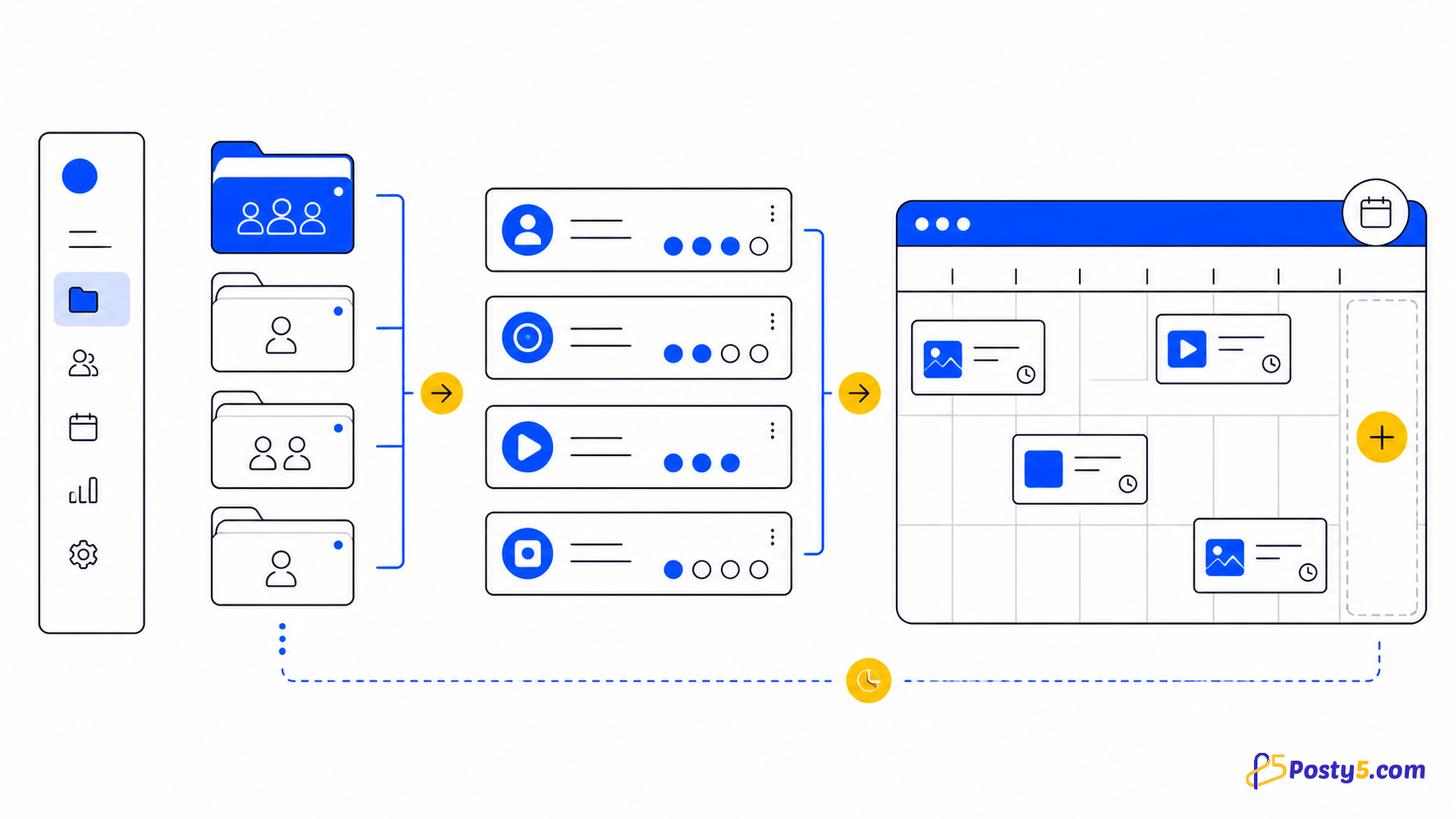
- A workspace groups the accounts for one brand or client. Assign or unassign platform accounts, then choose the workspace to auto-select those destinations for a new post.
Two ways to connect Instagram, plus Threads and X
Instagram can be connected through the Facebook Page it is linked to, or directly with Instagram Login when it is a Business or Creator account; the account card then says "via Facebook" or "via Instagram". The guide to connecting Instagram without a Facebook Page covers the direct route.
Threads connects with its own login and takes text, images, carousels and video; see scheduling Threads posts. Connecting an X account is available on the Pro plan or higher, and Free or Starter users see a Pro badge on it; see scheduling posts on X.
Read each platform status
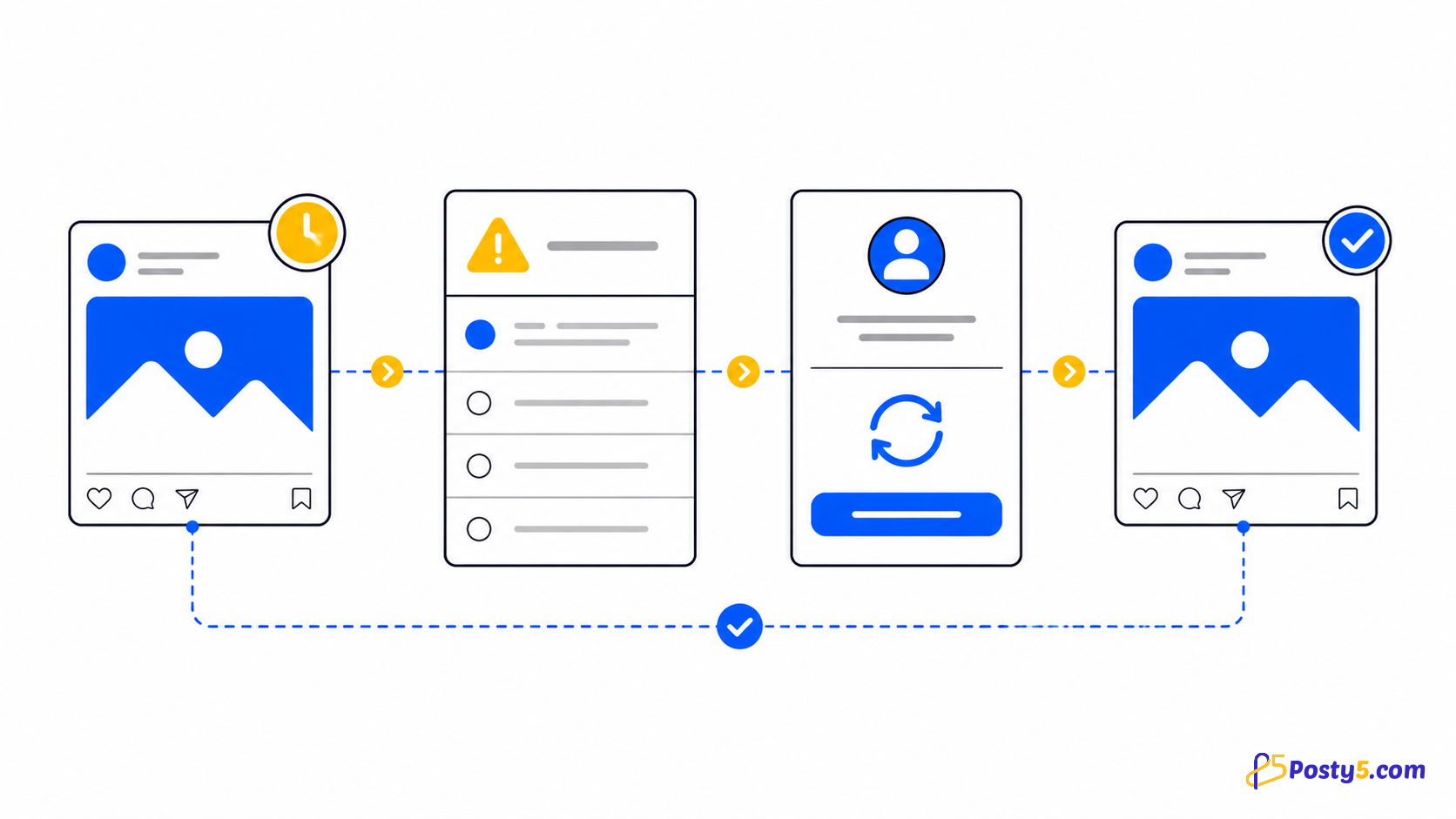
Connection states are active, inactive and authenticationExpired. Reconnect with the same platform identity; using a different account is rejected by the current flow.
Important boundaries
Posty5 connects YouTube, TikTok, Facebook, Instagram, Threads and X, with X available on the Pro plan or higher. One form sends video, images, text or stories to the selected accounts that accept that type and skips the others.
Frequently asked questions
Which social platforms are supported?
Posty5 connects YouTube, TikTok, Facebook, Instagram, Threads and X, with X available on the Pro plan or higher. One form sends video, images, text or stories to the selected accounts that accept that type and skips the others.
Why did an account become authenticationExpired?
Connection states are active, inactive and authenticationExpired. Reconnect with the same platform identity; using a different account is rejected by the current flow.
What does a workspace do?
A workspace groups the accounts for one brand or client. Assign or unassign platform accounts, then choose the workspace to auto-select those destinations for a new post.
What if only one platform fails?
Wait for pending, processing, processingInPlatform and retrying. Fix invalidVideoURL or invalidPostVideoURL at the source; inspect the affected platform for failedByPlatform; retry only when the source and connection are ready.
Continue through the Social Media Publisher guides
- Read: Posty5 Social Media Publisher: One Post, Six Platforms
- Read: Social Post Not Publishing? Read Each Platform Status
- Read: How to Publish One Video to Four Social Platforms
- Read: How to Schedule Social Media Posts with Posty5
- Read: Social Publisher Workspaces: Group Accounts for Faster Posting
- Read: A Buffer Alternative for Focused Multi-Platform Video Publishing
- Read: A Hootsuite Alternative for a Focused Short-Video Workflow
- Read: One Vertical Video for Shorts, Reels and TikTok