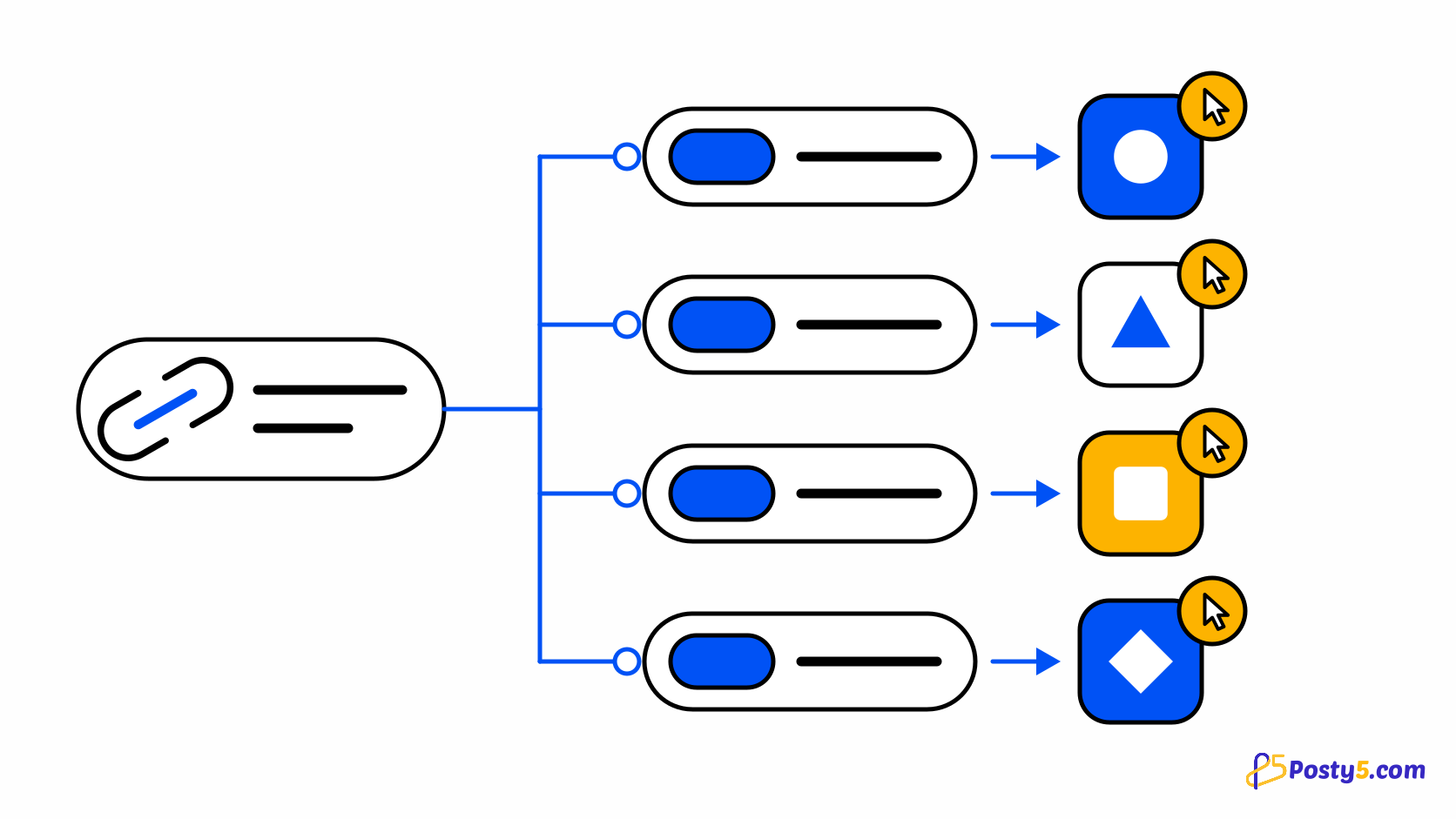
You put the same link in a post that goes to Instagram, Facebook, Threads and X, and a week later your website shows a pile of visits labelled "social". Which platform actually sent them? When every destination carries the identical address, nothing in the click tells them apart. The usual fix is a separately tagged link for each platform, which is tedious to build by hand for every post.
Posty5's Social Media Publisher does that step for you with tracked links, which are available on the Pro plan or higher: each link in the post becomes its own Posty5 short link on every platform, and the post's status page shows how many clicks each one received. This guide covers how the links are built, how to turn them on, and what the numbers do and do not tell you. For the rest of the publishing workflow, see the Social Media Publisher guide.
What happens to a link when tracking is on
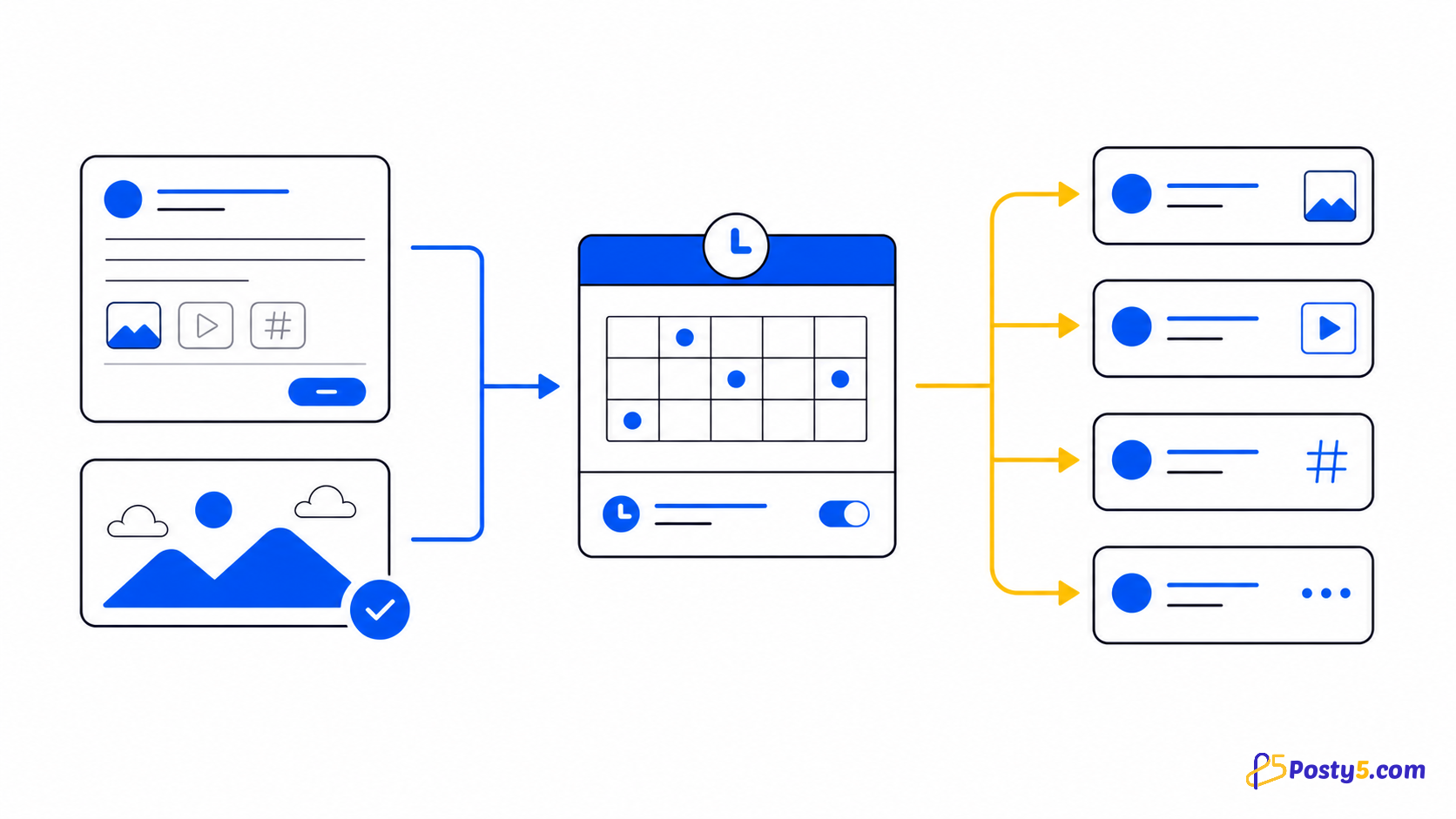
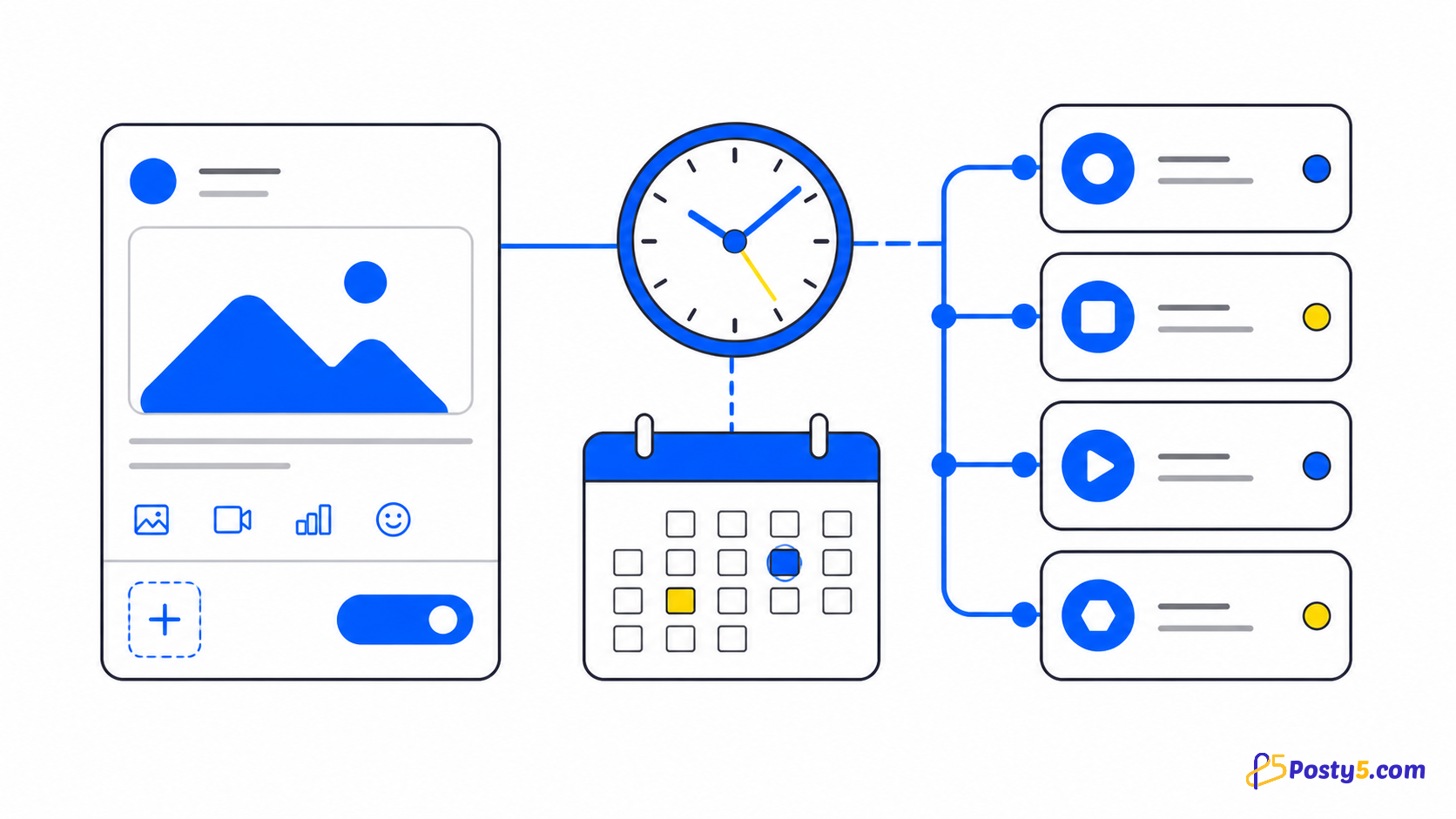
Posty5 reads the links in your post's text, and in any comment it posts under the post, and replaces each one with a Posty5 short link made for that platform. If the same article link goes to Instagram and to Threads, Instagram's text gets one short link and Threads' text gets another. Both open the same page, but each counts its own clicks. They are ordinary short links of the kind described in the URL Shortener guide.
Each short link points at your original address with UTM parameters added. utm_source identifies the platform, utm_medium is social unless you enter another value, and utm_campaign carries the campaign name you enter (left empty, Posty5 fills in a reference to the post). If your website's analytics reads UTM parameters, the visits arrive already labelled with the platform they came from.
Every tracked link is also tagged social: followed by the platform, for example social:instagram or social:facebook. A tag is a label stored on a short link; the guide to tags and ref IDs explains how an exact tag value lets you find a group of links again.
Turn on tracked links for a post
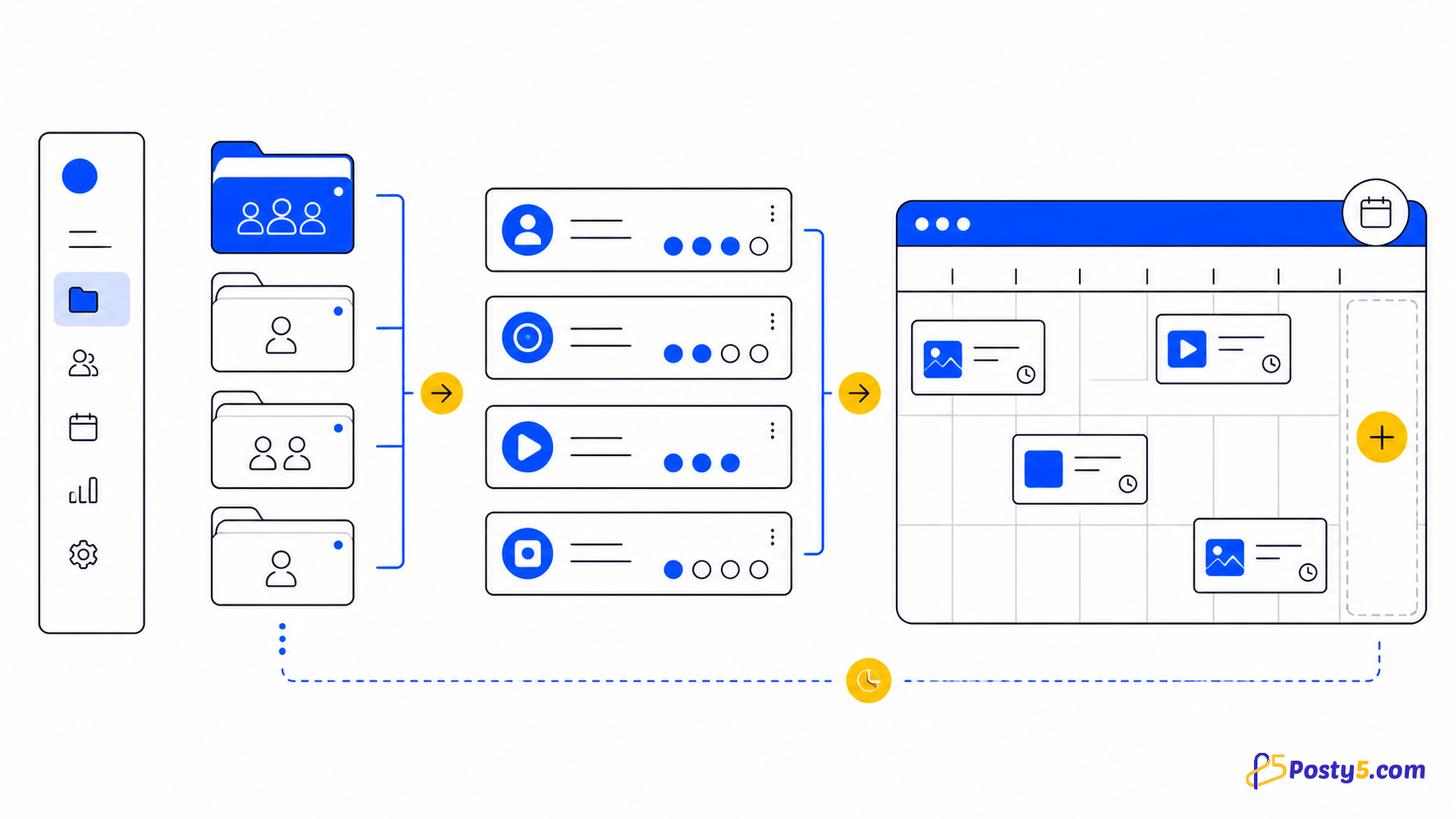
- Open Social Media Publisher, start a new post and choose the workspace or account it goes to.
- Write the post with the full links in it, exactly as you would share them. Links in the separate Threads and X text fields, and in a comment posted under the post, are tracked too.
- Tick the option to track the links in this post. On the Free and Starter plans it shows a Pro badge and cannot be switched on.
- Optionally fill in UTM medium (left empty, it is social) and UTM campaign, so the visits are easy to find in your own analytics.
- Publish now, or pick a later time; scheduling is also available on the Pro plan or higher. Each platform's text goes out with its own short link in place of the original.
- Open the post from the post list. Its status page has a Tracked links card listing, for every platform, the short link, the original address and the number of clicks.
Tracked links work the same way on a post you publish now and on one you schedule; the scheduling guide covers choosing a time.
Try it on your next post
Open Social Media Publisher, write a post with a link in it, and turn on tracked links before you publish.
Read the clicks per platform
The Tracked links card has three columns: platform, link and clicks. The link column shows the short link with the original address under it, so a post with two links shows each pair on its own row. The clicks column is a number, with the time of the most recent click beneath it once there has been one.
Compare the rows that share an original address. If the Threads row holds most of the clicks and the X row very few, that answers which platform sent the traffic for this post. Because the links carry the platform in utm_source, the same split shows up in any analytics tool on your site that reads UTM parameters.
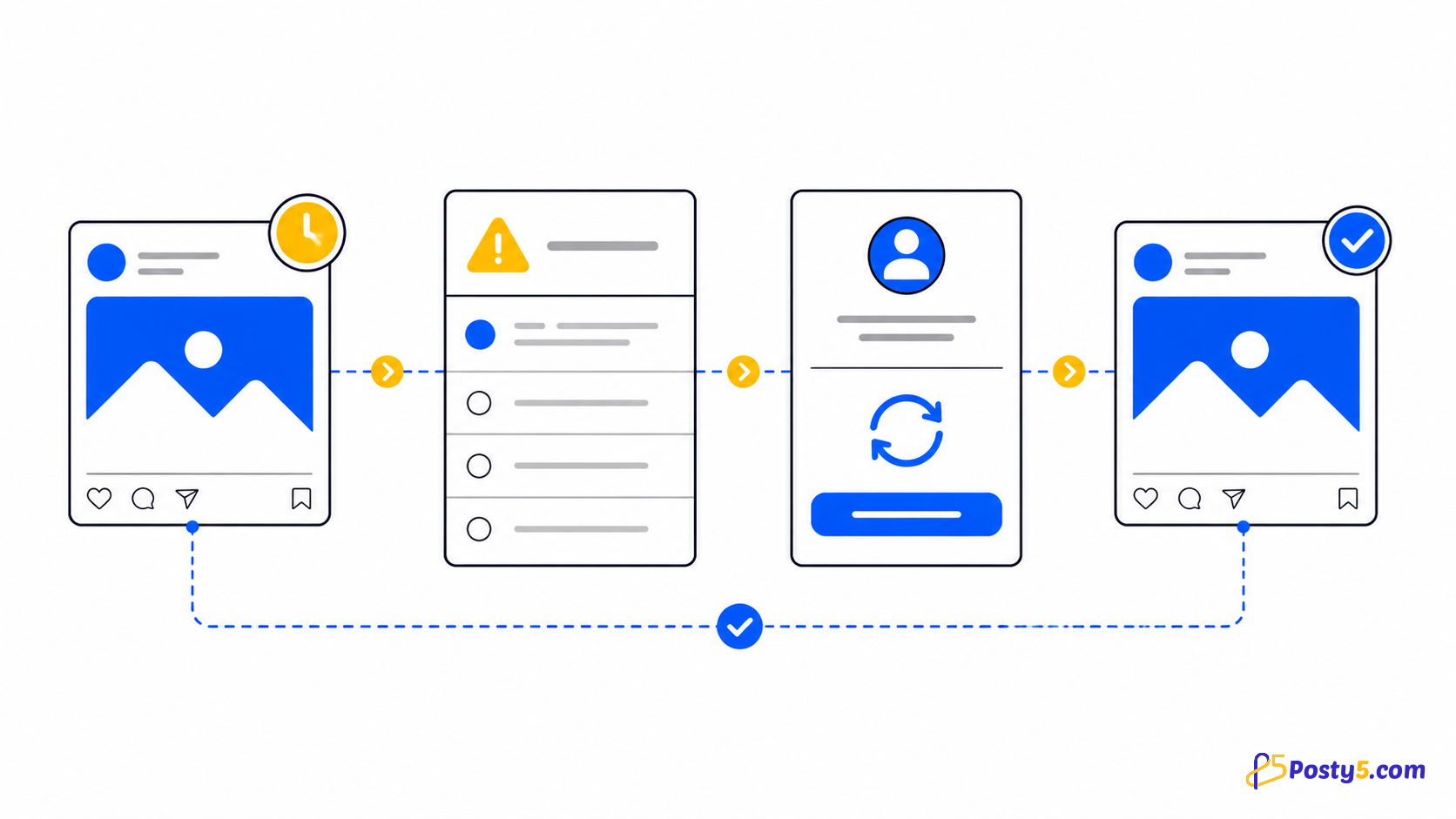
A row with no clicks can simply mean nobody clicked, but it can also mean the post never went out on that platform. Check the platform's status first; the publishing-status guide explains each one.
Limits, and what the count does not show
- Tracked links are available on the Pro plan or higher. On Free and Starter the option is visible but locked.
- A post can carry up to 10 tracked links. Each link counts once for every platform it goes to, so one link sent to four platforms uses four of them. Past the limit the post is refused with "A post can track at most 10 links."
- Each platform gets one short link per link: the same address in the caption and in a comment on one platform shares that short link.
- Each tracked link is charged as a short link. The cost is listed on the pricing page rather than repeated here.
- A link that is already a Posty5 short link is left as it is.
- The result is a click count per platform. There is no chart, no timeline of clicks, no breakdown by country, device or referring site, and no conversion tracking. For anything beyond the count, rely on the UTM parameters in your own website analytics.
Frequently asked questions
How do I see which social platform sent the clicks?
Turn on tracked links when you create the post. Each platform gets its own short link, and the post's status page shows a click count for each one.
Which plans include tracked links?
The Pro plan or higher. On Free and Starter the option shows a Pro badge and stays locked; see what the plans include.
Which UTM parameters does Posty5 add?
utm_source identifies the platform, utm_medium is social unless you enter another value, and utm_campaign is the campaign you enter, or a reference to the post if you leave it empty.
How many links can one post track?
Up to 10 tracked links, counted per link and per platform. Two links sent to five platforms already reach the limit.
Does Posty5 show click charts or where people clicked from?
No. You get a click count per platform and the time of the latest click. There is no time series, geography, device, referrer or conversion data.
Are the tracked links normal short links?
Yes. Each one is a Posty5 short link tagged social: plus the platform, for example social:facebook, and it opens your original address with the UTM parameters added.