
URL Shortener Tool
Instantly shorten long links. Create free short URLs with a QR code and a visit count, and share them on social media.
21.5K
Number of Visits
How It Works
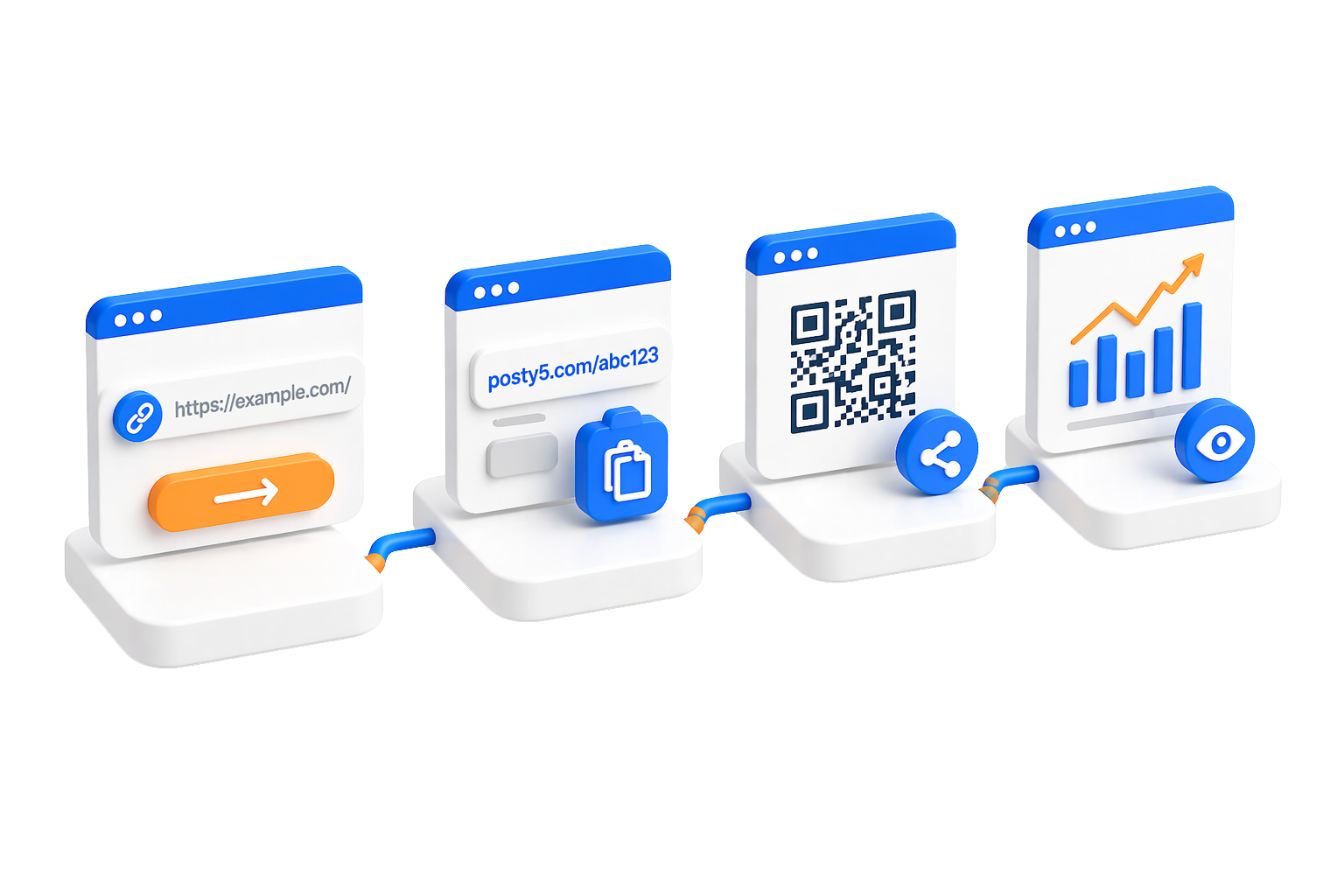
Create and manage your short links in four simple steps.
 Paste Your Long URL
Simply paste any long URL into the input field. Our tool accepts URLs from any website or platform.
 Customize Your Link
Choose a QR code template, add optional tags for organization, and customize your landing page if needed.
 Generate & Share
Click the button to generate your short link and QR code. Share them instantly on social media, emails, or print materials.
 Track & Manage
Open your dashboard to see each link's visit count, change its destination at any time, and manage all your short links in one place.
Powerful Features
Everything you need to create, manage, and track your short links.
 Edit URL Anytime
Update the destination URL of any shortened link without changing the short link itself. Perfect for campaigns that need flexibility.
 Free QR Codes
Every short link comes with a free, customizable QR code. Choose from multiple templates to match your brand.
 Deep Linking Support
Direct users to specific content within your mobile apps. Automatically detects iOS and Android devices for seamless app deep linking.
 Visit Counter
Every short link counts its visits and keeps the date of the latest one, so your dashboard shows which links people actually open.
 Custom Landing Pages
Create optional landing pages with custom content before redirecting users. Perfect for providing context or additional information.
 Organization Tools
Use tags, reference IDs, and custom landing page IDs to organize your links. Add names and descriptions for easy management.
Use Cases
Discover how our URL shortener helps in different scenarios.
 Social Media Sharing
Share clean, professional links on X (Twitter), Facebook, Instagram, and LinkedIn. Save space and see how many visits each link gets.
 Marketing Campaigns
Give each campaign its own short link and compare their visit counts. Change a destination mid-campaign without changing the link you published.
 Mobile App Deep Links
Direct users to specific screens in your iOS or Android apps. Automatically detects device type and routes users appropriately.
Print Materials & QR CodesAdd QR codes to business cards, flyers, posters, and packaging. Update the destination URL even after printing.
 Email Campaigns
Create clean, trustworthy links for email marketing. Put a different link in each email and compare visit counts to see which one brings the most visitors.
 Content Creators
Share links in video descriptions, podcasts, and blog posts. A short, readable link is easier to type, say aloud and remember.
Security & Privacy
Your safety and privacy are our top priorities.
 Unsafe Link Checks
Before a link is saved, its destination is checked against a public phishing blocklist and a list of blocked file types such as .exe, .zip and .rar. A link that fails is refused.
 Abuse Reporting System
Users can report suspicious or harmful links. Our team reviews all reports and takes action to maintain a safe platform.
 Safety Check Page
A link whose destination Posty5 cannot treat as safe, such as a plain http:// address, opens a Posty5 check page first, and the visitor decides whether to continue.
 Data Protection
We protect your data and respect your privacy. Your links and data remain secure.
Limits & Best Practices
Understand our limits and how to get the most out of our tools.
 How Credits Work
Each short link saved to your account uses credits from your plan; the Posty5 guide lists how many. Downloading a link's QR code image is free.
 Best Practices
Use descriptive names and tags to organize your links for easy management.
Test your short links before sharing them publicly to ensure they redirect correctly.
Check each link's visit count in your dashboard to see which links your audience opens.
 Allowed Destinations
A destination must start with http:// or https://. A link that points straight at a file download such as .exe, .zip or .rar is refused.
 Custom Landing Page IDs
Custom landing page IDs must be 4-32 characters long and contain only lowercase letters, numbers, or hyphens.
Quick Start Guide
Get started in three simple steps.
1. Paste Your URL
Copy any long URL and paste it into the tool. No account required to get started.
2. Select QR Template
Choose from our collection of QR code templates to match your style or brand.
3. Generate & Share
Click the button to create your short link and QR code. Copy and share anywhere!