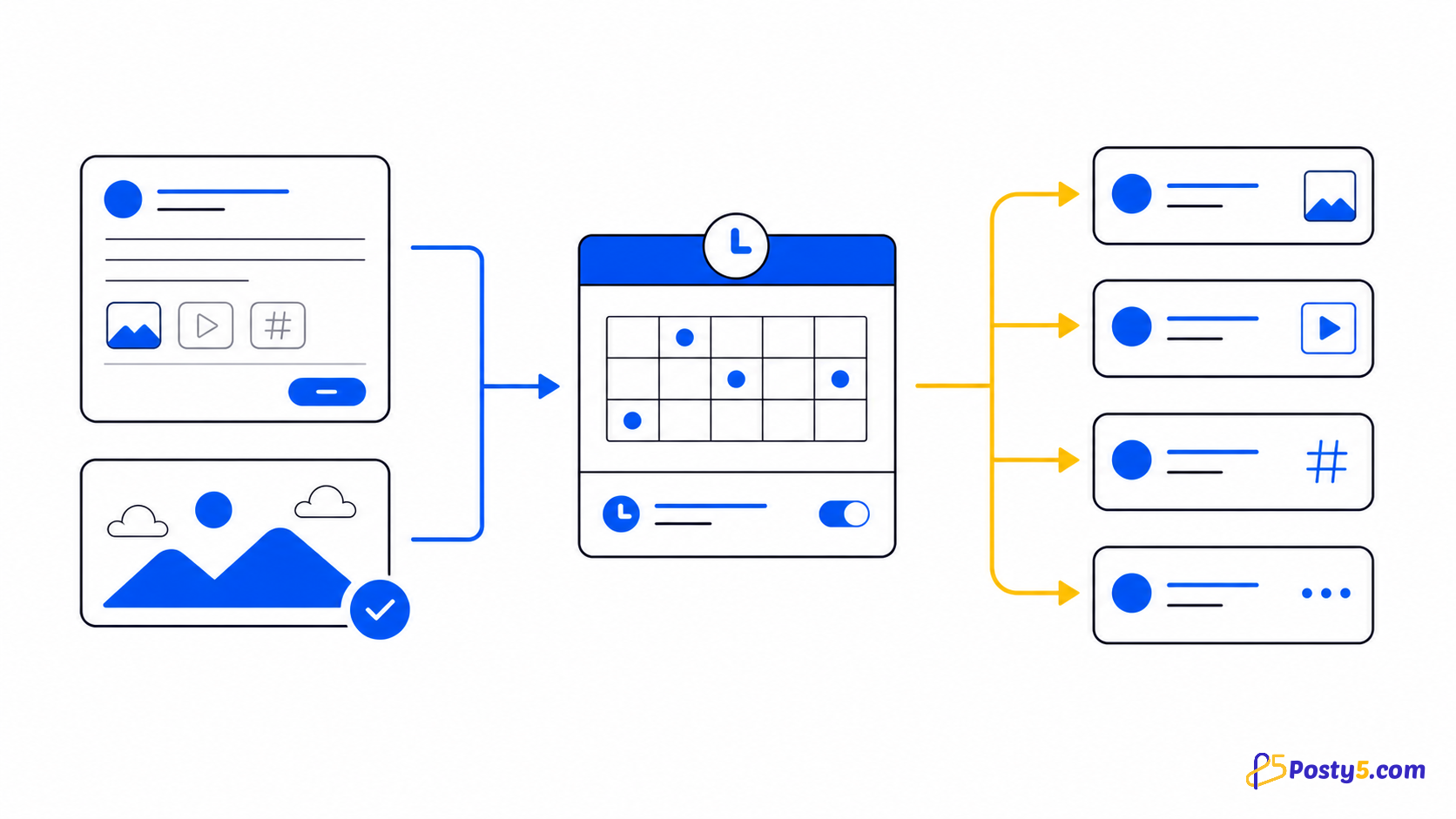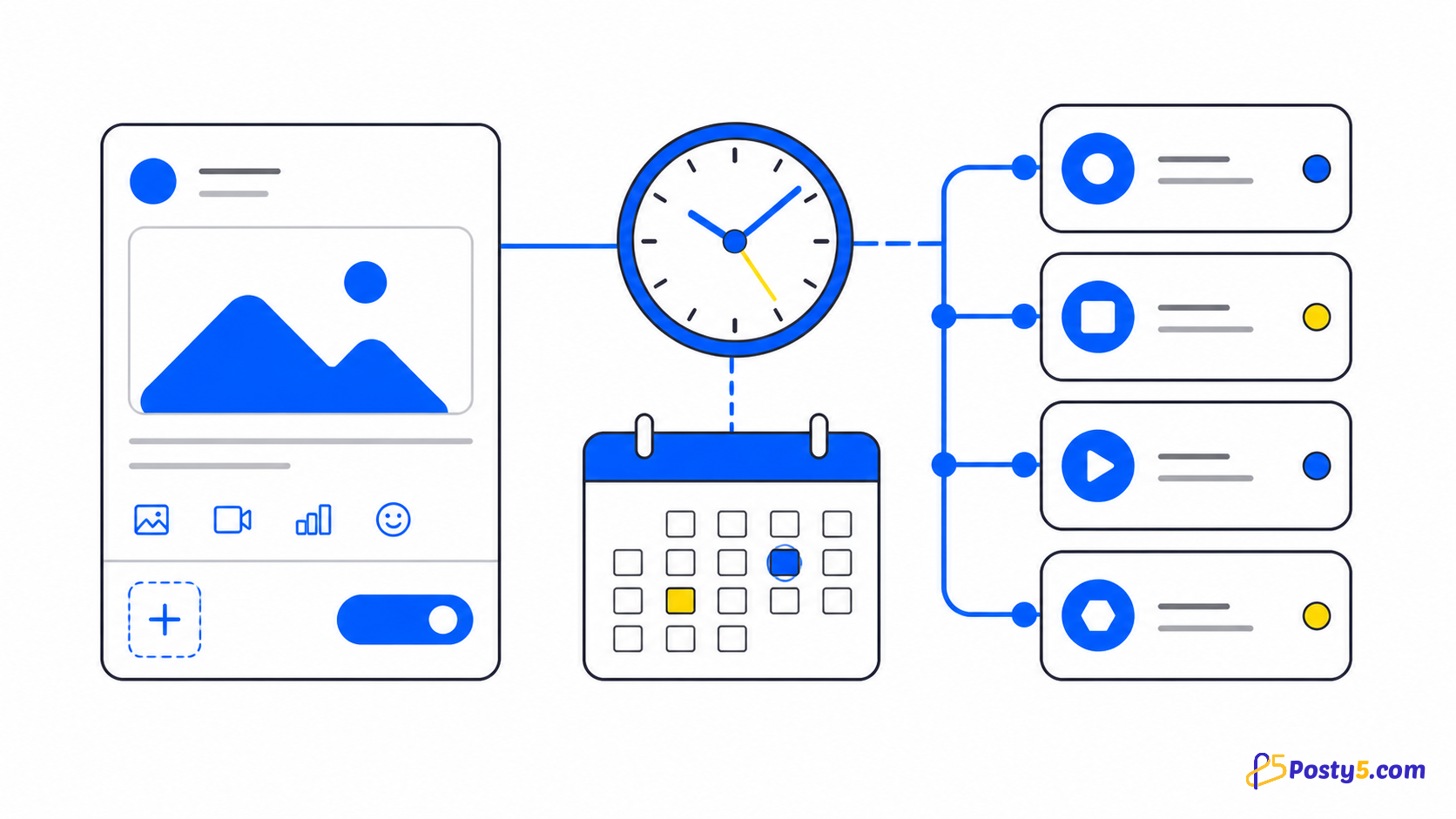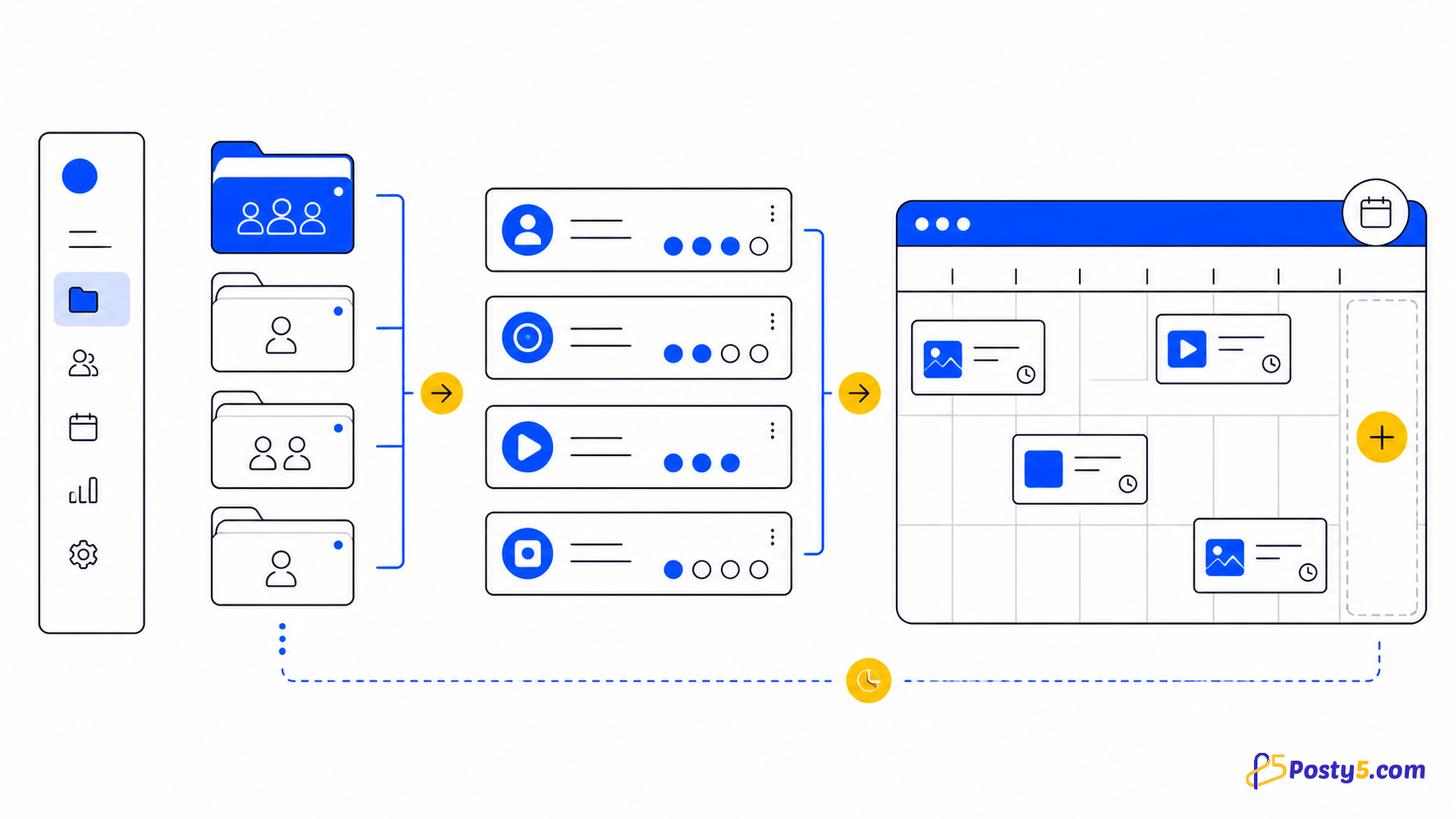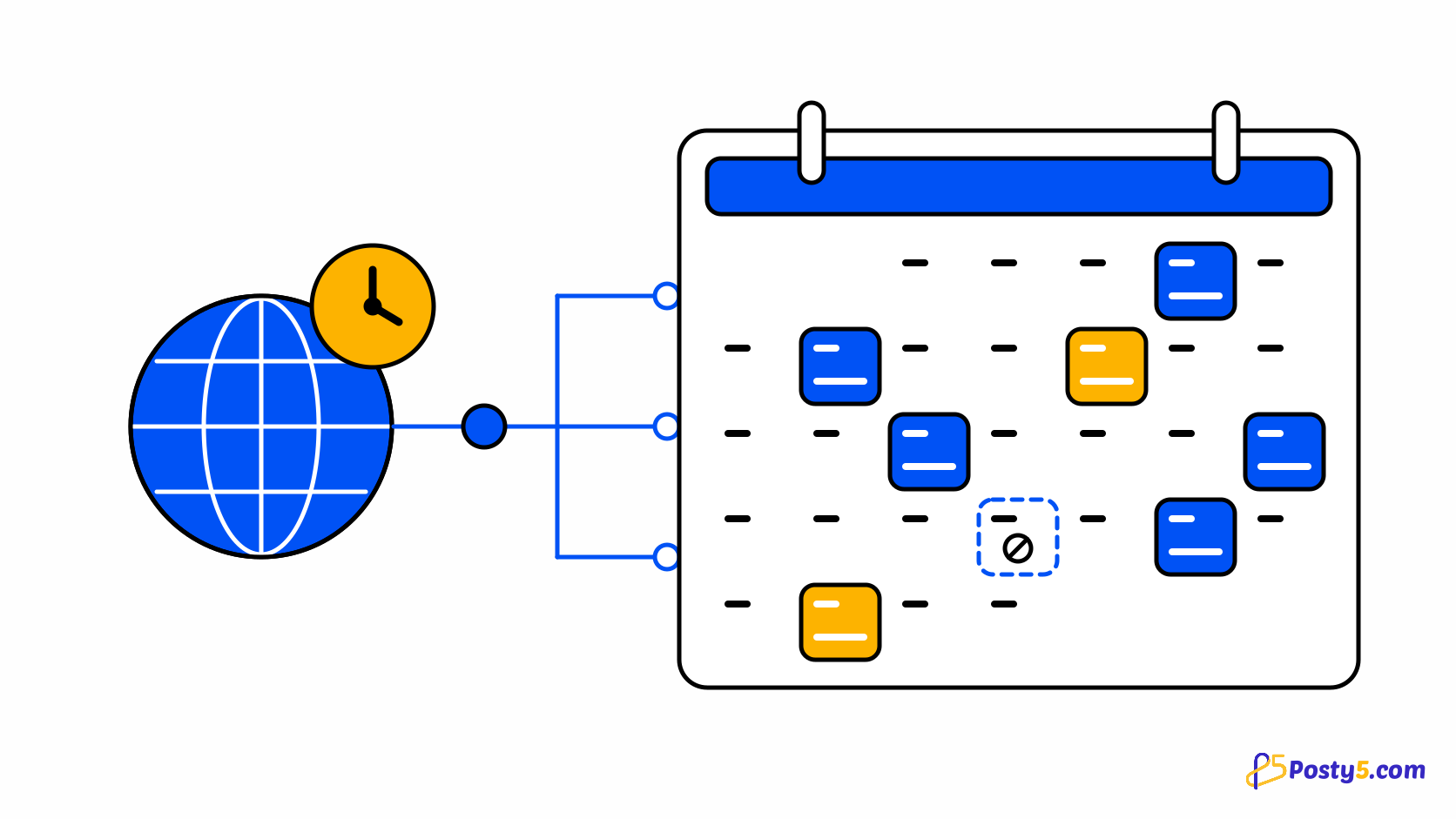
A queue of scheduled posts is easy to lose track of once there are more than a handful. The question is rarely "is this post scheduled?" but "what is going out this week, where, and did last Tuesday's post actually publish?" Posty5's Social Media Publisher answers that with a content calendar: a month view of the posts you scheduled and the posts that already went out, drawn from the same records as the post list.
The calendar is a view, not a separate planner. You still create a post the usual way, and choosing a publish time in the future is a Pro plan or higher feature; the calendar then shows where that post sits. See the Social Media Publisher guide for the whole workflow.
What the calendar shows
Each day of the month shows how many posts are scheduled or published on it and up to three of them by name. When a day holds more, a "+N more" link opens the post list, where you can read every one. Times are shown in the time zone set on your Posty5 profile, the same zone the schedule picker uses, so a post set for 09:00 appears under the day you meant.
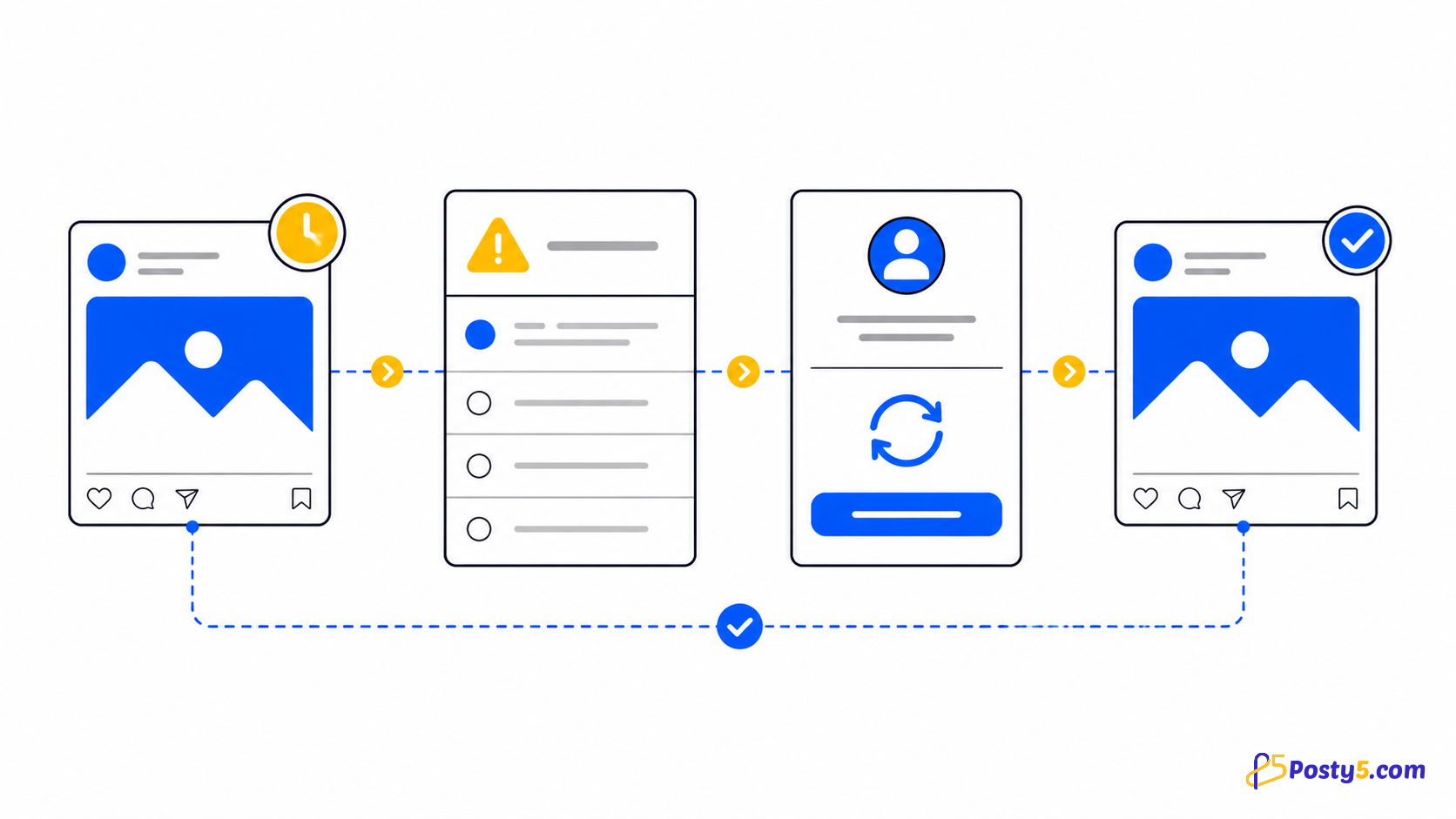
Scheduled posts sit on the day they are due; published posts sit on the day they went out. A post that failed on a destination is marked as such, so a gap in delivery shows up as a gap on the calendar rather than hiding inside a list.
Open and filter the calendar
- Sign in to Posty5 and open Social Media Publisher.
- Choose Calendar in the Social Publisher menu. The current month opens.
- Filter by post type (short video, long video, image, text or story) or by status to see only what you are checking.
- Move between months to review what went out and what is still waiting.
- Select a post to open its status page, where every destination has its own result.
Look at your month
Open the calendar to see what is scheduled, what went out and which destinations need attention.
Plan a week with it
Use the empty days. A calendar makes a missing Thursday obvious in a way a list does not, and filling it is a normal post with a future time. If you have many posts to place, the bulk scheduling guide shows how to schedule up to 50 at once from a CSV file, and they appear on the calendar as soon as they are created.
Check the failures, too. Filter by status to find posts where a destination did not publish, then use the publishing-status guide to decide whether to wait, reconnect the account or retry. For how a single post is scheduled in the first place, read the scheduling guide.
What the calendar does not do
The calendar does not move posts by drag and drop, recommend the best time to post, repeat a post on a schedule or recycle old content. On a phone it shows an agenda list instead of the month grid. It shows posts, not engagement: Posty5 reports engagement for Threads and X posts on their status pages, and tracked links count clicks per platform, but there is no cross-platform analytics report behind the calendar.
Scheduling itself is a paid feature: on the Free and Starter plans the calendar still shows the posts you publish now, but choosing a later time needs the Pro plan or higher. See what the plans include before you plan a month ahead.
Frequently asked questions
Does Posty5 have a content calendar?
Yes. Social Media Publisher has a month view of scheduled and published posts, with filters by post type and status.
Which time zone does the calendar use?
The time zone on your Posty5 profile, the same one the schedule picker uses. If the profile has none, your browser's time zone is used.
Can I schedule a post from the calendar?
You create a post the usual way and choose a future time; it then appears on the calendar. Scheduling for later is available on the Pro plan or higher.
Why does a day say "+N more"?
A day shows up to three posts by name. "+N more" opens the post list so you can see the rest.
Does the calendar show analytics?
No. It shows posts and their status. Engagement numbers exist for Threads and X posts on the status page, and tracked links give a click count per platform.