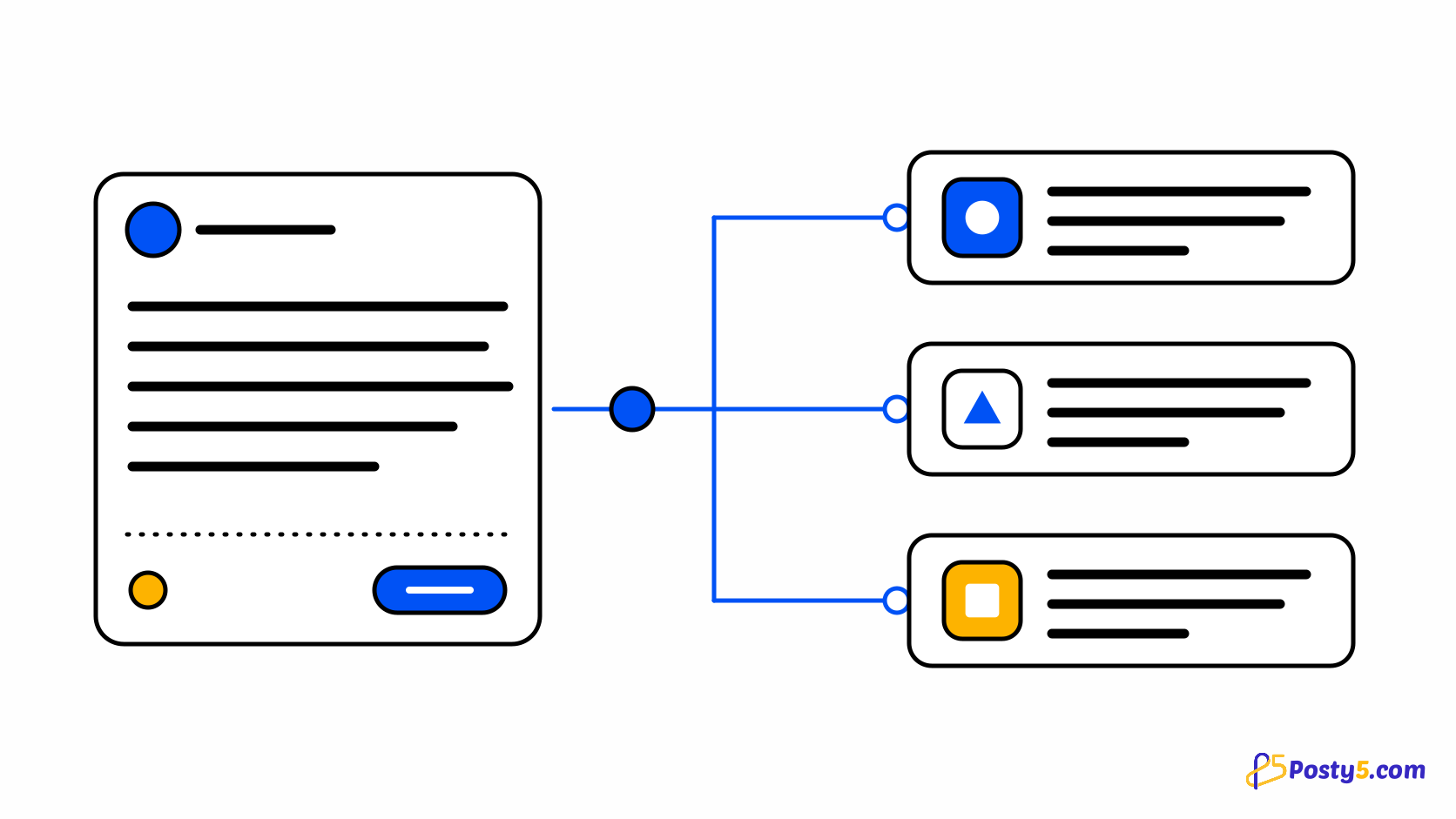
Not every update needs a picture. Opening hours that change for a holiday, a short announcement, a question for your followers: these are text, and posting them by hand means typing the same words into Facebook, Threads and X, then trimming them for each one's length limit. Threads stops at 500 characters, X at 280, and a Facebook Page post can run far longer than either.
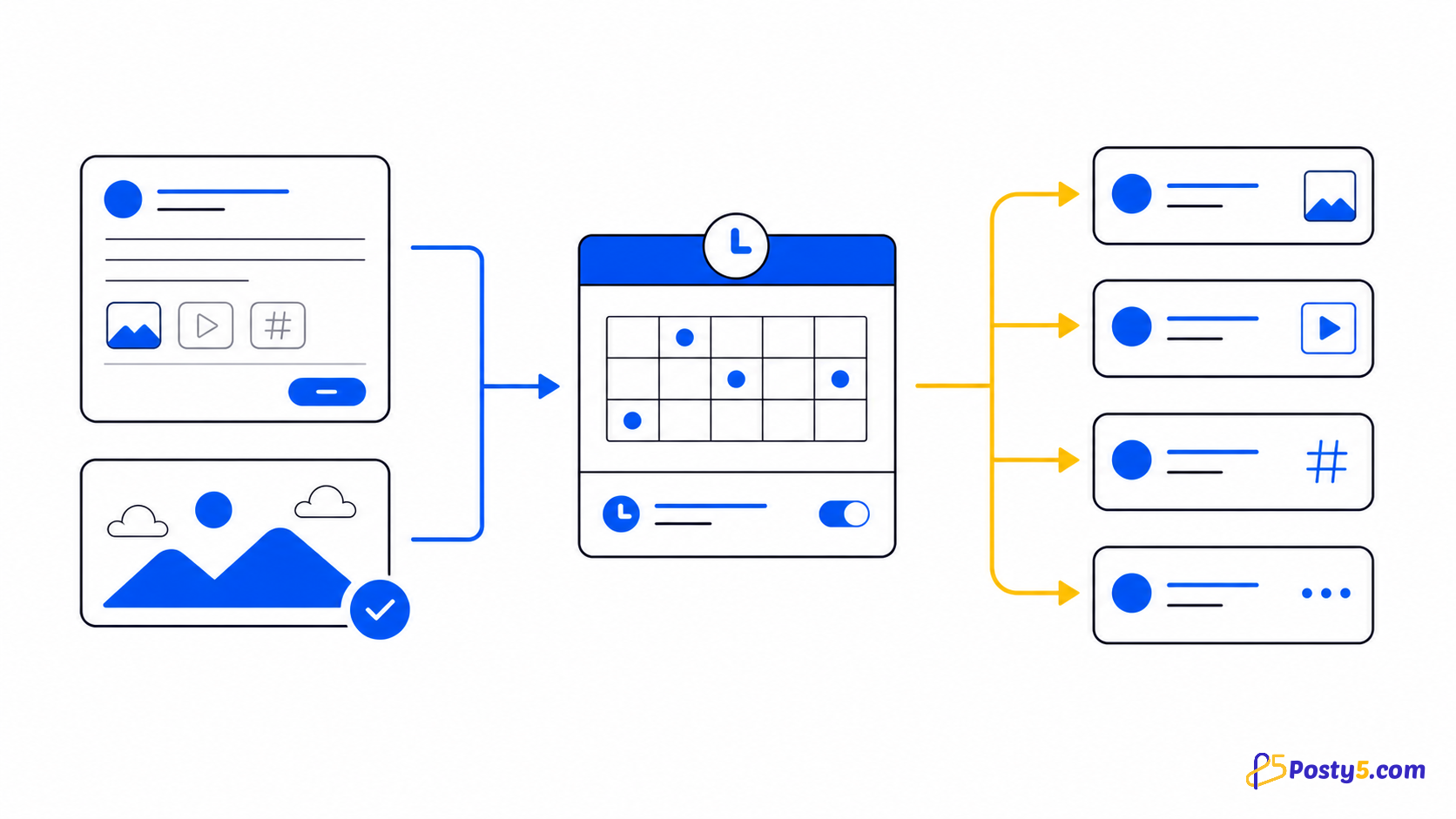
Posty5's Social Media Publisher sends one text-only post to all three from a single form. Text posts are included on every plan; publishing the X part is available on the Pro plan or higher, so without Pro the same post goes to your Facebook Pages and Threads accounts. The Social Media Publisher guide explains the tool as a whole; this article covers the text post.
Where a text post goes
A text post goes to the Facebook Pages, Threads accounts and X accounts in the workspace or account you choose. YouTube, TikTok and Instagram have no text-only post in Posty5, so those accounts are skipped, and the create card names the skipped platforms before you publish.
| Platform | What the post carries | Settings |
|---|---|---|
| Facebook Pages | Text up to 63,206 characters, plus an optional link | None beyond the text and link |
| Threads | Text up to 500 characters | Who can reply; one topic tag of up to 50 characters |
| X (Pro plan or higher) | 280 weighted characters: any link counts as 23, and most CJK characters and emoji count as 2 | Who can reply; a poll or a quoted post |
| YouTube, TikTok, Instagram | Skipped | Not applicable |
On X, a text post can carry a poll with 2 to 4 choices of up to 25 characters each, open from 1 hour to 7 days, or it can quote another X post, given as its id or its x.com link. It cannot do both, and polls exist only on text posts. Threads offers five reply settings (Everyone, Accounts you follow, Your followers, Only accounts you mention, Only you); X offers three (Everyone, Accounts you follow, Only accounts you mention).
Publish a text post, step by step
- Sign in to Posty5, open Social Media Publisher and choose Create Post for a workspace or a single account.
- Choose Text. The card names the platforms that take no text post and will be skipped.
- Write the main text. If the post goes to a Facebook Page, you can add a link as well.
- Review the Threads and X blocks. If you leave one empty, the composer fills it from the main text, cut at a word to fit that platform's limit, and tells you what it shortened. Rewrite either block when you want different words there.
- Set who can reply, add a Threads topic tag if you want one, and on X choose a poll or a post to quote.
- Add hashtag groups if you use them, and tracked links if you are on the Pro plan or higher. Both are explained below.
- Publish now, or choose a later time; scheduling a post is available on the Pro plan or higher.
- Open the post's status page to see each platform's result on its own line.
Write your next update once
Open Social Media Publisher, choose Text and send one post to your Facebook Pages, Threads and X accounts.
Hashtags and tracked links
Hashtag groups are saved, named sets of up to 30 hashtags. A post can use up to 5 groups plus up to 30 extra hashtags, and each platform gets at most its own limit, which on X is 5. Hashtags that do not fit are dropped and reported, and on Threads the first hashtag becomes the post's topic tag.
Tracked links are available on the Pro plan or higher. Each link in the post, up to 10, becomes a Posty5 short link per platform with UTM tags, so the status page can show a click count for Facebook, Threads and X separately. The guide to tracking link clicks by platform explains how the links are built and what the count does and does not show.
Timing, results and platform detail
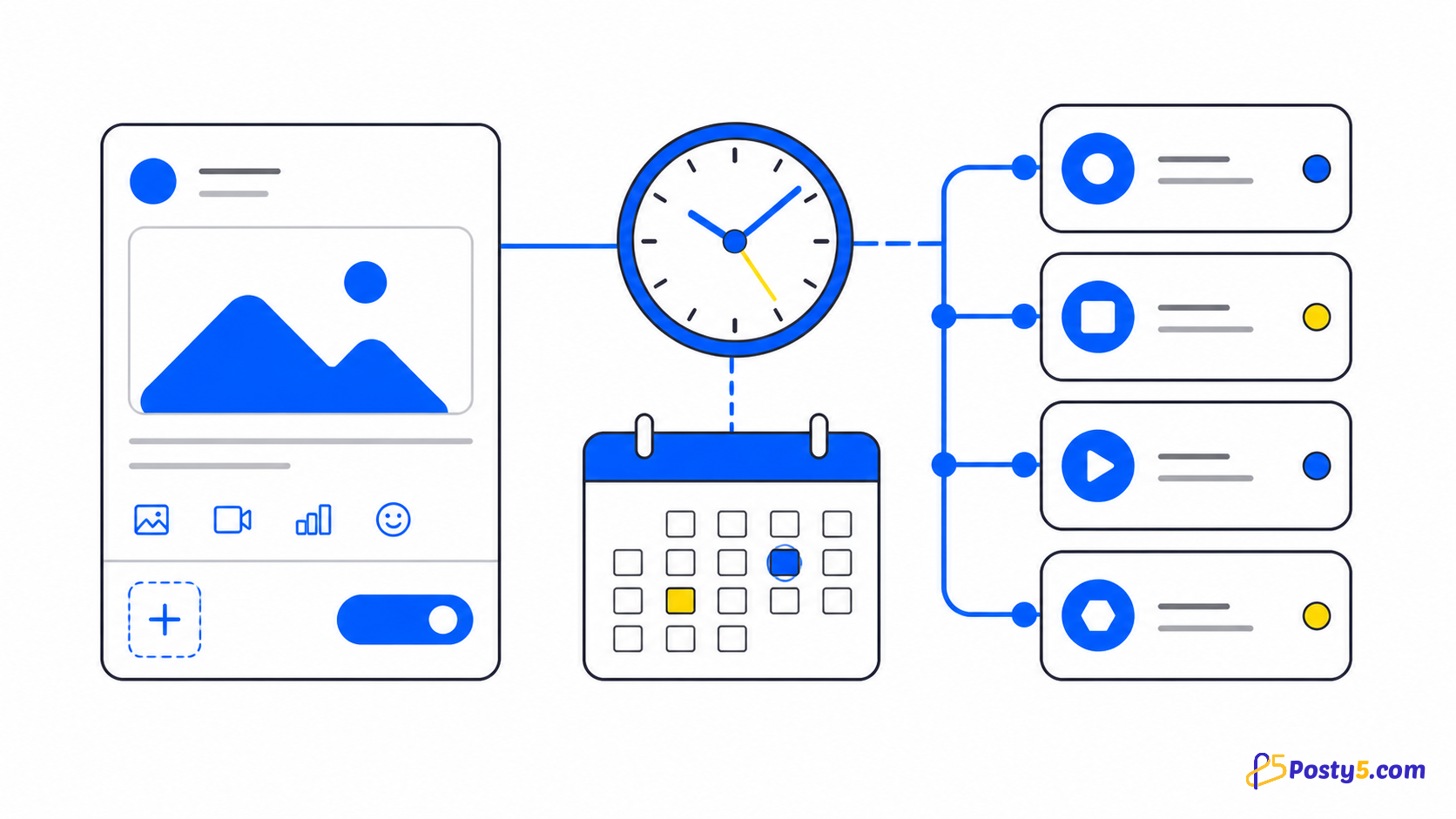
Scheduling a text post for later is available on the Pro plan or higher, as it is for every post type. The time must be at least 5 minutes ahead and is read in your profile's time zone, and the post then appears on the content calendar. The scheduling guide covers the rest.
After publishing, the status page shows each platform's result. For Threads and X posts it also shows engagement numbers; for a Facebook text post you see the publishing status. If X targets fail with "X publishing quota for this month is exhausted", the monthly X allowance that all Posty5 users share has been used up; the publishing-status guide explains this and the other statuses.
For everything specific to Threads, such as images, video and its 24-hour posting limit, read how to schedule Threads posts. For X, including images, video and rate limits, read how to schedule posts on X.
What a text post does not do
A text post is text, with an optional link on Facebook and a poll or a quote on X. It does not publish to Instagram, YouTube or TikTok, and on X it cannot carry a poll and a quoted post together. Posty5 does not suggest a best time to post and does not repeat a post on a schedule. Engagement numbers cover Threads and X only; there is no cross-platform analytics report.
Text posts are on every plan, while X, scheduling and tracked links need the Pro plan or higher. See what each plan includes before you plan the week.
Frequently asked questions
Can I post text only, without an image or video?
Yes. Choose Text when you create a post. It goes to Facebook Pages, Threads and X; YouTube, TikTok and Instagram are skipped.
Which plans can publish text posts?
Every plan. Publishing to X, scheduling for later and tracked links are available on the Pro plan or higher.
What happens if my text is too long for Threads or X?
If the Threads or X block is empty, the composer fills it from the main text, cut at a word to fit, and tells you what it shortened. You can rewrite either block yourself.
How are characters counted on X?
X allows 280 weighted characters. Any link counts as 23, and most CJK characters and emoji count as 2.
Can I add a poll?
On X, yes: 2 to 4 choices of up to 25 characters each, open from 1 hour to 7 days. A post with a poll cannot also quote another post.
Can I add a link to a text post?
Facebook Pages take an optional link with the post. Links in a post can also become tracked links, which is a Pro plan or higher feature.