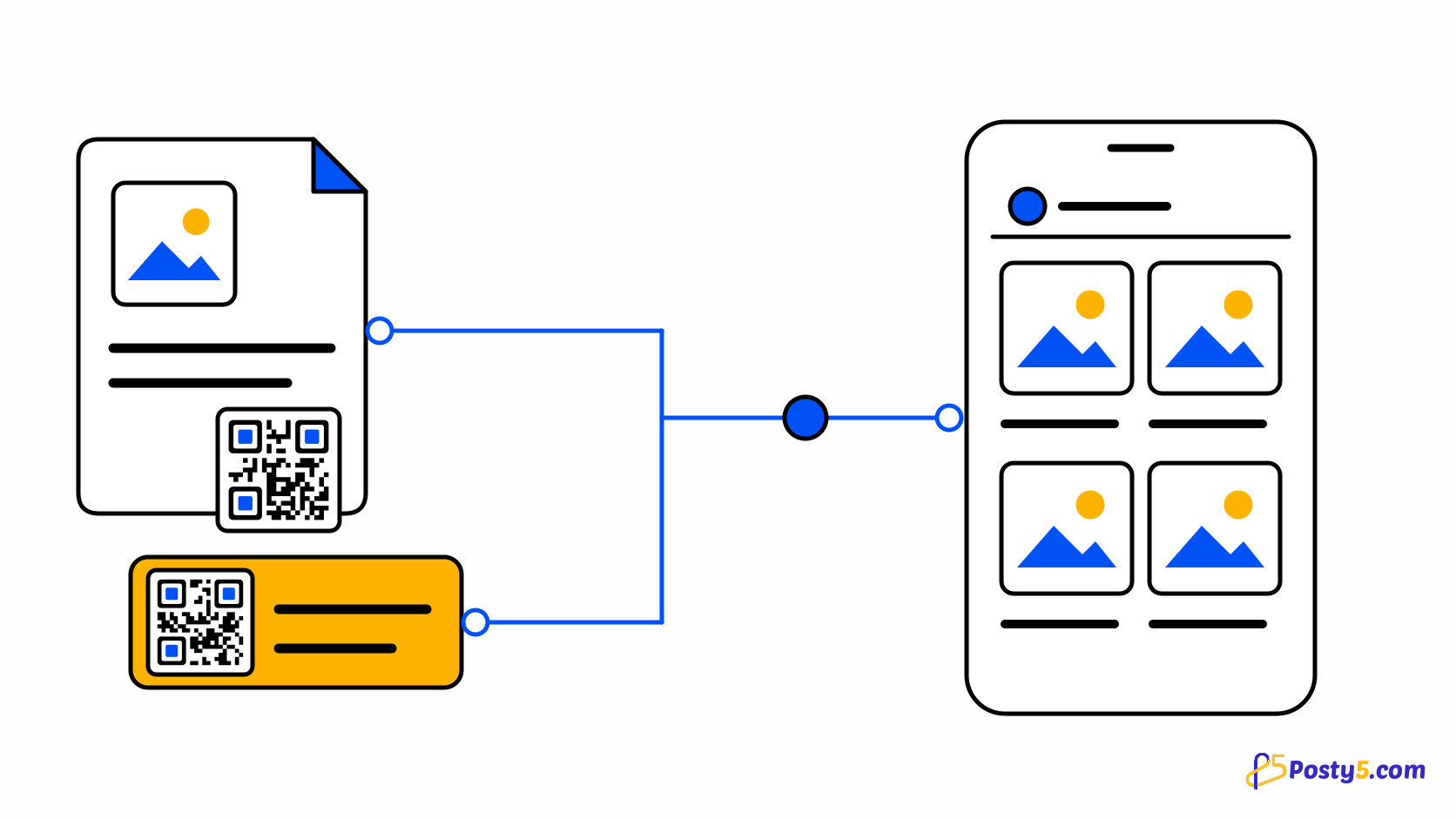
Your Posty5 Online Store has a QR code screen under Marketing → QR codes: one code for the store and one for any product, ready to print on packaging, a market stall or a shop window.
Create it in three steps
- In the store control panel, open Marketing → QR codes. Any team member who can view products can open it.
- Download the store code, or pick a product and download its code. A product page also has its own QR code button.
- Choose 256, 512 or 1024 pixels, add your store logo in the centre or the store name underneath, and test the PNG before printing.
Codes that keep working
Each code points at a fixed Posty5 address that forwards to wherever the store or product lives now. A new store address, a custom domain or a changed product link does not break printed codes, and a deleted product sends visitors to the store home.
Before you print
The codes are always dark on light so phones read them easily. Visits from them carry UTM tags, so your analytics can tell store-code and product-code visits apart. Downloading a code creates no record.
Frequently asked questions
What happens to printed codes if my store address changes?
Each code points at a fixed Posty5 address that forwards to wherever the store or product lives now. A new store address, a custom domain or a changed product link does not break printed codes, and a deleted product sends visitors to the store home.
Can my analytics show visits from the codes?
The codes are always dark on light so phones read them easily. Visits from them carry UTM tags, so your analytics can tell store-code and product-code visits apart. Downloading a code creates no record.