Store builders are easy to evaluate badly. The feature lists all look alike, and the two things that actually decide whether one fits you tend to be buried: how it takes money, and how it prices delivery. Posty5's answer to the first is narrow and worth knowing in the first minute — checkout is cash on delivery. Its answer to the second is unusually flexible, and it is the reason the tool suits sellers whose delivery cost changes from one city to the next.
What a store costs before you start
Editing a product, changing settings, redesigning the storefront, publishing and unpublishing are free on every plan. Compare the plans. See how the credit budget works across every tool.
Your store address, and changing it later
Your storefront lives at a Posty5 address with your own segment on the end. On Basic and above you choose that segment; on the Free plan you are given a random one. It is not a one-time decision — you can change the address later from the store's settings, subject to the same plan requirement and to the name still being free. A store on a lower plan that tries gets an explicit refusal: "Upgrade to Basic plan or above to use a custom store address." What you cannot do is point your own domain at the store. The address segment is the part you own; the rest of the URL is Posty5's.
Where you deliver, and for how much
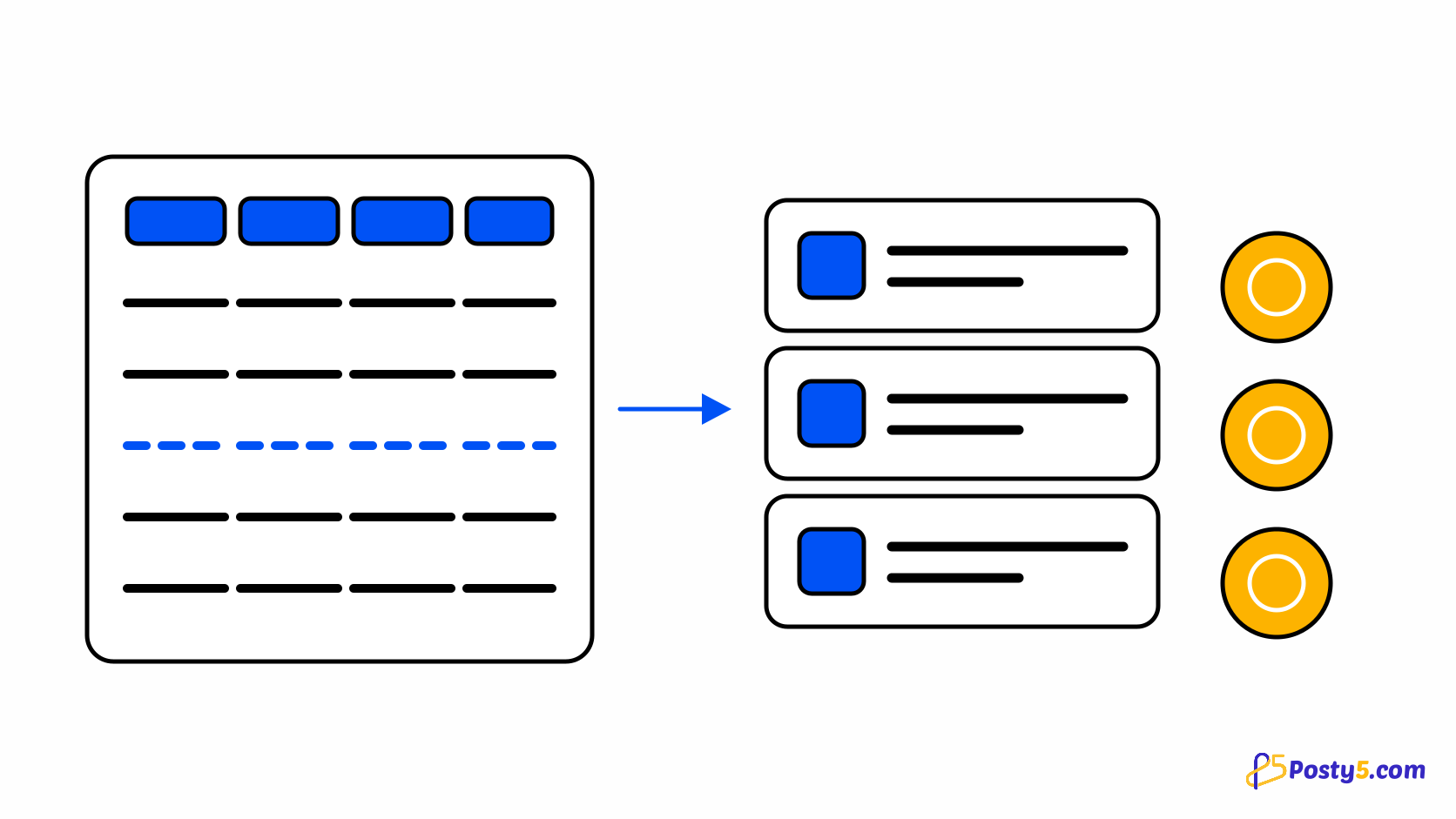
Delivery is built on one rule that makes the rest easy to reason about: a record exists only where you have something to say. You open a country, and that country is a single row with a single fee. Where a few cities cost more, you add rows only for those cities. Where there is a region you will not deliver to, you mark it refused — which is a different act from pricing it. At checkout the fee falls through from the city, to its governorate, to the country, to your store-wide default, and stops at the first level with an answer. See how delivery countries and fees resolve.
Checkout and how customers pay
The checkout collects a destination, resolves the delivery fee, accepts a coupon, and then asks how the shopper will pay. Today that question usually answers itself. The payment catalogue contains cash on delivery and nothing else, so the step appears only when a store genuinely has more than one option. The machinery behind it is not a placeholder — payment sessions, signed webhooks, refunds and per-country method resolution are all built and provider-agnostic — but no gateway adapter is connected, and the product deliberately ships no stub that would accept credentials it cannot charge anything with. The plumbing is real; the providers are not there yet. Read what the checkout asks for.
Shoppers sign in with a Posty5 account
Shoppers do not get a store-specific account, and you do not run one. Signing in hands the visitor to the Posty5 web app and brings them straight back to the page they were reading, with their cart intact. Addresses, order history, wishlist and reviews travel with that account across every Posty5 store, which means you are never holding anyone's password. Where you allow guest checkout none of it is required, and tracking an order never needs an account at all. See what a signed-in shopper gets.
Orders, tracking and staff
Every order carries a sequential number for you and an opaque tracking id for the customer, so a tracking link can be shared without exposing anything else about the order. Orders move from pending to confirmed, processing, shipped and delivered, and can be cancelled or refused from any non-terminal state; cancelling restocks tracked products. On Pro and above you can invite staff with scoped permissions. One detail worth knowing early: an incoming order is never lost because your balance is empty. Receiving an order, changing its status and creating one manually all run on credit debt, settled the next time credits arrive.
Open the Online Store Builder
Two storefront templates, a catalogue, delivery rules and an order pipeline. The credit cost is the thing to check before anything else.
Where Posty5 stops
The honest boundary, so you meet it now rather than three weeks in. There is no custom domain. There are no carrier integrations — no printed labels, no courier tracking numbers, no automatic dispatch; delivery fees are prices you set, not quotes pulled from a courier. There is no tax engine, no multi-currency checkout and no inventory across warehouses. And the payment position above is the real one rather than a temporary gap in the documentation. Follow the step-by-step setup.
Frequently asked questions
Can my customers pay by card?
Not today. The payment framework is built and provider-agnostic, but the gateway catalogue holds cash on delivery and no adapter is connected. Posty5 deliberately ships no stub that accepts payment credentials it cannot charge with.
Can I use my own domain?
No. You choose the address segment on Basic and above, and the rest of the URL belongs to Posty5. You can change your segment later if the name you want is free.
Can I build a store on the Free plan?
Can I charge a different delivery fee per city?
Yes, and you only create rows for the cities that differ. Everything else inherits the country fee, and you can refuse a region outright rather than price it.
Do customers have to create an account?
Only if you turn guest checkout off. Tracking an order never requires one.
What happens to orders if I run out of credits?
They still arrive. Receiving an order, changing its status and creating one manually run on credit debt, which settles the next time credits arrive.