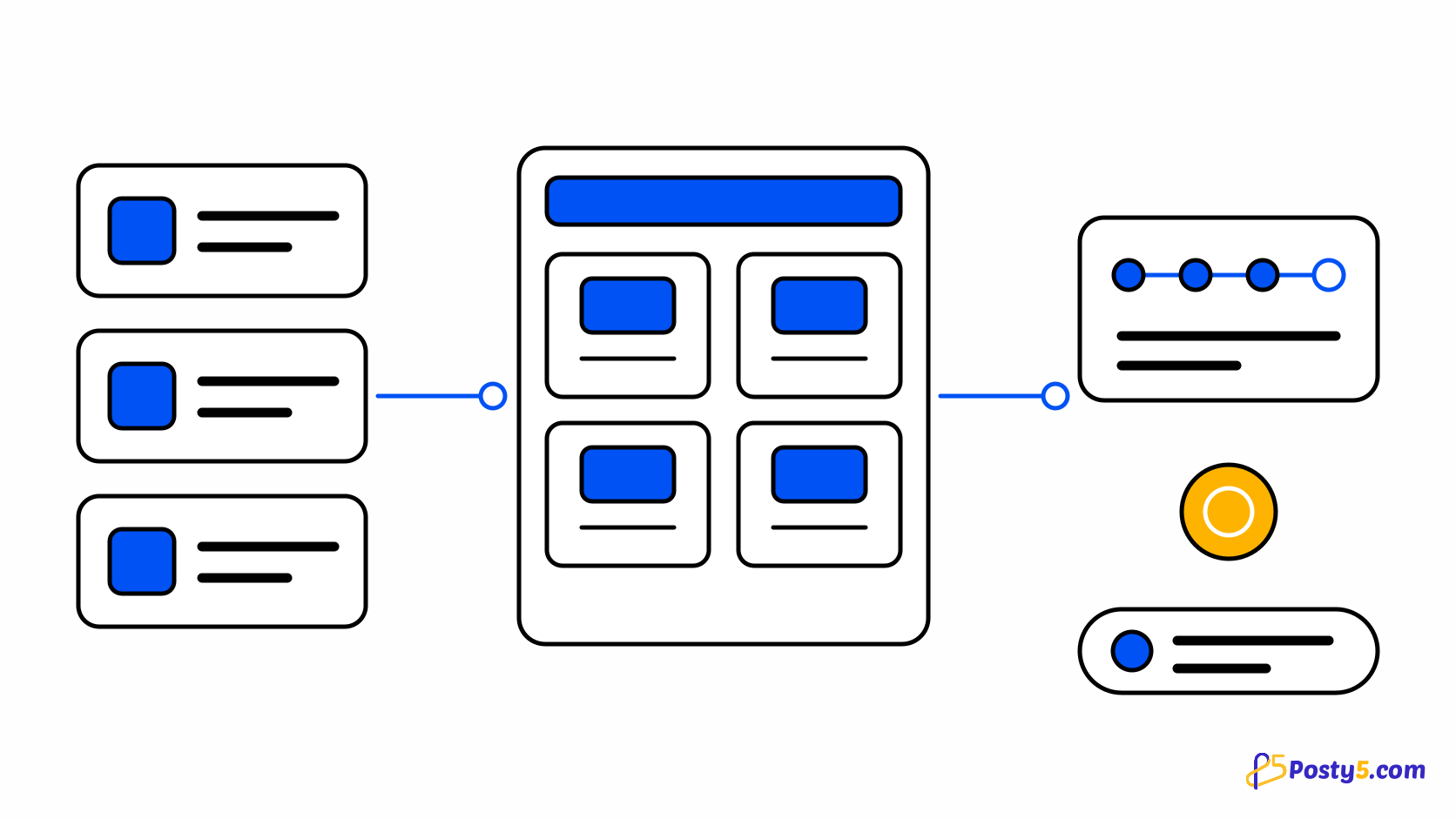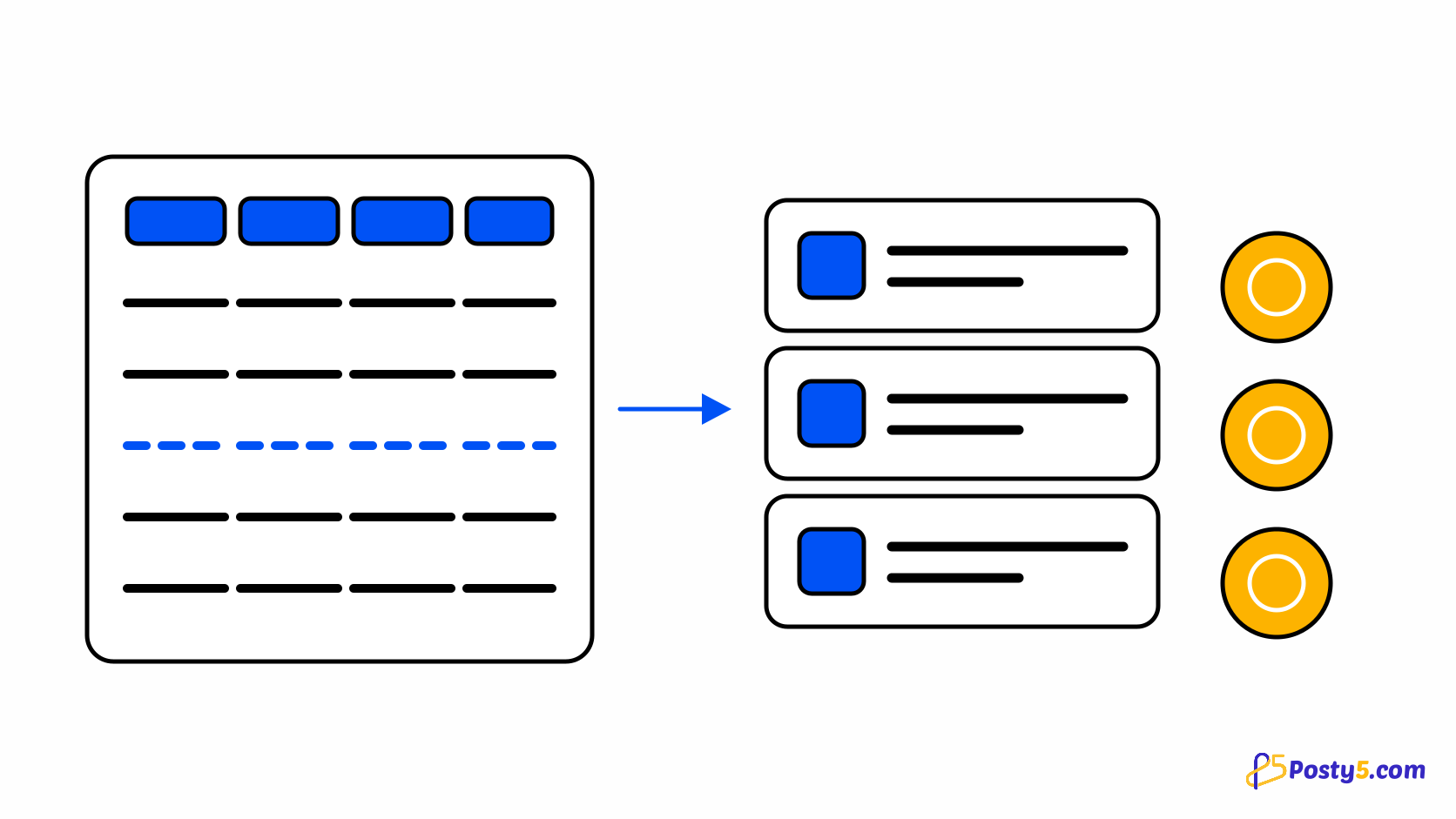
Most store builders hand you an identity system and, with it, the responsibility for other people's passwords. Posty5 does not. Shopper accounts are Posty5 accounts, and a store borrows them. That single decision is why a small store gets sign-in, a saved address book, order history, a wishlist and reviews without the merchant storing a credential or running a password reset.
One account, every Posty5 store
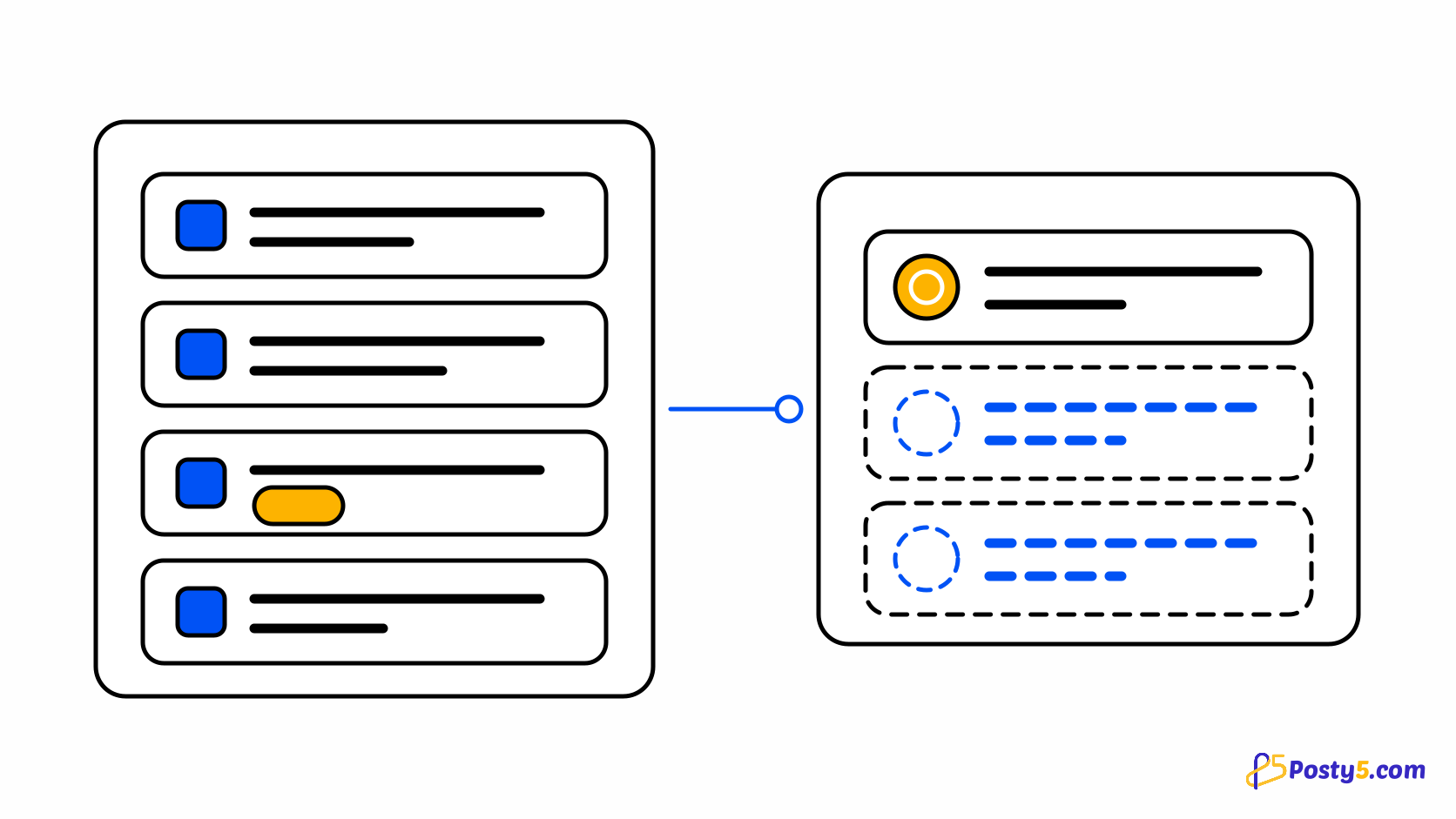
Identity is not the storefront's to own. Accounts live in the Posty5 web app and travel on a session shared across Posty5's own domains, which means a shopper who already has an account is recognised by any Posty5 store they visit. For the shopper that is one less password. For the merchant it is an entire category of work and risk that never arrives — you are not holding anyone's credentials, because there is nothing of theirs on your side to hold.
What signing in actually does
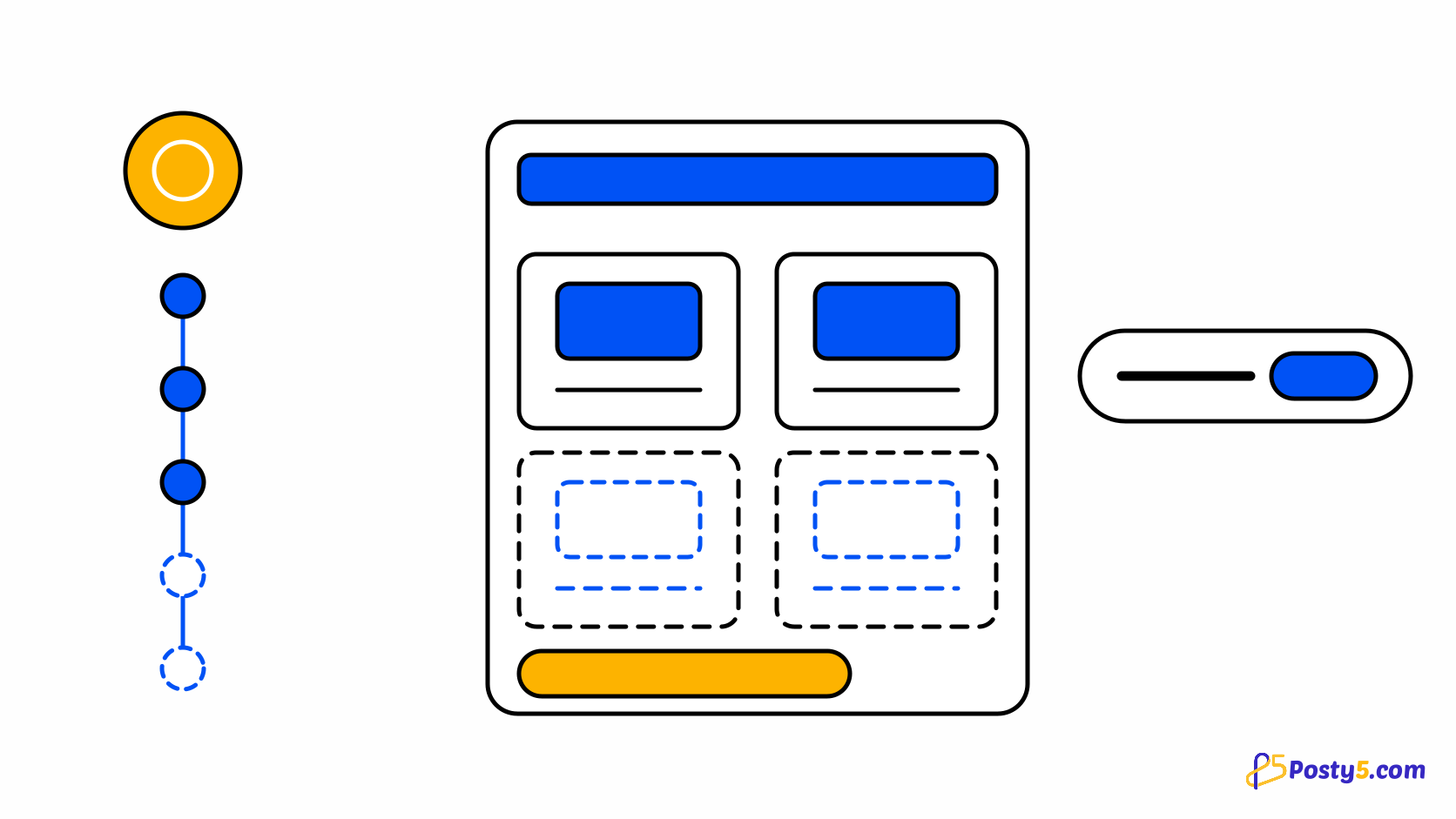
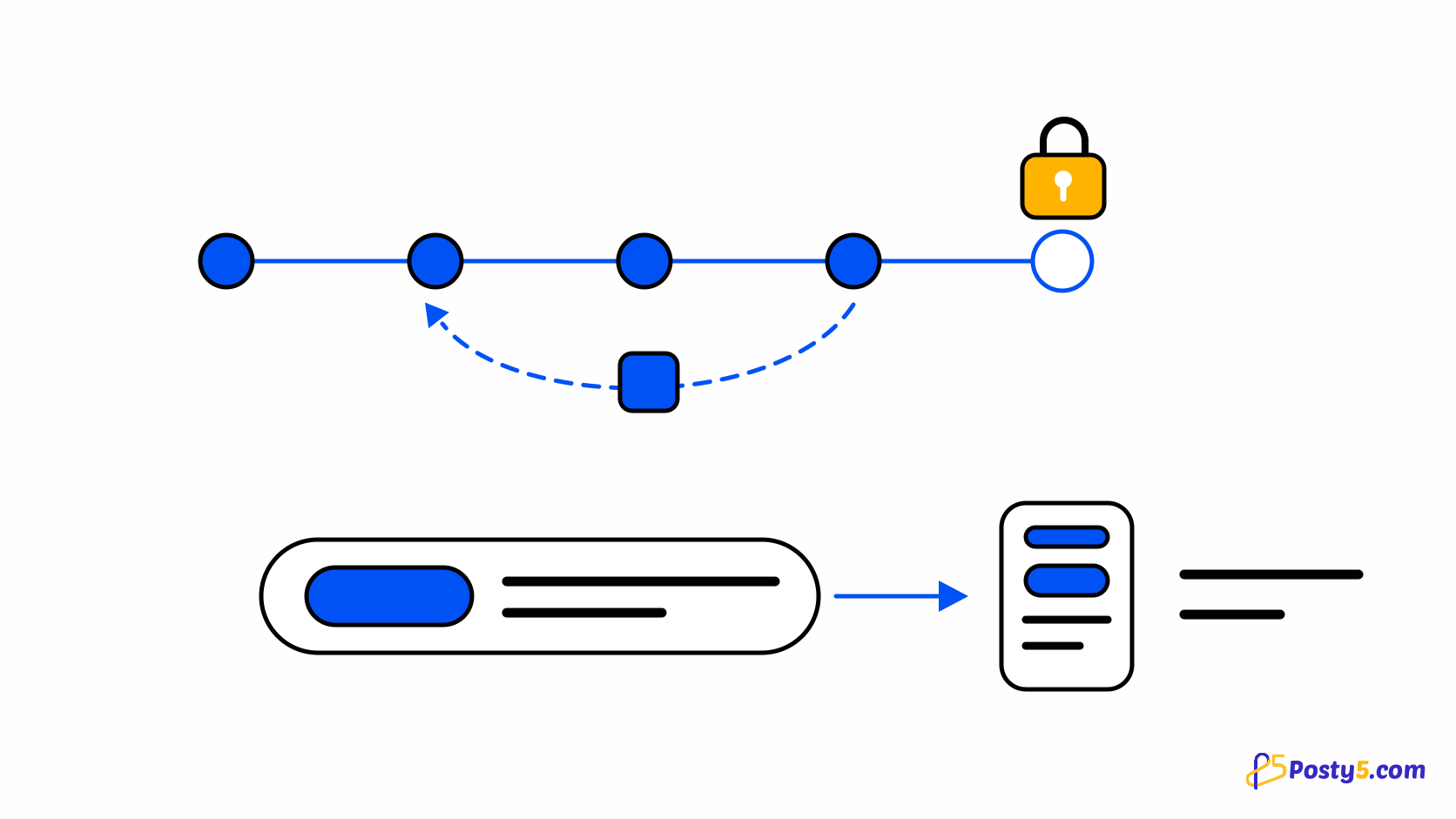
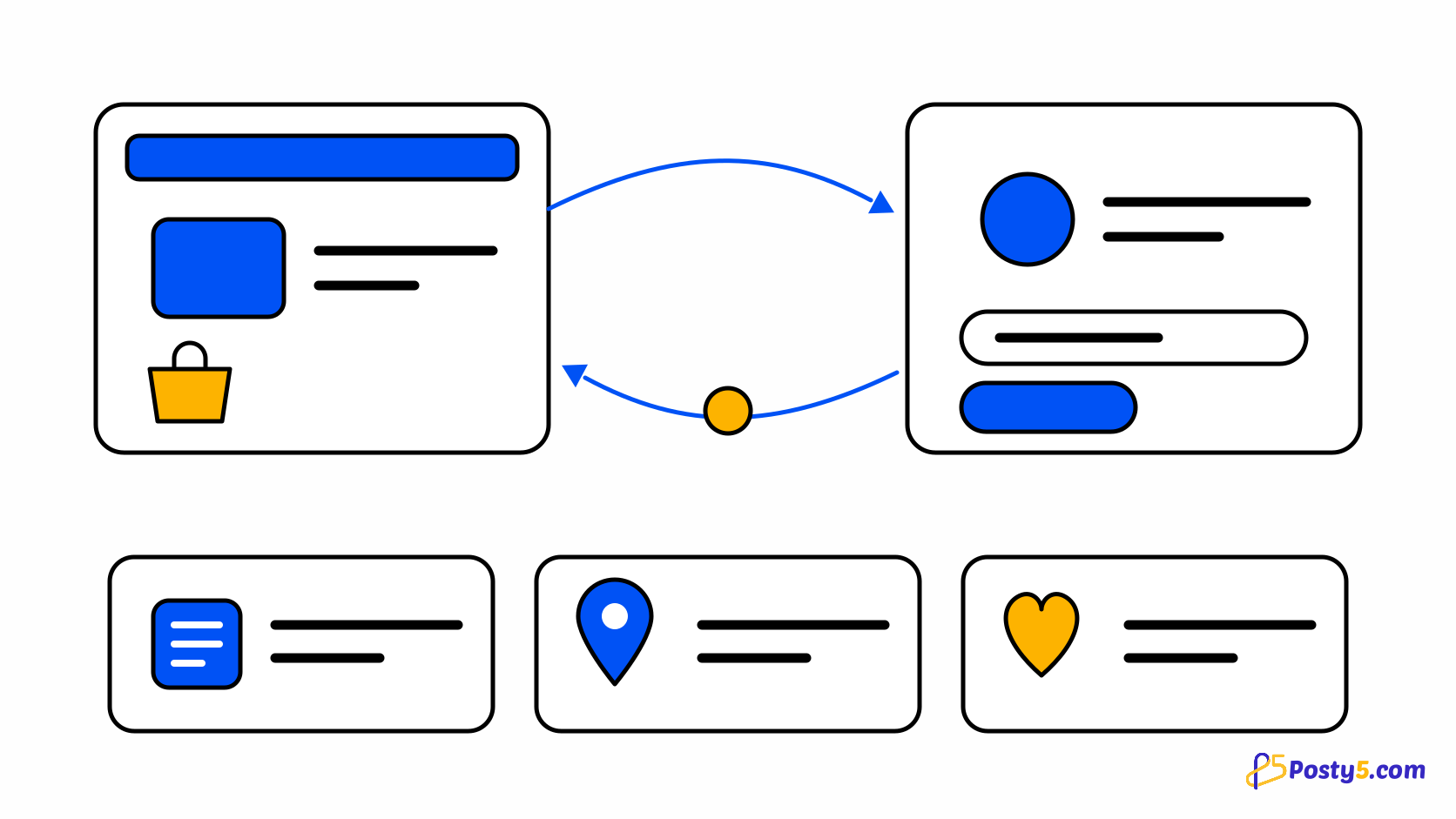
Because identity lives elsewhere, signing in is a round trip rather than a form on your store. The shopper leaves for the Posty5 sign-in page carrying a return address pointing at the exact page they were reading, and comes back to it — not to the home page, which is the version of this that annoys people. The storefront is also told whether they signed in or registered, so the greeting matches what they just did. Their cart survives the trip: it is stored per store in the browser rather than tied to the account, so nothing is lost by stepping out. Signing out drops the session and reloads the page, so what is on screen afterwards is genuinely an anonymous view rather than a partially cleared one.
What a shopper finds in their account
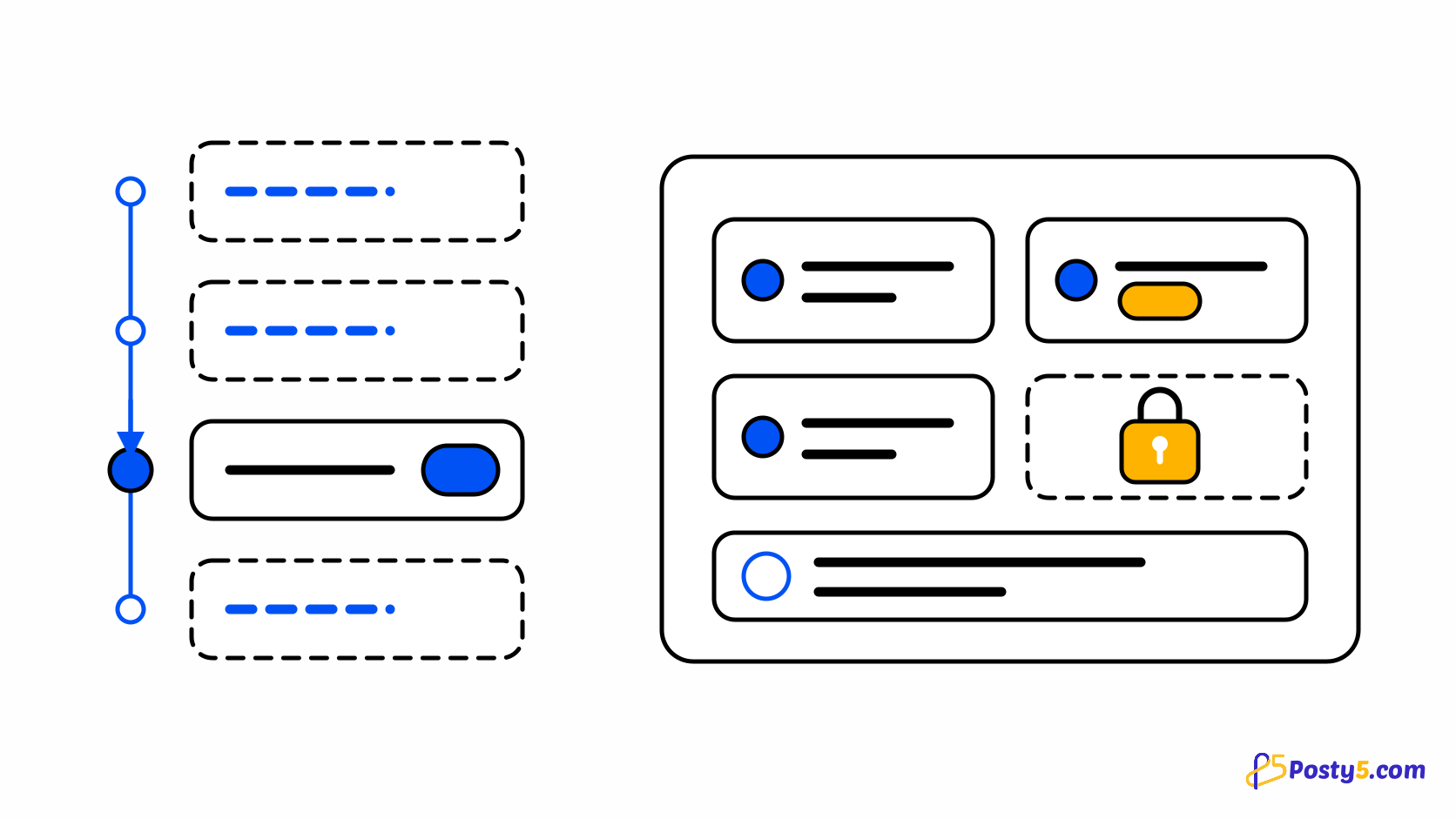
The account area is deliberately small and covers what a repeat buyer actually returns for. My orders holds their history with this store. My addresses is a real address book — several addresses, one of them the default, offered at checkout so a returning customer does not retype anything. Wishlist keeps the things they were not ready to buy. My reviews collects what they have written on products they received. Track an order is there too, and a store owner viewing their own storefront also sees a link into the control panel. If a session expires while someone is on an account page, the sign-in prompt comes back rather than an empty account that looks like lost data.
Guests are not second-class
None of this is compulsory. Where you allow guest checkout, a shopper buys without an account at all, and the order still gets its number and its tracking link. Public order tracking never requires signing in — the link carries an opaque id, so it can be shared with the person who is actually receiving the parcel without handing them access to anything else. Accounts are for people who come back, and the store works for people who do not. Read what the checkout asks for.
The boundary worth naming
One thing to be straight about, because it shapes expectations: this is a Posty5 account, not a store-branded one. Shoppers visibly leave for Posty5 to sign in, and the same account works across other Posty5 stores. If your brand needs its own login page and its own customer database, that is not what this is. If what you need is that returning buyers do not retype their address, it is exactly what this is. Read the Online Store Builder guide.
Open the Online Store Builder
Customer accounts need no setup — they arrive with the storefront. The settings worth checking are guest checkout and cart mode.
Frequently asked questions
Do my customers need a Posty5 account to buy?
Only if you turn guest checkout off. With it on, they can order without one, and tracking never requires an account.
Do I store my customers' passwords?
No. Accounts live in the Posty5 web app, so there are no shopper credentials on the store's side.
Does the same account work on other Posty5 stores?
Yes. It is a Posty5 account rather than a store-specific one, and the session is shared across Posty5's domains.
Will a shopper lose their cart if they sign in mid-order?
No. The cart is kept per store in the browser rather than on the account, so it survives the round trip.
Can I brand the sign-in page as my store?
No. Shoppers sign in on Posty5 and return to your store afterwards.
What can a customer do with a saved address?
Keep several and mark one as default, which is then offered at checkout so nothing has to be retyped.