
Online Store Builder
Launch a full online store in minutes — product catalog, cart, cash-on-delivery checkout, order tracking, your own design and a team. No code required.
21.5K
Number of Visits
Everything you need to sell online
One place to run your store end to end.
 Product catalog
Add products with images, options, prices and stock — or bulk-import from Excel.
 Cash-on-delivery checkout
A guest-friendly cart and COD checkout built in — no payment setup needed to start selling.
 Orders & tracking
Manage orders, update statuses, and give customers a public tracking link for every order.
 Your own design
Pick a template, set your theme and colors, and edit your storefront pages from the control panel.
 Team & supervisors
Invite staff with fine-grained permissions to help run the store (available on Pro).
 Multi-language storefront
Choose your store language at creation — the storefront and chrome adapt, including RTL.
 Custom domain
Use your free Posty5 store address, or connect your own custom domain.
 Visitors & SEO
Per-store SEO, social previews and visitor counts — built for search from day one.
 Dropshipping
Sell products a supplier ships for you — import and price them in your store, and send each order to the supplier from there.
Learn about dropshippingTransparent pricingStart free; store creation and some actions use credits, shown up-front on the pricing page.
How it works
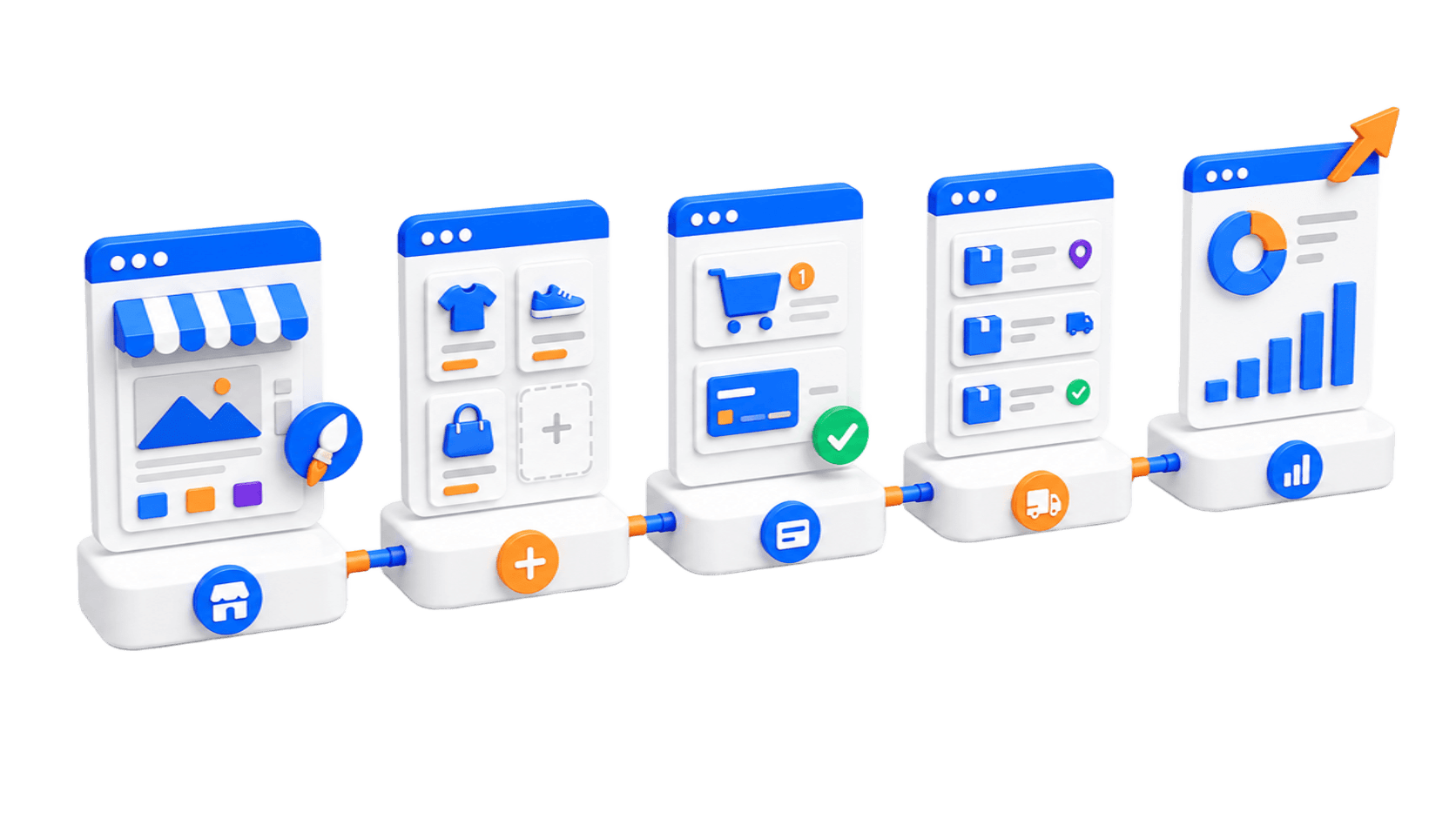
From idea to live store in three steps.
1. Create your storeName it, pick a template and language, and confirm — your store and control panel are ready instantly.
2. Add products & designAdd your products, set your theme, and write your About / policy pages from the control panel.
3. Publish & sellPublish your storefront, share the link, and start receiving cash-on-delivery orders.
Quick Start Guide
Get your store live in four simple steps.
Sign Up or Log In
Create a free account or log in to open the Online Store Builder from your dashboard.
Pick a Store Style
Choose the storefront design that fits your brand, then set your store name, language and color theme.
Add Your Products
Add products with images, options, prices and stock — one by one or bulk-imported from Excel.
Publish & Start Selling
Publish your storefront, share the link, and start receiving cash-on-delivery orders right away.
Ready to Build Your Store?
Open your store in minutes. Pick a style, add your products, and start selling with cash on delivery.
Get Started Free