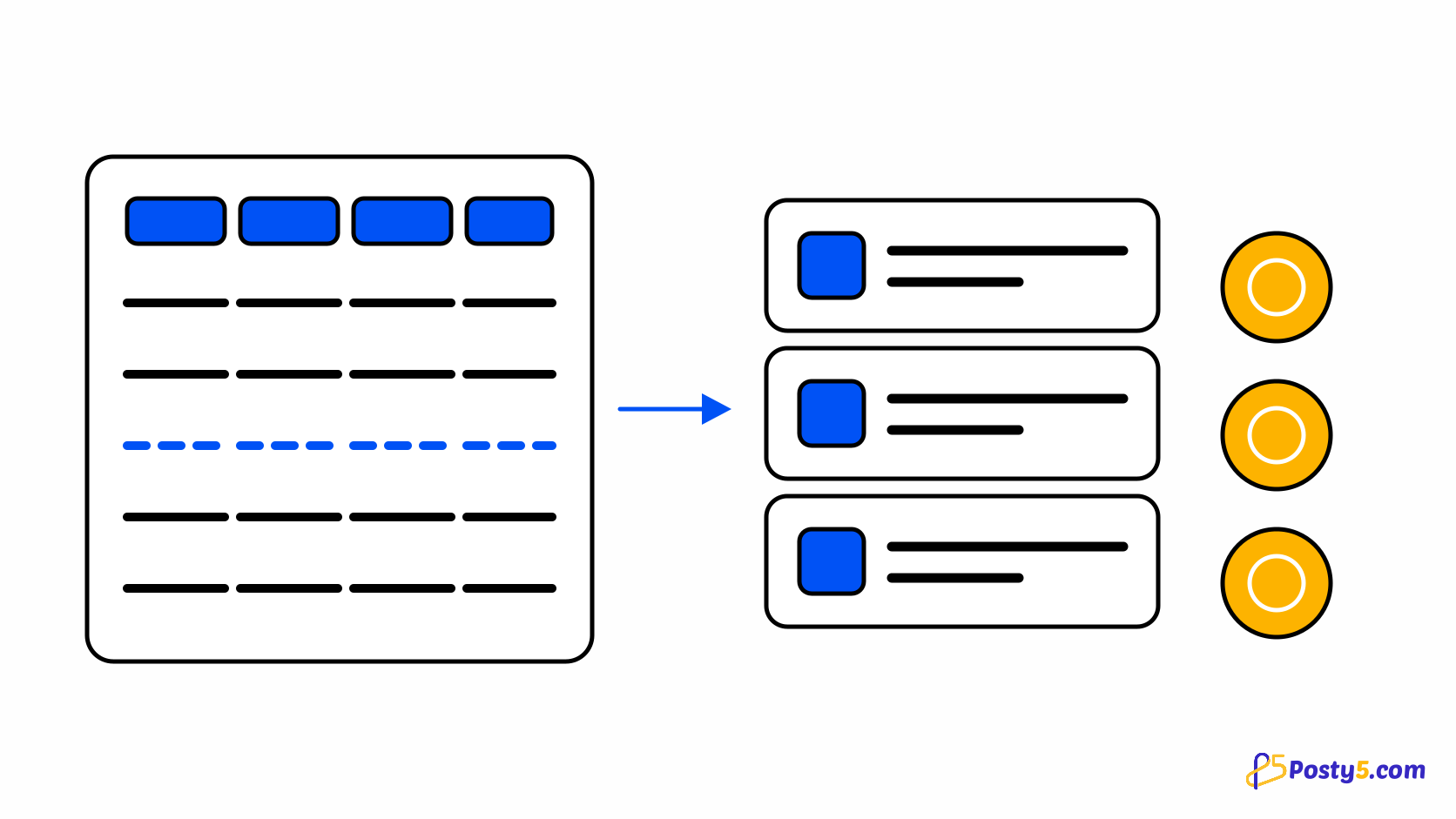
If your catalogue already exists in a spreadsheet, typing it in again is wasted work. The import takes an .xlsx file and creates products from it. Two things decide whether it goes smoothly, and both are worth knowing before you upload anything: what the columns expect, and what the batch will cost you in credits.
Do the credit maths first
The import checks the whole batch against your balance before it starts, so a file you cannot afford is refused as a batch rather than applied halfway — which is the right behaviour, but it does mean the answer to "why did nothing import? " is sometimes arithmetic rather than formatting. Compare the plans. See how the credit budget works across every tool.
Download the template and read the sample row
Start by downloading the template rather than guessing at a format. It arrives with the header row and one filled-in sample row, and that sample is the specification: it shows a price, a compare-at price, a SKU, a stock number, image URLs, a variant string and a tag list, all in the shape the parser expects. The columns, in order, are name, description, price, compareAtPrice, sku, stock, imageUrl1, imageUrl2, imageUrl3, options, tags and status.
Your columns are matched by name, not position
You do not have to rebuild your spreadsheet to match the template. Headers are matched by name rather than by position, so a sheet whose columns are in a different order imports correctly, and columns of your own that the importer does not recognise are ignored rather than treated as errors. Two limits are worth knowing: only the first sheet in the workbook is read, so move your data there if it lives on a second tab; and completely blank rows are skipped silently rather than reported as failures, so an empty row between sections costs you nothing.
Writing variants in the options column
Variants go in a single options column, written as a name, a colon, and the values separated by pipes — with a semicolon between groups. Size:S|M|L; Color:Sand|Slate reads as two option groups with three and two values. If one segment is malformed the importer skips that segment rather than failing the whole row, which is forgiving but also quiet: a typo in one group can produce a product with fewer options than you meant, and nothing will shout about it. Check a couple of imported products against your sheet.
Images, and what the Free plan changes
Images are given as URLs in imageUrl1 through imageUrl3, pointing at pictures that are already hosted somewhere. That matters most on the Free plan, where uploading image files is not available at all — so a free-plan import has to reference images that live elsewhere. On a paid plan you can upload files afterwards; the import itself still works by URL. Follow the step-by-step store setup.
Upload, then read the report
After the upload you get a per-row report rather than a single success or failure. Read it. A run can be mostly successful with a handful of rows rejected, and the report is the only place that difference is visible — the catalogue afterwards just looks slightly shorter than you expected. Remember that blank rows are absent from the report by design, because they were skipped rather than rejected.
Open the Online Store Builder
The template, the import and your catalogue all live in the same place. Check the credit cost, then upload.
Frequently asked questions
How much does importing cost?
The whole batch is checked against your balance before anything is created. Compare the plans.
Do my columns have to be in the template's order?
No. Headers are matched by name, so any order works, and extra columns of your own are ignored.
My workbook has several sheets. Which is used?
Only the first one. Move the product data to the first sheet before uploading.
How do I write sizes and colours?
In the options column, as Size:S|M|L; Color:Red|Blue — a name, a colon, values separated by pipes, and a semicolon between groups.
Can I import products on the Free plan?
Yes, but images must be URLs pointing at pictures hosted elsewhere, because uploading image files needs a paid plan.
Why are some rows missing from the report?
Completely blank rows are skipped rather than rejected, so they never appear as failures.