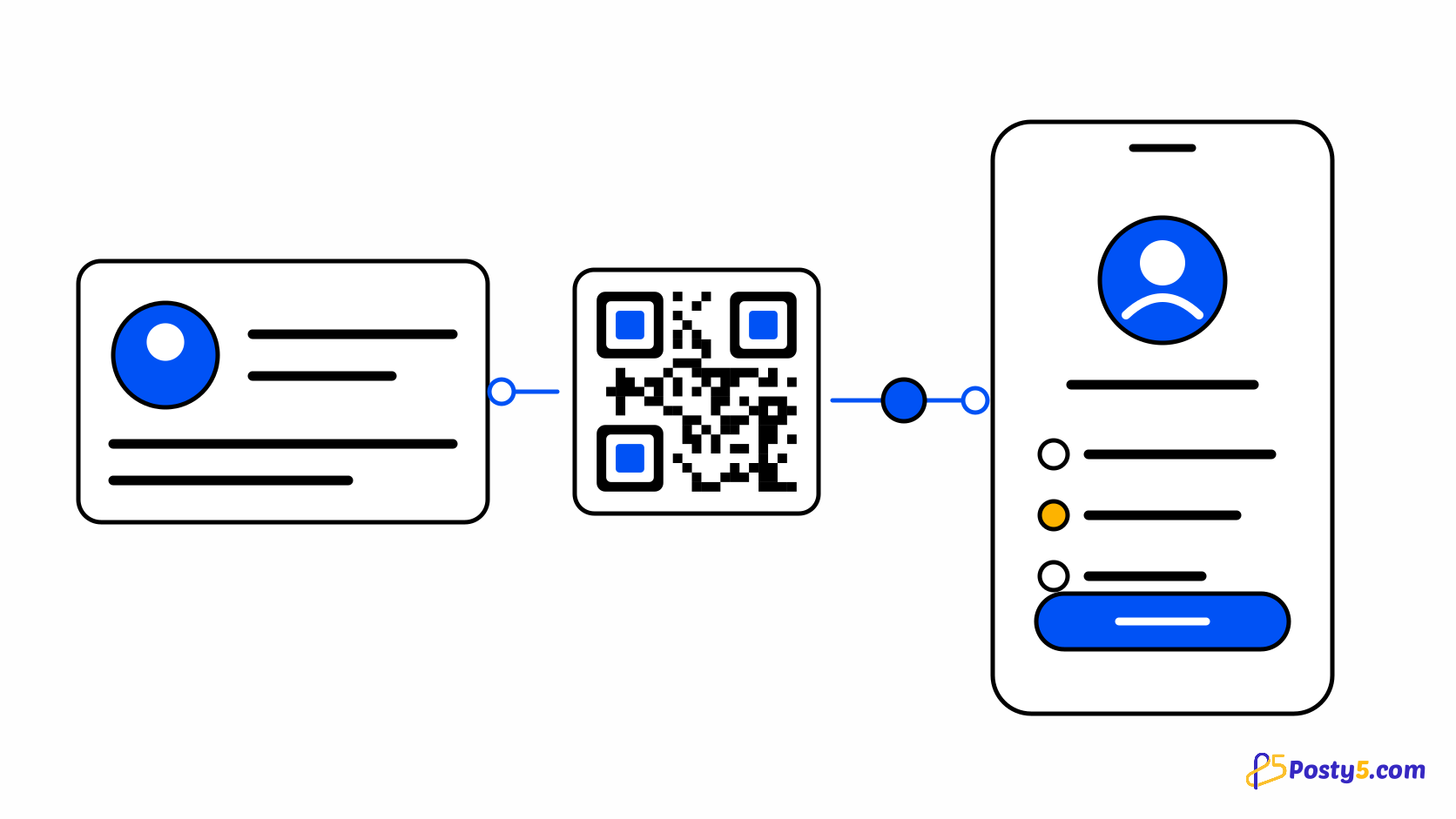
A vCard QR code holds a contact card. Scanning it lets a phone add you to its contacts: name, organisation, job title, up to three phone numbers, up to two emails, a website, an address and a note.
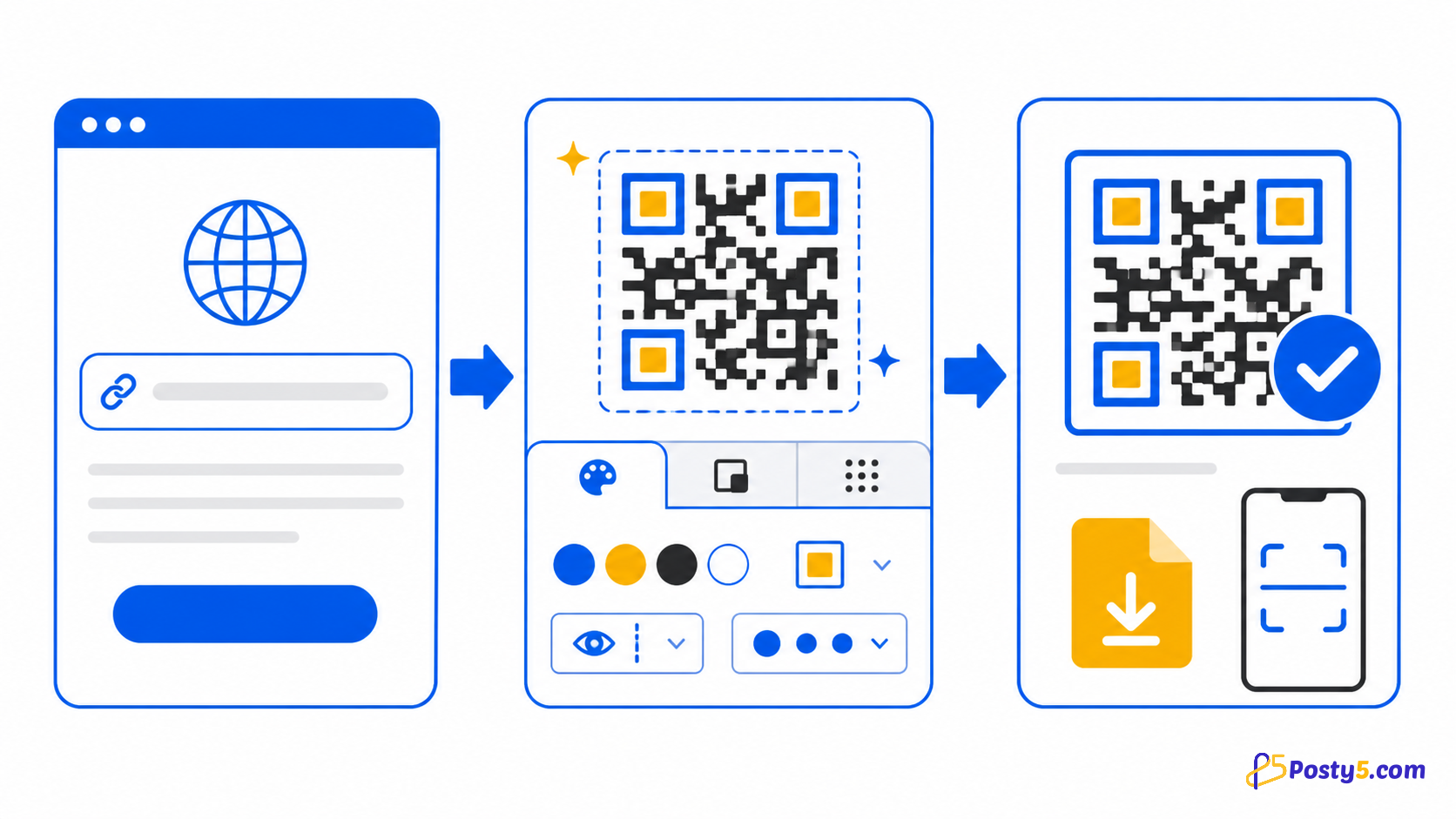
Create it in three steps
- Open the QR Code Generator on the Contact (vCard) type and fill in only the fields you want people to save.
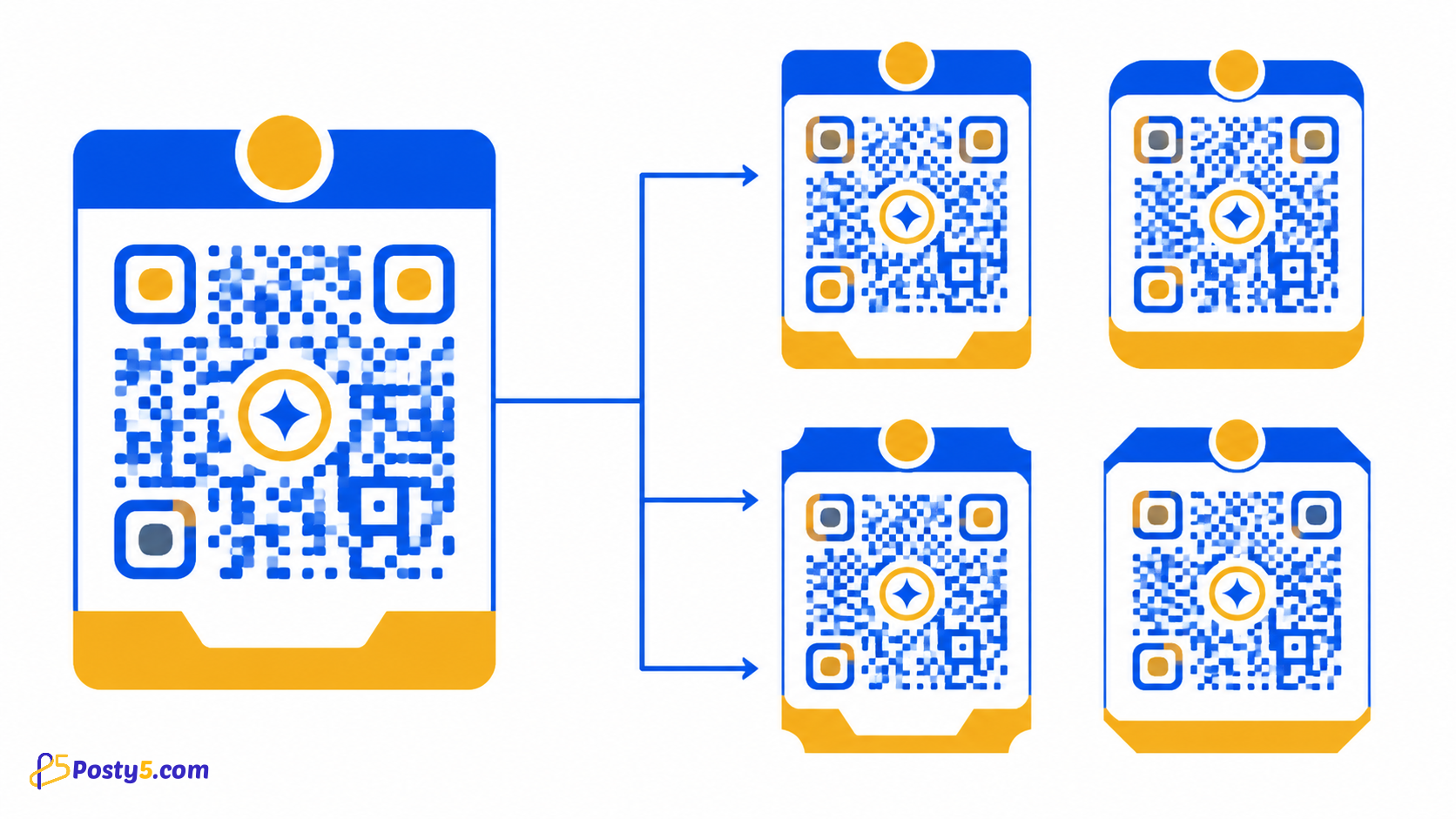
- Style the preview with colours, corner markers, a logo and a title, then download the PNG. Sign in when you want to save the code.
- Scan the downloaded image with an iPhone and an Android phone and check that the contact sheet shows the right details.
Keep the card short enough to scan
Every field you add makes the code denser. Posty5 warns you when the contact text gets long and refuses a vCard that is too large to scan reliably, so remove optional fields before you make the printed code smaller.
Static or dynamic
A vCard code is static by default: the contact is written into the image and cannot change after printing. You can make it dynamic instead. The scan then opens a Posty5 page with a contact download, so you can edit the details later, but that page is public, so add only details you are happy to publish.
Frequently asked questions
Why does my vCard QR code look so dense?
Every field you add makes the code denser. Posty5 warns you when the contact text gets long and refuses a vCard that is too large to scan reliably, so remove optional fields before you make the printed code smaller.
Can I change the contact after printing?
A vCard code is static by default: the contact is written into the image and cannot change after printing. You can make it dynamic instead. The scan then opens a Posty5 page with a contact download, so you can edit the details later, but that page is public, so add only details you are happy to publish.
Related articles
- Read: How to Create a Google Review QR Code
- Read: How to Create a WhatsApp QR Code for Scan-to-Chat
- Read: One QR Code for the App Store and Google Play
- Read: How to Create a PDF QR Code for Menus, Flyers and Brochures
- Read: Posty5 QR Code Generator: Create and Customise QR Codes
- Read: How to Create a QR Code in Three Steps
- Read: QR Code Not Scanning? Causes and Fixes
- Read: How to Create a Digital Business Card with Posty5