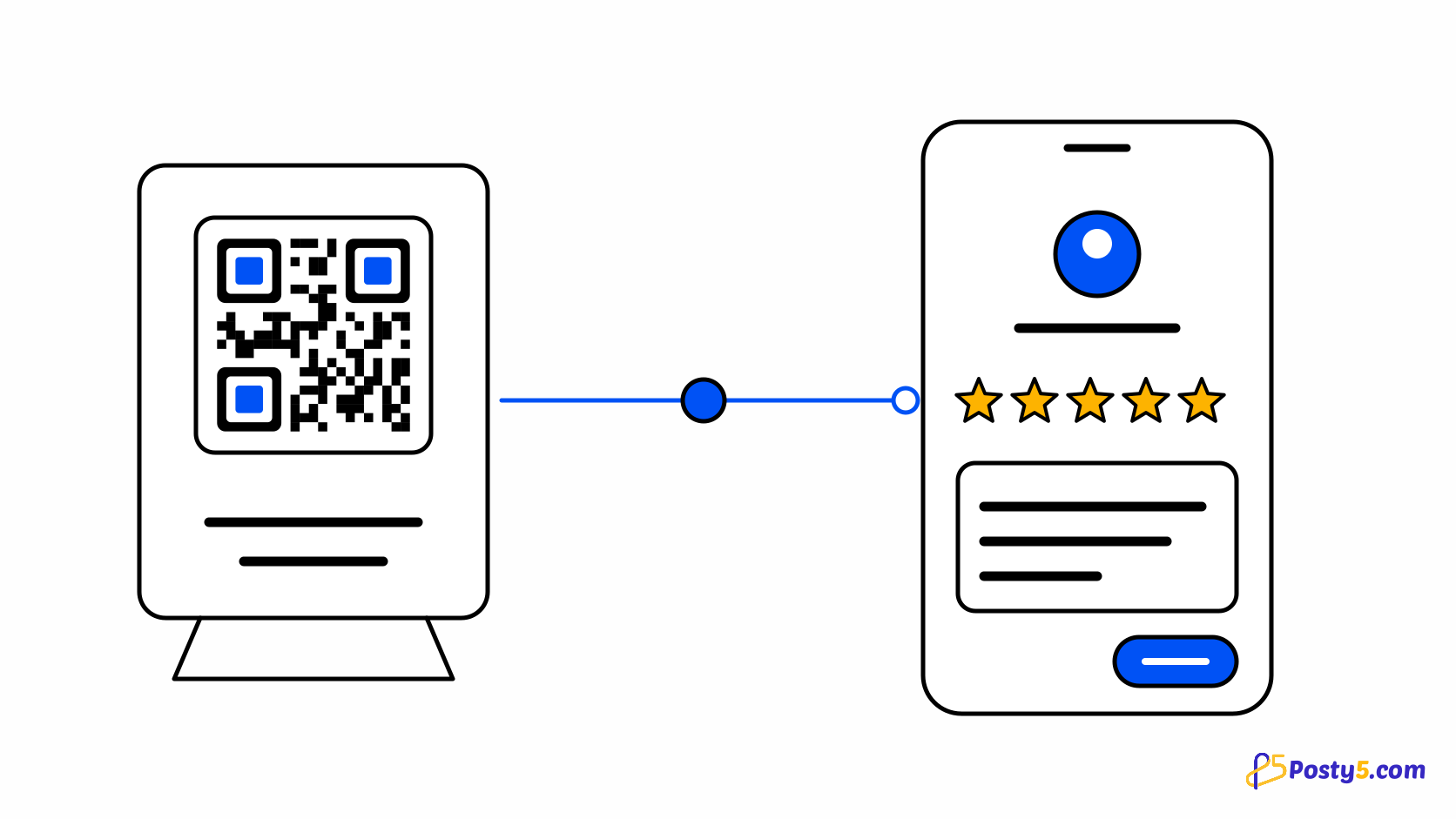
A review QR code opens the page where a customer writes a review. Posty5 supports Google, Tripadvisor, Trustpilot, Yelp, Facebook and any other review page.
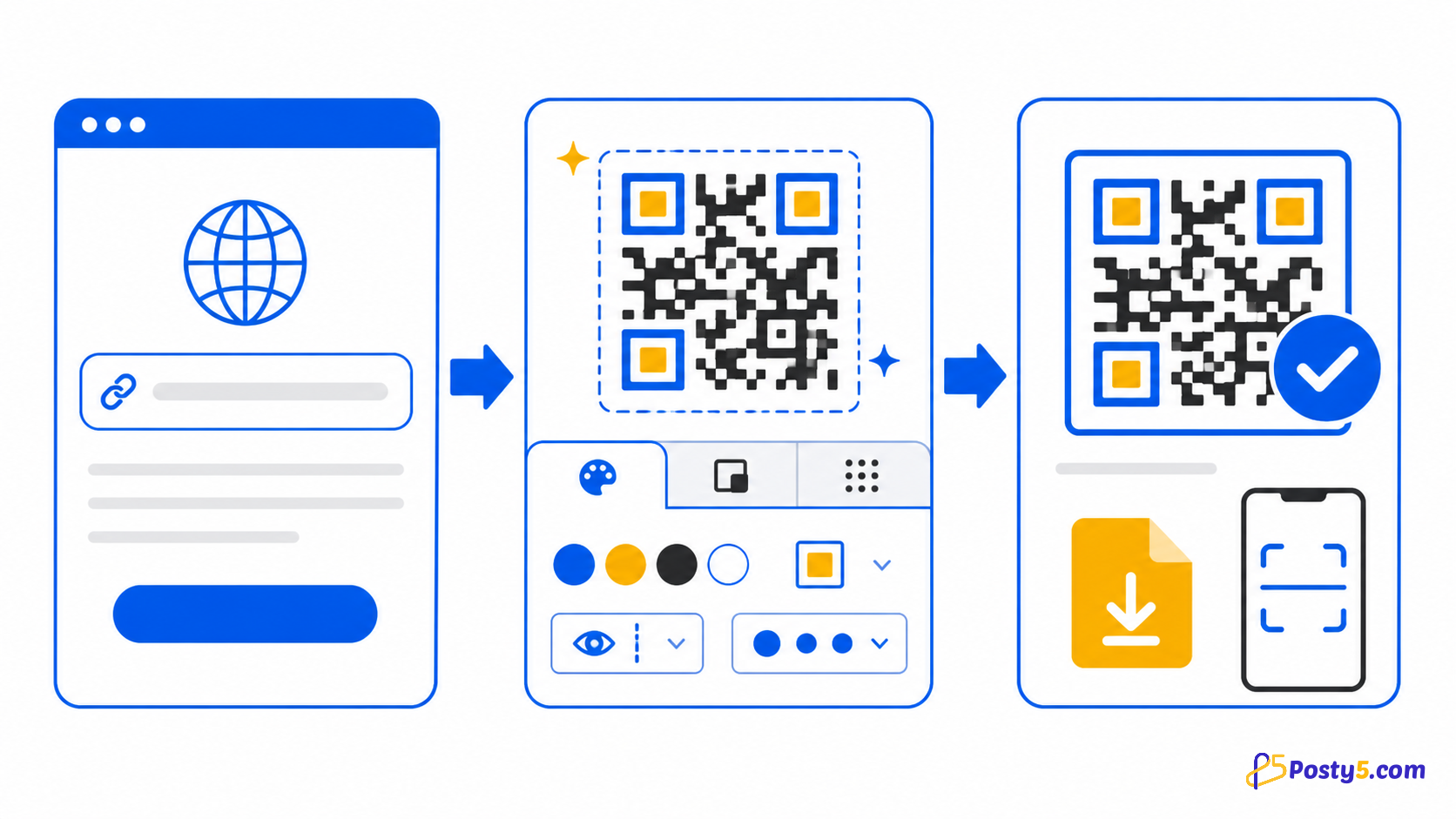
Create it in three steps
- Choose the Review type and pick the platform. Google is selected first.
- For Google, paste your Place ID and Posty5 builds Google's write-a-review link. For any other platform, paste your review page address.
- Download the code, scan it and confirm it opens the write-a-review screen before you print it.
Where to place it
Put the code where the visit ends, such as the receipt, the bill folder or the counter, so the request arrives after the service rather than before it.
Ask every customer the same way
Do not ask only happy customers and do not offer a discount or a gift for a review: Google's review policy prohibits both. The code simply opens the review page; what customers write is up to them.
Frequently asked questions
Where should I put a review QR code?
Put the code where the visit ends, such as the receipt, the bill folder or the counter, so the request arrives after the service rather than before it.
Can I offer a reward for reviews?
Do not ask only happy customers and do not offer a discount or a gift for a review: Google's review policy prohibits both. The code simply opens the review page; what customers write is up to them.
Related articles
- Read: How to Create a vCard QR Code That Saves Your Contact
- Read: How to Create a WhatsApp QR Code for Scan-to-Chat
- Read: One QR Code for the App Store and Google Play
- Read: How to Create a PDF QR Code for Menus, Flyers and Brochures
- Read: Posty5 QR Code Generator: Create and Customise QR Codes
- Read: How to Create a QR Code in Three Steps
- Read: QR Code Not Scanning? Causes and Fixes
- Read: QR Codes for Restaurants: Menus, Wi-Fi and Reviews