Posty5 QR Code Generator: Create and Customise QR Codes
What Posty5 creates
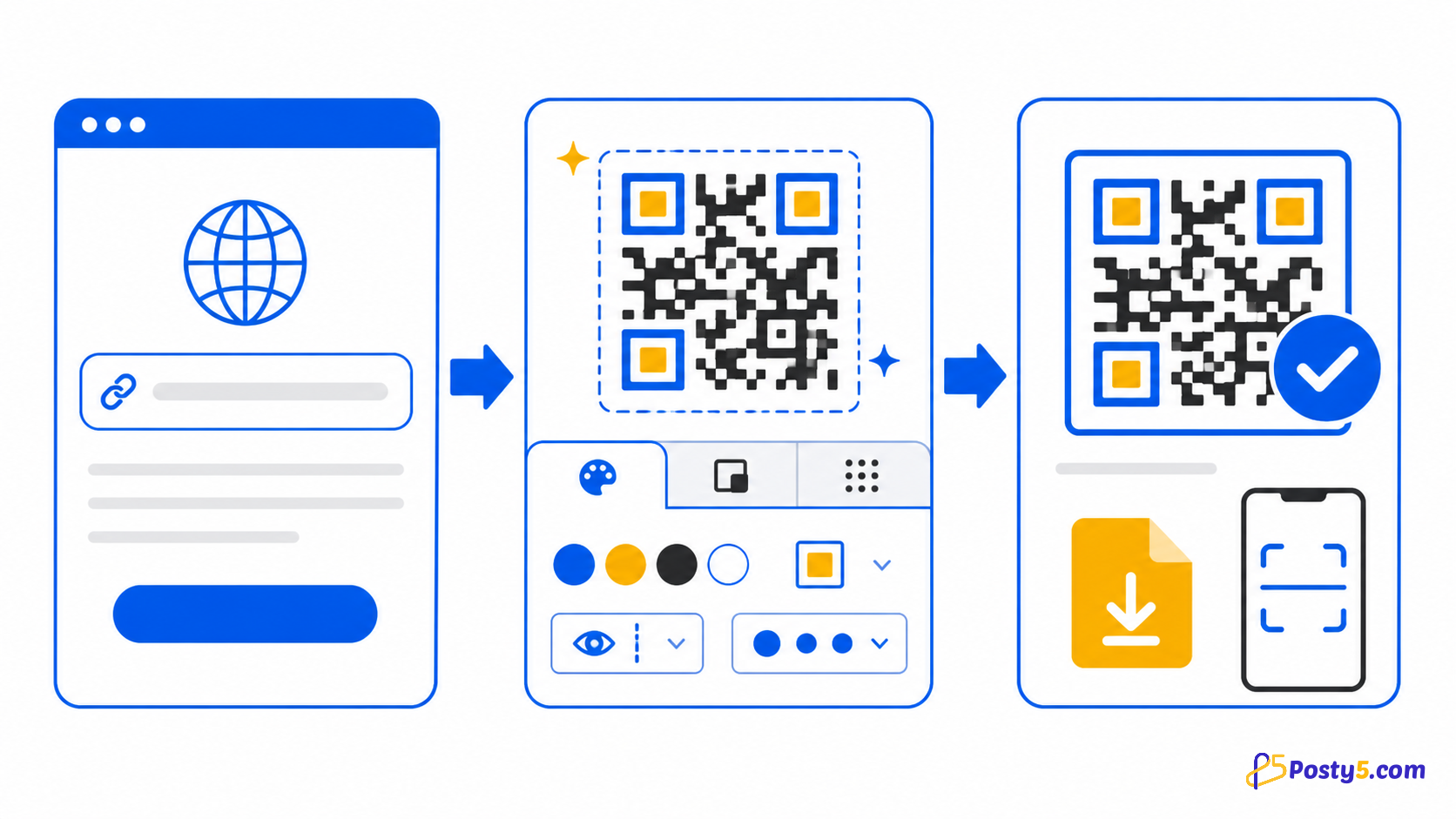
Posty5 builds the preview in your browser and downloads it as a PNG without requiring an account. Signing in is required only when you want to save and manage the QR record.
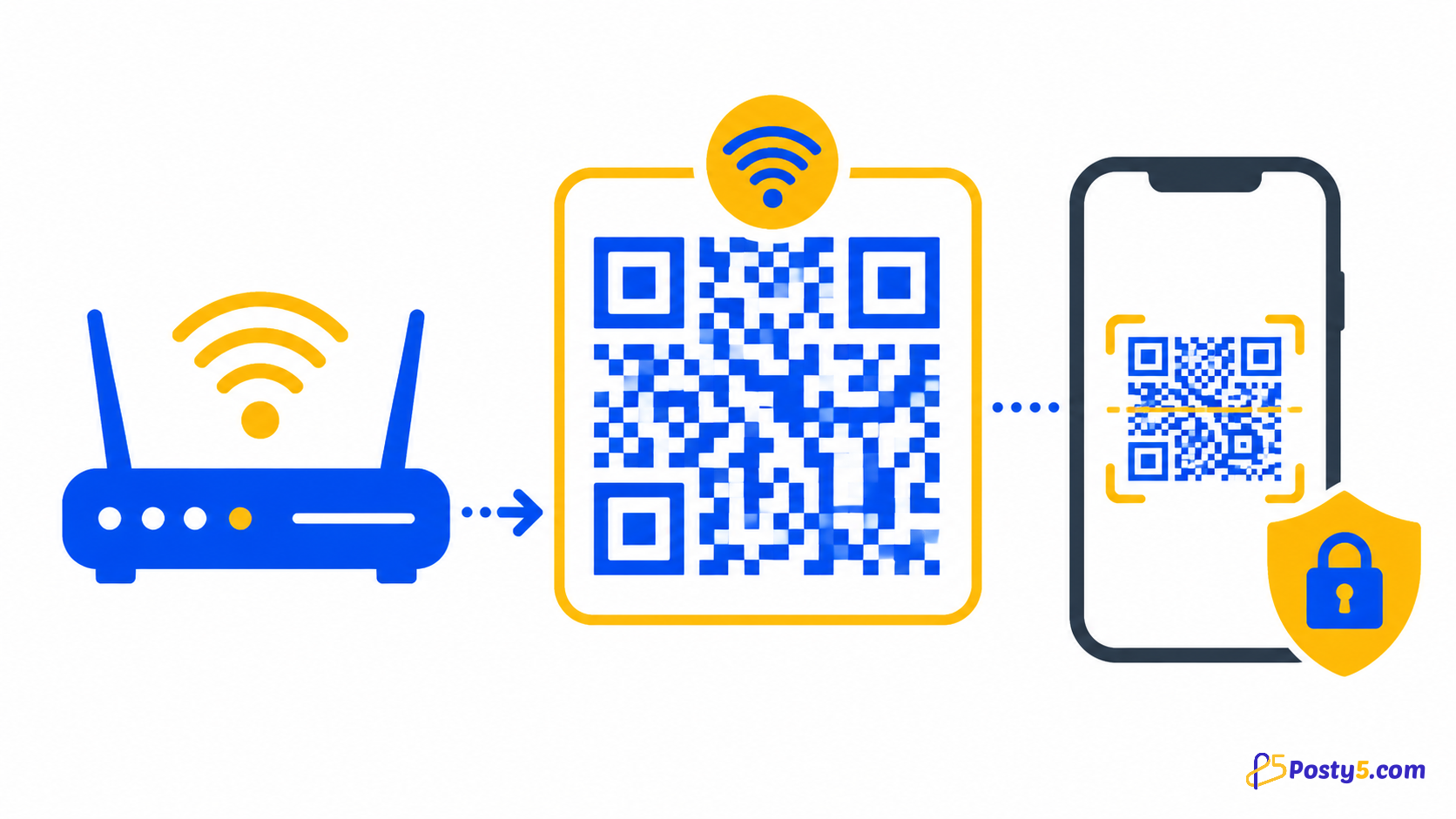
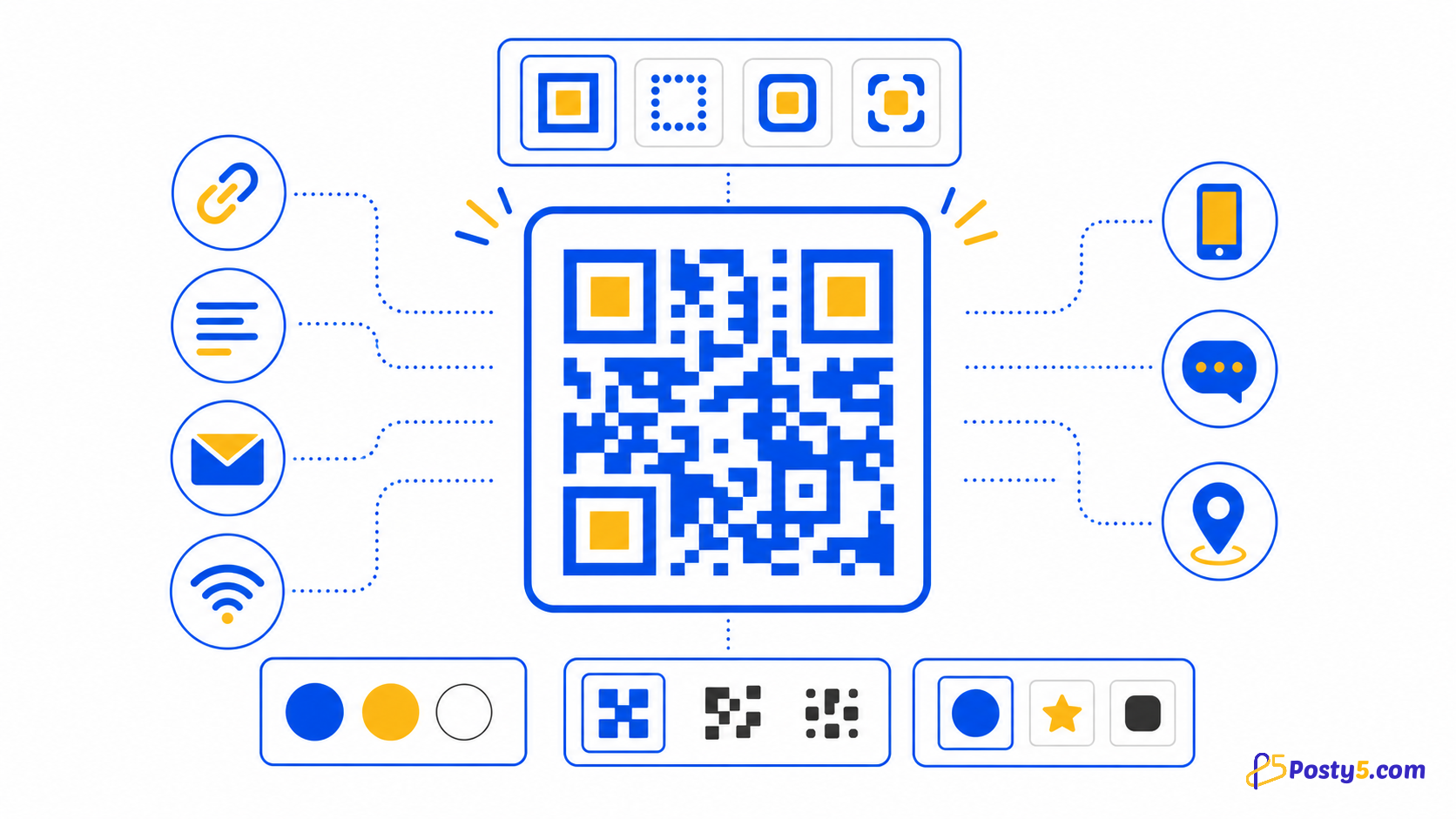
Fourteen types are supported: free text, email, Wi-Fi, phone call, SMS, URL and location, plus contact card (vCard), calendar event, WhatsApp, review, social profiles, app store and file (PDF or image). App store and file codes are always dynamic.
Open QR Code GeneratorCreate your QR code
- Choose the target type, enter its required values, customise the preview, download the PNG and scan-test the exact file before using it.
- Design controls include foreground, background and quiet-zone colours, individual corner markers, dot scale, title, size and error-correction level.
- Keep strong contrast, preserve a clear quiet zone, test the final printed size on more than one phone and repeat the test after adding a logo or changing colours.
Design without hurting scans
Design controls include foreground, background and quiet-zone colours, individual corner markers, dot scale, title, size and error-correction level.
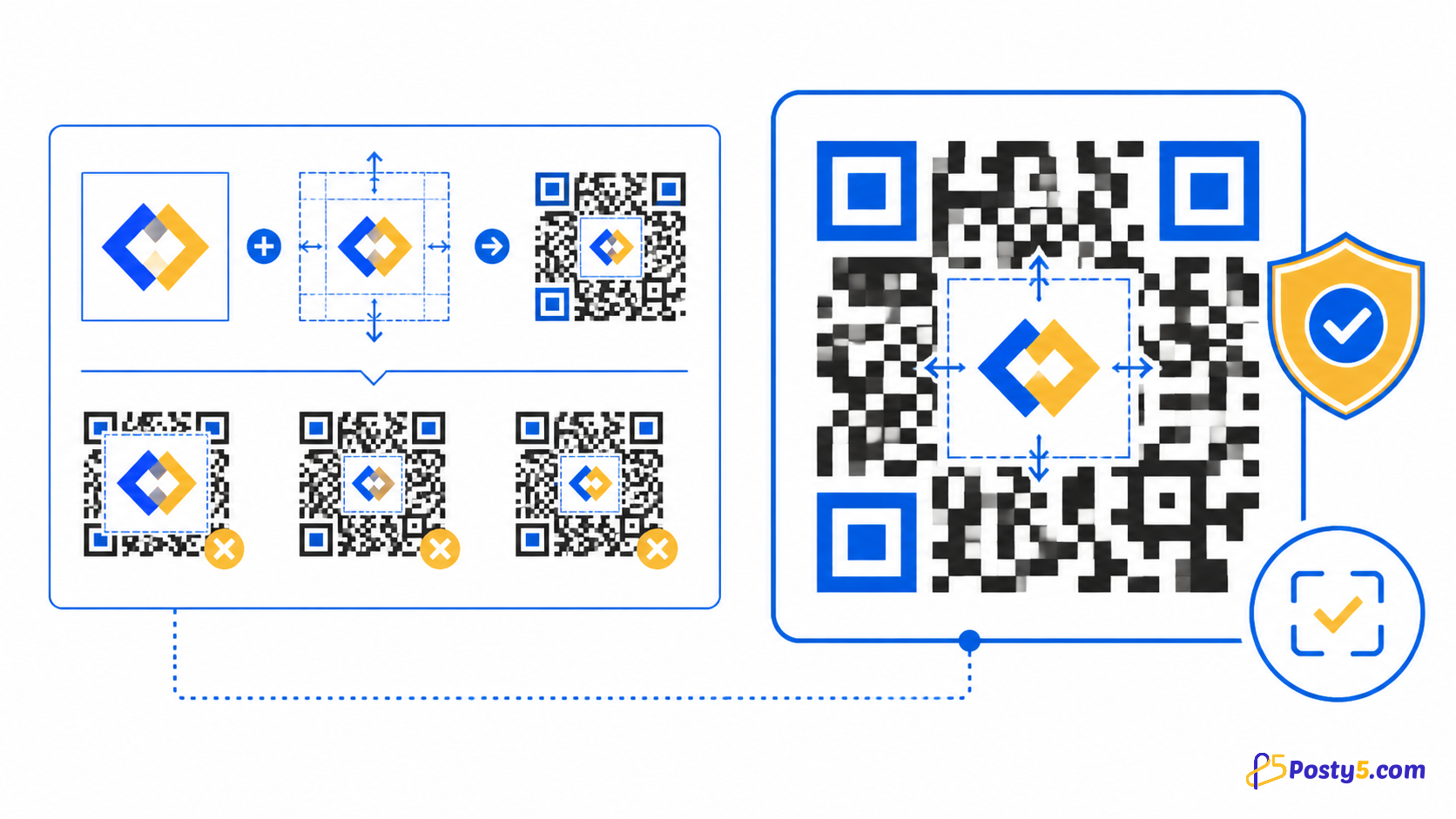
A centre logo can have its own size and background. Keep it modest, use stronger error correction when appropriate and test because the logo covers data modules.
Save and manage
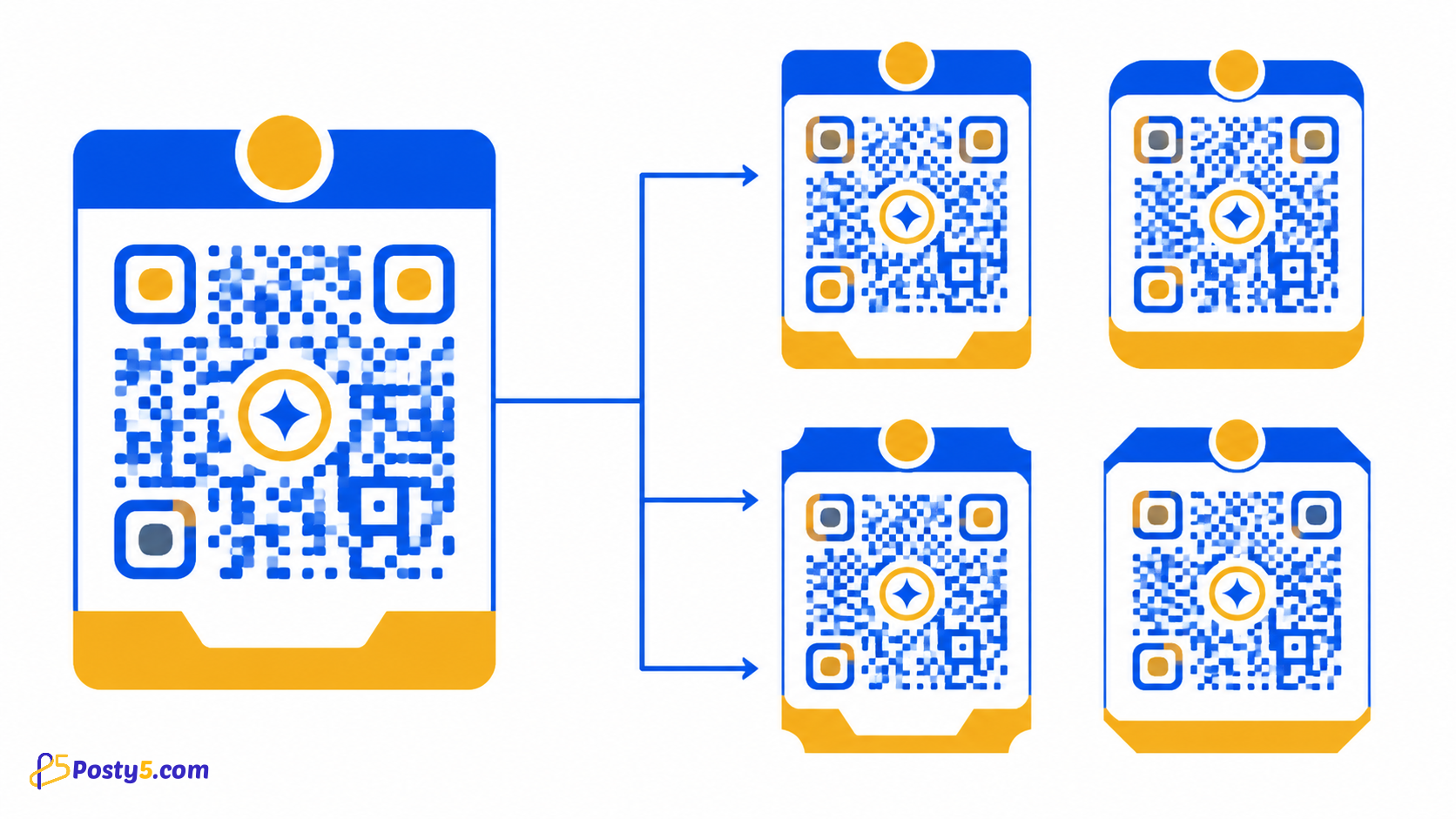
Reusable design templates keep colours and styling consistent and can also be selected when creating QR codes for short links.
Saved records can be listed, searched, edited and deleted. Posty5 shows how many times the code's Posty5 page was opened and when; scans of a downloaded or printed image are not counted.
Prepare for print
Keep strong contrast, preserve a clear quiet zone, test the final printed size on more than one phone and repeat the test after adding a logo or changing colours.
Posty5 output from the public generator is verified as PNG. Do not assume SVG, PDF, JPEG, vector export or editable destinations after printing.
Frequently asked questions
What Posty5 creates?
Fourteen types are supported: free text, email, Wi-Fi, phone call, SMS, URL and location, plus contact card (vCard), calendar event, WhatsApp, review, social profiles, app store and file (PDF or image). App store and file codes are always dynamic.
Create your QR code?
Choose the target type, enter its required values, customise the preview, download the PNG and scan-test the exact file before using it.
Design without hurting scans?
A centre logo can have its own size and background. Keep it modest, use stronger error correction when appropriate and test because the logo covers data modules.
Save and manage?
Saved records can be listed, searched, edited and deleted. Posty5 shows how many times the code's Posty5 page was opened and when; scans of a downloaded or printed image are not counted.
Continue through the QR Code guides
- Read: How to Create a QR Code in Three Steps
- Read: How to Add a Logo to a QR Code Without Breaking It
- Read: How to Create a Wi-Fi QR Code for Guests
- Read: QR Code Design Templates: Reuse One Branded Style
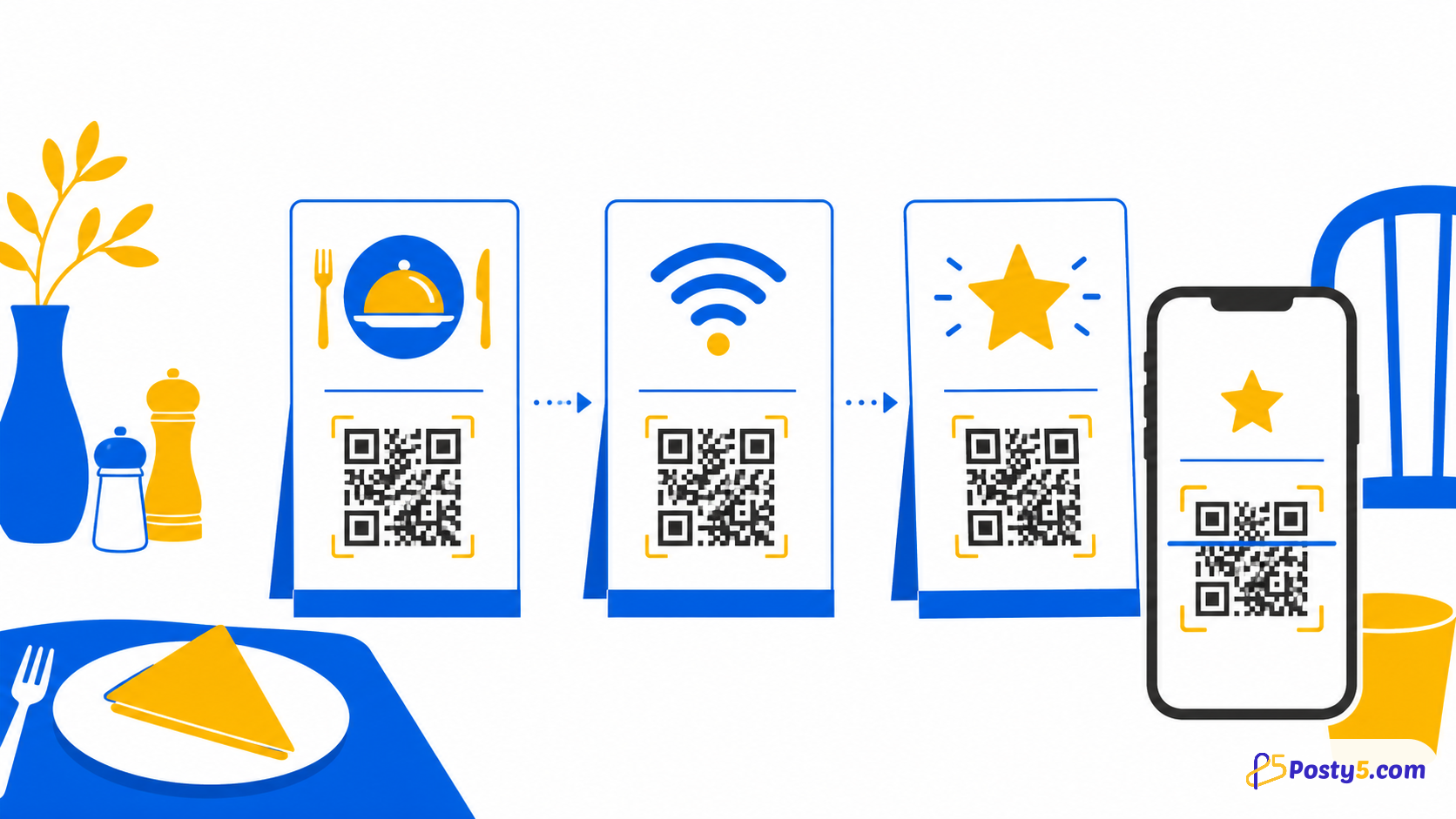
- Read: QR Codes for Restaurants: Menus, Wi-Fi and Reviews
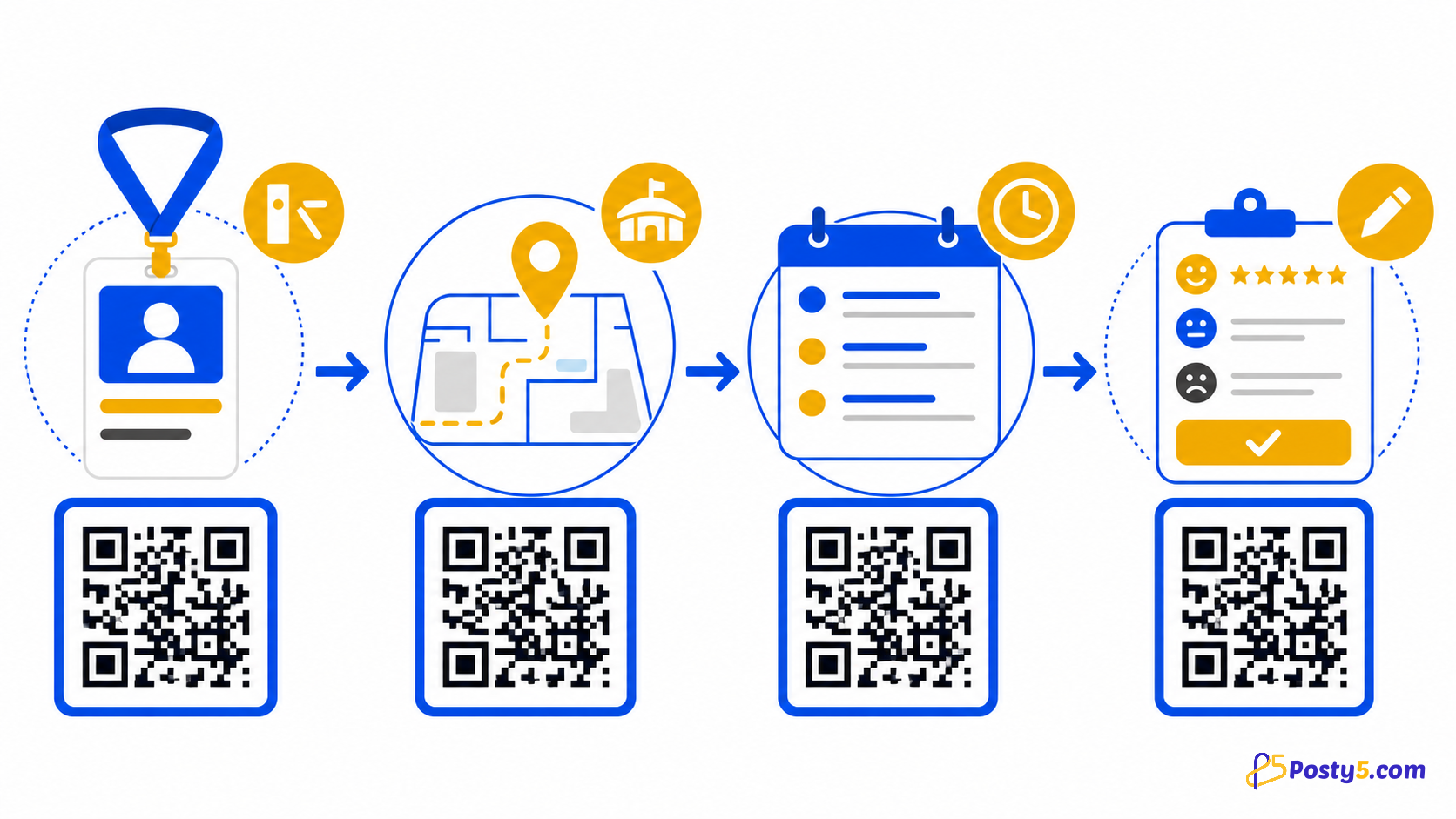
- Read: QR Codes for Events: Registration, Directions and Feedback
- Read: QR Code Not Scanning? Causes and Fixes
- Read: QR Code Generator Alternative: What Posty5 Offers