How to Create a QR Code in Three Steps
Create your QR code
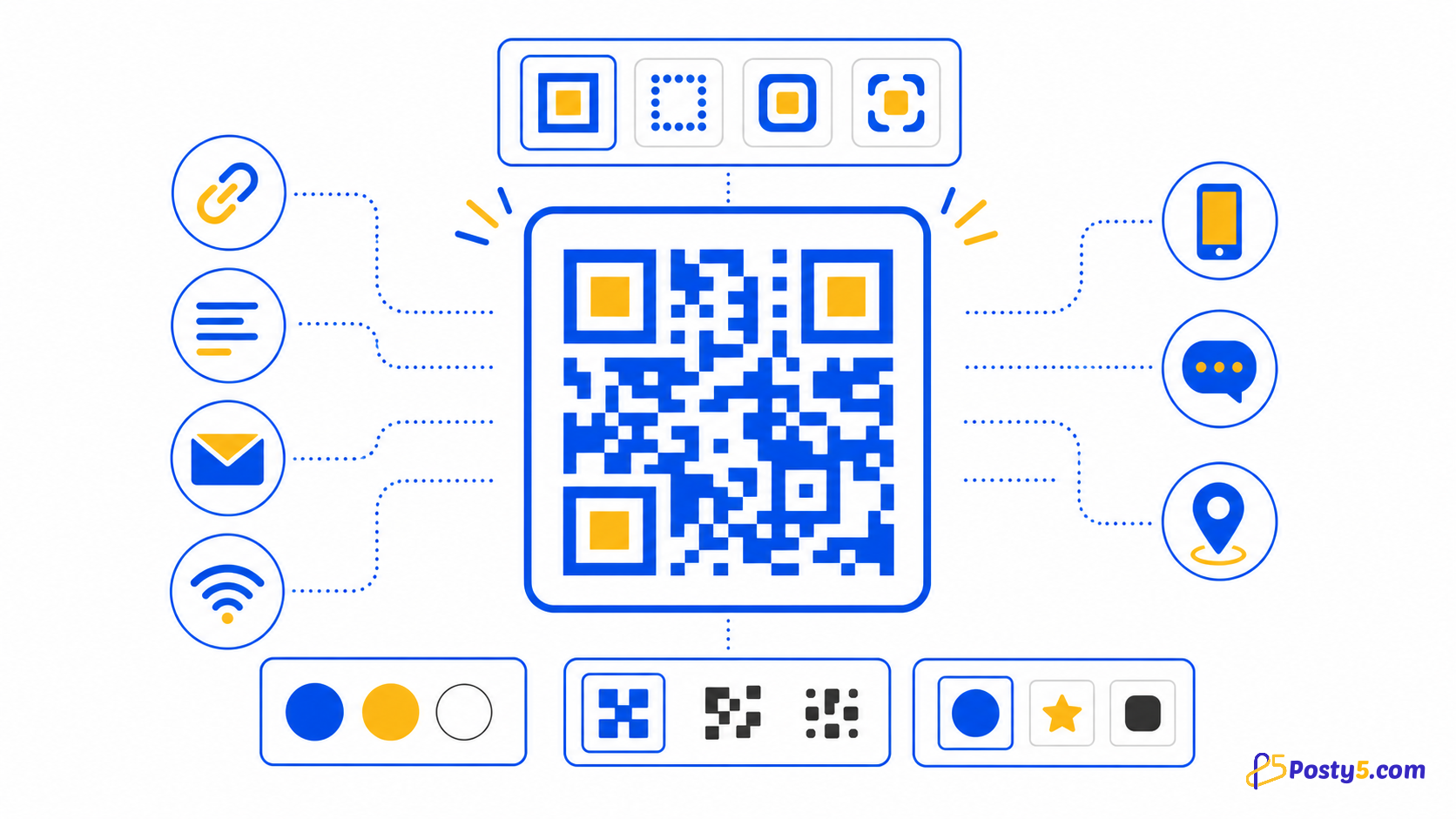
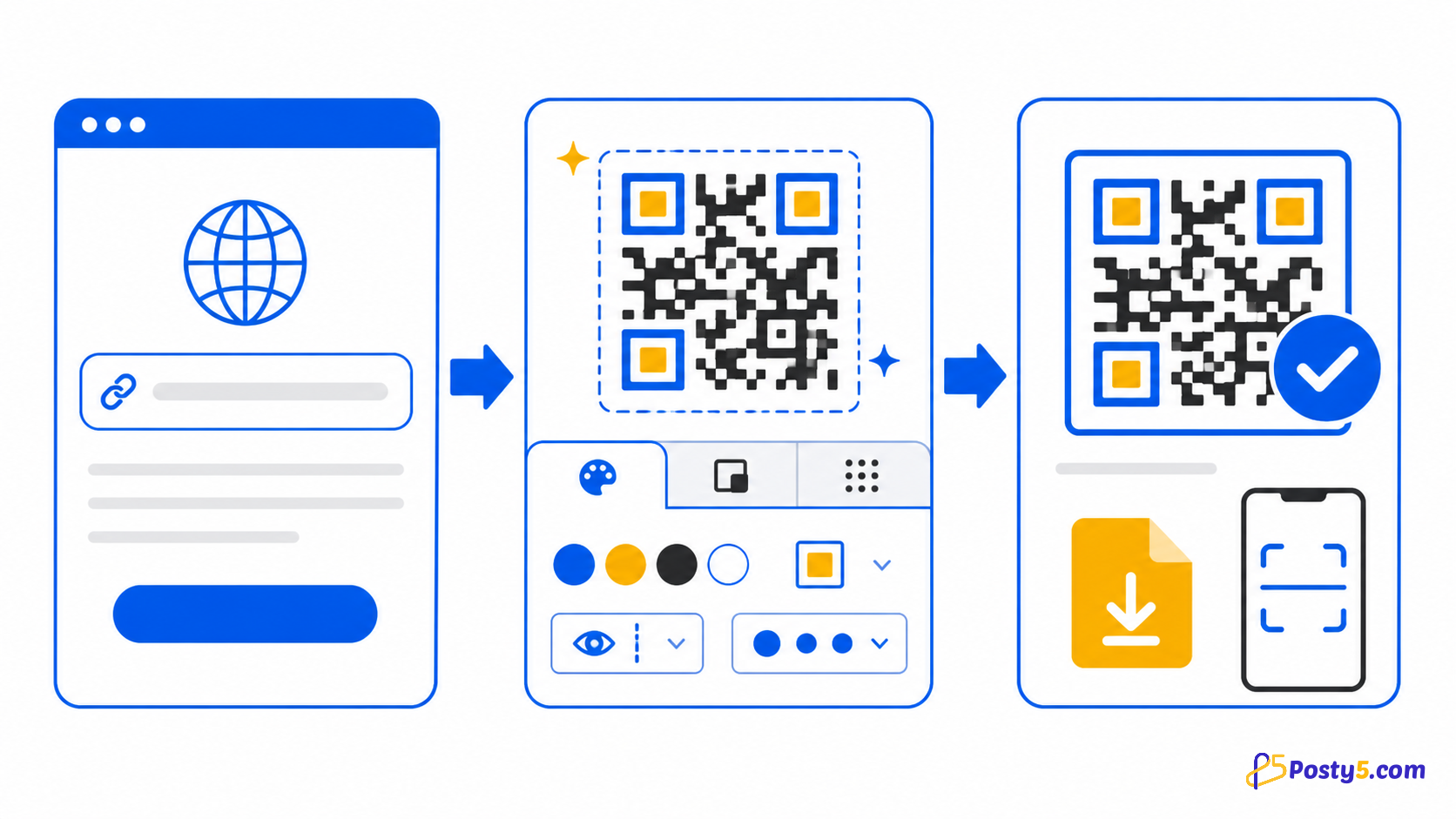
- Choose the target type, enter its required values, customise the preview, download the PNG and scan-test the exact file before using it.
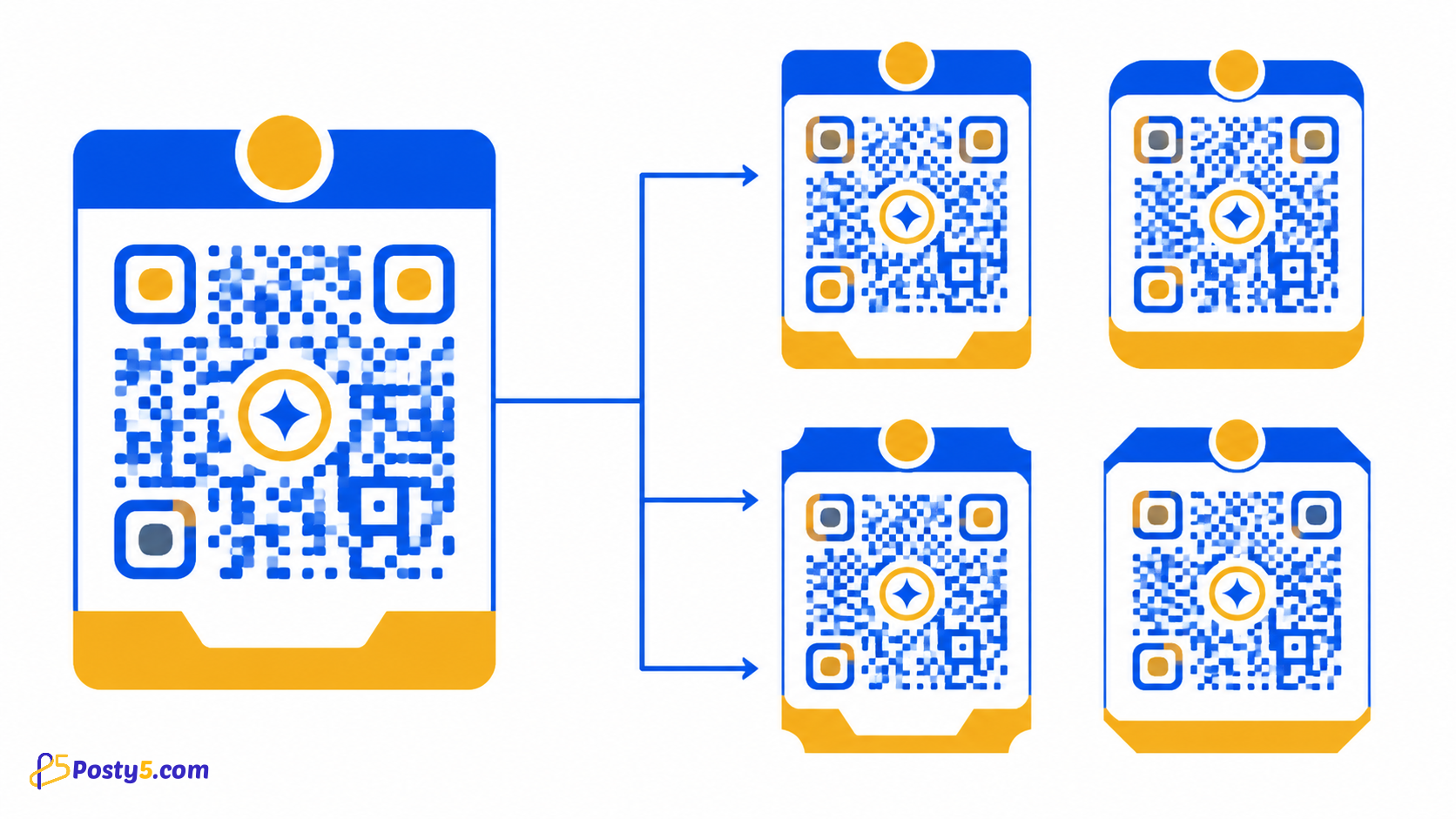
- Design controls include foreground, background and quiet-zone colours, individual corner markers, dot scale, title, size and error-correction level.
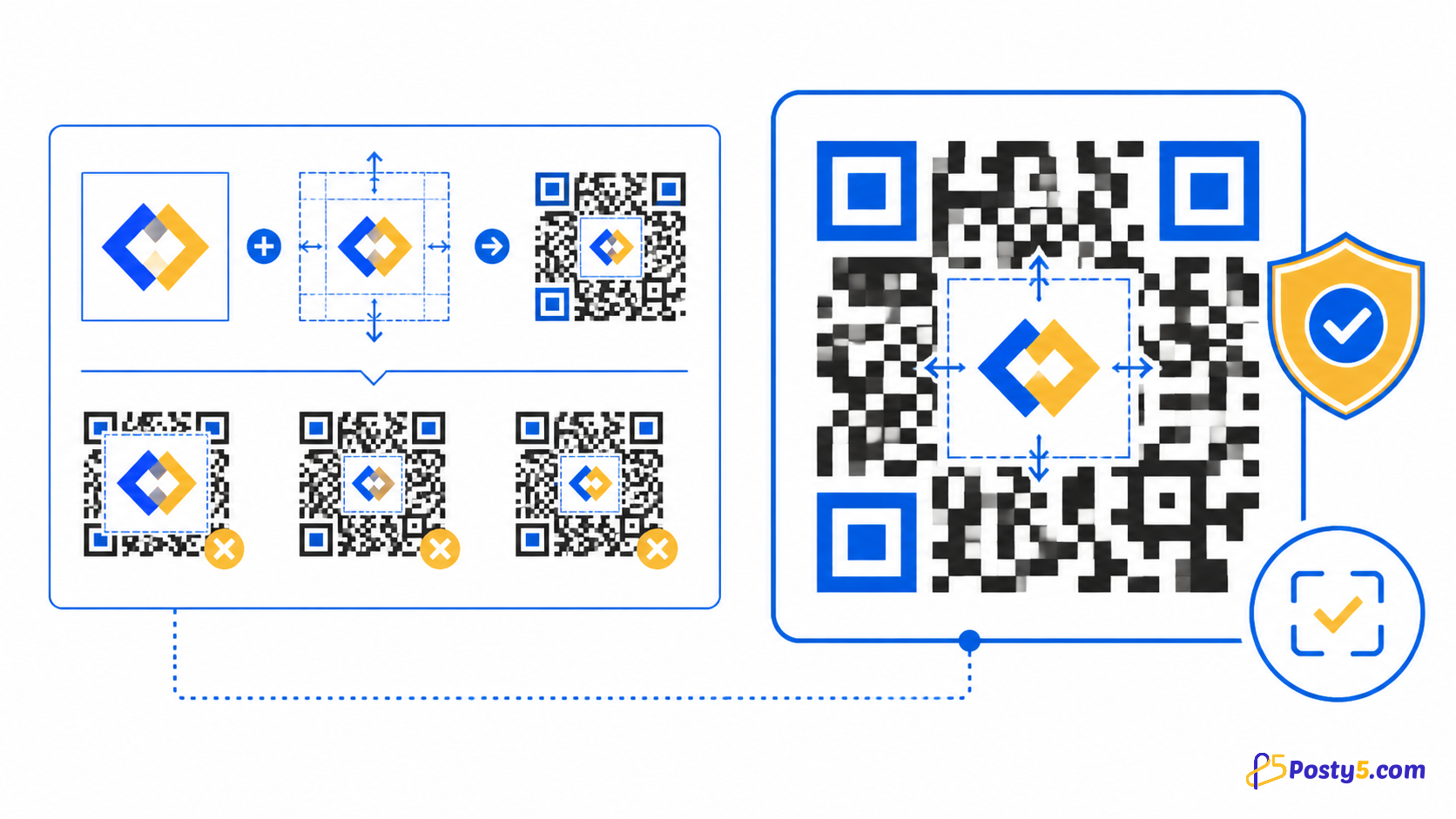
- Keep strong contrast, preserve a clear quiet zone, test the final printed size on more than one phone and repeat the test after adding a logo or changing colours.
What Posty5 creates
Posty5 builds the preview in your browser and downloads it as a PNG without requiring an account. Signing in is required only when you want to save and manage the QR record.
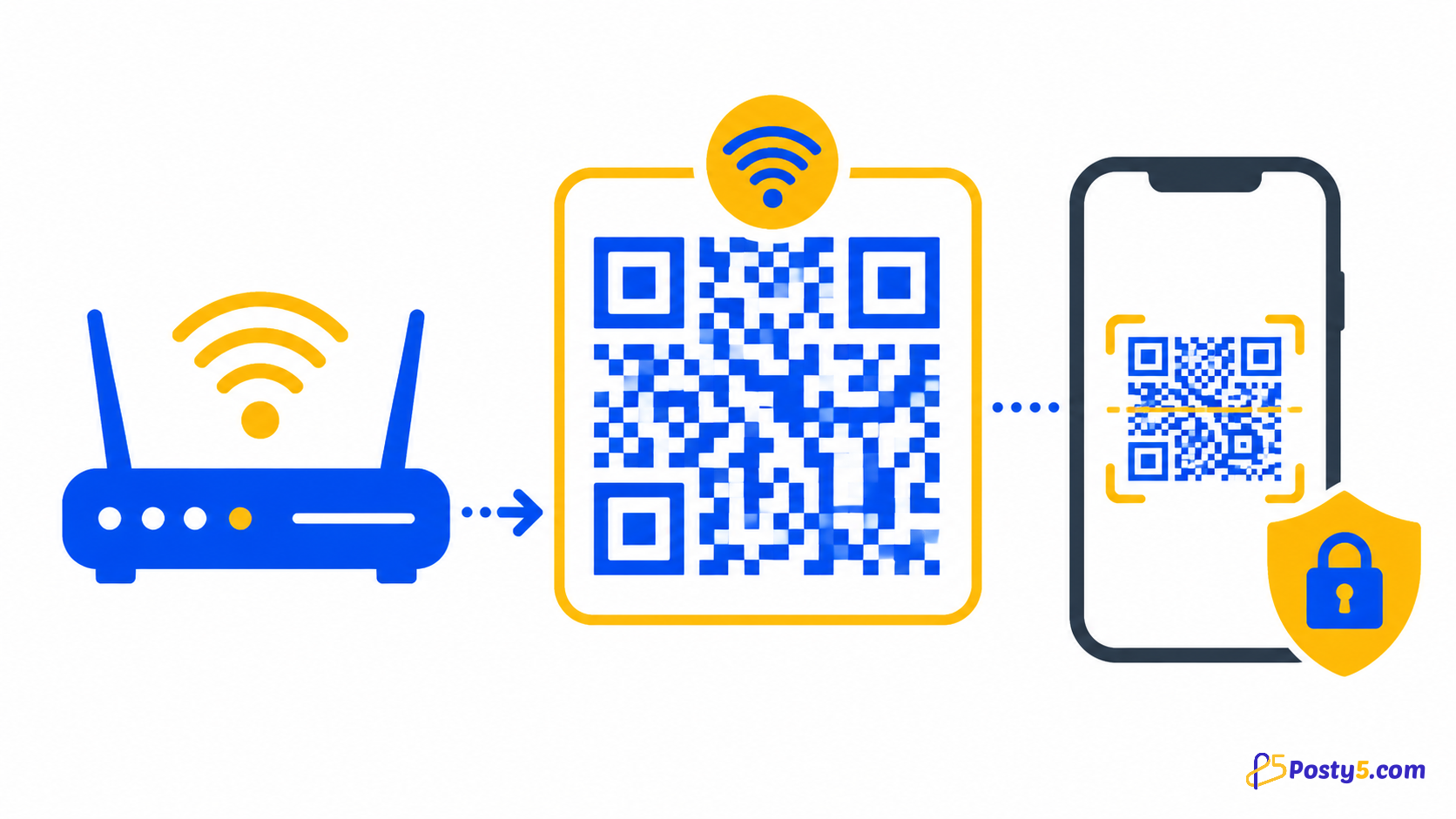
Fourteen types are supported: free text, email, Wi-Fi, phone call, SMS, URL and location, plus contact card (vCard), calendar event, WhatsApp, review, social profiles, app store and file (PDF or image). App store and file codes are always dynamic.
Prepare for print
Keep strong contrast, preserve a clear quiet zone, test the final printed size on more than one phone and repeat the test after adding a logo or changing colours.
Fix scanning problems
If scanning fails, check the encoded value, blur, glare, low contrast, damaged corners, a crowded quiet zone, excessive logo coverage and the real scanning distance.
Frequently asked questions
Create your QR code?
Choose the target type, enter its required values, customise the preview, download the PNG and scan-test the exact file before using it.
Design without hurting scans?
Design controls include foreground, background and quiet-zone colours, individual corner markers, dot scale, title, size and error-correction level.
Prepare for print?
Keep strong contrast, preserve a clear quiet zone, test the final printed size on more than one phone and repeat the test after adding a logo or changing colours.
Fix scanning problems?
If scanning fails, check the encoded value, blur, glare, low contrast, damaged corners, a crowded quiet zone, excessive logo coverage and the real scanning distance.
Continue through the QR Code guides
- Read: Posty5 QR Code Generator: Create and Customise QR Codes
- Read: How to Add a Logo to a QR Code Without Breaking It
- Read: How to Create a Wi-Fi QR Code for Guests
- Read: QR Code Design Templates: Reuse One Branded Style
- Read: QR Codes for Restaurants: Menus, Wi-Fi and Reviews
- Read: QR Codes for Events: Registration, Directions and Feedback
- Read: QR Code Not Scanning? Causes and Fixes
- Read: QR Code Generator Alternative: What Posty5 Offers