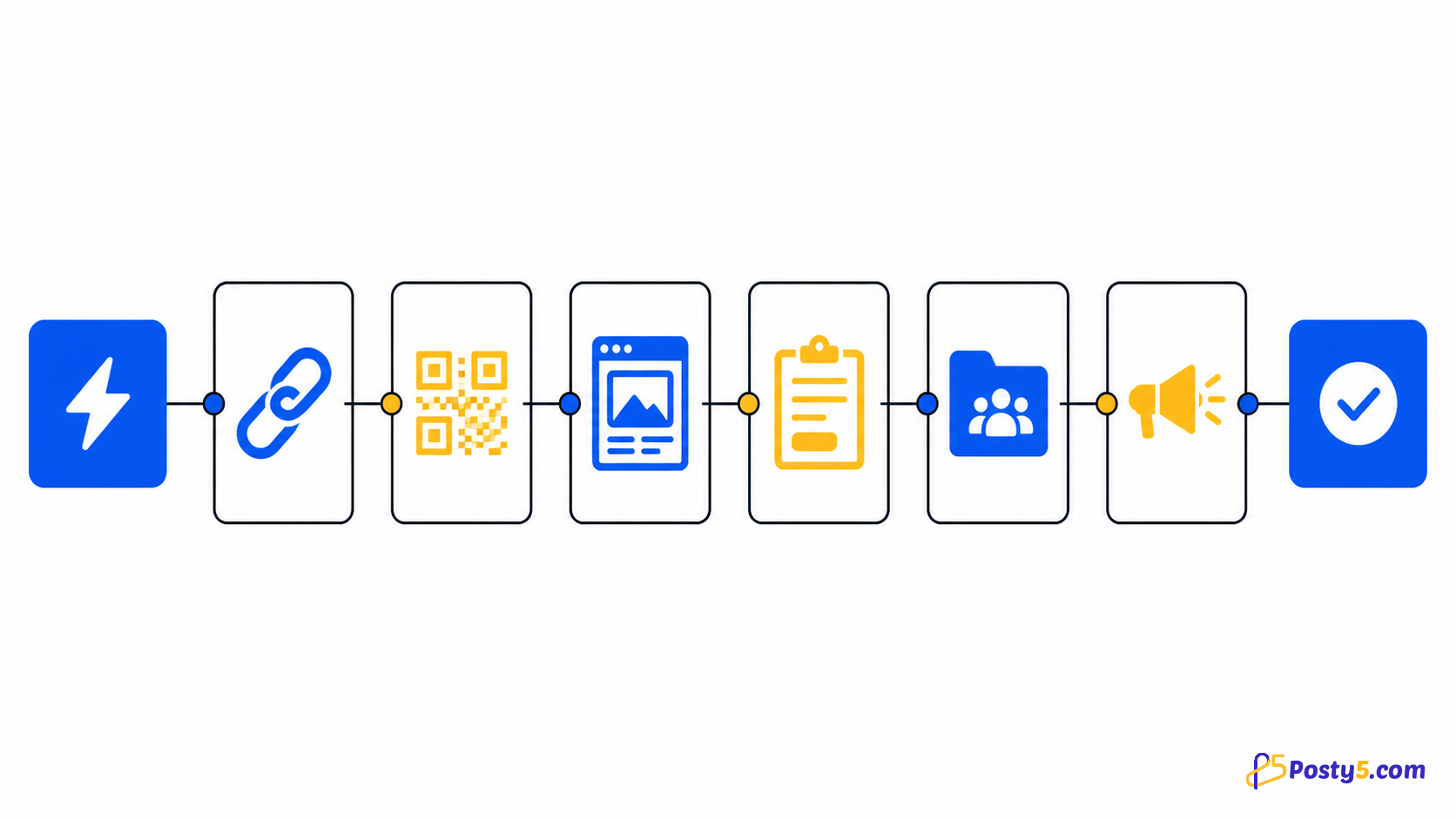
The Posty5 community package turns common Posty5 actions into visual n8n workflow steps. Begin a workflow with an n8n Manual, Schedule, Webhook or another suitable trigger. Package version 4.7.0 adds a Posty5 Trigger node that registers a webhook in your Posty5 account when the workflow is activated; for now it only receives the test event you send from Account settings, because link-visit and QR-scan events are not delivered yet.
Install the community package
If your n8n deployment permits community packages, open Settings, choose Community nodes and install @posty5/n8n-nodes-posty5. Availability depends on the deployment and administrator policy; review community-node risk before installing.
npm install @posty5/n8n-nodes-posty5Authenticate a request
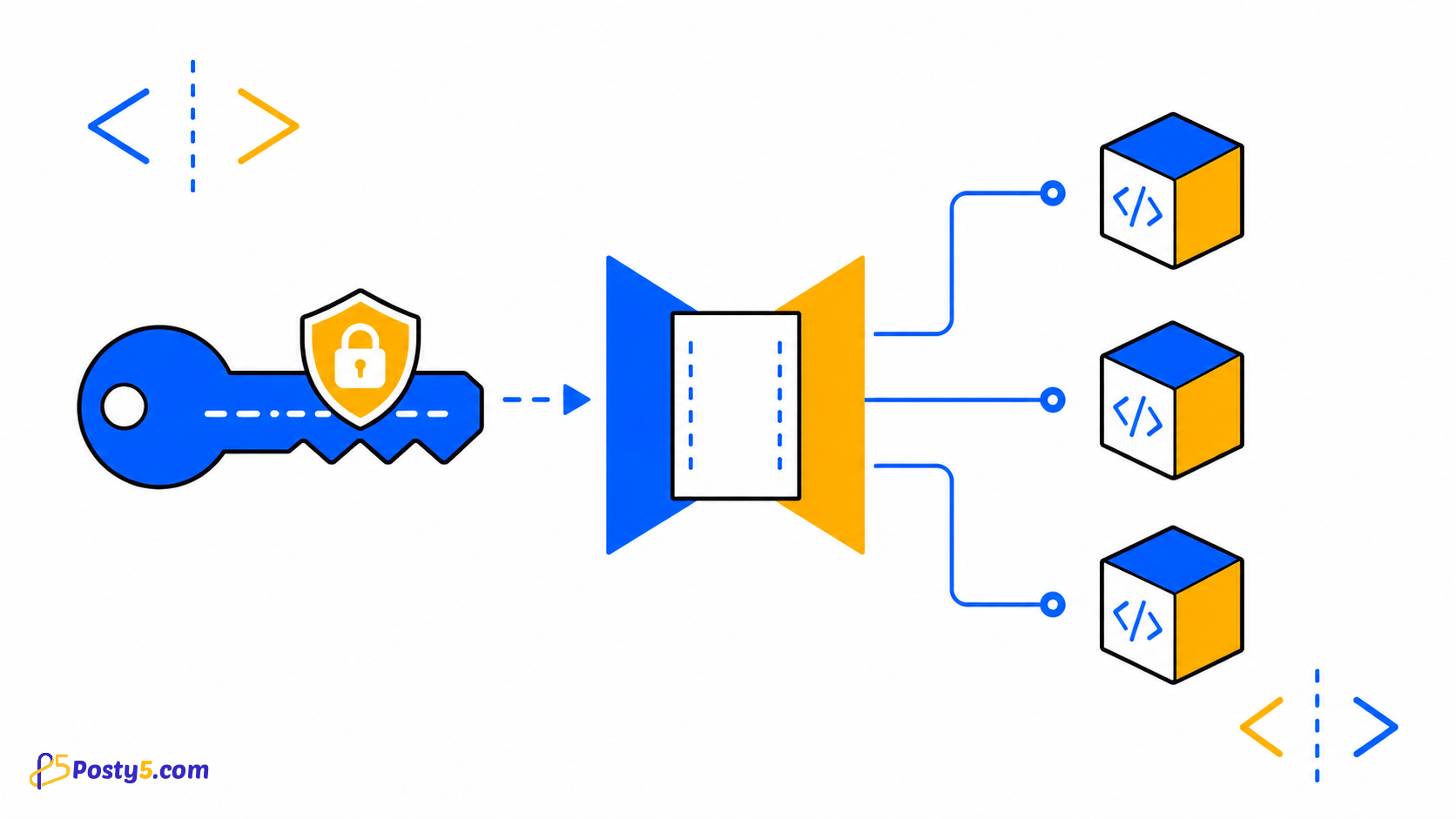
Create a Posty5 API credential in n8n and paste the named key from Posty5. The credential stores it as a password field, injects X-API-Key and runs a small short-link request when testing the connection.
Build the first workflow
The Posty5 community package turns common Posty5 actions into visual n8n workflow steps. Begin a workflow with an n8n Manual, Schedule, Webhook or another suitable trigger. Package version 4.7.0 adds a Posty5 Trigger node that registers a webhook in your Posty5 account when the workflow is activated; for now it only receives the test event you send from Account settings, because link-visit and QR-scan events are not delivered yet.
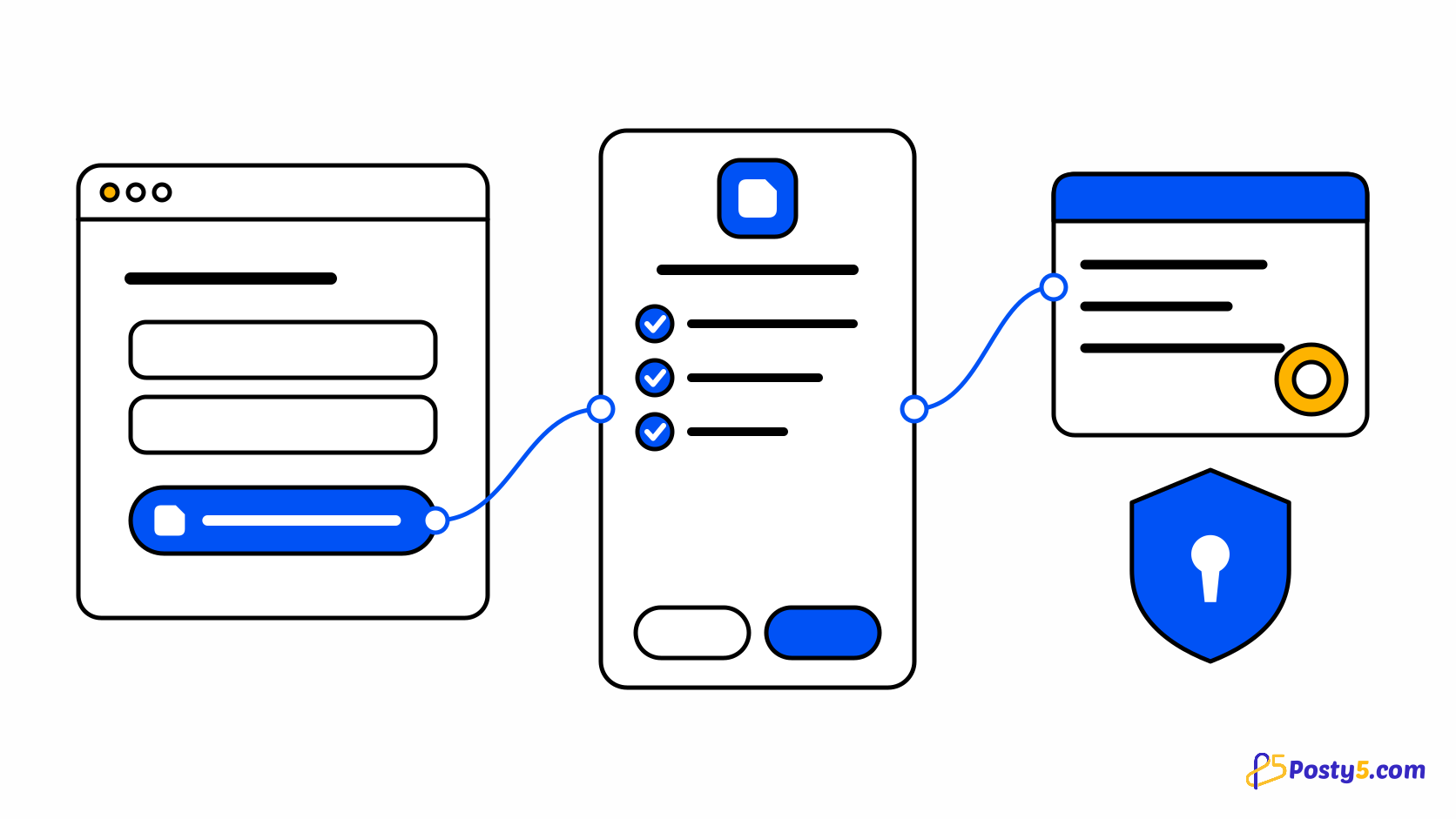
Build the first workflow with Manual Trigger followed by Posty5 Short Link. Choose Create, map a destination URL from the incoming item, run the node and inspect the returned item before adding a QR, notification or storage step.
- Install the community package
- Authenticate a request
- Build the first workflow
- Make workflows reliable
Know the six verified nodes
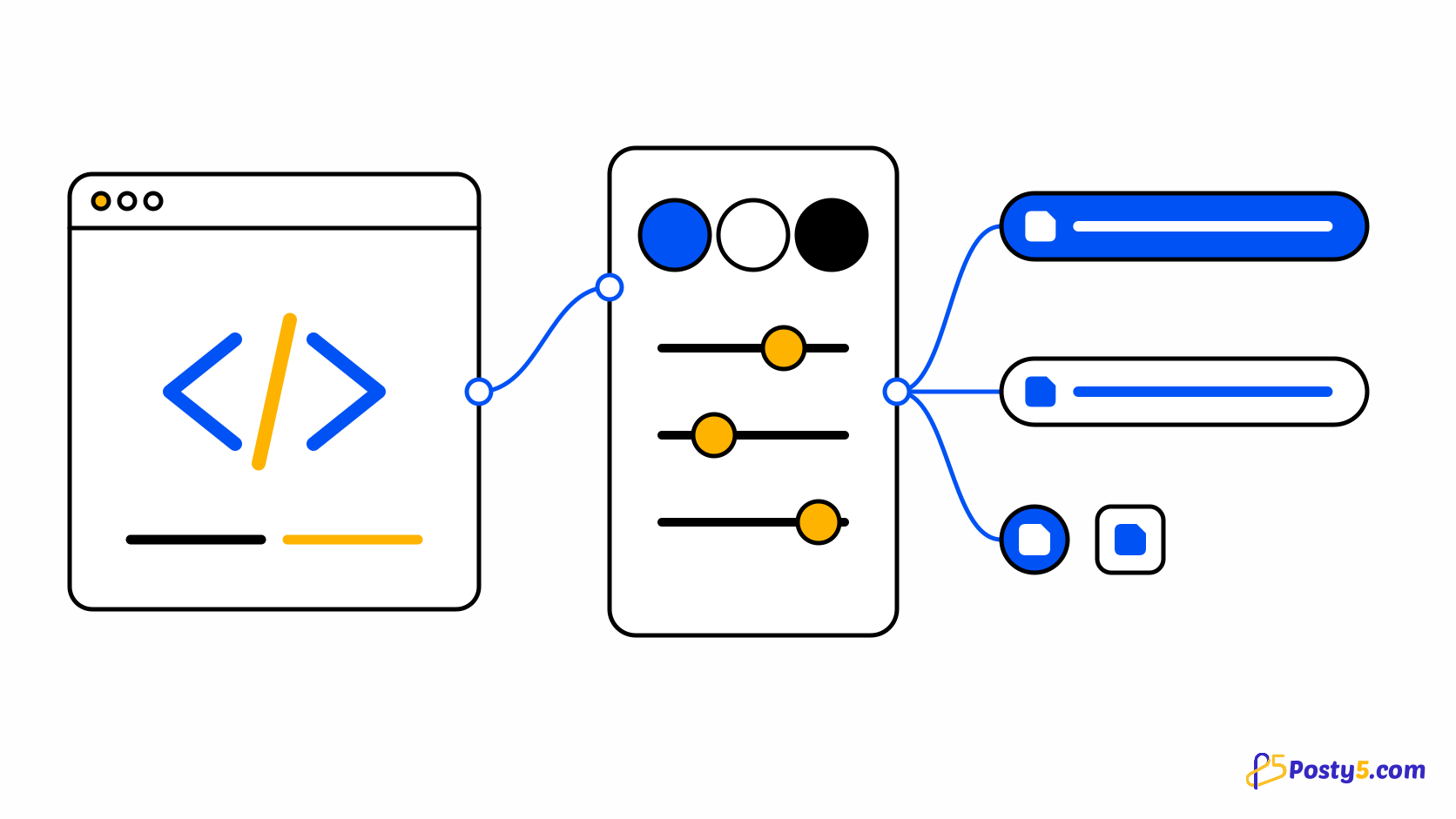
The published package registers six action nodes: Short Link, QR Code, HTML Hosting, Form Submission, Social Publisher Workspace and Social Publisher Post. Version 4.7.0 adds a Store node and the Posty5 Trigger node; if your n8n does not list them, update the package. There is no HTML Variables node.
Make workflows reliable
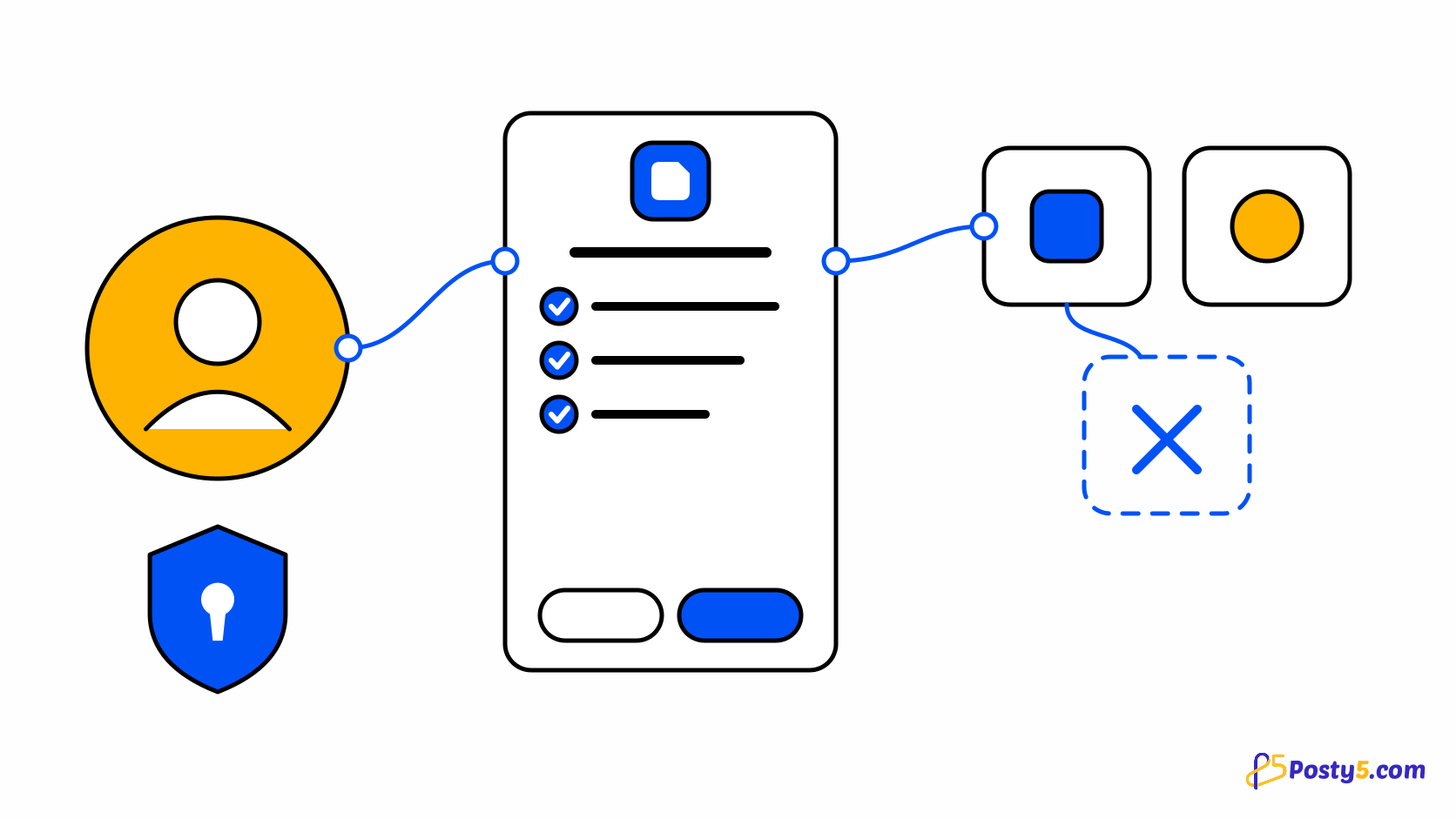
Test with one item, then with representative data. Map expressions deliberately, keep binary-property names consistent for files, and design retries so a repeated execution does not create unintended duplicates. Use n8n error handling and Continue On Fail only when the next step can safely process an error item.
Troubleshoot the connection
If a node is missing, confirm the exact scoped package name and restart or reload according to your n8n deployment. If credentials fail, test the key in Posty5 and check X-API-Key. For validation or binary errors, inspect the selected operation and the input item rather than repeatedly executing unchanged data.
Troubleshoot the connection
Know the six verified nodes
The Posty5 community package turns common Posty5 actions into visual n8n workflow steps. Begin a workflow with an n8n Manual, Schedule, Webhook or another suitable trigger. Package version 4.7.0 adds a Posty5 Trigger node that registers a webhook in your Posty5 account when the workflow is activated; for now it only receives the test event you send from Account settings, because link-visit and QR-scan events are not delivered yet.
Install the community package
The published package registers six action nodes: Short Link, QR Code, HTML Hosting, Form Submission, Social Publisher Workspace and Social Publisher Post. Version 4.7.0 adds a Store node and the Posty5 Trigger node; if your n8n does not list them, update the package. There is no HTML Variables node.
Troubleshoot the connection
If a node is missing, confirm the exact scoped package name and restart or reload according to your n8n deployment. If credentials fail, test the key in Posty5 and check X-API-Key. For validation or binary errors, inspect the selected operation and the input item rather than repeatedly executing unchanged data.
Make workflows reliable
Test with one item, then with representative data. Map expressions deliberately, keep binary-property names consistent for files, and design retries so a repeated execution does not create unintended duplicates. Use n8n error handling and Continue On Fail only when the next step can safely process an error item.