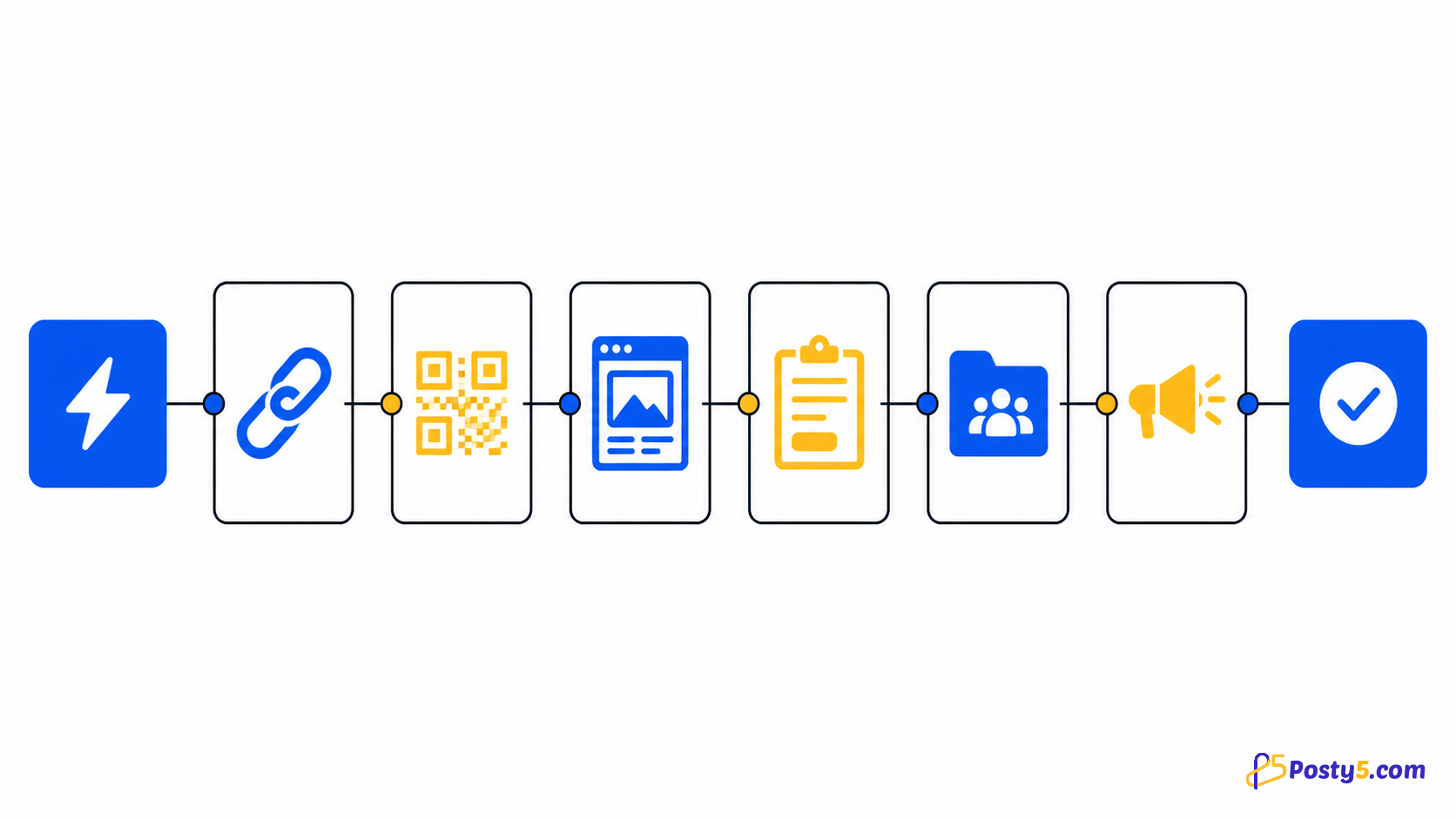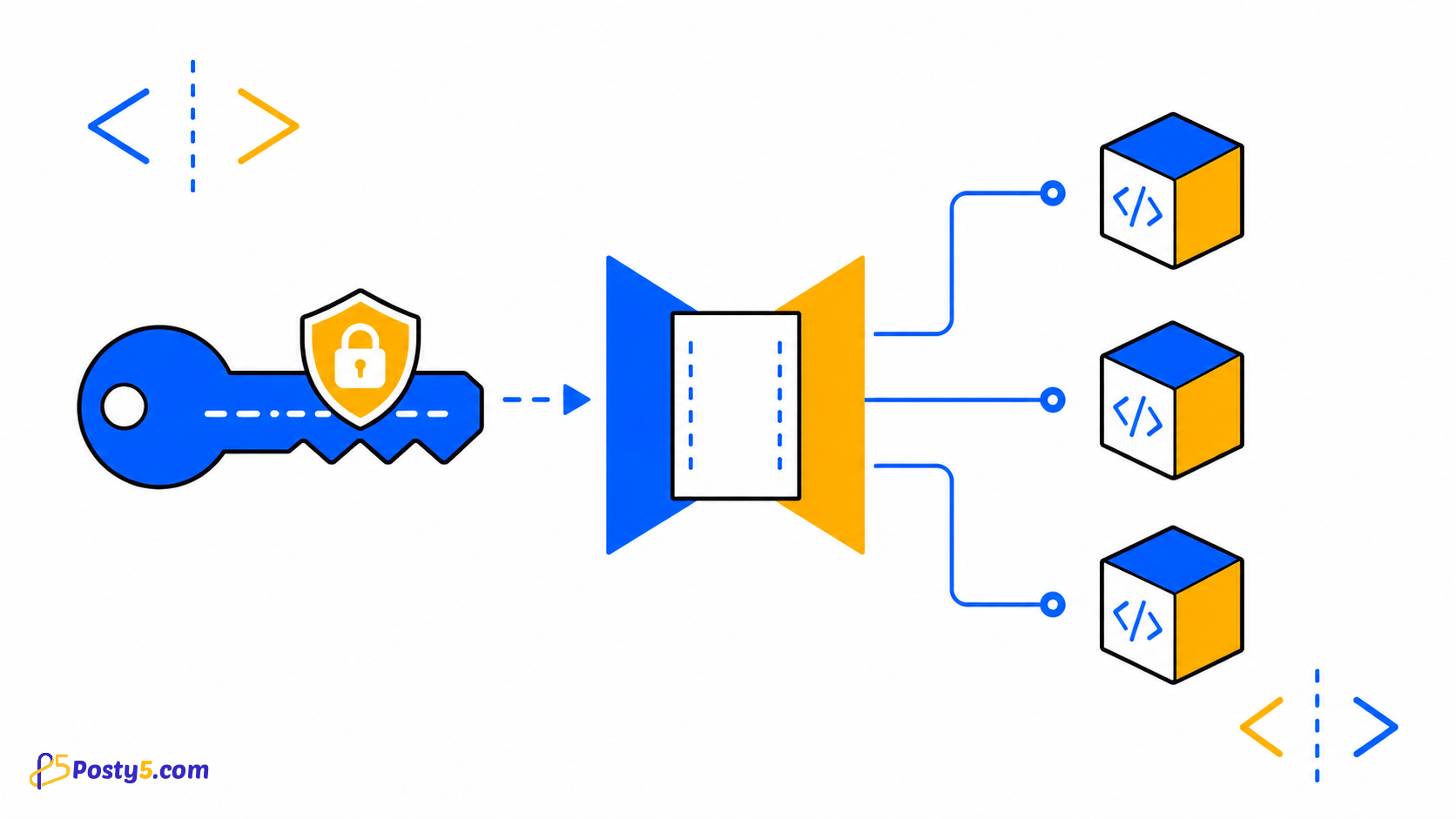
Posty5 provides one authenticated developer surface with four practical integration paths: direct REST requests, typed JavaScript/TypeScript packages, .NET packages and n8n community nodes. Start with a named API key, then choose the layer that matches your application.
Create and name the key
API Keys and Integrations are available from Account settings for Developer accounts. Create a key with a descriptive name that identifies its owner or workload, such as reporting-worker or campaign-automation, so you can recognise it later.
- Create and name the key
- Protect and rotate keys
- Authenticate a request
Authenticate a request
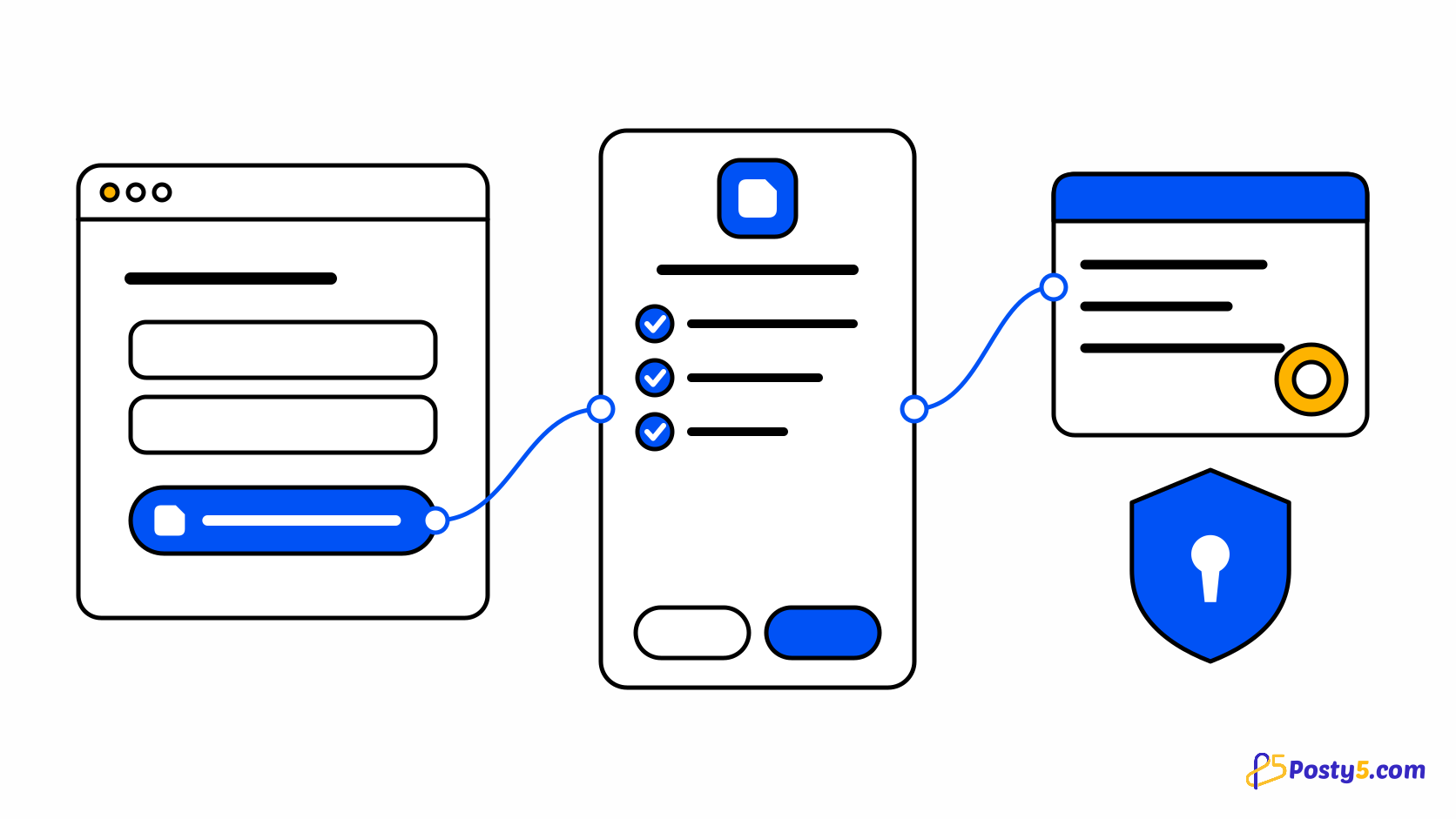
Send the key in the X-API-Key request header. The JavaScript SDK uses https://api.posty5.com by default and can read POSTY5_API_KEY from the server environment; never place a private key in browser code, a public repository or an article screenshot.
curl https://api.posty5.com/api/short-link \
  -H "X-API-Key: $POSTY5_API_KEY"
Choose an integration path
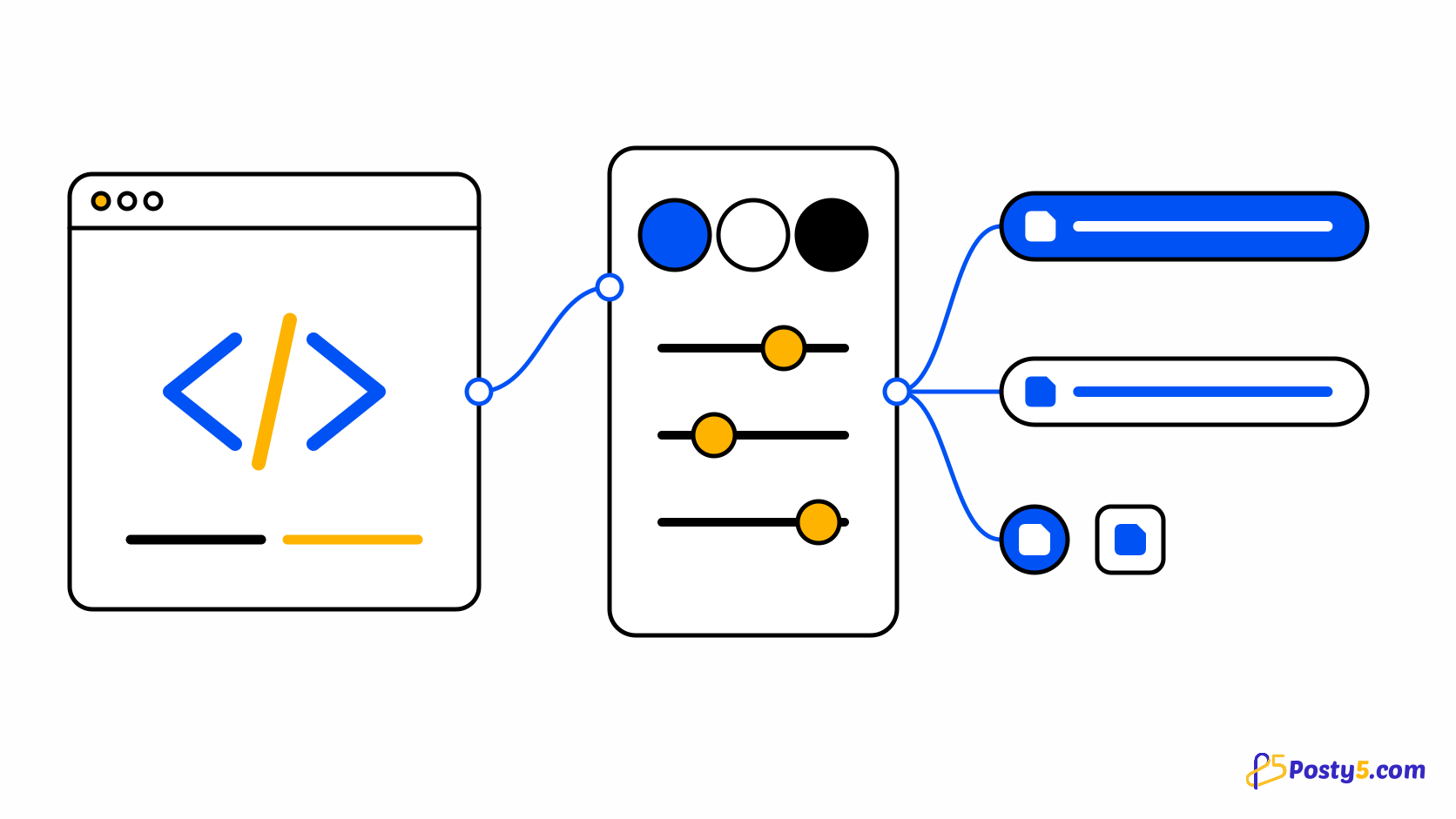
Use REST when you want direct control over HTTP. Use the JavaScript/TypeScript SDK for typed Node.js integrations, the .NET packages for C# applications, or n8n when a visual workflow is a better fit. The JavaScript workspace publishes eight focused packages, listed below.
Use the SDK packages
@posty5/core@posty5/short-link@posty5/qr-code@posty5/html-hosting@posty5/html-hosting-variables@posty5/html-hosting-form-submission@posty5/social-publisher-workspace@posty5/social-publisher-post
Protect and rotate keys
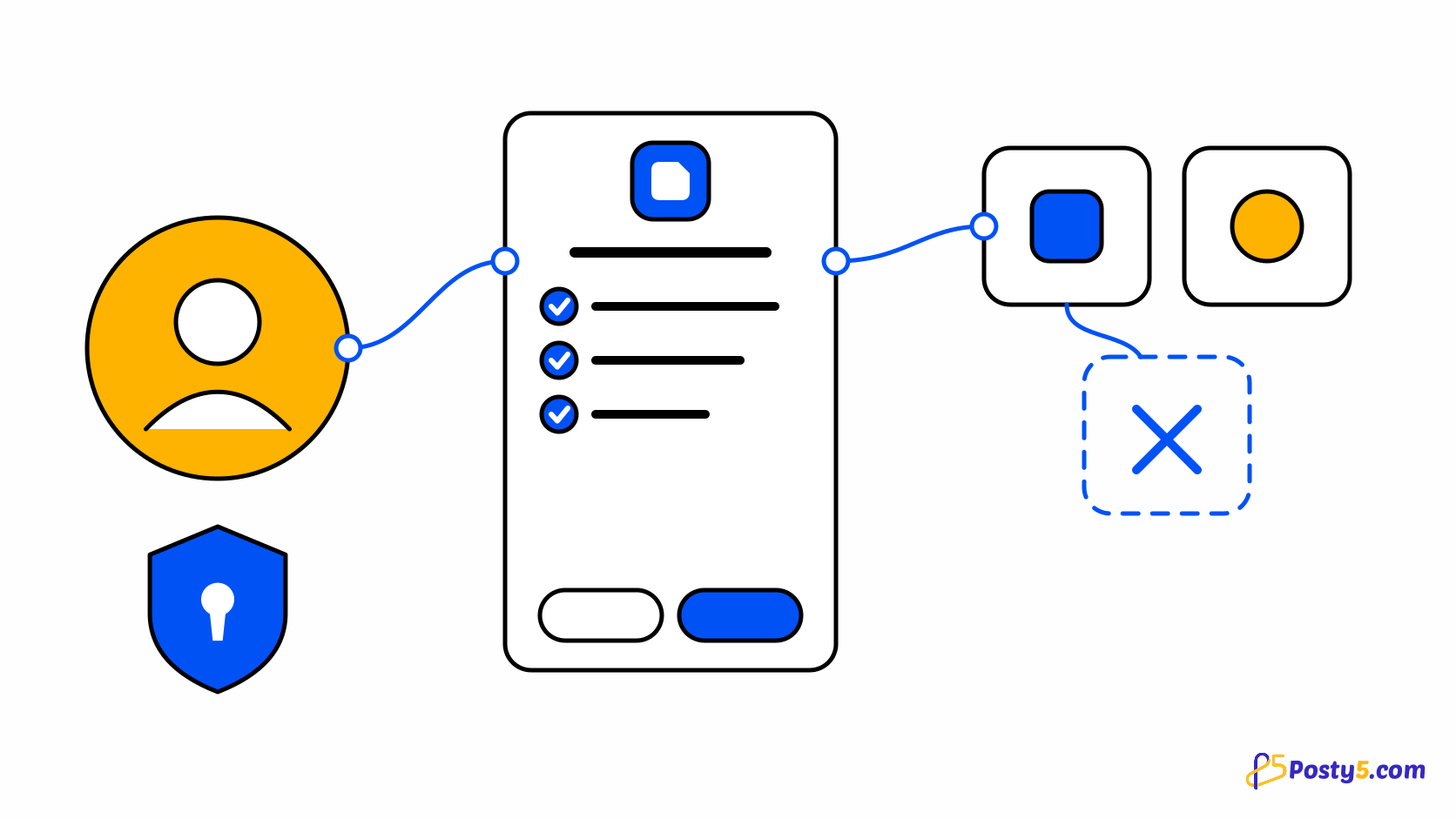
Keep keys on the server, use a different named key for each application or environment, and avoid logging them. To rotate a key, create the replacement, update every consumer and test it, and stop sending the old key once all traffic has moved to the new one.
Troubleshoot the connection
For authentication failures, confirm the base URL, header spelling and active key first. A 403 can also mean the account or requested action is not permitted; validation errors mean the request fields need correction. Do not retry an invalid request blindly.
Troubleshoot the connection
Authenticate a request
Send the key in the X-API-Key request header. The JavaScript SDK uses https://api.posty5.com by default and can read POSTY5_API_KEY from the server environment; never place a private key in browser code, a public repository or an article screenshot.
Choose an integration path
Use REST when you want direct control over HTTP. Use the JavaScript/TypeScript SDK for typed Node.js integrations, the .NET packages for C# applications, or n8n when a visual workflow is a better fit. The JavaScript workspace publishes eight focused packages, listed below.
Protect and rotate keys
Keep keys on the server, use a different named key for each application or environment, and avoid logging them. To rotate a key, create the replacement, update every consumer and test it, and stop sending the old key once all traffic has moved to the new one.
Troubleshoot the connection
For authentication failures, confirm the base URL, header spelling and active key first. A 403 can also mean the account or requested action is not permitted; validation errors mean the request fields need correction. Do not retry an invalid request blindly.