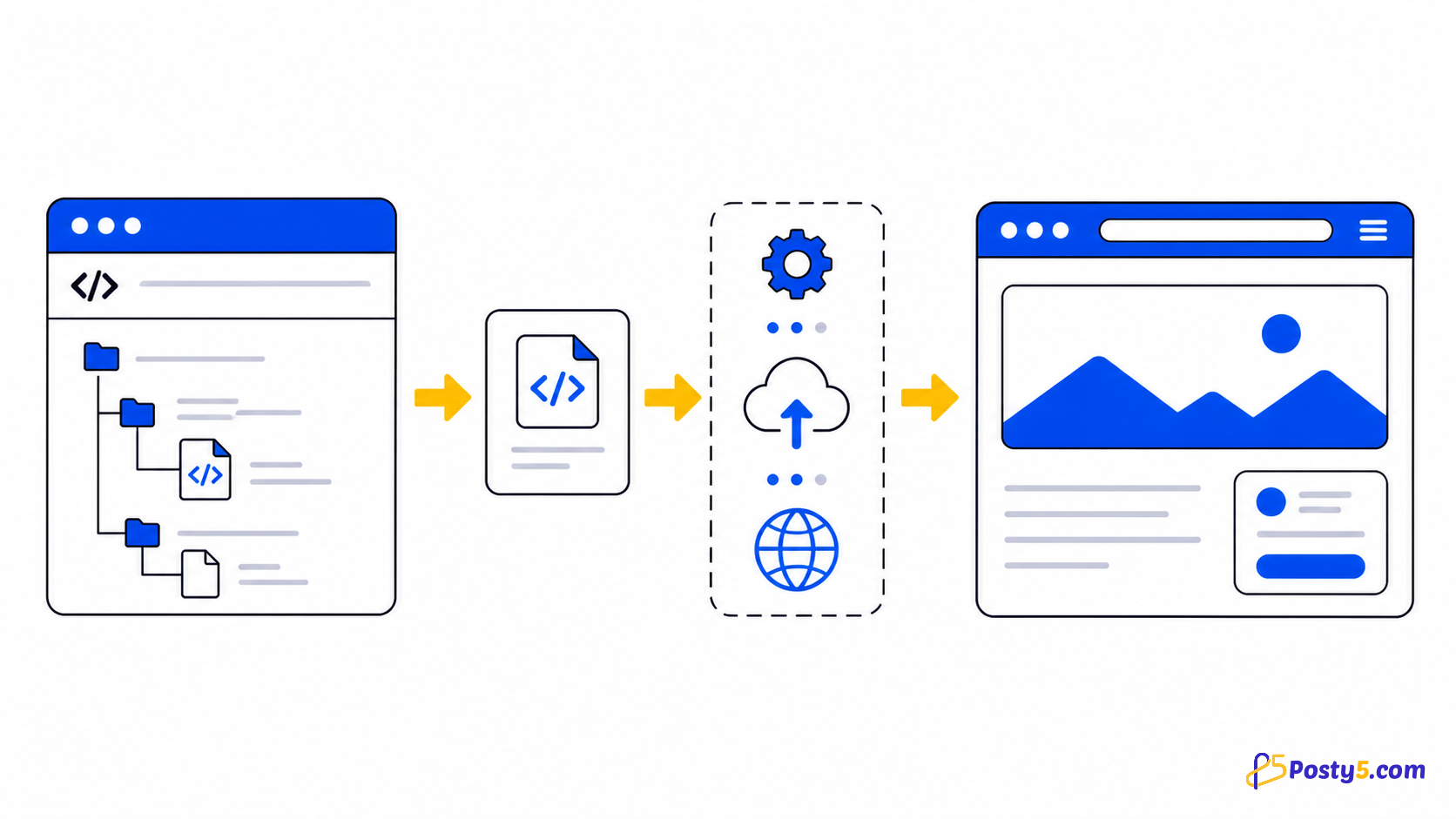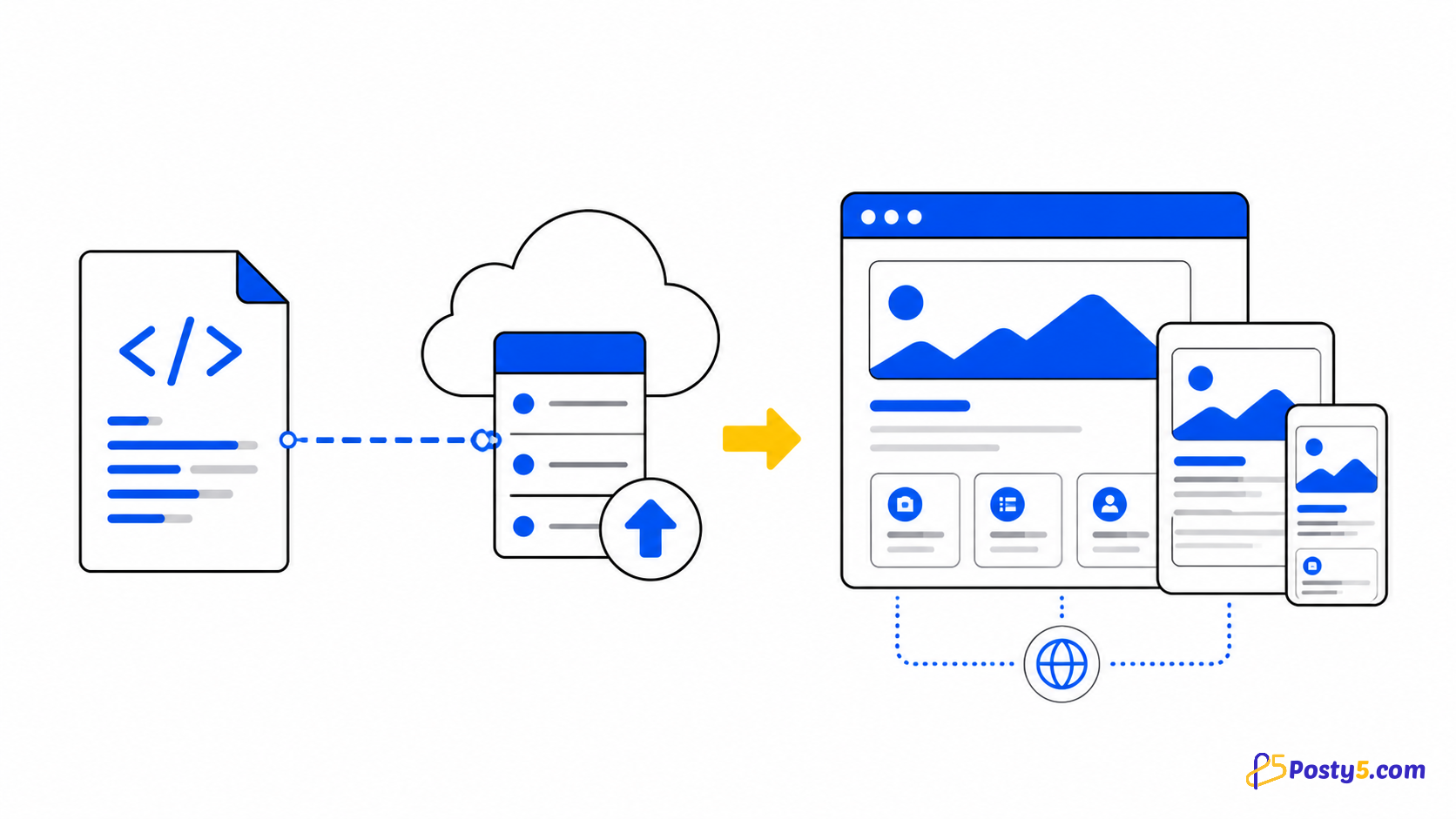
Posty5 HTML Hosting turns one standalone HTML file into a hosted page with a shareable link. You can upload the file from your device or point Posty5 to a public raw HTML file on GitHub. An account is required because the created page and its controls live in your dashboard.
What HTML Hosting is—and is not
The service is designed for a single-page HTML document: a landing page, invitation, portfolio, prototype or another self-contained page. CSS and JavaScript can be written inside that file, and external assets can be referenced with public URLs.
It is not ZIP or multi-file website hosting. It does not add a server runtime, database, private GitHub repository browser, custom-domain setup or automatic deployment pipeline. Prepare one complete HTML file before publishing.
Choose the source for your page
Upload an HTML file
Select one .html file from your device. The current upload accepts HTML content up to 5 MB. This mode is convenient when the page is ready locally and you want to publish a fixed version.
Use a public GitHub file URL
Paste the public raw URL of one HTML file hosted on GitHub. Use the raw file address, not a repository home page. The current form does not connect through GitHub OAuth or browse repository files for you.
How to publish the page
- Sign in to Posty5 and open HTML Hosting in the dashboard.
- Choose Upload HTML File or GitHub URL.
- Select one HTML file, or paste its public raw GitHub URL.
- Enter the page name and review any optional settings shown for your account.
- Create the page, then open the link shown on the success screen.
Update a page without starting over
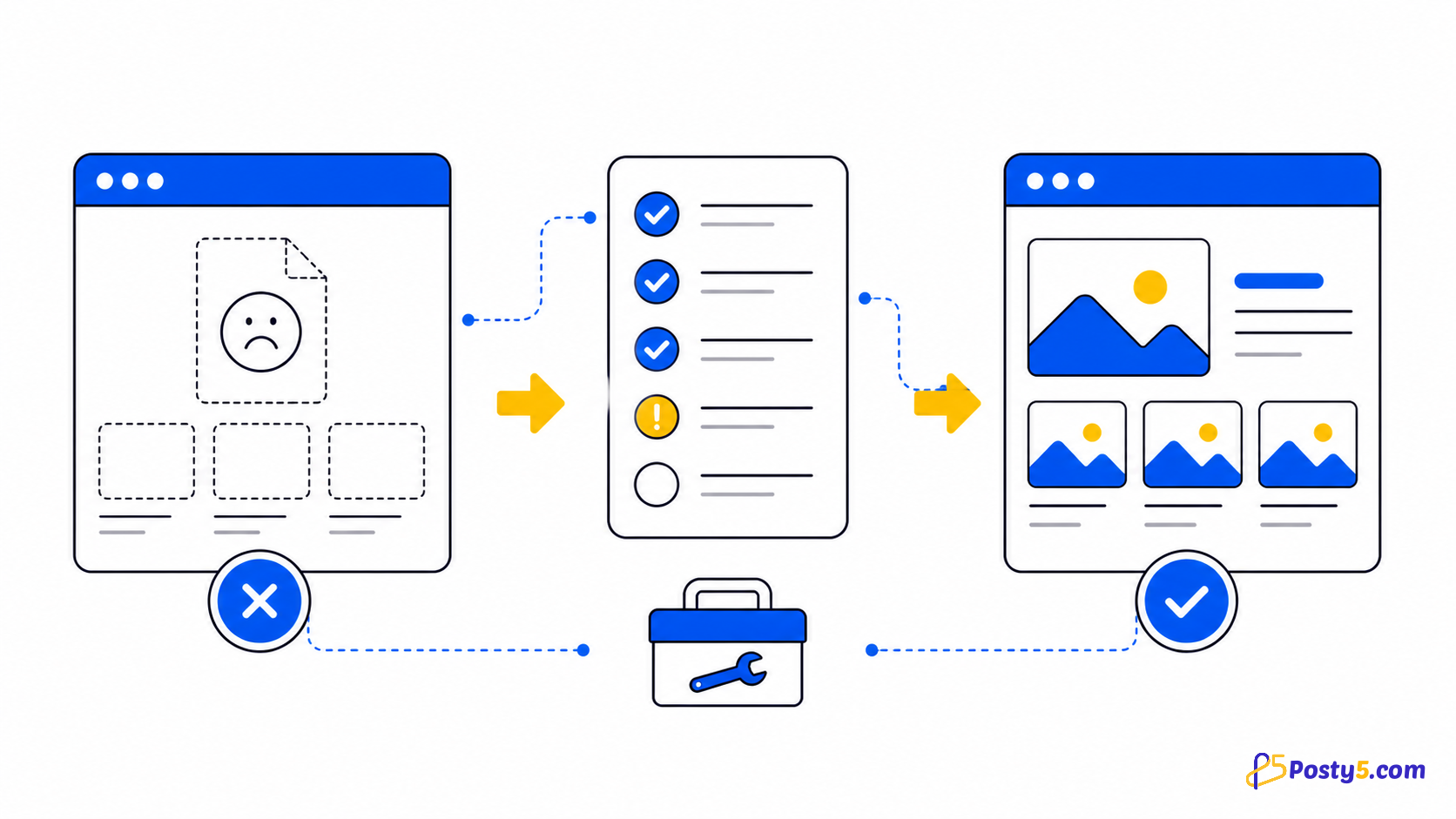
Open the page from your HTML Hosting list and choose Edit. For an uploaded page, replace the HTML file; for a GitHub-based page, update the source URL when needed. Save the change and reload the public link. If an older version remains visible briefly, use the cache-cleaning action available for the page and try again.
Collect form submissions
Forms inside a Posty5-hosted HTML page can be captured by the platform without adding your own backend endpoint. Give each input a name and use an ordinary submit button. Entries are available from the HTML Hosting submissions area, where you can review and manage them. File inputs are not included in captured form data.
Manage runtime variables separately
The dashboard also includes a dedicated HTML Hosting Variables area. It lets you manage values separately from the uploaded file. Use only the variable format supported by your current template; do not assume that environment variables or server-side code are available in the browser.
Keep track of hosted pages
The page list gives you one place to reopen the public link, edit its source and review available status or visit information. Optional controls such as a custom page identifier or Google Sheets connection may appear depending on the platform settings available to your account.
Frequently asked questions
Can I upload a ZIP or a complete multi-file website?
No. The current workflow publishes one HTML file, not a ZIP archive or a folder of site files.
What is the maximum HTML file size?
The verified upload limit in the current dashboard is 5 MB for one HTML file.
Can I publish from GitHub?
Yes. Paste the public raw URL of one HTML file. Repository browsing, private-repository OAuth and continuous deployment are not part of the current form.
Can I update the page later?
Yes. Edit the hosted page and replace the uploaded file or update its GitHub source URL.
Do I need a Posty5 account?
Yes. Creating and managing an HTML-hosted page requires an authenticated dashboard account.
Continue through the HTML Hosting guides
These guides cover the same verified one-page hosting workflow from different angles.
- Read: How to Host an HTML Page Online with Posty5
- Read: How to Publish an HTML Page from GitHub
- Read: HTML Hosting Runtime Variables: Update Content Without Re-uploading
- Read: How to Host a Campaign Landing Page from One HTML File
- Read: Hosted HTML Page Not Showing? Causes and Fixes
- Read: HTML Hosting Form Submissions