More websites now show a Login with Posty5 or Continue with Posty5 button next to their other sign-in options. Trend Digest is the first of them. The button lets you sign in with the Posty5 account you already have instead of creating one more password.
Before you choose Allow, it helps to know what happens and what you share. This article explains the consent screen, the data an app receives, what never leaves Posty5, and how to take access back.
How signing in with Posty5 works
- On the other website, choose Login with Posty5 or Continue with Posty5.
- You go to posty5.com. If you are not signed in to Posty5, you sign in there - your password is typed on Posty5, never on the other site.
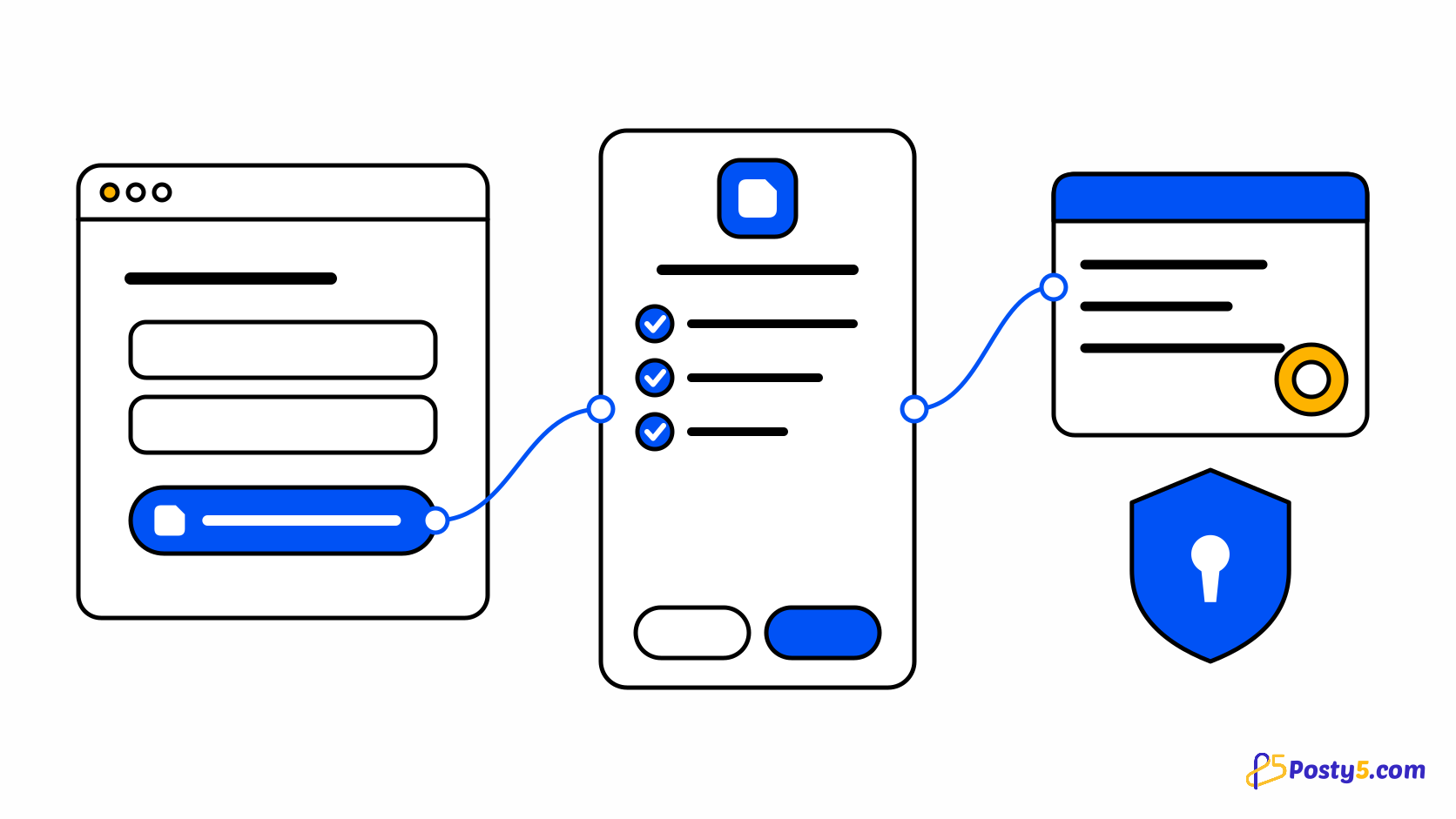
- Posty5 shows a consent screen with the app's name and the data it asks for. Choose Allow to continue, or Cancel to go back without sharing anything.
- Posty5 sends you back to the website, signed in. Next time, you go straight through.
Reading the consent screen
- The request at the top, for example Trend Digest wants to access your Posty5 account.
- The app's logo, name and description, who developed it, and links to its website, privacy policy and terms of service.
- The Posty5 account you are signed in with, with Not you? and Switch account if you want to use another one.
- Under This app will receive, one line for each piece of data the app asks for.
- Allow and Cancel, and a reminder that you can remove access at any time.
Always check that the address bar shows posty5.com before you type your Posty5 password. If a website asks for your Posty5 password on its own page, do not enter it.
What the app receives
- Your Posty5 account ID for this app - a code that lets the app recognise you next time. It is different in every app and is not your Posty5 account number.
- Your name and profile picture, if the app asks for them.
- Your email address and whether Posty5 has verified it, if the app asks for it.
Nothing else leaves Posty5: not your password, not your links, QR codes, pages, posts or store, not your plan, credits or payment details. The app cannot post, change or delete anything in your Posty5 account.
Why it is a safe way to sign in
- You sign in on Posty5 itself, so the other website never sees your password.
- Nothing is shared until you choose Allow, and the screen lists exactly what will be shared.
- Each app gets its own code for you, so apps cannot combine what they know about you through Posty5.
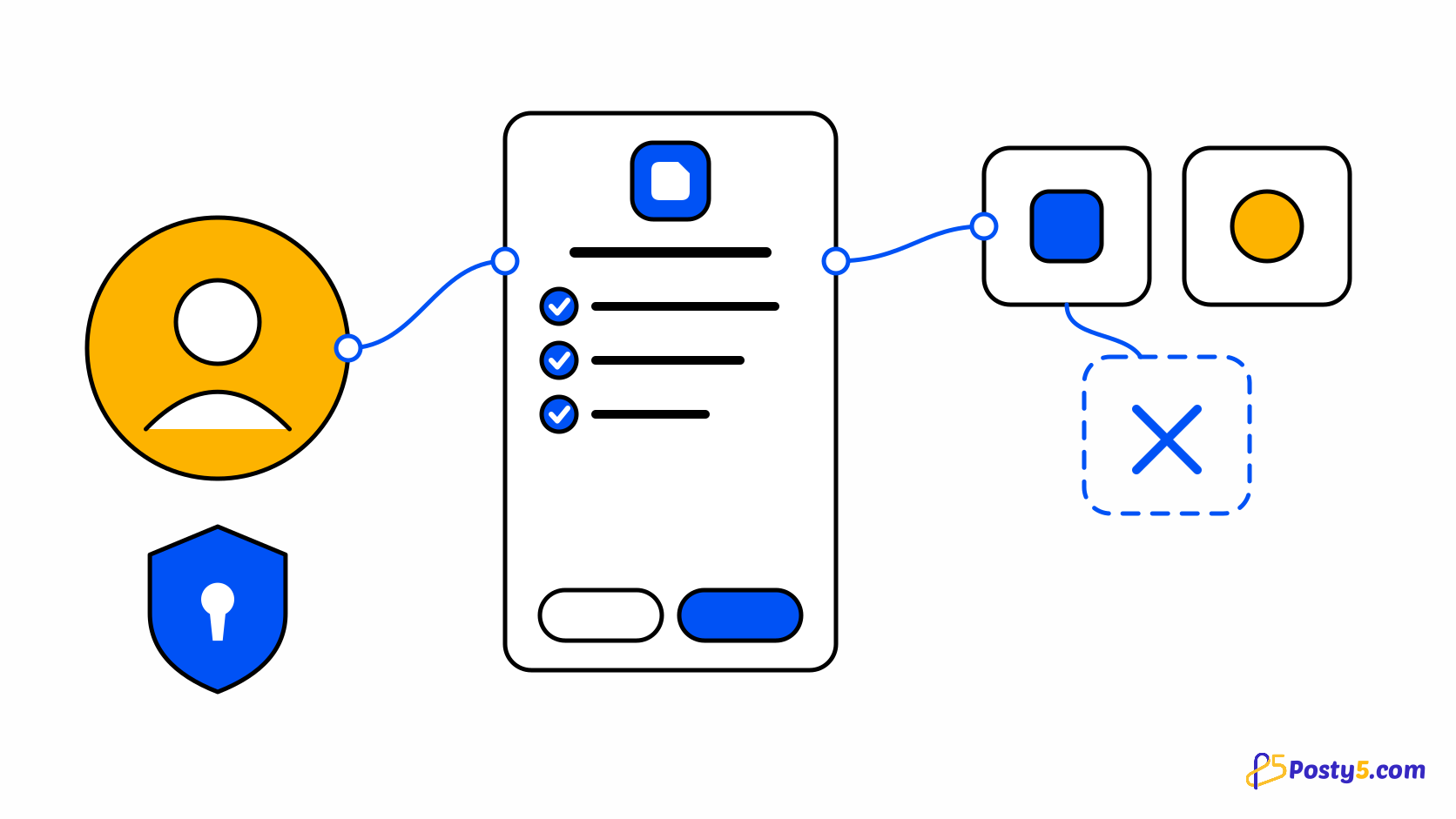
- You can remove an app's access at any time, and it takes effect at once.
Once you allow an app, what it does with your name and email is covered by that app's privacy policy, linked from the consent screen.
See and remove the apps you connected
- In Posty5 Studio, open Account and then Connected apps. Each app shows what it can read, when you allowed it and when you last used it.
- Find the app and choose Remove access, then confirm.
The app can no longer read your Posty5 data. Your account on that app is not deleted - to close it, use the app's own settings. If you use Login with Posty5 there again, you are asked for your consent again.
Check which apps can read your Posty5 data
Open Connected apps to review every app you signed in to with Posty5 and remove the ones you no longer use.
Frequently asked questions
Does the app see my Posty5 password?
No. You type it only on posty5.com, and Posty5 never shares it.
Can the app post or change things in my Posty5 account?
No. Login with Posty5 only signs you in and shares the data listed on the consent screen.
Why am I asked for my consent again?
Because you removed the app's access, the app now asks for more data than before, or the app asked Posty5 to show the screen again.
Does removing access delete my account on the app?
No. The app can no longer read your Posty5 data, but your account there stays until you close it in the app.
Does Login with Posty5 use my credits?
No. Signing in to other apps with Posty5 uses no credits, on every plan.
What happens to connected apps if I delete my Posty5 account?
Every connection is deleted with your account, and you can no longer sign in to those apps with Posty5.
I build websites. Can I add Login with Posty5 to mine?
Yes. Register an OAuth app in Posty5 Studio - Add Login with Posty5 to your website or app walks through it.