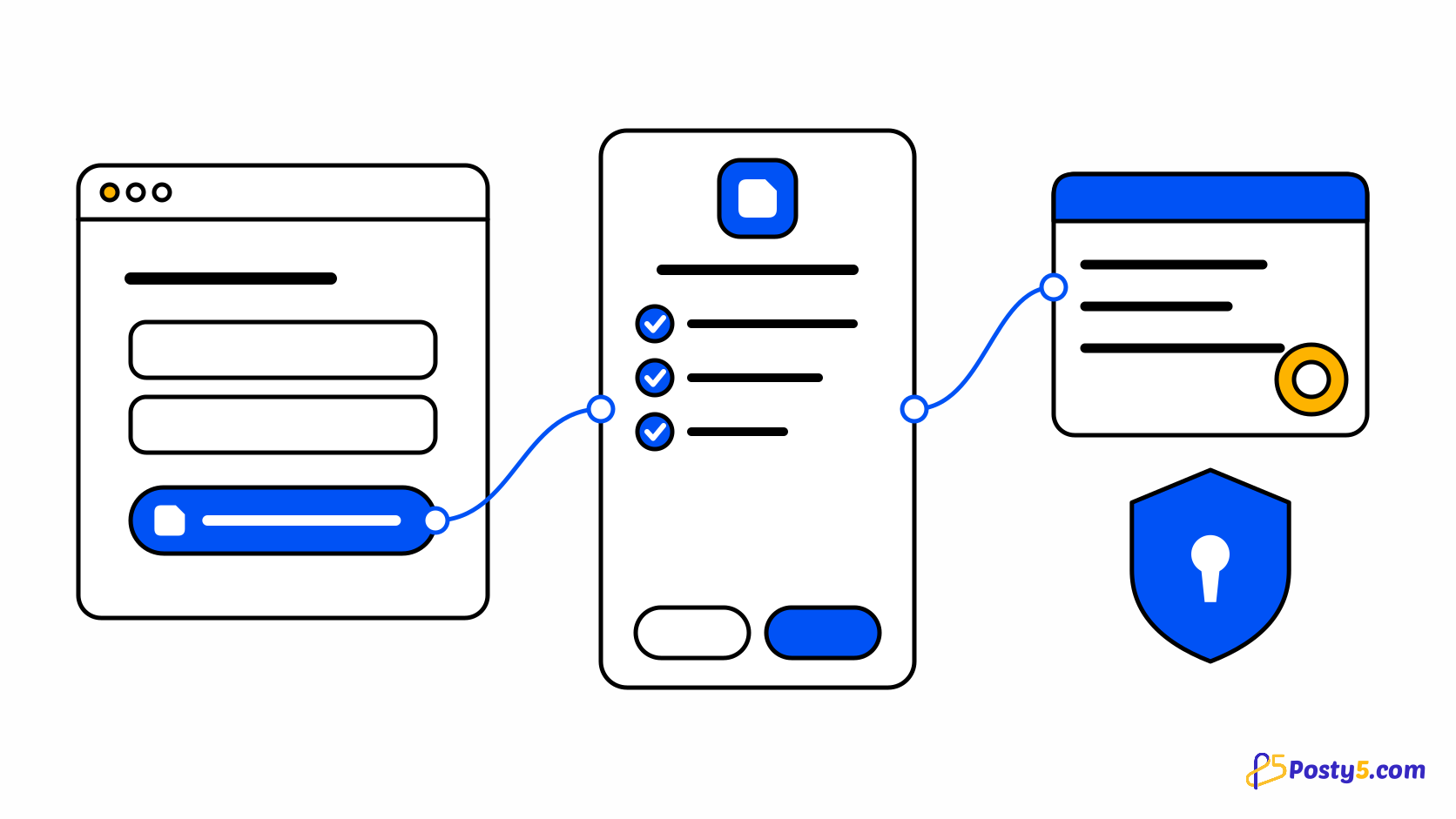
Every new sign-up form asks people for yet another password, and every password you store is one more thing to protect. Login with Posty5 lets people sign in to your website or app with the Posty5 account they already have, the same way they would choose Sign in with Google.
This article explains what your users see, what you get as a developer, and the four steps to add it. It is part of the Posty5 developer platform described in the API keys and SDKs guide.
What Login with Posty5 is
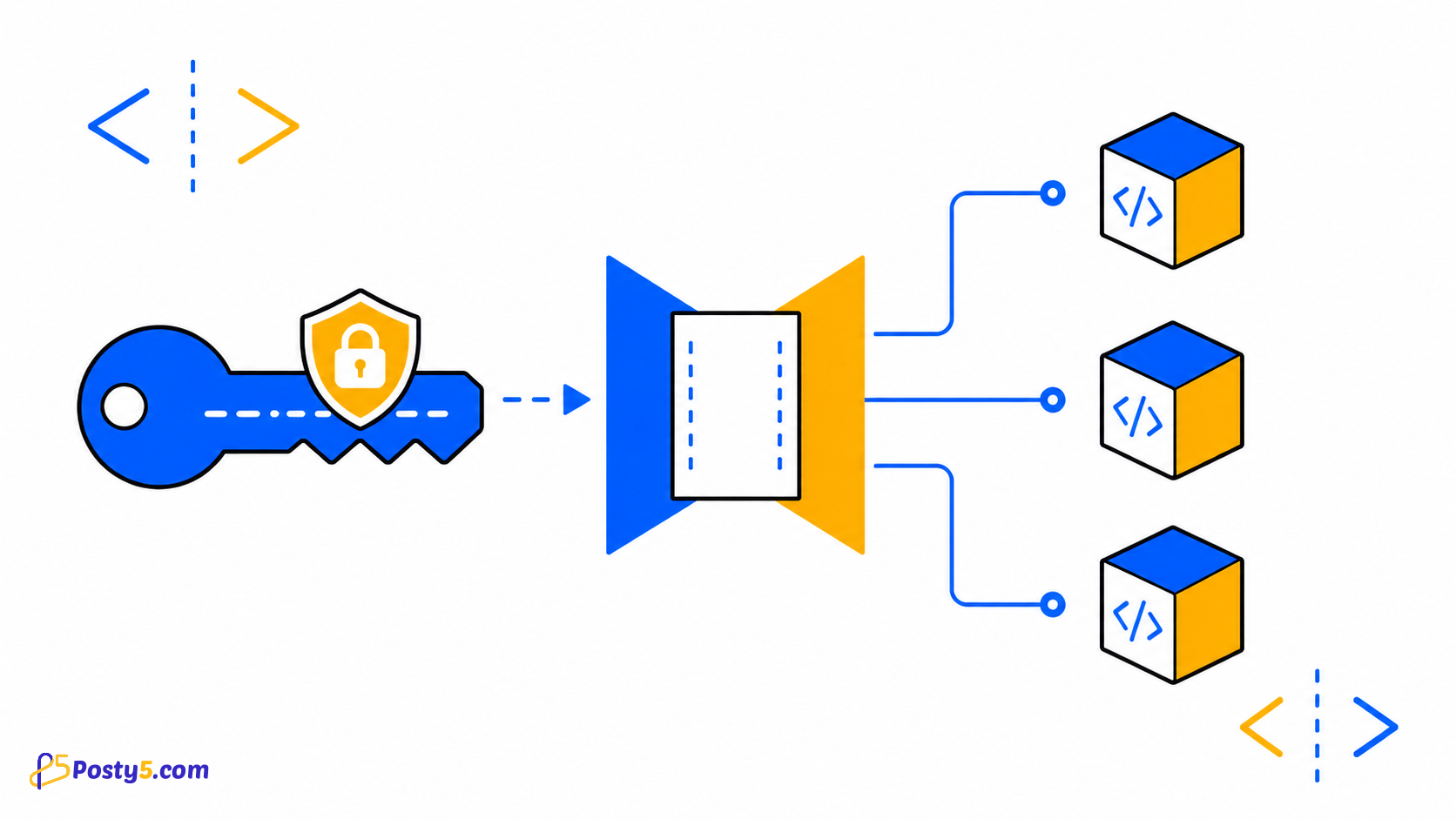
Posty5 is now an OAuth 2.0 and OpenID Connect provider. You register your app in Posty5 Studio, send users to Posty5 to sign in, and get back a signed ID token that tells your server who they are. Your site never sees their Posty5 password.
Because it follows the standard, it works with the Posty5 packages for Node.js and Angular and with any certified OpenID Connect library - ASP.NET Core, Python, PHP or Java. Registering apps and signing users in uses no credits, on every plan.
What your users see
- A Login with Posty5 or Continue with Posty5 button on your sign-in page.
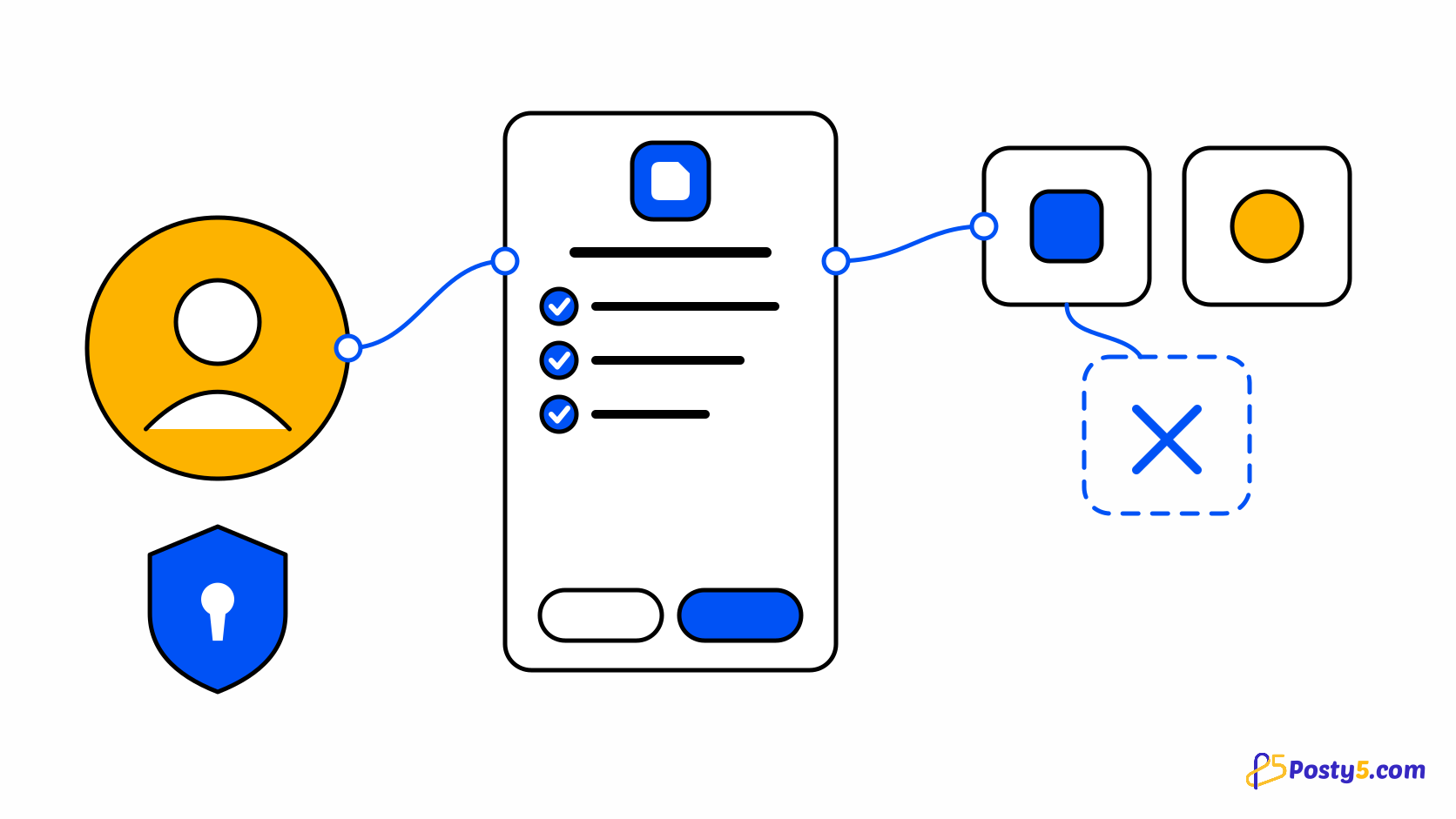
- Posty5's own sign-in page if they are not signed in yet - the password is typed on posty5.com only.
- A consent screen with your app's name, logo, website, privacy policy and terms, and one line for each piece of data you ask for, with Allow and Cancel.
- Their choice is remembered: the next sign-in goes straight through. They can remove your app's access at any time in Account, then Connected apps.
The full walkthrough from the user's side is in What is Login with Posty5, and is my data safe?, which you can link from your own sign-in page.
What you get as a developer
- Standard OpenID Connect - the authorization code flow with PKCE required on every sign-in, and a discovery document most libraries configure themselves from.
- Signed ID tokens (RS256) with the user's name, picture, email and whether the email is verified - only for the scopes the user allowed.
- A private user ID for your app. The
subis stable for your app and different in other developers' apps, so apps cannot match users between them. - @posty5/oauth for Node.js back ends, with signed login links that need no session store, and @posty5/oauth-angular, a customisable Continue with Posty5 button for Angular.
- Browser sign-in for front-end-only apps - turned on per app, accepted only from the website origins you list.
- A Users tab for each app in Posty5 Studio, and an API key added to the app that reads the same list from your server.
Add it in four steps
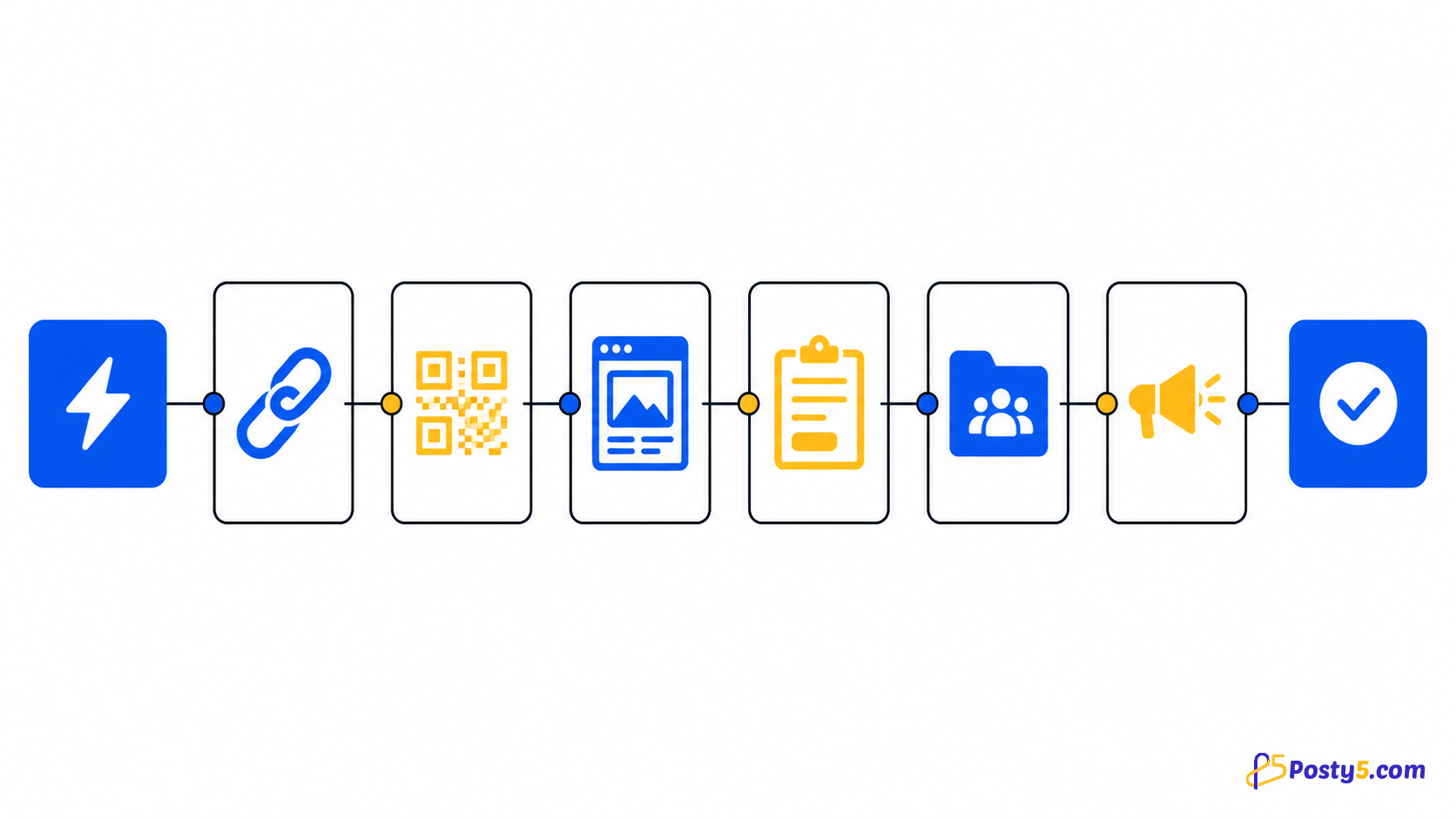
- In Posty5 Studio, open Developers Kit, then OAuth apps, and choose Register app. Enter the name, logo and links users will see, and your callback address as a redirect URI.
- Copy the client ID and the client secret into your server's configuration. The secret is shown only once; you can rotate it later.
- Install @posty5/oauth and add two routes - one that creates a login link and sends the user to Posty5, and your callback, which verifies the result.
- Put a Login with Posty5 button on your sign-in page, sign in once yourself, and key your user records on the
subyou receive.
const link = await posty5.createLoginLink({ returnTo: "/account" });
res.cookie("p5_binding", link.binding, { httpOnly: true, secure: true, sameSite: "lax" });
res.redirect(link.url);

// on your redirect URI
const { claims, returnTo } = await posty5.handleLoginCallback(req.query, { binding: req.cookies.p5_binding });
The login link carries the PKCE verifier, the nonce and your return address inside a sealed state, so your server keeps nothing between the two requests, and a cookie binds the link to the browser that asked for it.
Register your first OAuth app
Create the app in Posty5 Studio, copy its credentials, and test a sign-in on your own site.
Choose how to integrate
- A website with a Node.js back end - use @posty5/oauth. The client secret stays on your server.
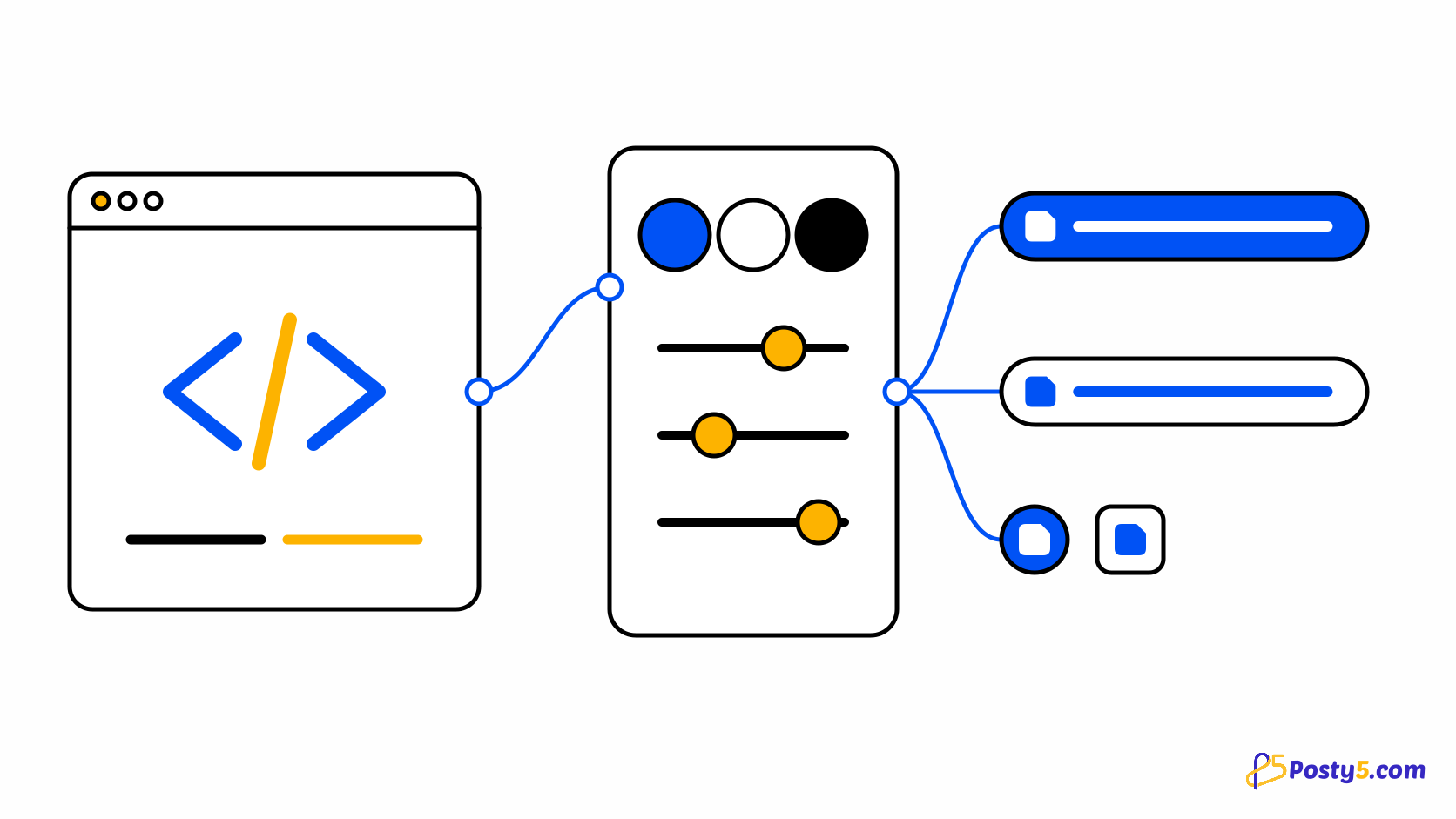
- An Angular app - use the button from @posty5/oauth-angular and let your back end run the sign-in. See how to add a Continue with Posty5 button in Angular.
- A static app with no back end - turn on browser sign-in for the app, list your site's origins, and use the browser mode of the Angular package or any OpenID Connect client that supports PKCE.
- Any other language - point your OpenID Connect library at https://api.posty5.com with your client ID and secret.
Limits to know before you start
- There are no refresh tokens. The access token lasts one hour, so keep your own session after sign-in.
- Silent sign-in (prompt=none) is not offered. You can force a fresh sign-in with prompt=login or max_age.
- Login with Posty5 shares identity only - name, picture and email. It does not give your app access to the user's Posty5 content.
- An account can register up to 20 OAuth apps, each with up to 10 exact redirect URIs.
Frequently asked questions
Does Login with Posty5 cost credits?
No. Registering OAuth apps and signing users in uses no credits, on every plan.
Which data can my app receive?
Only what the user allows: a user ID for your app always, the name and profile picture with the profile scope, and the email address and whether it is verified with the email scope.
Can I use it without a back end?
Yes. Turn on browser sign-in for the app and list your site's origins. The browser then exchanges the code with PKCE and no client secret. If you have a back end, it is still the better place for the sign-in.
Why is the user ID different in my other app?
The sub is pairwise: it depends on the host of each app's first redirect URI, so apps of different developers cannot match users. Apps registered with the same host get the same value.
Can I see who signed in to my app?
Yes. Each app has a Users tab in Posty5 Studio, and an API key added to the app reads the same list from your server, with only what each user shared.
What happens when a user removes access?
Your access tokens for that user stop working, the user leaves your Users list, and their next sign-in shows the consent screen again. Their account on your site is not affected.