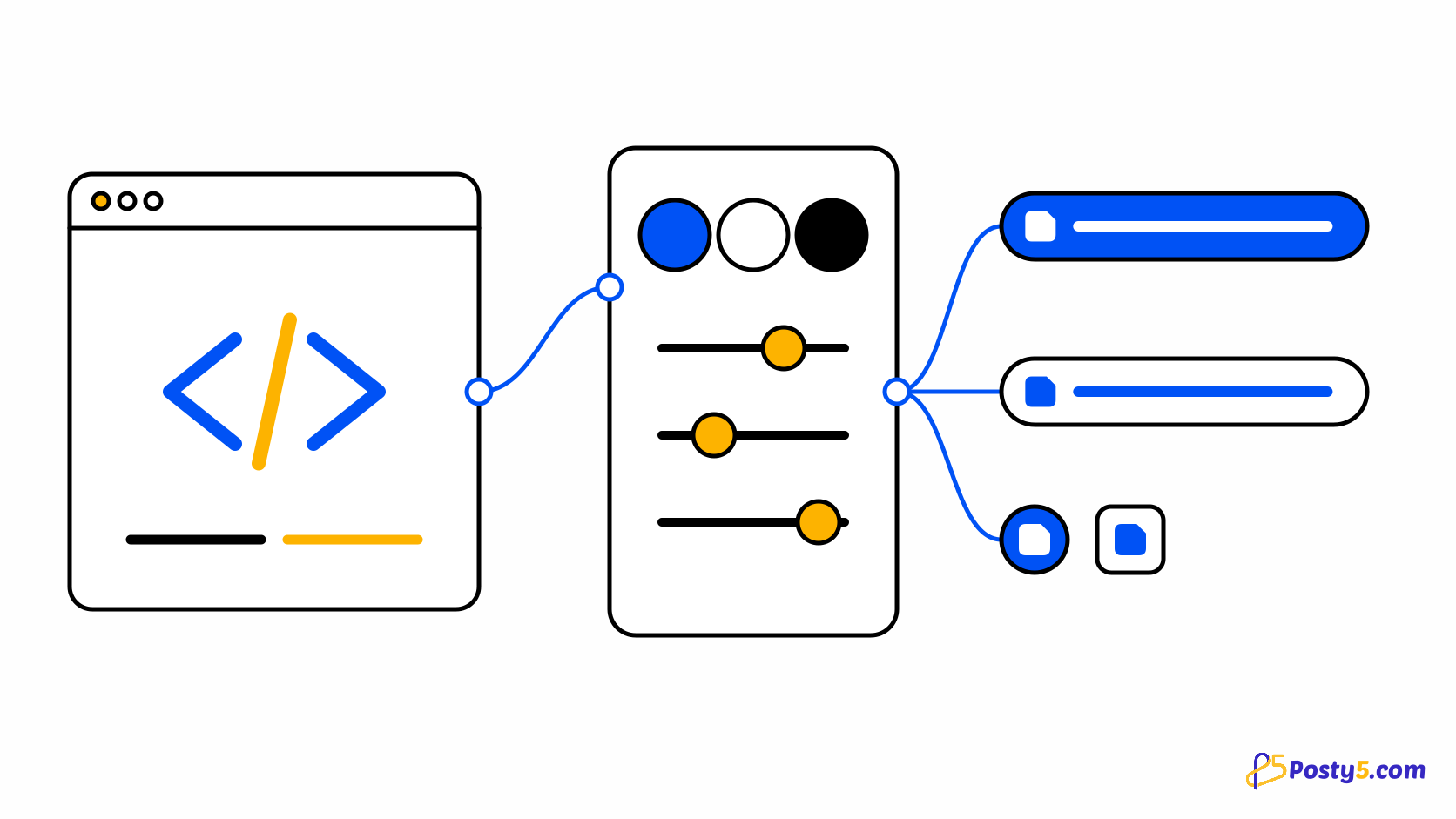
A sign-in button is the first thing a new user touches, so it has to look right in your design, work with the keyboard, read correctly in Arabic and render on the server without flicker. @posty5/oauth-angular gives an Angular app a ready Continue with Posty5 button with all of that, plus the sign-in flow behind it.
This how-to takes you from install to a working, styled button. It assumes you have registered an OAuth app as described in Add Login with Posty5 to your website or app, and it is part of the developer platform in the API keys and SDKs guide.
Pick a mode first
- startUrl - your back end already runs the sign-in, for example with @posty5/oauth. The button only opens your start address. This is the recommended mode, and the one Trend Digest uses.
- codeHandler - the package starts PKCE in the browser and posts the code to your back end, which exchanges it with the client secret.
- browser - no back end. The package exchanges the code as a public client and verifies the ID token with WebCrypto. The OAuth app must allow browser sign-in from your site's origin.
In every mode the client secret never reaches the browser.
Add the button step by step
- Install the package with
npm install @posty5/oauth-angular. It supports Angular 17.3 to 20. - Call providePosty5Auth in your application config with the mode you picked.
- Import Posty5SignInButtonComponent where you use it and put the posty5SignInButton attribute on a real button element, so forms, focus and the keyboard behave as usual.
- For codeHandler and browser modes, route your redirect URI to a lazy page that holds the posty5Callback component and navigate on its signedIn and failed events.
- Sign in once yourself and check that you land back on the page you started from.
// app.config.ts
import { providePosty5Auth } from "@posty5/oauth-angular";

export const appConfig = {
  providers: [
    providePosty5Auth({
      mode: "startUrl",
      startUrl: "/api/auth/posty5/start",
    }),
  ],
};

<button posty5SignInButton theme="outline" shape="pill" [width]="320" returnUrl="/dashboard"></button>
Get the package and register your app
Register an OAuth app in Posty5 Studio, then install @posty5/oauth-angular and drop the button into your sign-in page.
Make it match your design
- theme - filled (Posty5 blue), outline (white) or filledDark for dark pages.
- size - large, medium or small; shape - rectangular, pill, circle or square (logo only).
- text - Continue with Posty5, Sign in with Posty5, Sign up with Posty5 or Sign in; label replaces it completely.
- logoAlignment, width, locale per button, and unstyled when you want to style everything yourself.
.login-card .posty5-btn {
  --posty5-btn-radius: 9999px;
  --posty5-btn-font-family: "Cairo", sans-serif;
  --posty5-btn-hover-bg: #1a6bff;
}
The built-in styles have zero specificity, so any rule of yours wins without !important, and every colour and size is a CSS custom property. Arabic buttons are laid out right to left on their own, and Posty5 is always written in Latin script.
Greet returning users by name
After a sign-in, the button can show the user's picture, Continue as with their name and a masked email - like the personalised buttons of other sign-in providers. In browser mode this happens on its own; in the other modes, call rememberUser with what your back end returned, and forgetUser on sign-out.
The remembered user holds only the name, an HTTPS picture address and the masked email - no tokens. The personalised button appears only after hydration, so server-rendered HTML never mismatches.
Good to know
- The package is safe with server-side rendering: on the server the button shows its generic text, and sign-in never runs there.
- It calls Posty5 with fetch, so your HTTP interceptors never add your own Authorization header to Posty5's endpoints.
- A pending sign-in lives in session storage for one tab and expires after 10 minutes.
- In browser mode, keep the tokens in memory. For long sessions, prefer startUrl or codeHandler with an HttpOnly cookie.
Frequently asked questions
Which Angular versions are supported?
Angular 17.3 to 20. The package uses standalone APIs, signals and OnPush.
Do I need a back end?
Not with browser mode, but the OAuth app must allow browser sign-in and list your site's origin. With a back end, startUrl or codeHandler keeps the secret and the session on your server.
Can I change the text of the button?
Yes. Choose one of the four built-in texts with text, replace it with label, or add your own texts per language in the labels configuration.
Does it work with server-side rendering?
Yes. Every browser API is guarded, the server renders the generic button, and the personalised button and the callback start only in the browser.
What happens when the user chooses Cancel on Posty5?
The callback fails with the code cancelled, so you can send the user back to your sign-in page.