Letting someone else work in your store is the point at which a side project becomes an operation. Posty5 handles it with eight permissions and one strict rule about account security. Both are worth understanding before you try to send an invite, because the security rule is where most first attempts stop.
Pro and above, and credits will not change that
Staff are available on Pro and above. This is a plan gate rather than a price, which means no amount of credits opens it — the invite screen simply is not available below that tier. If you are working alone, nothing here applies to you yet.
The eight permissions
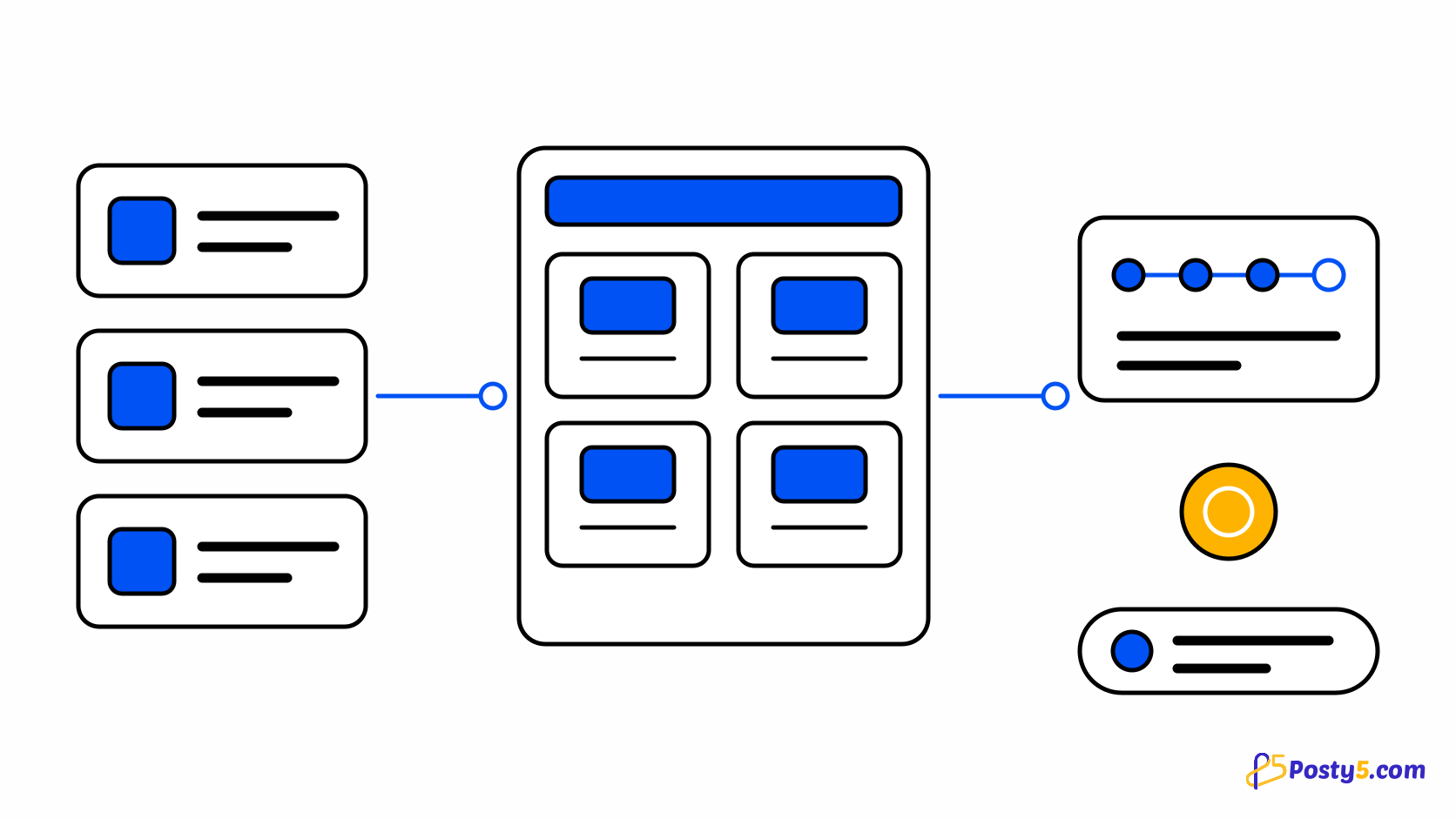
There are eight permissions, and they divide roughly into the four jobs a store actually has. Orders are split into three so you can grant them separately: viewing orders, creating them by hand, and changing their status. Then there is managing products, managing the storefront design, managing settings, managing staff, and handling contact messages. Splitting the order permissions three ways is the detail that makes the system useful — someone can process the day's orders without being able to invent new ones, or take phone orders without touching anything that has already shipped.
The owner is not a permission set
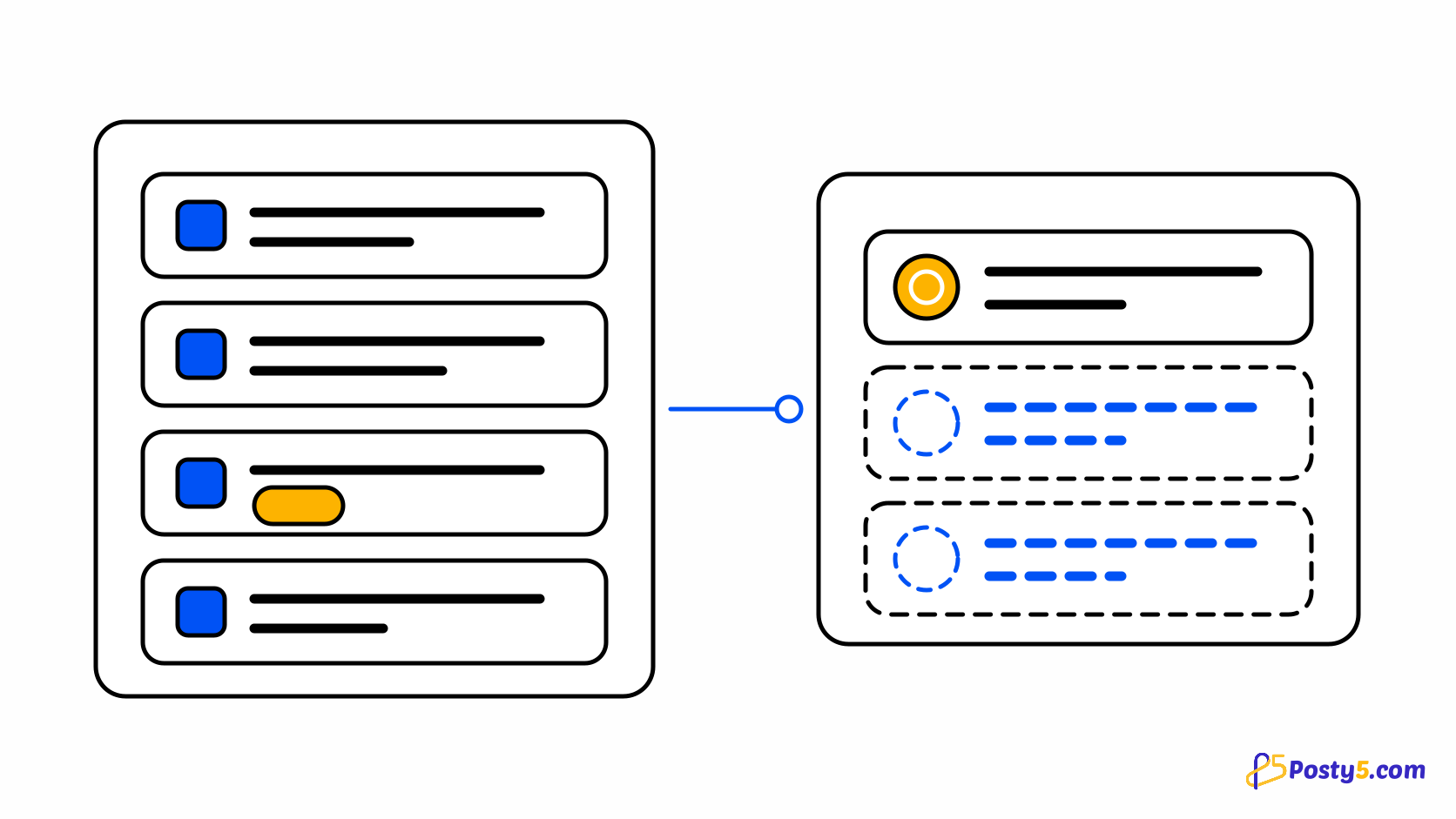
The owner is not one of these roles. They hold every permission implicitly, and there is no way to reduce that — which is why limiting what someone can do means inviting them as staff rather than adjusting the owner. Order events record which of the two acted, along with the system itself for orders that came in through checkout, so the history distinguishes a status change you made from one your colleague made. See how the order pipeline works.
Two-factor authentication, on both sides
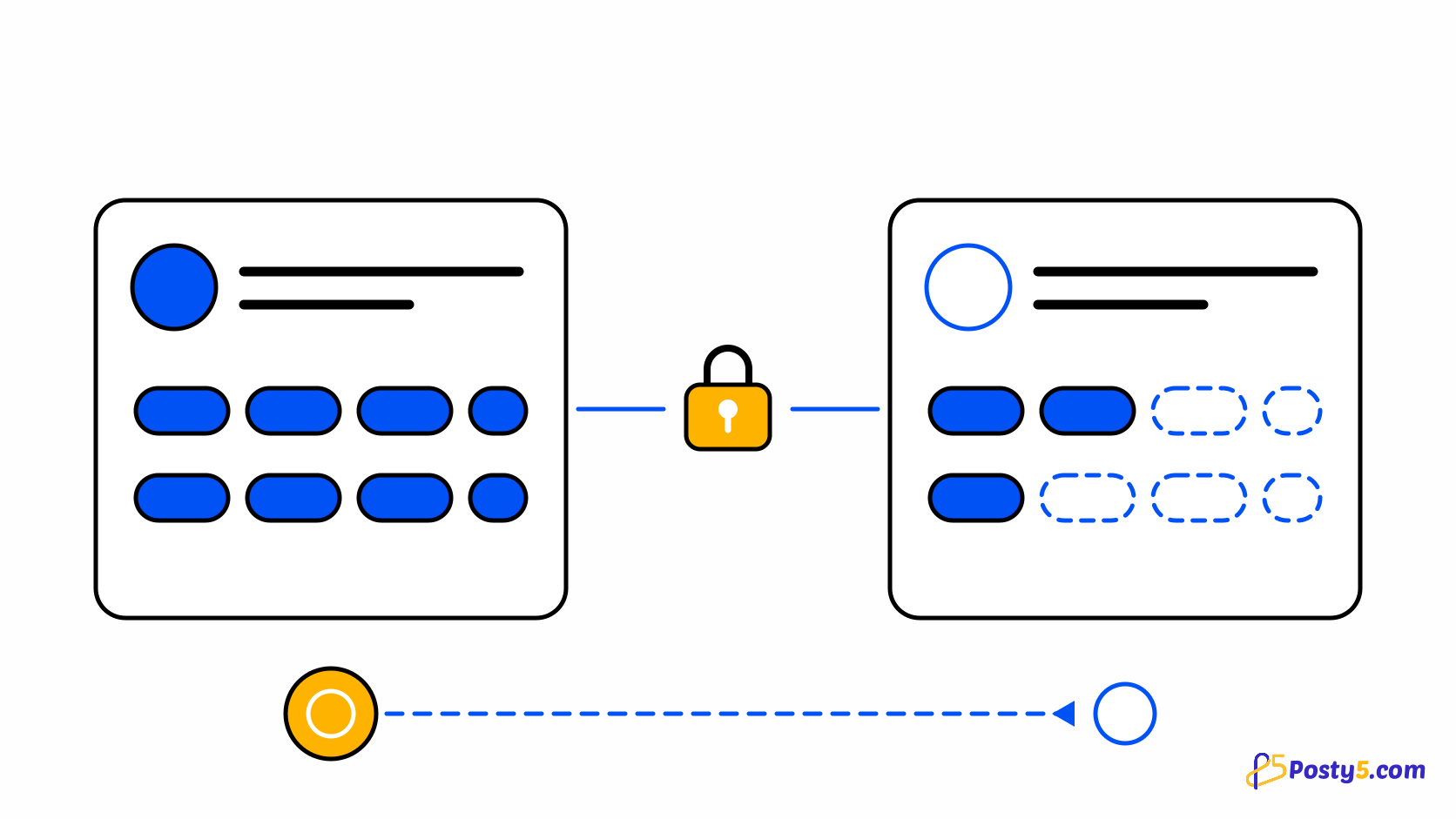
This is where most invites stop, so it is worth stating plainly. You must have two-factor authentication enabled on your own account before you can manage staff at all. The person you are inviting must already have a Posty5 account, must have activated it, and must have two-factor authentication enabled themselves. The refusals name the problem rather than failing vaguely: "No Posty5 account uses that email. Ask them to sign up first, then invite them." and "That account must enable two-factor authentication before it can be invited as staff." The strictness is proportionate — staff can change order states, alter your catalogue and spend your credits.
Invites expire, and the link lives in the email
An invite carries an opaque token that only ever travels inside the invite email, so there is no link to copy out of a screen and no way to forward access by pasting a URL somewhere. Invites expire, by default after about a day, and an hourly job clears out the ones nobody accepted. The email also lists the permissions being granted, so the person accepting can see what they are agreeing to before they click. If an invite goes stale, send a new one rather than looking for a way to extend it.
What a downgrade does to your team
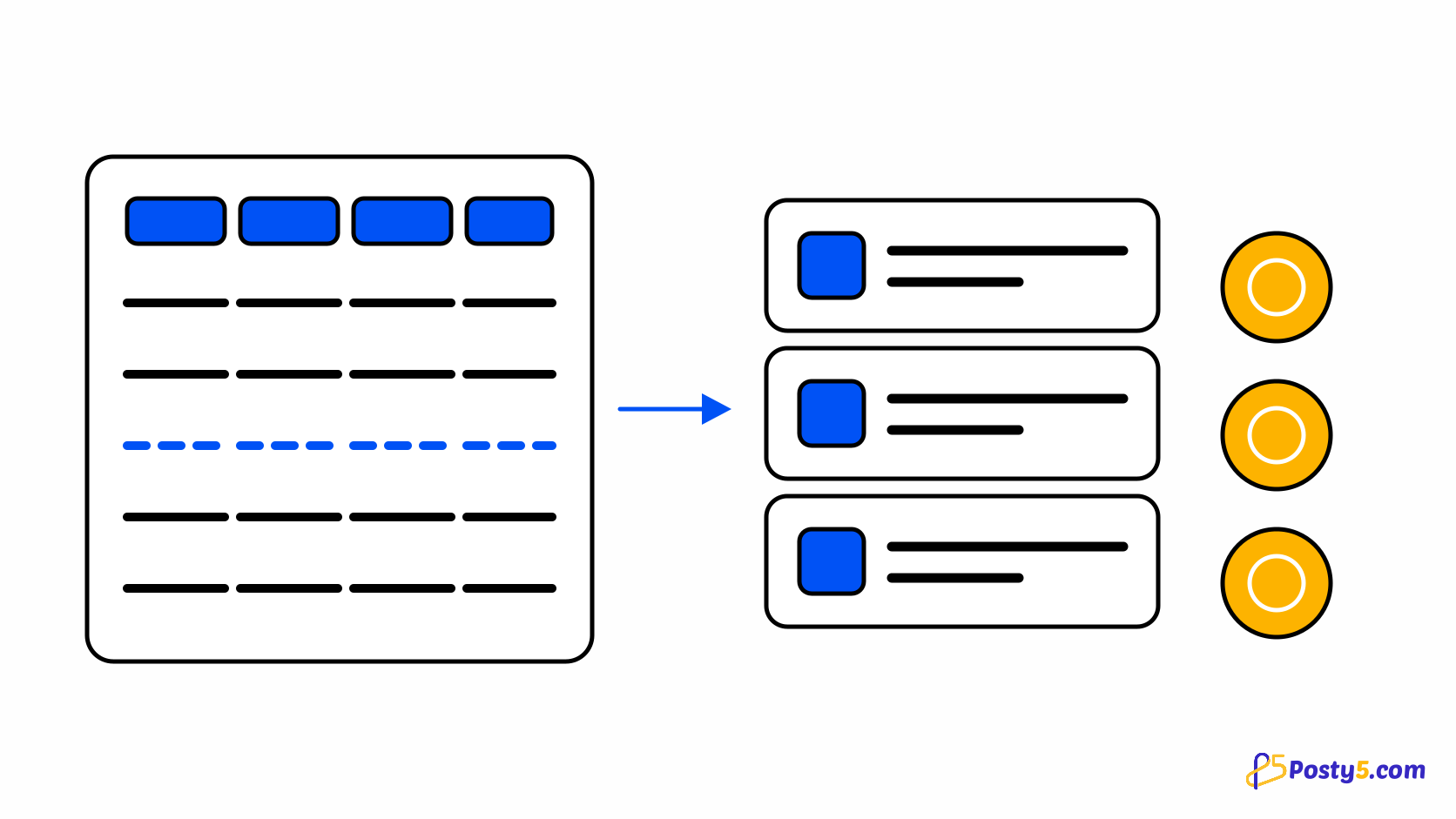
Dropping below Pro pauses staff access rather than deleting it. Nobody is removed, no permissions are lost, and upgrading again restores everything immediately. That matters if your plan lapses for a month: you are not rebuilding your team afterwards, and you are not paying invite costs a second time.
Staff spend the owner's credits
Every credit a staff member spends comes out of the store owner's balance, not theirs. The usage ledger records the charge against the owner and names the staff member who performed the action, so a busy month is explainable rather than mysterious. Practically, this means delegating work also delegates spending — which is usually what you want, and always worth knowing before you hand out the products or orders permissions. See how the credit budget works across every tool.
Open the Online Store Builder
Staff, permissions and the order history all live in the store's control panel. Plan access before you need it.
Frequently asked questions
Why can I not invite anyone?
Either you are below Pro, or two-factor authentication is not enabled on your account. Both are required before the staff screen will work.
Why was my invitee rejected?
They must already have an activated Posty5 account with two-factor authentication enabled. The refusal message says which of the two is missing.
How long does an invite last?
About a day by default, after which an hourly job clears it. Send a fresh one rather than trying to extend it.
Can I share the invite link another way?
No. The token only travels inside the invite email.
What happens to staff if I downgrade?
Their access is paused, not deleted. Upgrading restores it immediately with permissions intact.
Whose credits do staff spend?
The owner's. The ledger records the charge against the owner and names the staff member who acted.