An order pipeline is only as useful as the promises it keeps. This one makes three worth knowing up front: an incoming order is never lost because you are out of credits, a finished order cannot be quietly rewritten, and a customer can follow their order without creating an account. Everything else is detail around those.
Orders arrive even when your balance is empty
Start with the one that protects your revenue. Receiving an order, changing its status and creating one by hand are the only three operations on the whole platform allowed to run on an empty balance. Instead of failing, they record what they cost as credit debt, settled the next time credits arrive. The reasoning is plain: refusing a customer's order because a balance ran out would cost you far more than the charge is worth. Two related behaviours are deliberately different — the Excel order export is not deferred and will simply refuse, and customer emails are skipped rather than owed, so an empty balance quietly stops the notification instead of building up a bill. See how the credit budget works across every tool.
The pipeline, and what each step allows
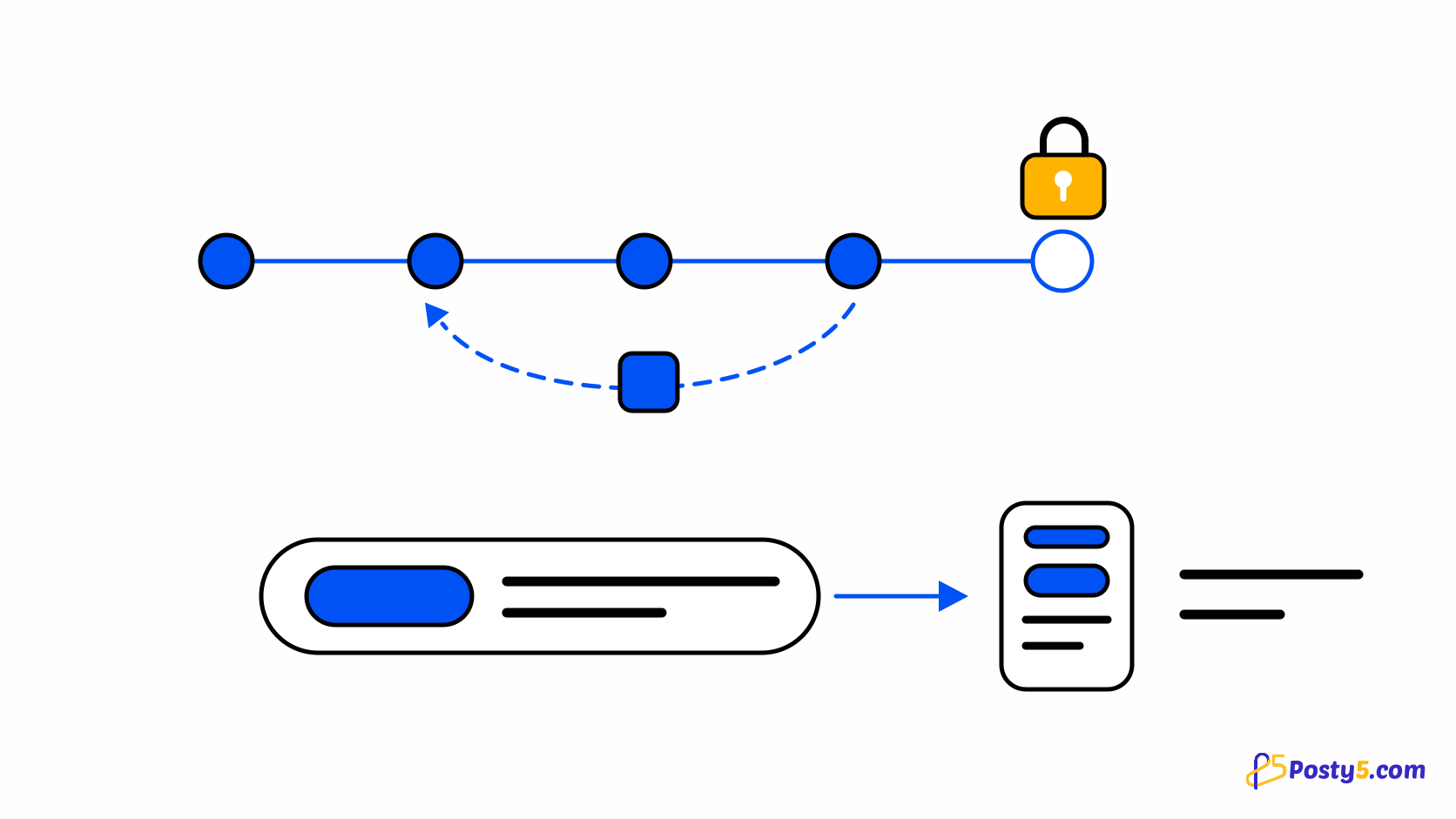
Orders move through pending, confirmed, processing, shipped and delivered, in that order. From any of those except delivered you can also cancel or refuse, which is how a real shop behaves: things fall through at every stage, not only at the start. What you cannot do is skip forward — a pending order becomes confirmed before it becomes processing — and that constraint is what makes the status list mean something when you scan it later.
Why a finished order cannot be edited
Delivered, cancelled and refused are final. Nothing moves out of them, and the order becomes a permanent record rather than a live document. This reads as a restriction and works as a protection: an order history you can quietly rewrite is not a history. It also has one practical consequence worth planning around — a store with any order still in flight cannot be deleted, so closing a shop means finishing or cancelling what is outstanding first.
What comes back when you cancel
Cancelling or refusing an order returns its items to stock, but only for products that actually track a stock number. Products with no stock figure are skipped, because there is nothing to add back to. The restock happens after the status change rather than as part of it, which means the status is never left in doubt by an inventory problem. If your stock counts drift, the usual cause is products that were never tracking stock in the first place.
The tracking link customers actually use
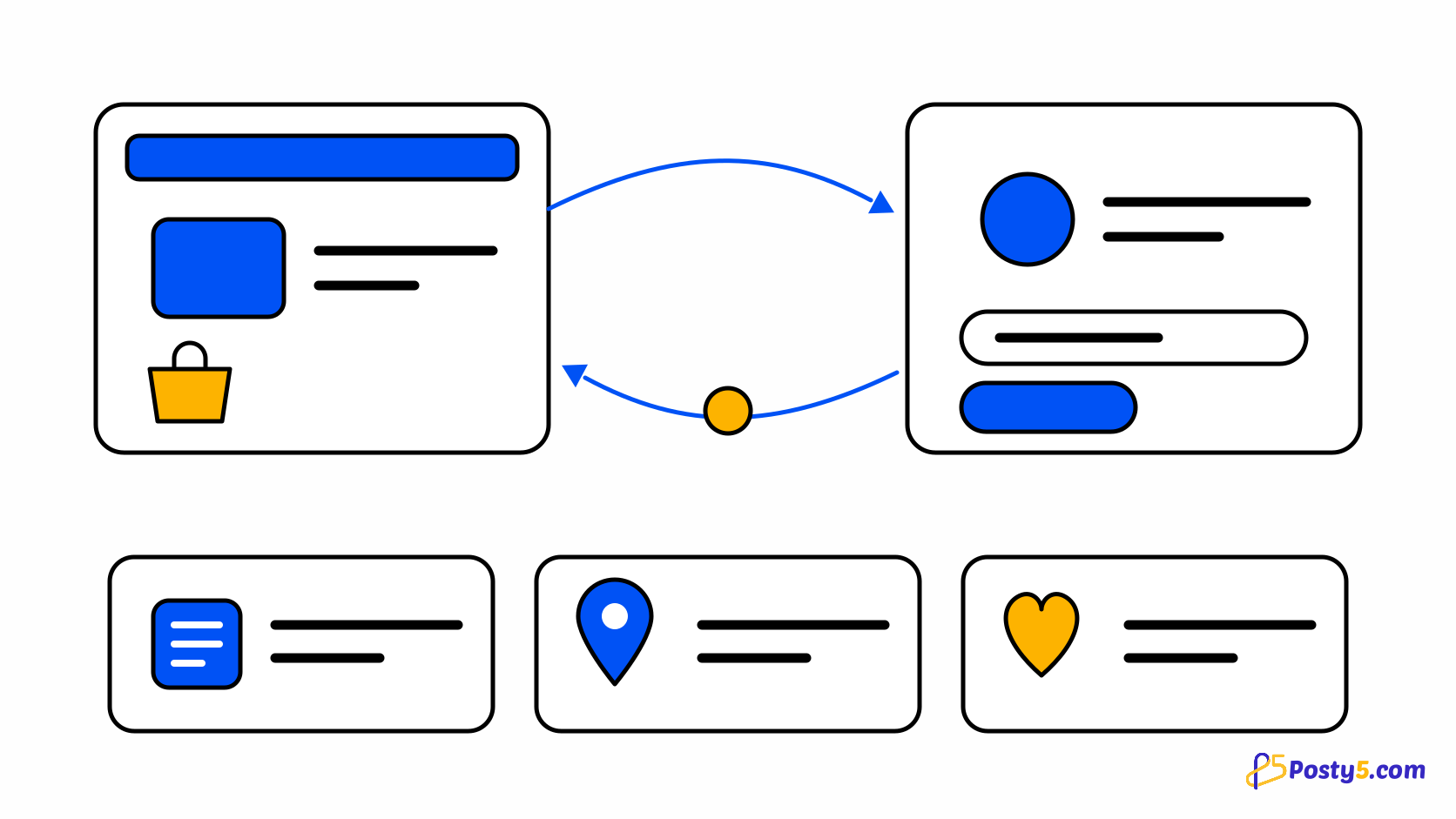
Every order carries two identifiers with different jobs. The order number is sequential per store, so it is short and easy to say aloud. The tracking id is opaque and unguessable, which is what makes the tracking link safe to share: the person receiving the parcel can open it without an account and without seeing anything else about your store. Internal notes you add to an order never appear there. One thing to be clear about with customers: this is Posty5's tracking page showing the status you set, not a courier's tracking number.
Finding an order again
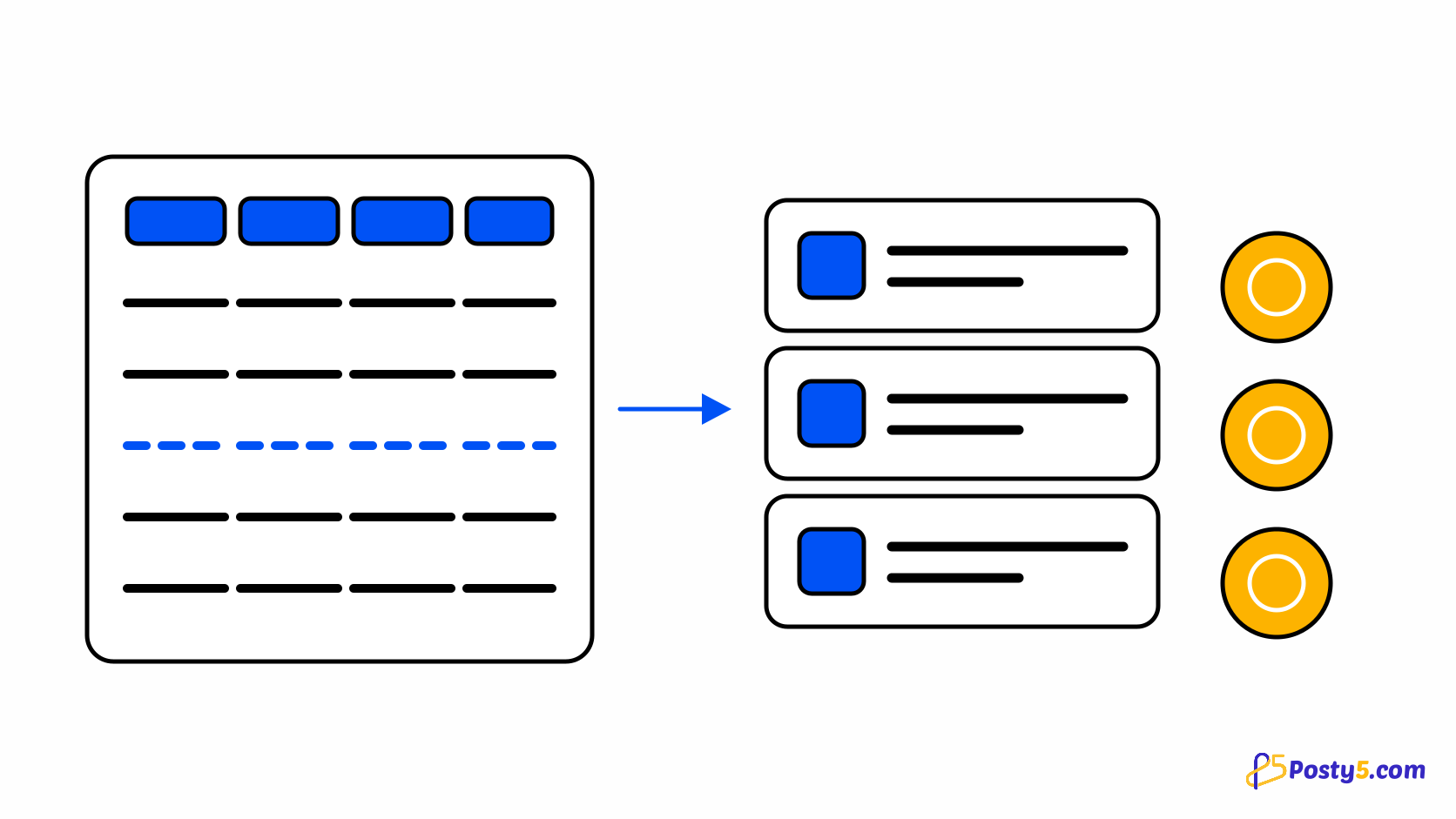
Orders can be found by status, by source channel, by date, by tracking id, by order number, and by a single customer term matched across name, phone and email — so a phone number someone half-remembers is usually enough. Each order also records which level of your delivery rules produced its fee, whether that was the city, the governorate, the country or your store-wide default, which turns "why was shipping that much?" into something you can answer by looking rather than reconstructing. See how delivery fees resolve.
Open the Online Store Builder
The order list, the statuses and the tracking links are all in the store's control panel.
Frequently asked questions
What happens to orders if I run out of credits?
They still arrive. Receiving an order, changing its status and creating one manually run on credit debt, settled when credits next arrive.
Can I change an order after it is delivered?
No. Delivered, cancelled and refused are final, and the order becomes a permanent record.
Does cancelling an order return the stock?
Yes, for products that track a stock number. Products without one are skipped, because there is nothing to add back.
Do customers need an account to track an order?
No. The tracking link carries an opaque id and works without signing in.
Is the tracking link a courier tracking number?
No. It is Posty5's own page showing the status you set. There is no carrier integration.
Why can I not delete my store?
A store with any order still in flight cannot be deleted. Finish or cancel the outstanding ones first.