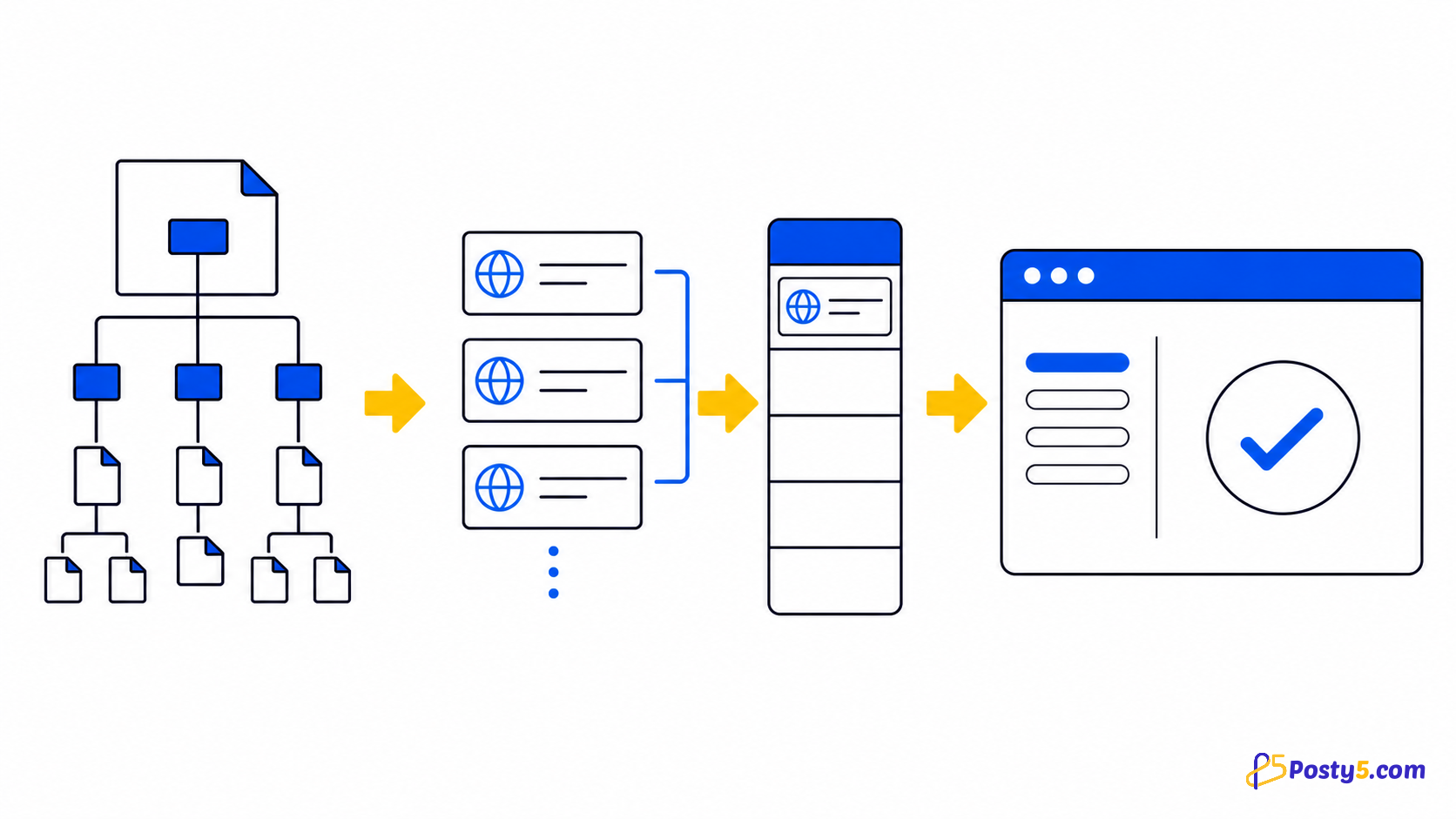
Keep several YouTube tabs under control by pausing videos when you switch tabs or leave the browser.
Install the extension
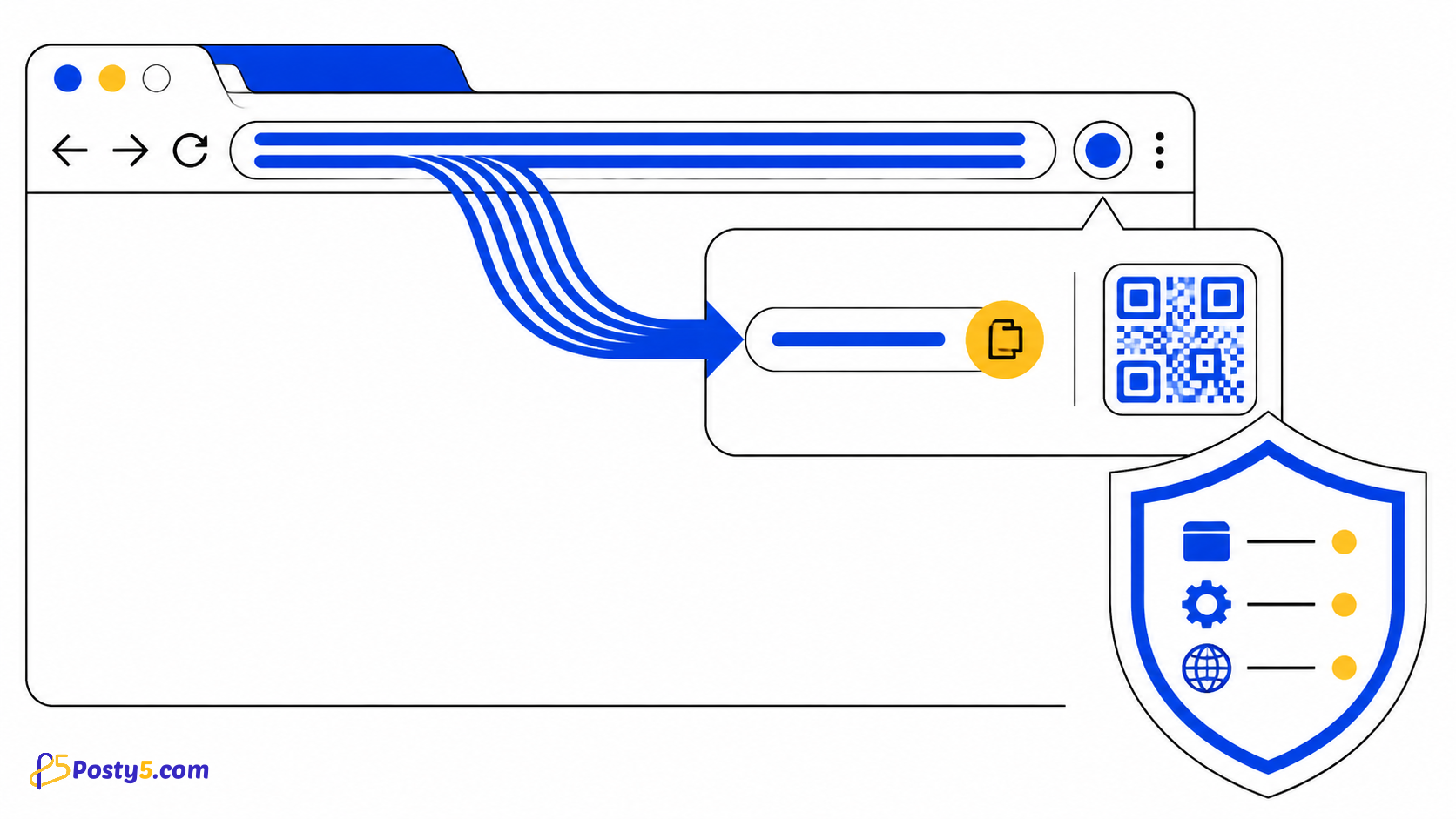
Install only from the official Chrome Web Store listing, then pin the icon if you expect to use it often.
Install from Chrome Web StoreHow to use it
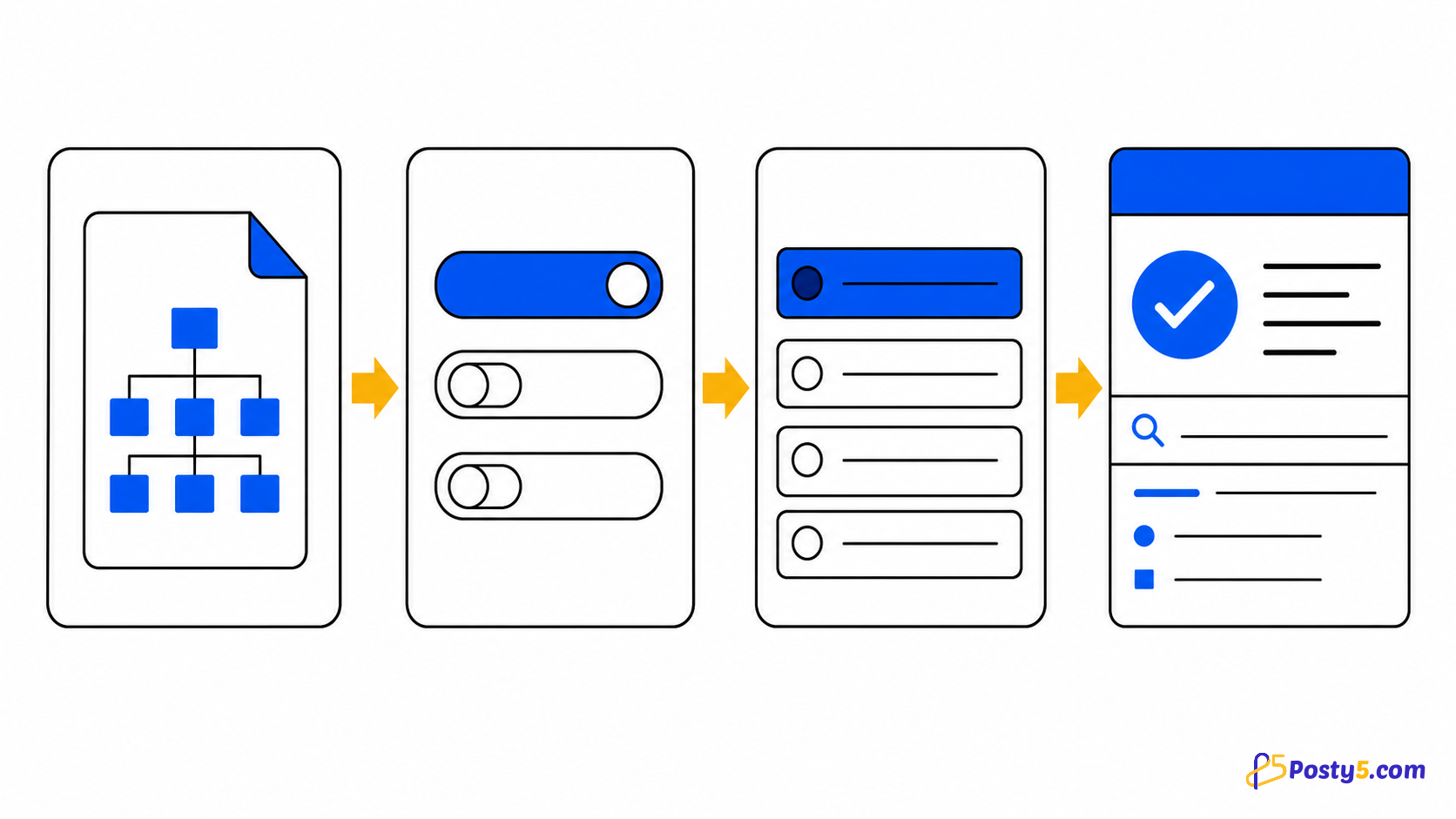
- Install the extension and open its popup
- Enable only the playback modes you want
- Switch YouTube tabs or leave the browser and verify the selected behavior
Verified capabilities
Keep several YouTube tabs under control by pausing videos when you switch tabs or leave the browser.
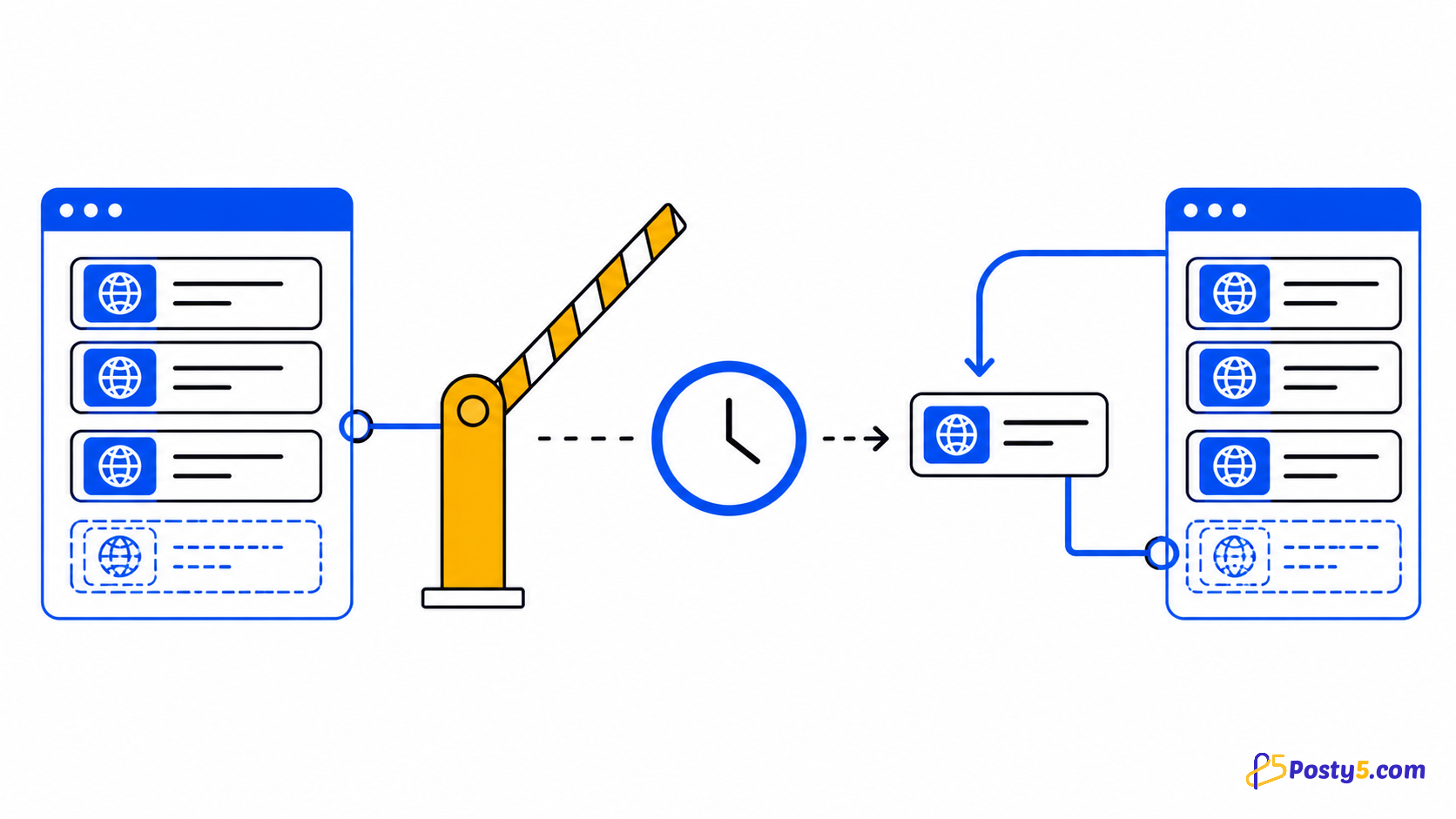
- Play Current, Pause Others
- Pause on Tab Leave
- Pause When Leaving Browser
- YouTube-only content script
Privacy and permissions
The content script matches YouTube pages, while Chrome storage keeps the chosen playback modes.
Limitations
It does not manage playlists, group tabs, download videos, block ads or operate outside YouTube.
Frequently asked questions
How to use it
Install the extension and open its popup Enable only the playback modes you want Switch YouTube tabs or leave the browser and verify the selected behavior
Limitations
It does not manage playlists, group tabs, download videos, block ads or operate outside YouTube.