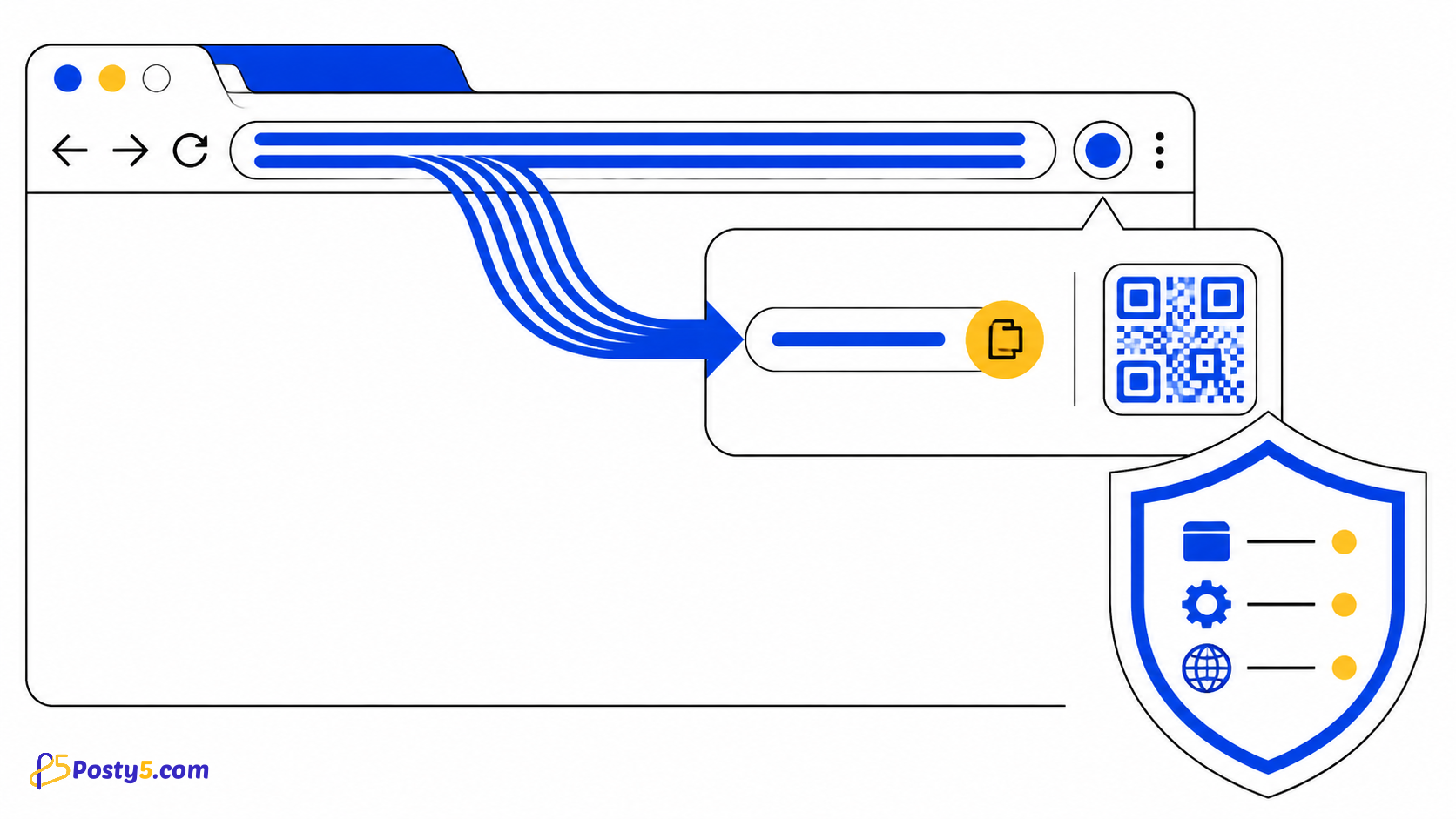
Shorten the active tab from a toolbar popup, copy the result and preview its QR code with narrowly scoped access.
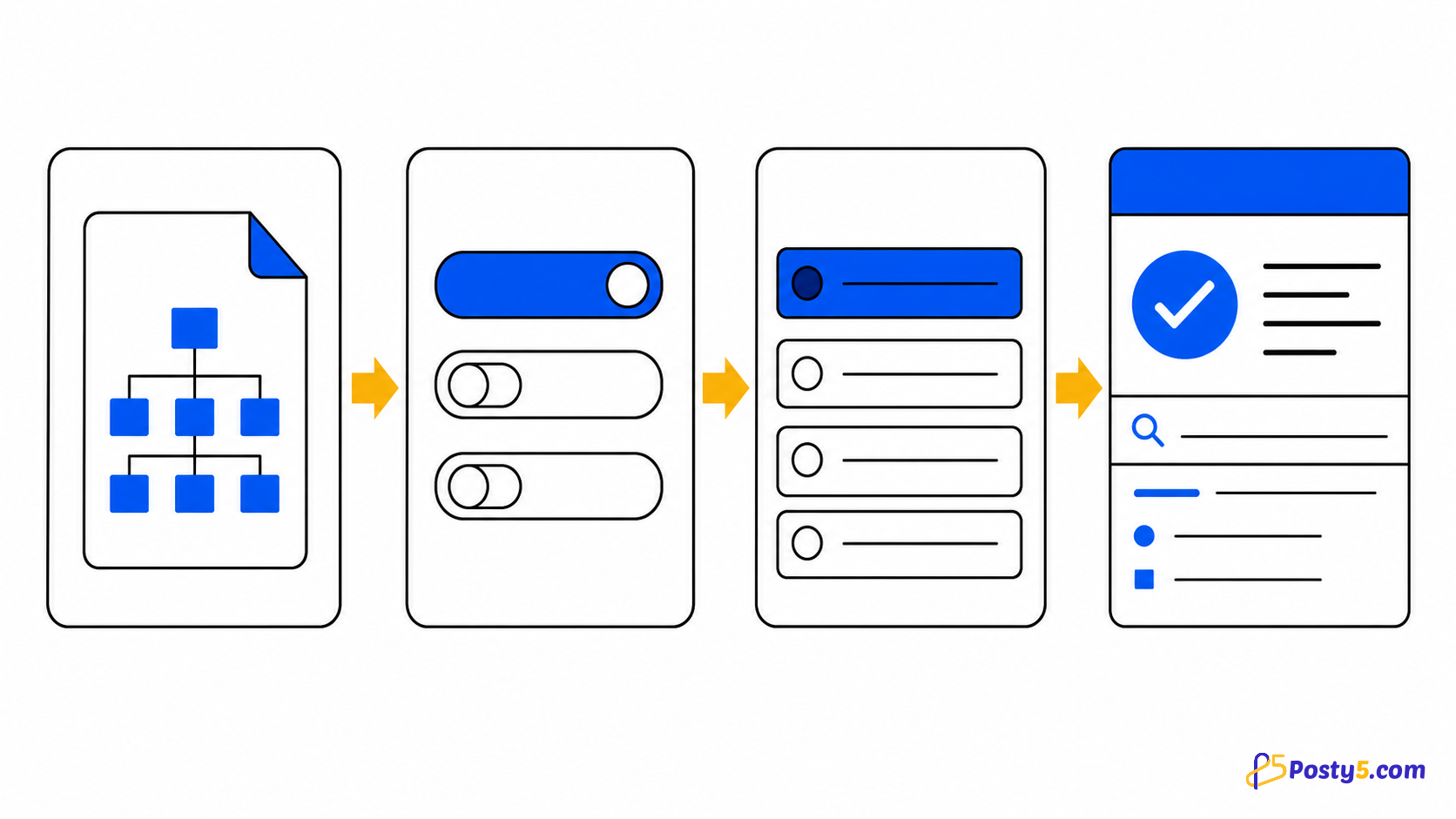
Open a normal web page, select the extension icon, review the pre-filled URL, create the link and copy it. Chrome internal pages cannot be read.
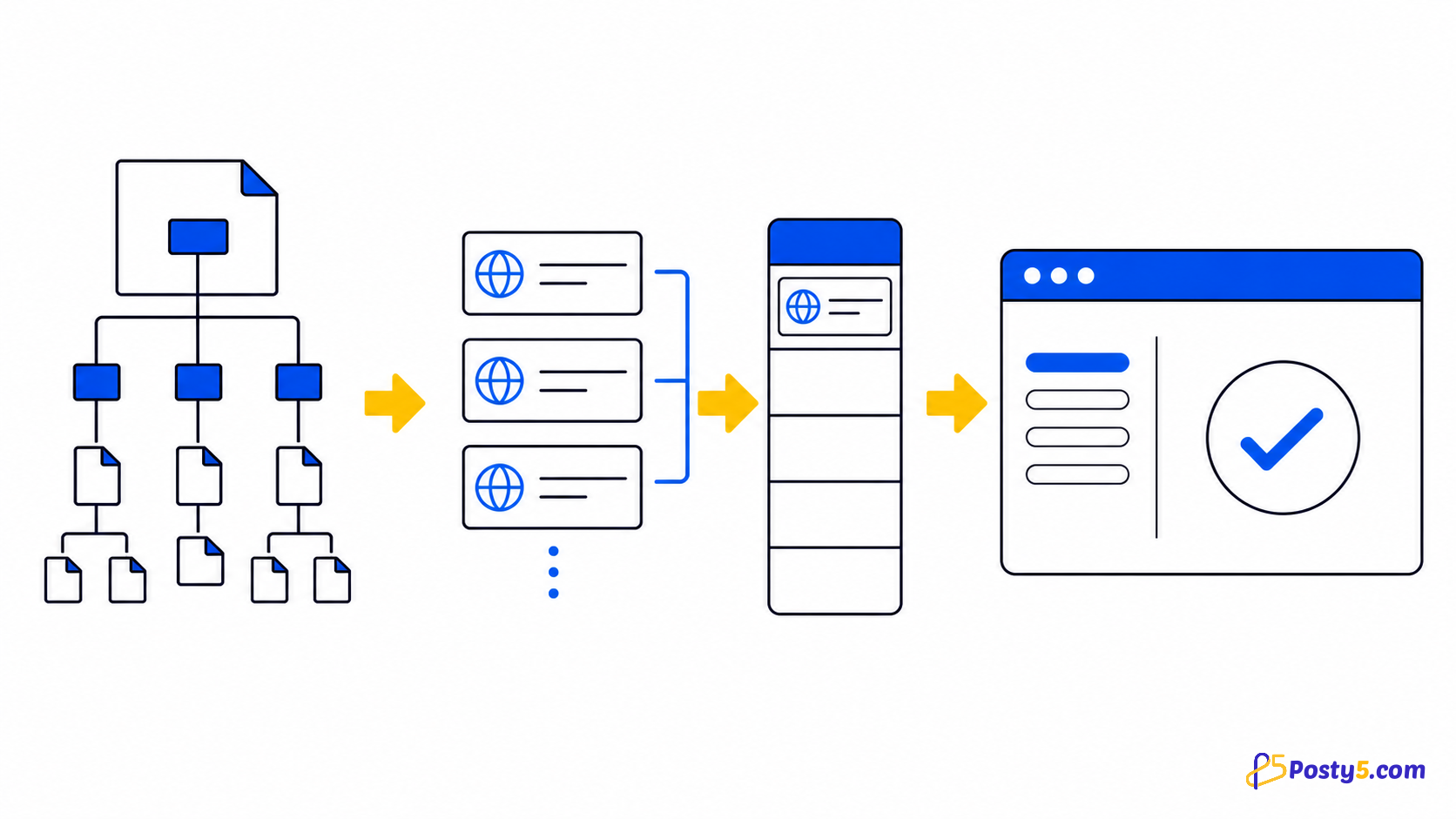
The popup reads the active tab's URL when you open it, sends that URL to Posty5 to create the short link, then lets you copy the result without leaving the page.
- Open a normal web page, select the extension icon, review the pre-filled URL, create the link and copy it. Chrome internal pages cannot be read.
- The result includes a QR preview and a design-template picker. This is not a full QR editor, bulk tool or analytics dashboard inside the popup.
Its permissions are activeTab, cookies and clipboard access, while host access is limited to https://posty5.com/. It reads the URL, not the page content, and has no background worker or content script.
Its permissions are activeTab, cookies and clipboard access, while host access is limited to https://posty5.com/. It reads the URL, not the page content, and has no background worker or content script.
QR
The result includes a QR preview and a design-template picker. This is not a full QR editor, bulk tool or analytics dashboard inside the popup.
There is no right-click shortcut, link-history list, bulk shortening or work while the popup is closed. The current Store listing exposes seven interface languages.
There is no right-click shortcut, link-history list, bulk shortening or work while the popup is closed. The current Store listing exposes seven interface languages.
Frequently asked questions
activeTab
Its permissions are activeTab, cookies and clipboard access, while host access is limited to https://posty5.com/. It reads the URL, not the page content, and has no background worker or content script.
QR
The result includes a QR preview and a design-template picker. This is not a full QR editor, bulk tool or analytics dashboard inside the popup.
chrome://
Open a normal web page, select the extension icon, review the pre-filled URL, create the link and copy it. Chrome internal pages cannot be read.
Background
There is no right-click shortcut, link-history list, bulk shortening or work while the popup is closed. The current Store listing exposes seven interface languages.