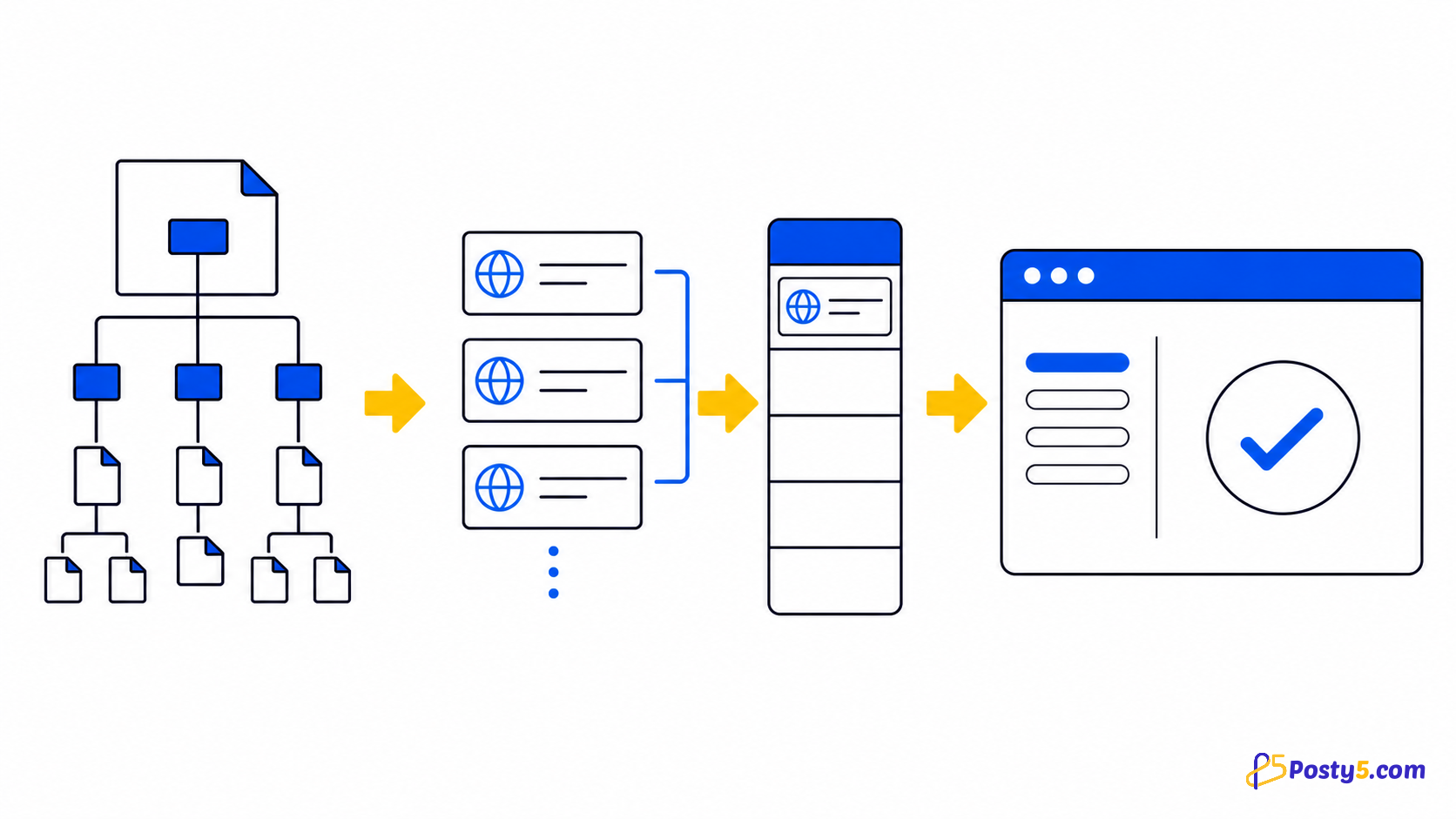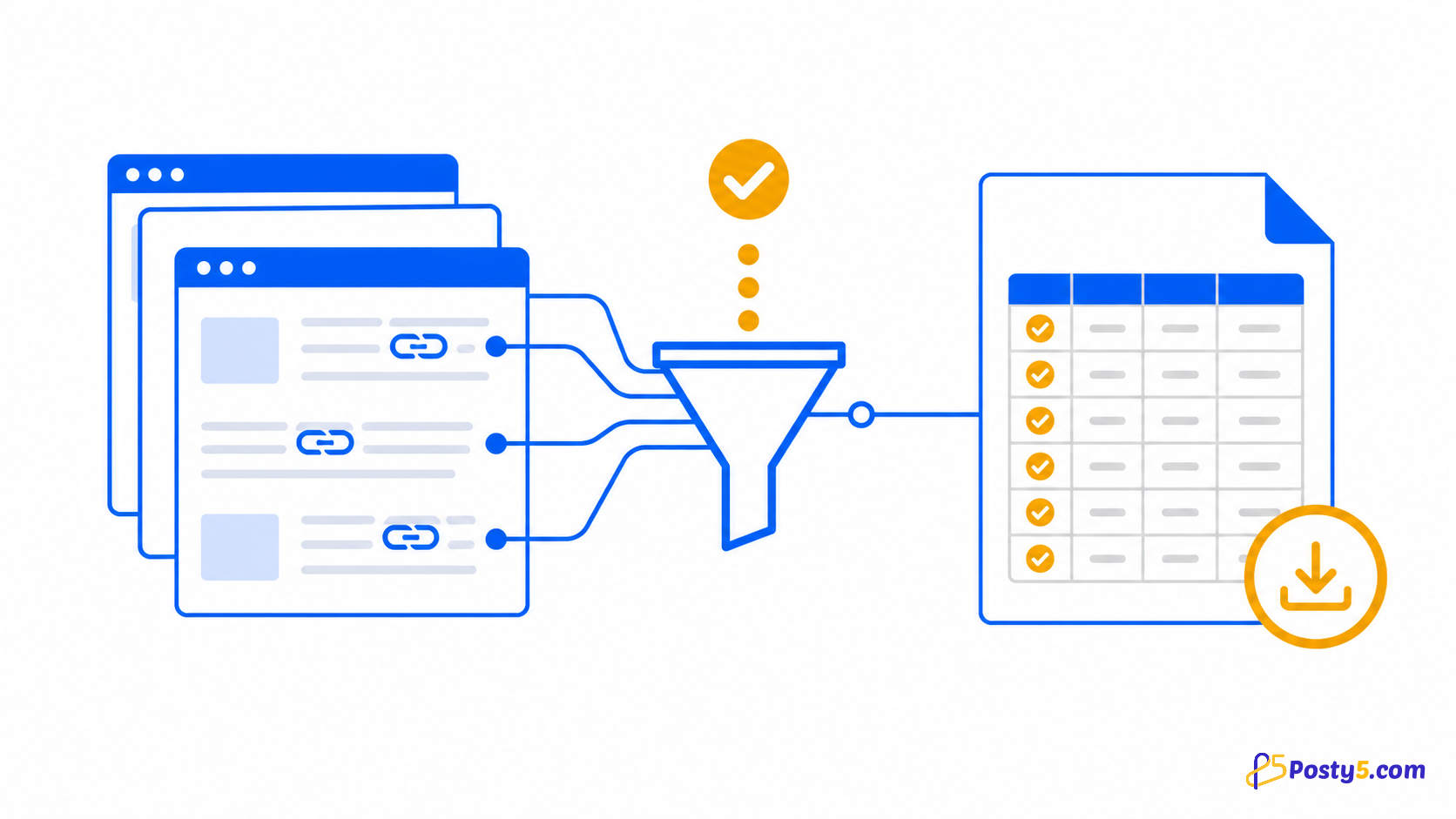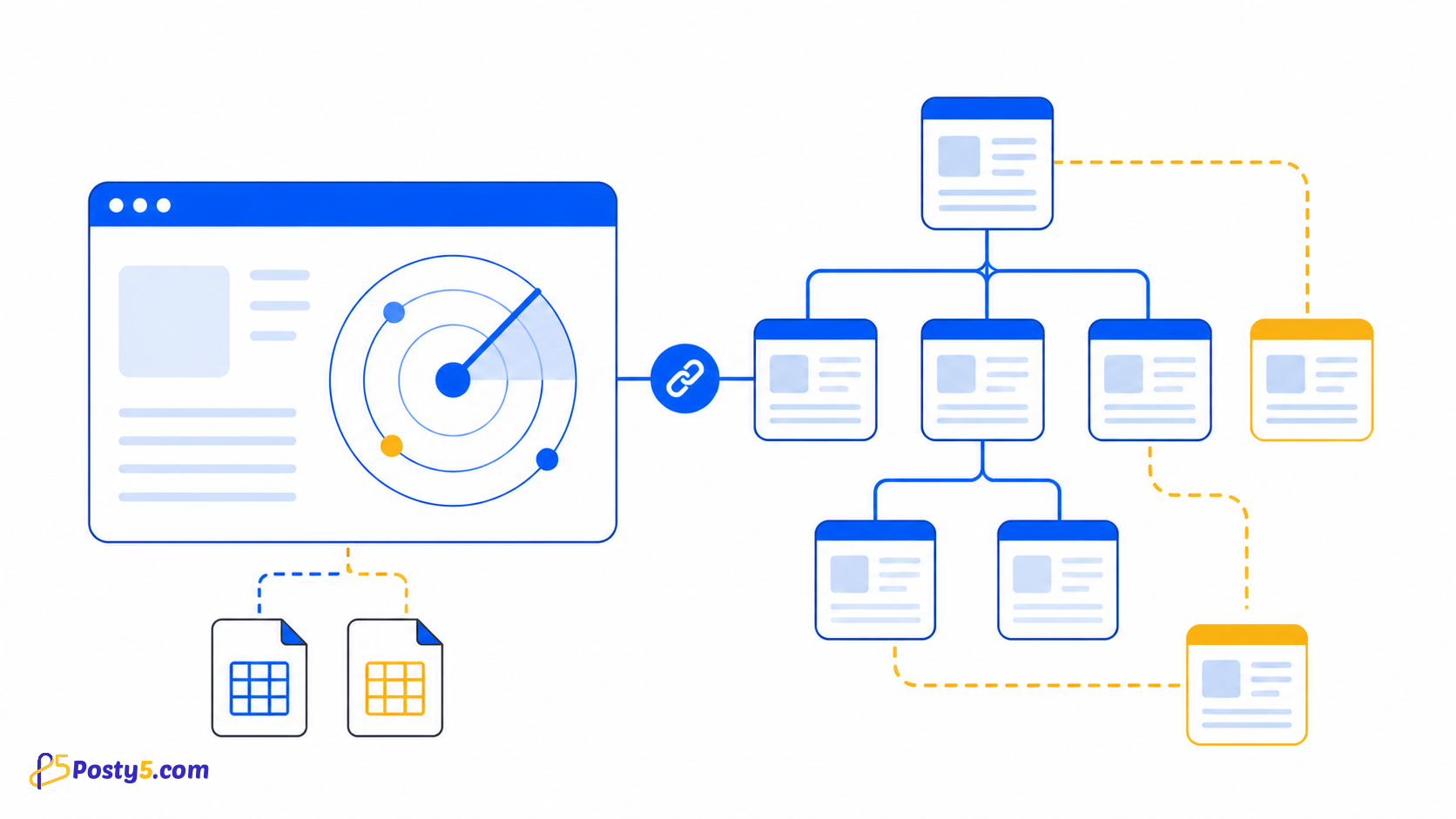
Deep-scan a chosen website, organize internal and external links, and export both inventories as CSV.
Install the extension
Install only from the official Chrome Web Store listing, then pin the icon if you expect to use it often.
Install from Chrome Web StoreHow to use it
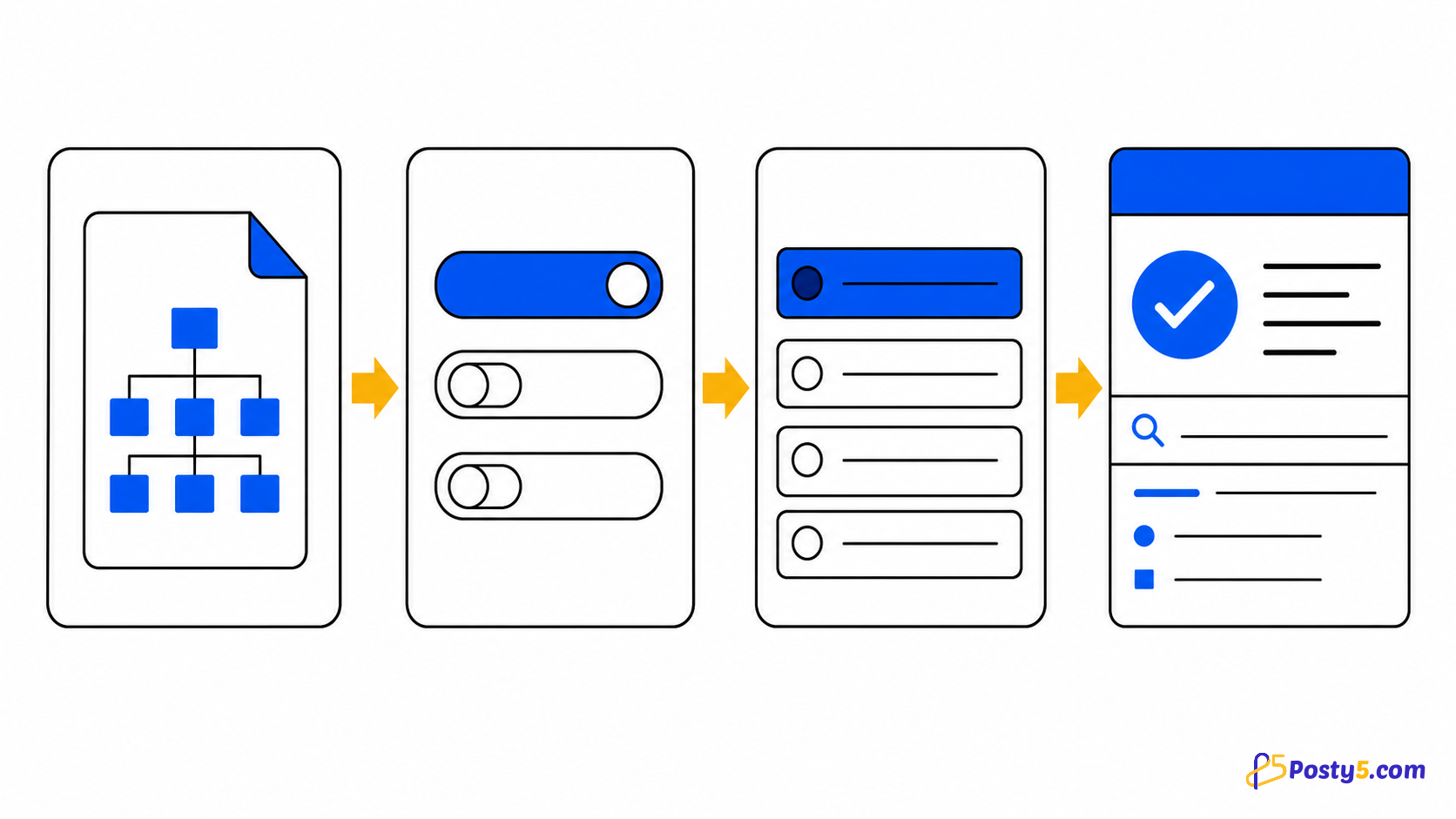
- Enter an HTTP or HTTPS starting URL and choose scan settings
- Start the scan and watch the queue, skipped pages and errors
- Review internal and external results, then export each CSV separately
Verified capabilities
Deep-scan a chosen website, organize internal and external links, and export both inventories as CSV.
- Deep internal-link scan
- Internal and external inventories
- Query and hash controls
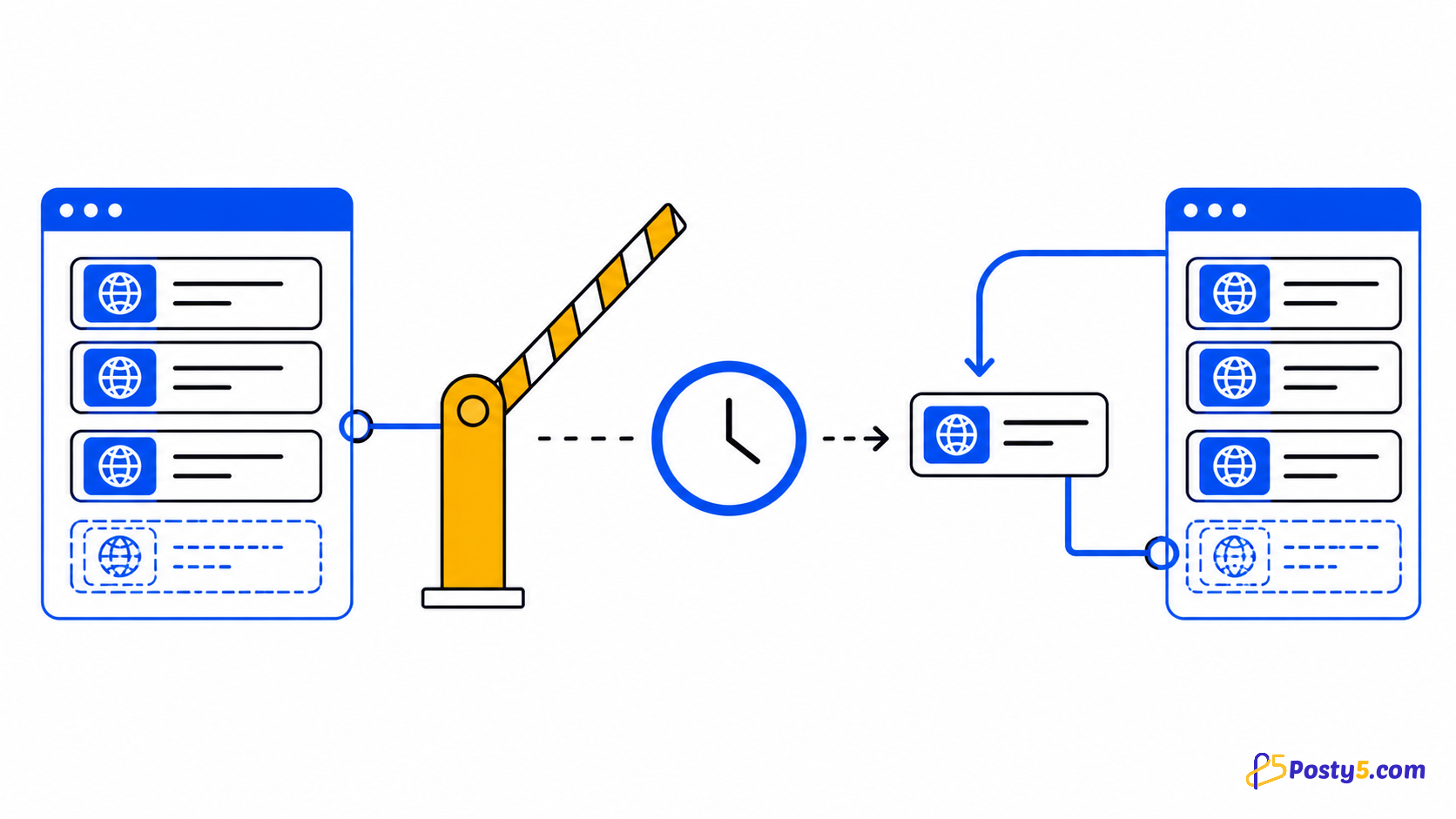
- Pause and resume
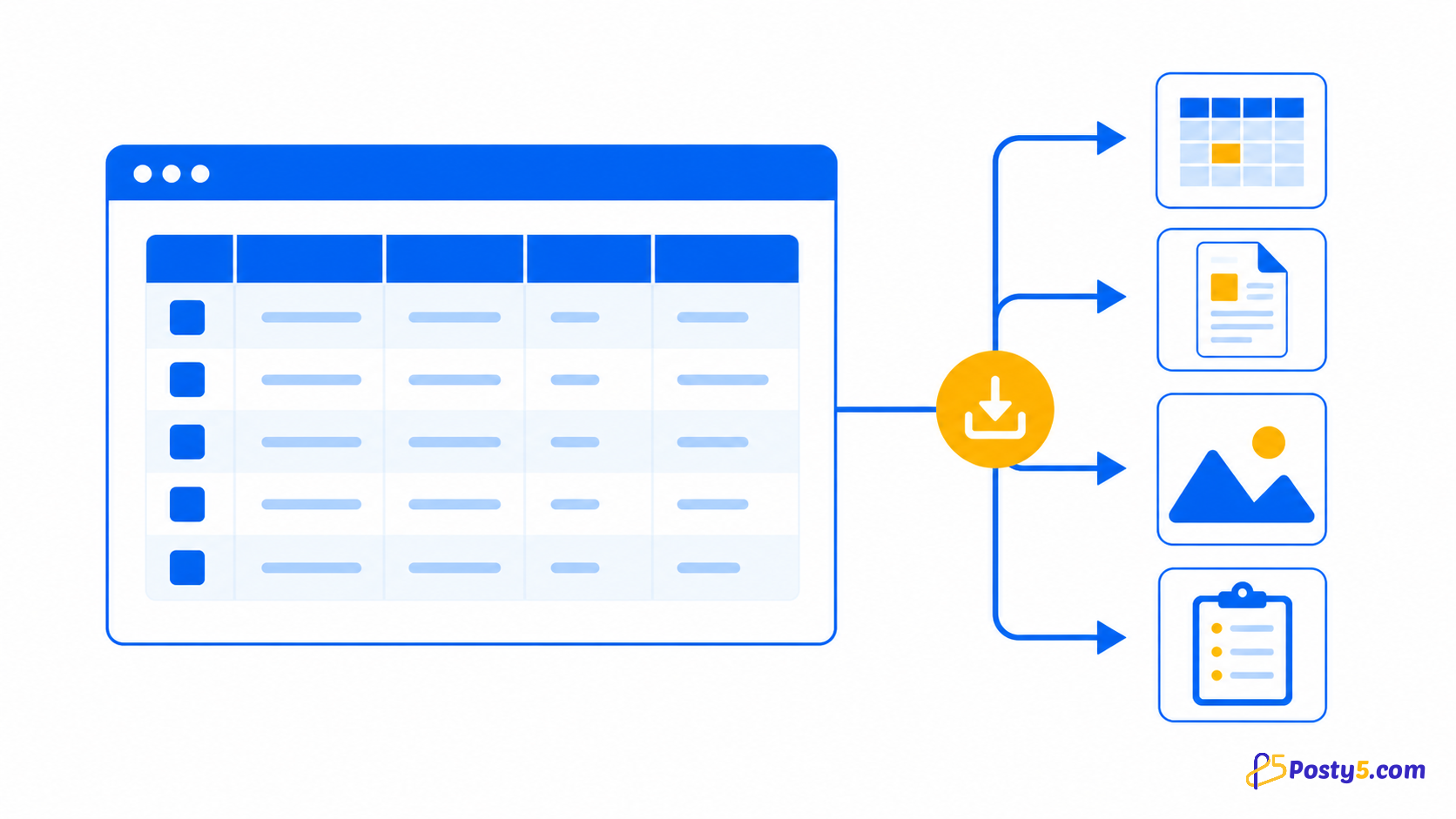
- Separate CSV exports
Privacy and permissions
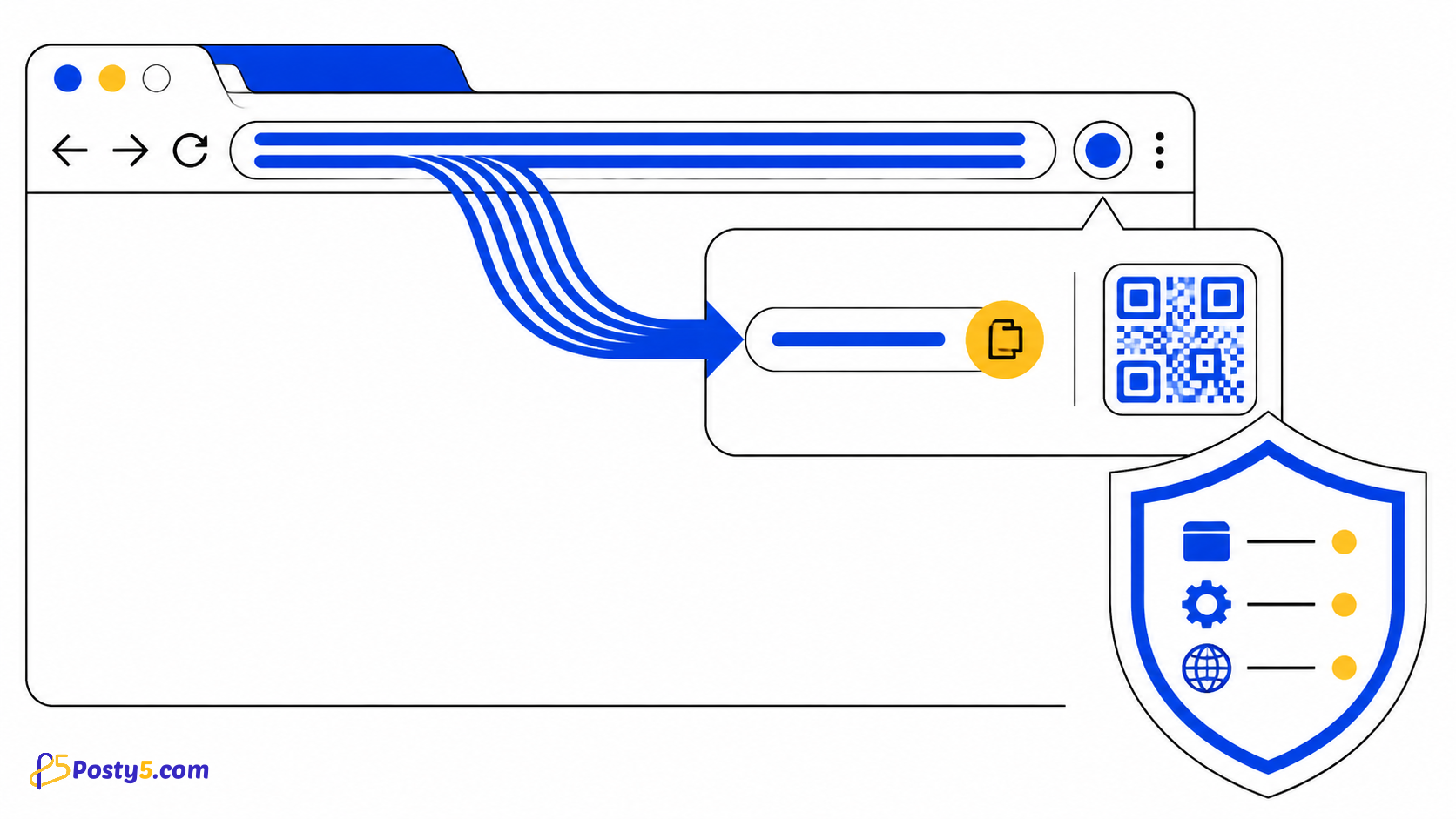
Scan state, settings, results and logs stay in local Chrome storage. A Posty5 sign-in check may be required; only user-started scan tabs are inspected.
Limitations
It inventories links found in page markup; it is not an HTTP status checker, redirect-chain analyzer or broken-link monitor.
Frequently asked questions
How to use it
Enter an HTTP or HTTPS starting URL and choose scan settings Start the scan and watch the queue, skipped pages and errors Review internal and external results, then export each CSV separately
Limitations
It inventories links found in page markup; it is not an HTTP status checker, redirect-chain analyzer or broken-link monitor.