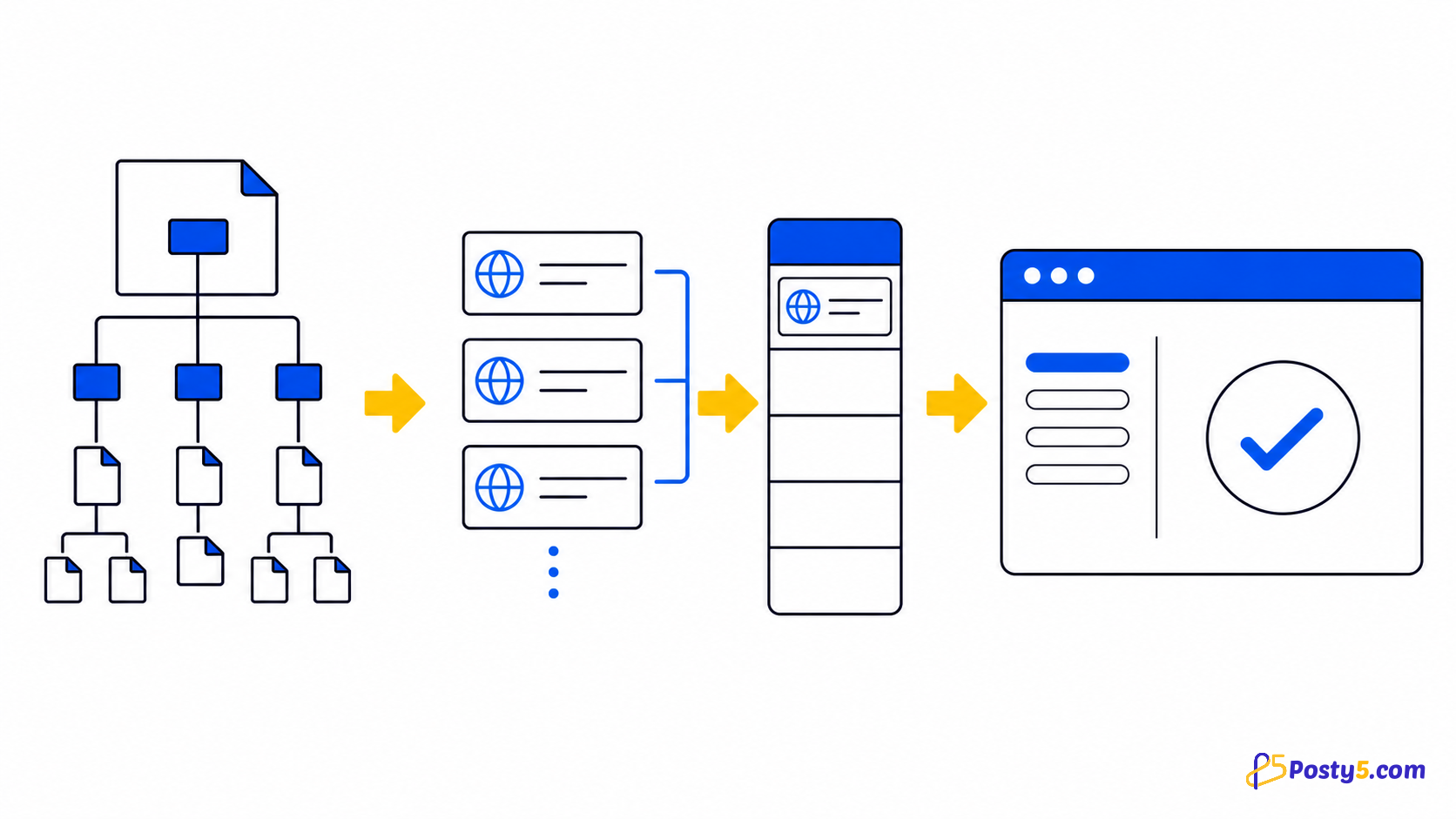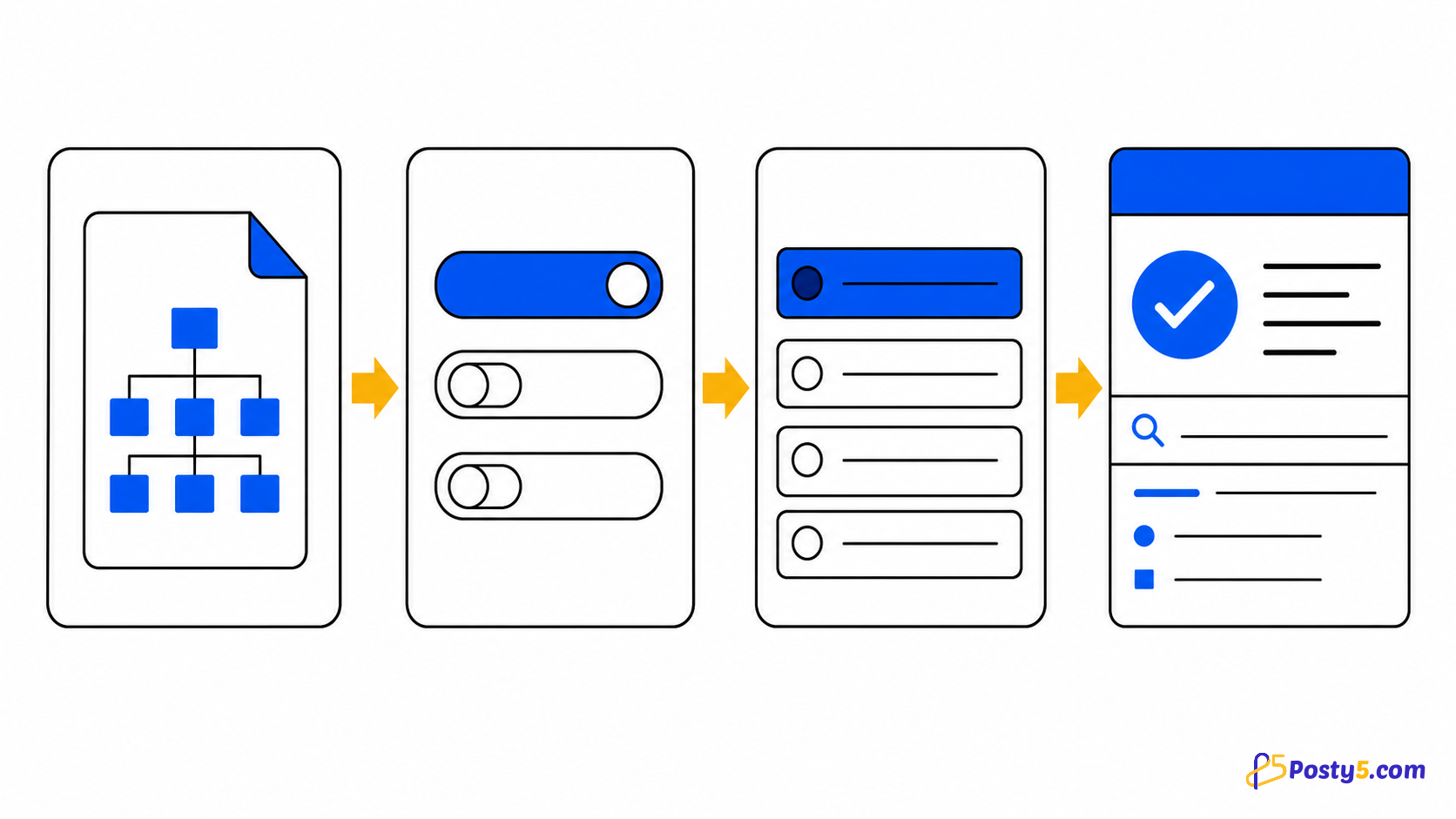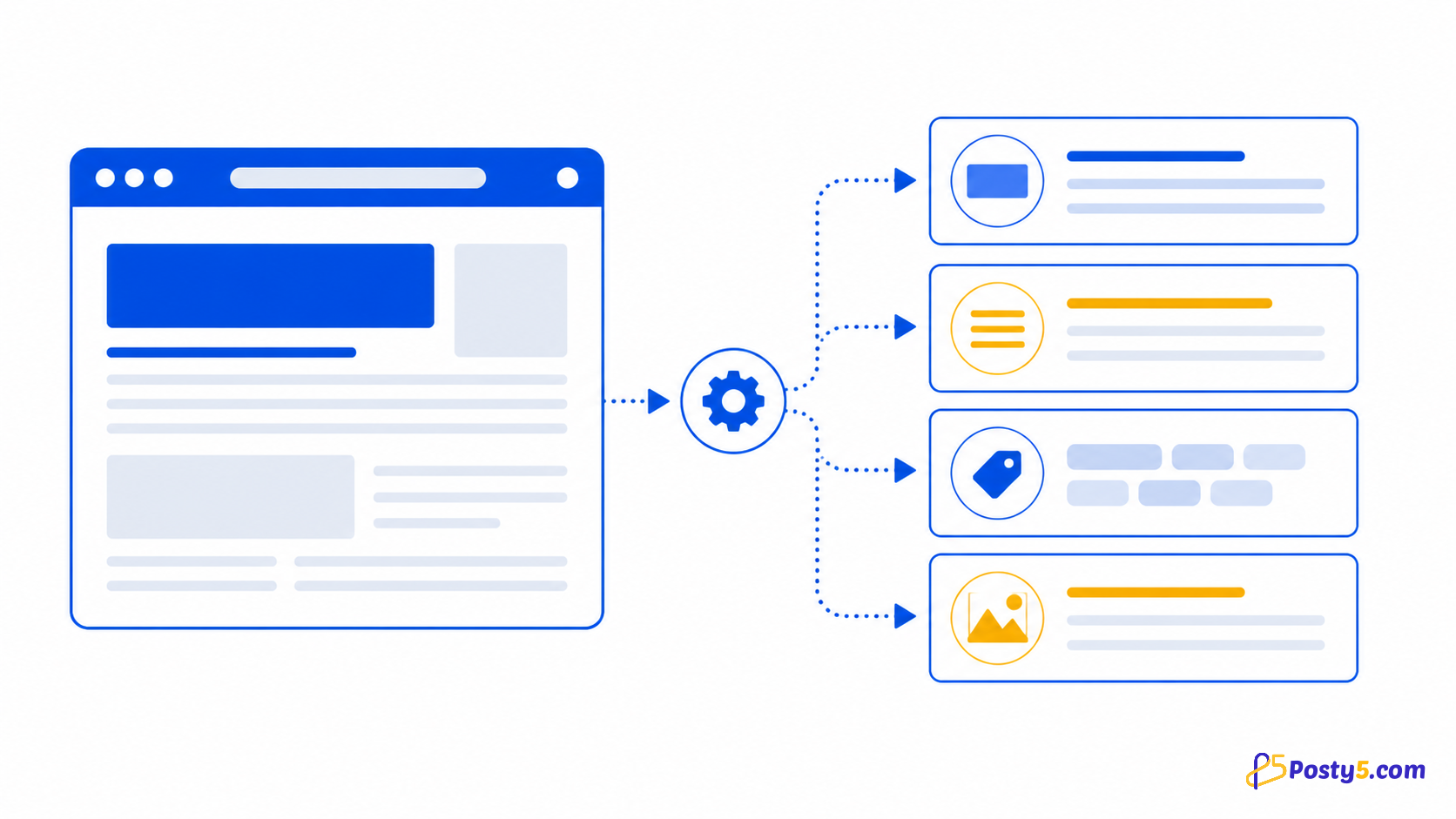
Analyze the current page URL and review its title, description, keywords and tags from a Chrome popup.
Install the extension
Install only from the official Chrome Web Store listing, then pin the icon if you expect to use it often.
Install from Chrome Web StoreHow to use it
- Open the page you want to inspect, then open the extension
- Review or replace the prefilled URL and choose Analyze
- Read the returned fields, copy text or download the JSON result
Verified capabilities
Analyze the current page URL and review its title, description, keywords and tags from a Chrome popup.
- Active-tab URL
- Title and description
- Keywords and tags
- JSON download
- Clipboard copy
Privacy and permissions
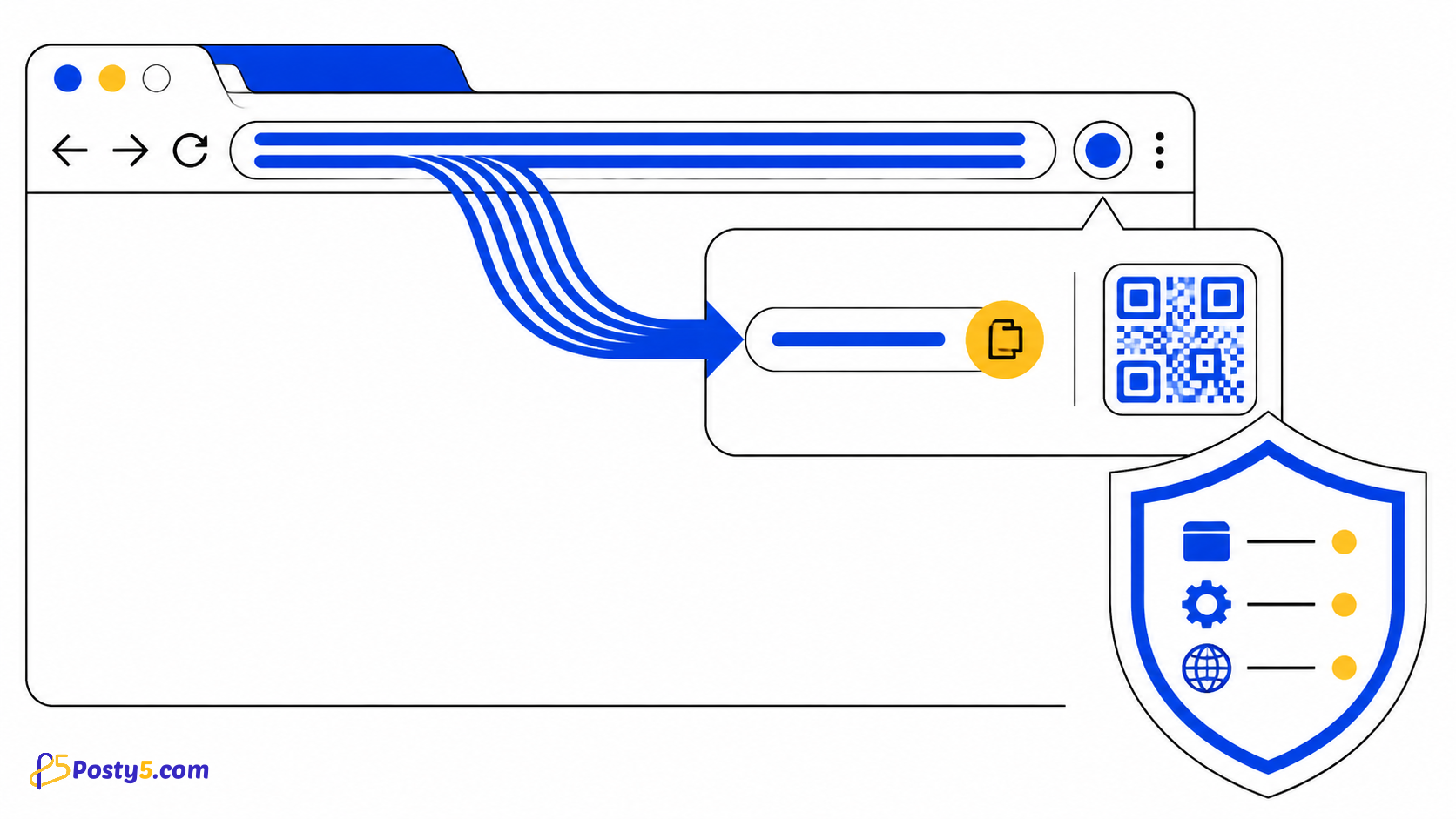
The popup sends the selected public URL to the Posty5 SEO analyzer and uses active-tab and clipboard permissions for the visible workflow.
Limitations
It reads metadata for one public URL; it is not a site crawler, ranking tracker, backlink tool or complete SEO audit.
Frequently asked questions
How to use it
Open the page you want to inspect, then open the extension Review or replace the prefilled URL and choose Analyze Read the returned fields, copy text or download the JSON result
Limitations
It reads metadata for one public URL; it is not a site crawler, ranking tracker, backlink tool or complete SEO audit.