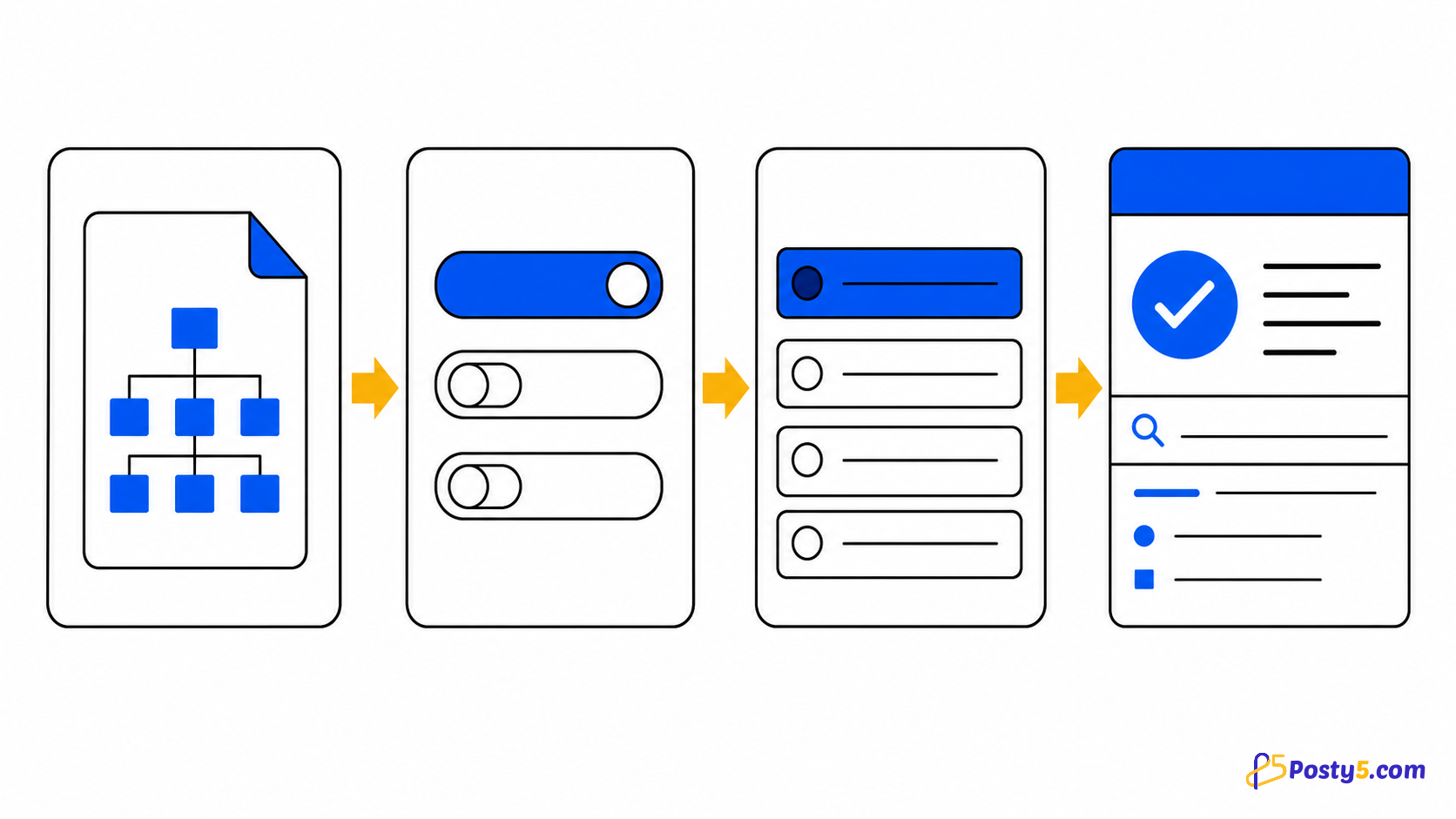
Load one sitemap, choose a mode, start the queue and interpret every URL state correctly.
Add sitemap link
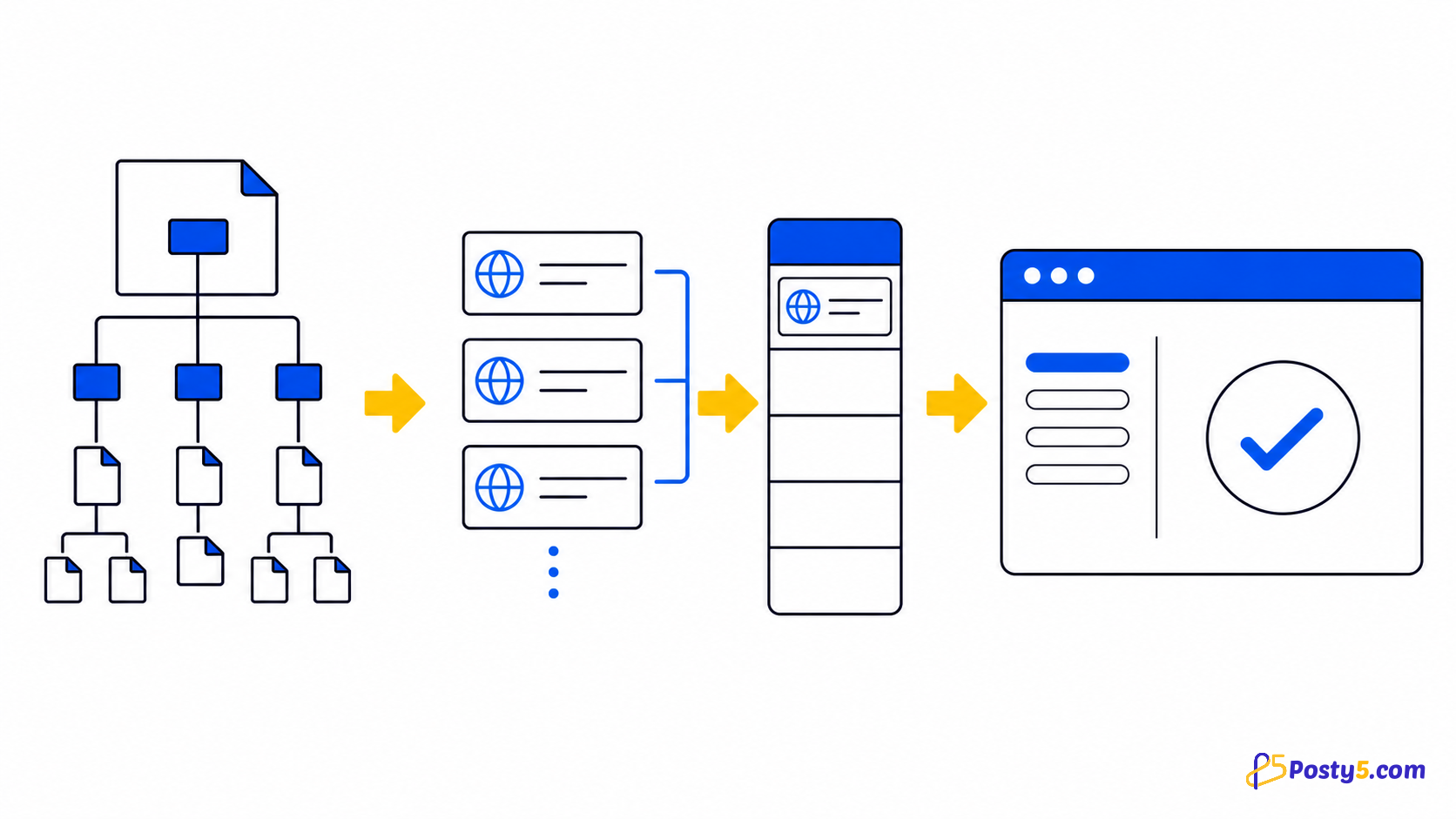
- Add a sitemap. Posty5 finds its URLs and removes duplicates.
- Supports XML, sitemap indexes, and gzip files.
- Settings
Choose pages
- Send pages not indexed by Google.
- Refresh pages already on Google.
- Send new and indexed pages.
Ready
- Start queue
- Stop
- Queue progress
- Activity
Requested
Requested means Search Console accepted the request. It does not mean Google has indexed the page, and it never guarantees timing or ranking.
Diagnostics
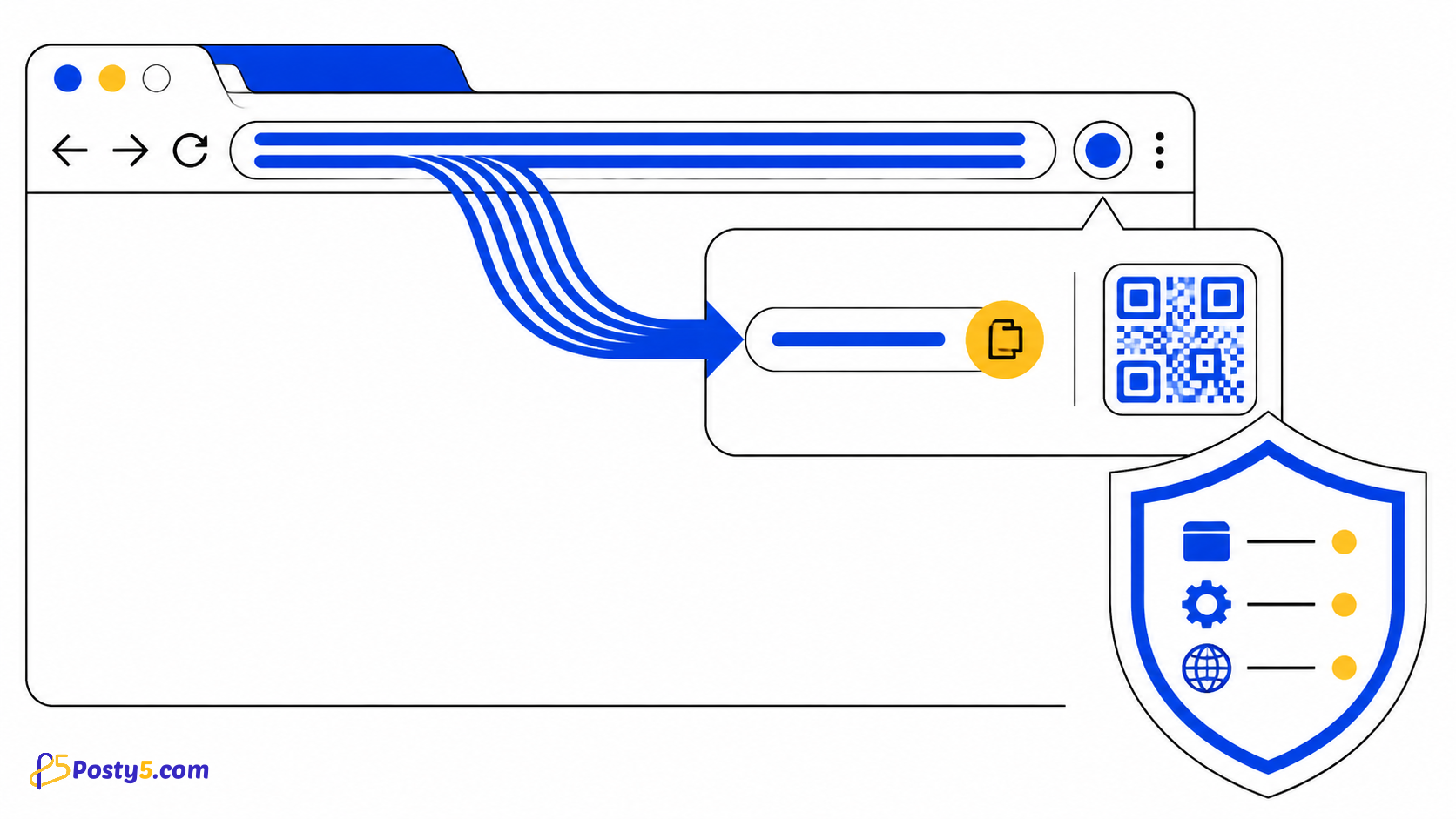
Sitemap fetching may use any HTTP(S) host, but page automation is limited to Google Search Console. Queue, history and logs stay in local Chrome storage.
Frequently asked questions
Add sitemap link
Supports XML, sitemap indexes, and gzip files.
Requested
Requested means Search Console accepted the request. It does not mean Google has indexed the page, and it never guarantees timing or ranking.
Quota blocked
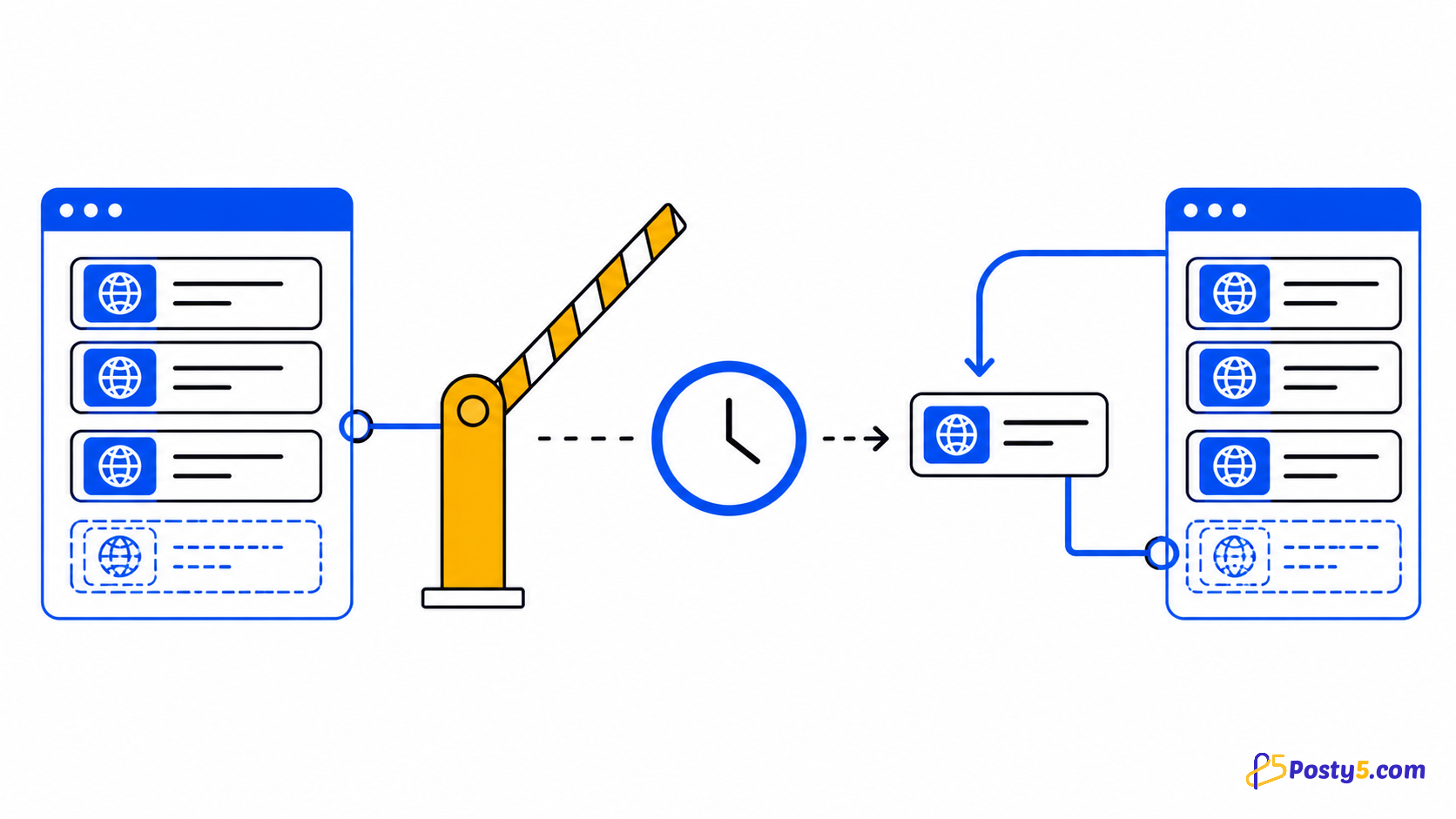
The quota belongs to Google Search Console. The extension cannot bypass it: the current URL returns to Pending, waits, then retries unless you stop the queue.
Stop
Waiting for the current safe stopping point...