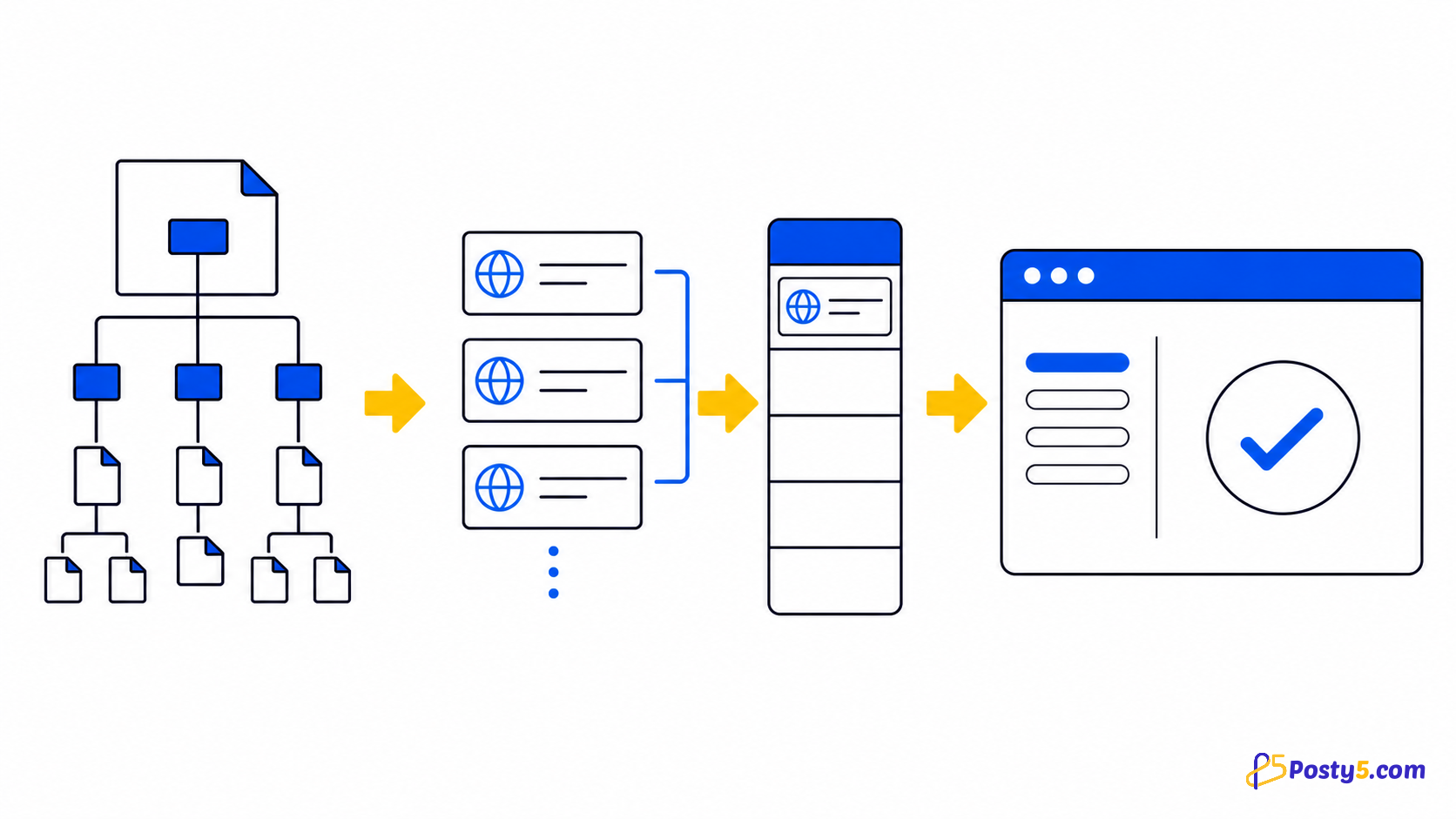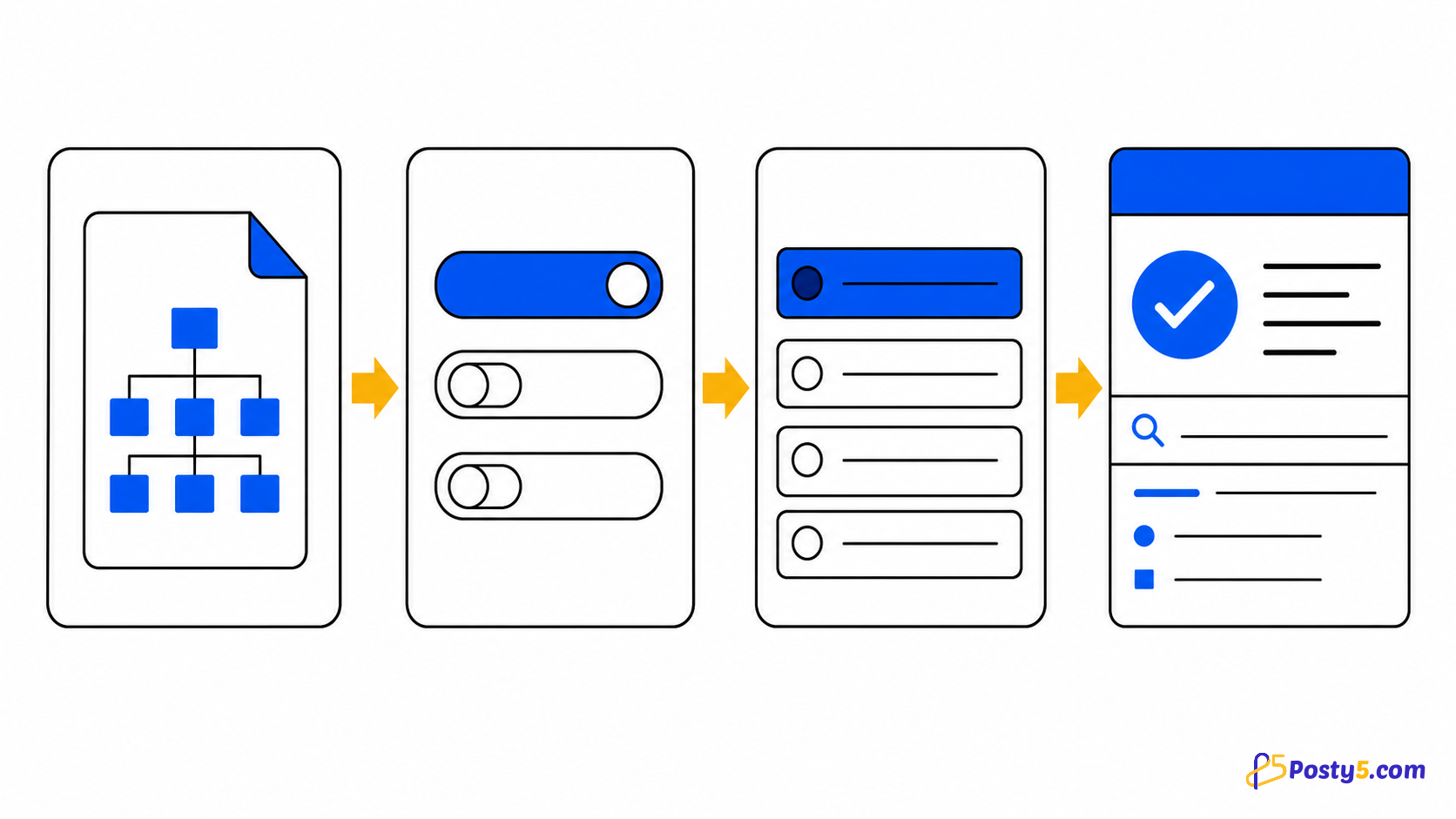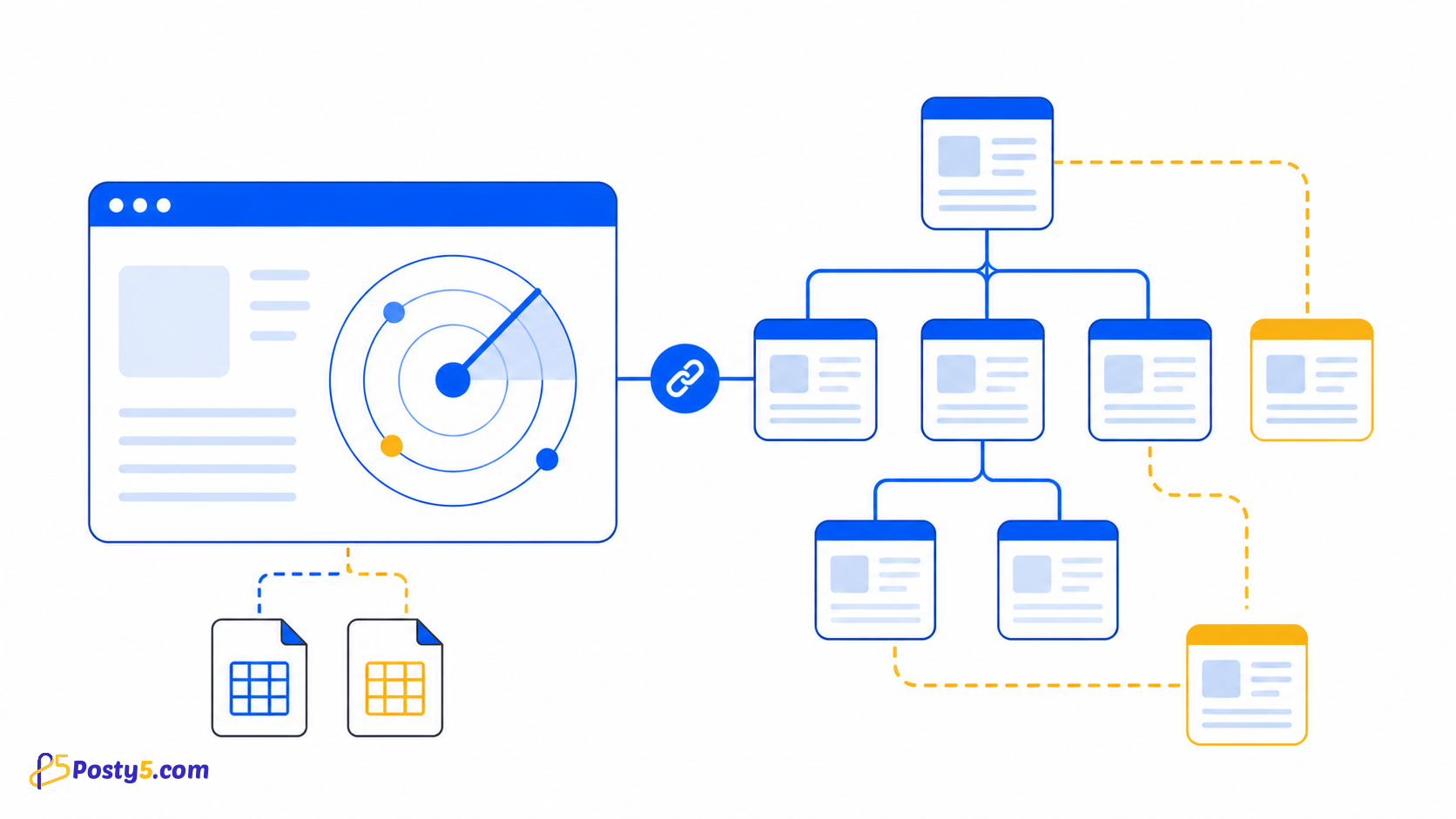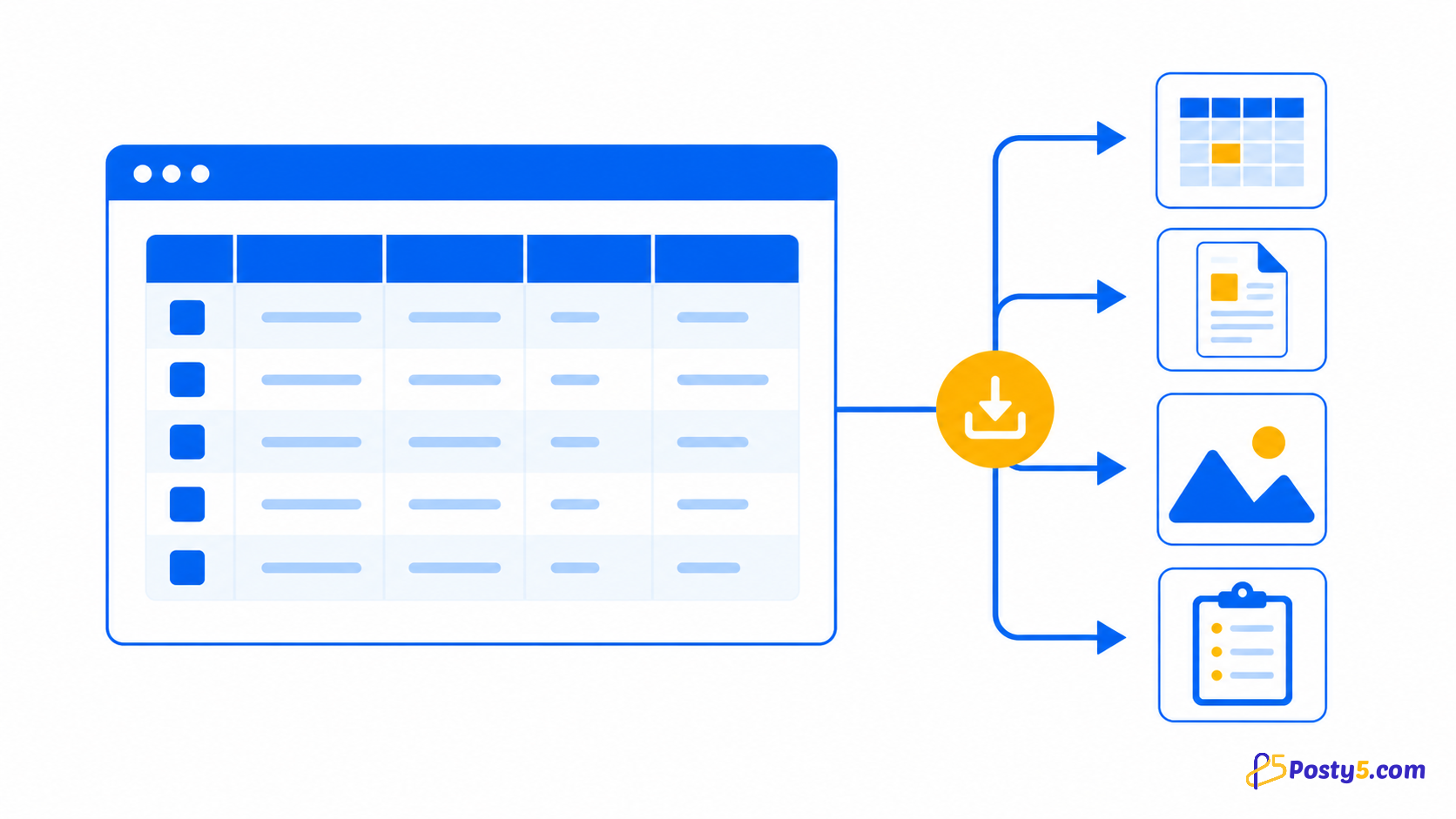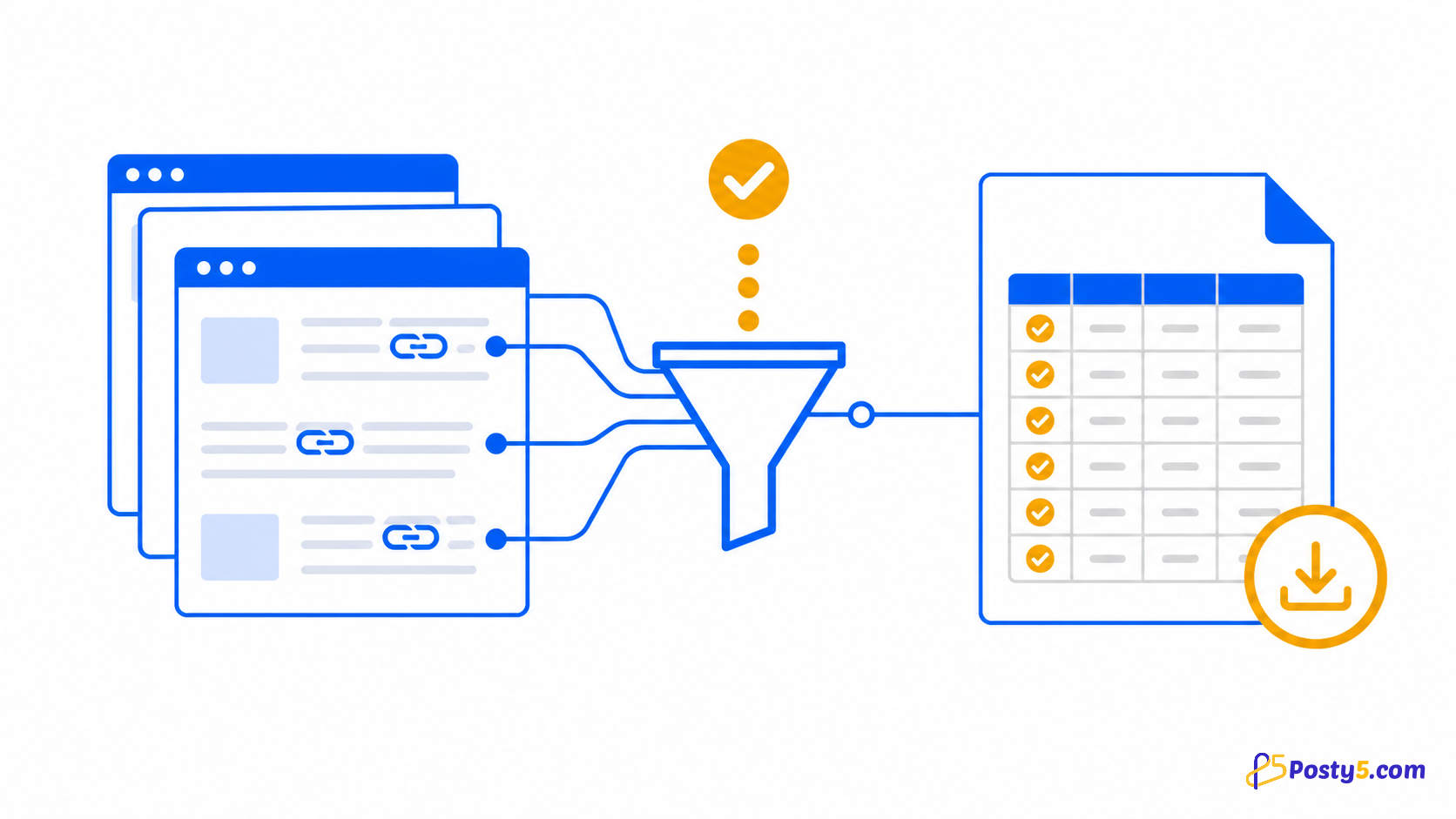
Choose one starting URL, control query and hash handling, review the scan queue, then export internal and external CSV files.
Install the extension
Install only from the official Chrome Web Store listing, then pin the icon if you expect to use it often.
Install from Chrome Web StoreHow to use it
- Choose the site root and decide whether queries and hashes stay distinct
- Run the deep scan; pause or resume when needed
- Filter the results and download the internal and external CSV files
Verified capabilities
Choose one starting URL, control query and hash handling, review the scan queue, then export internal and external CSV files.
- User-chosen starting URL
- Same-domain recursion
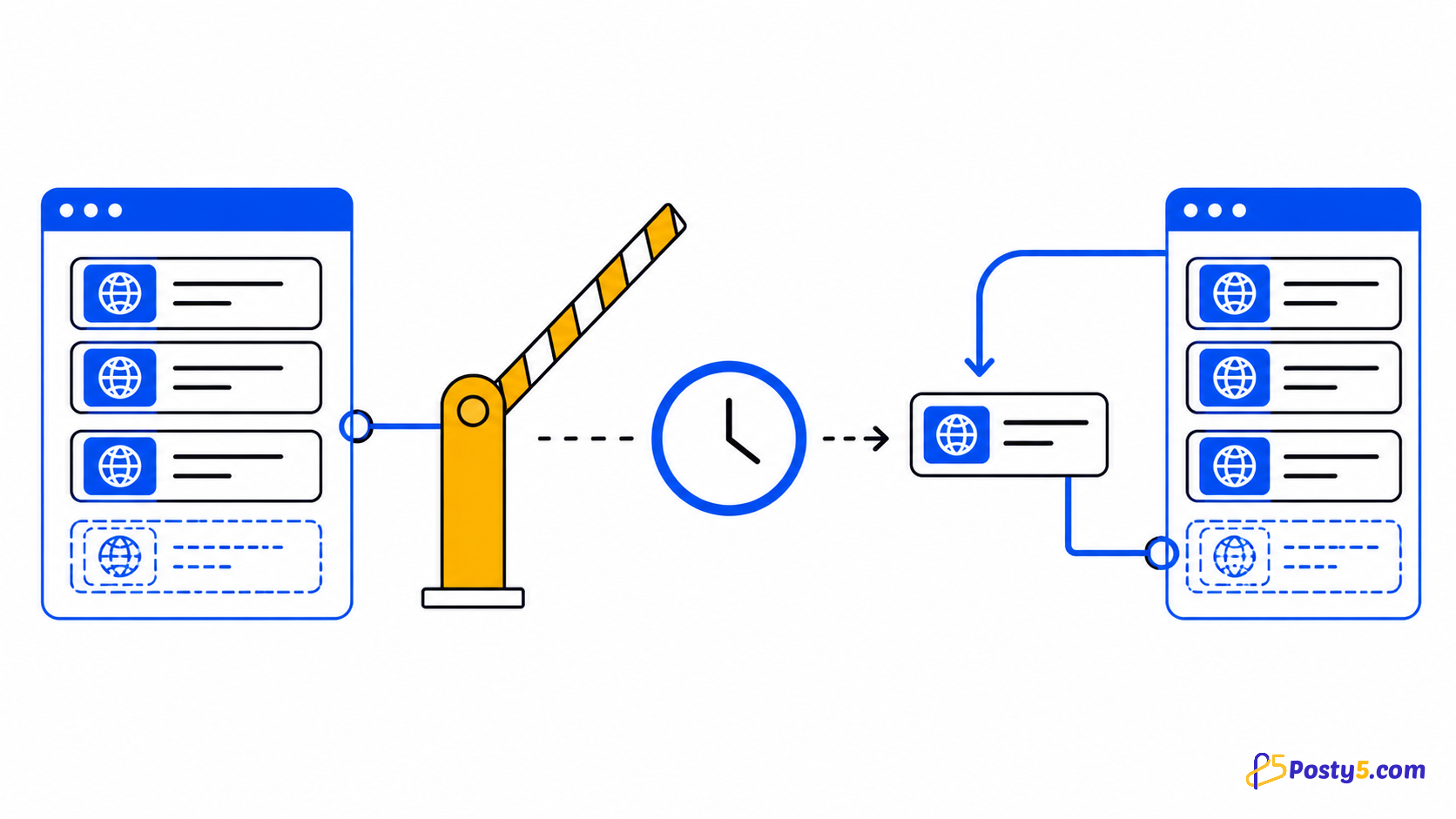
- Live queue and errors
- Internal CSV
- External CSV
Privacy and permissions
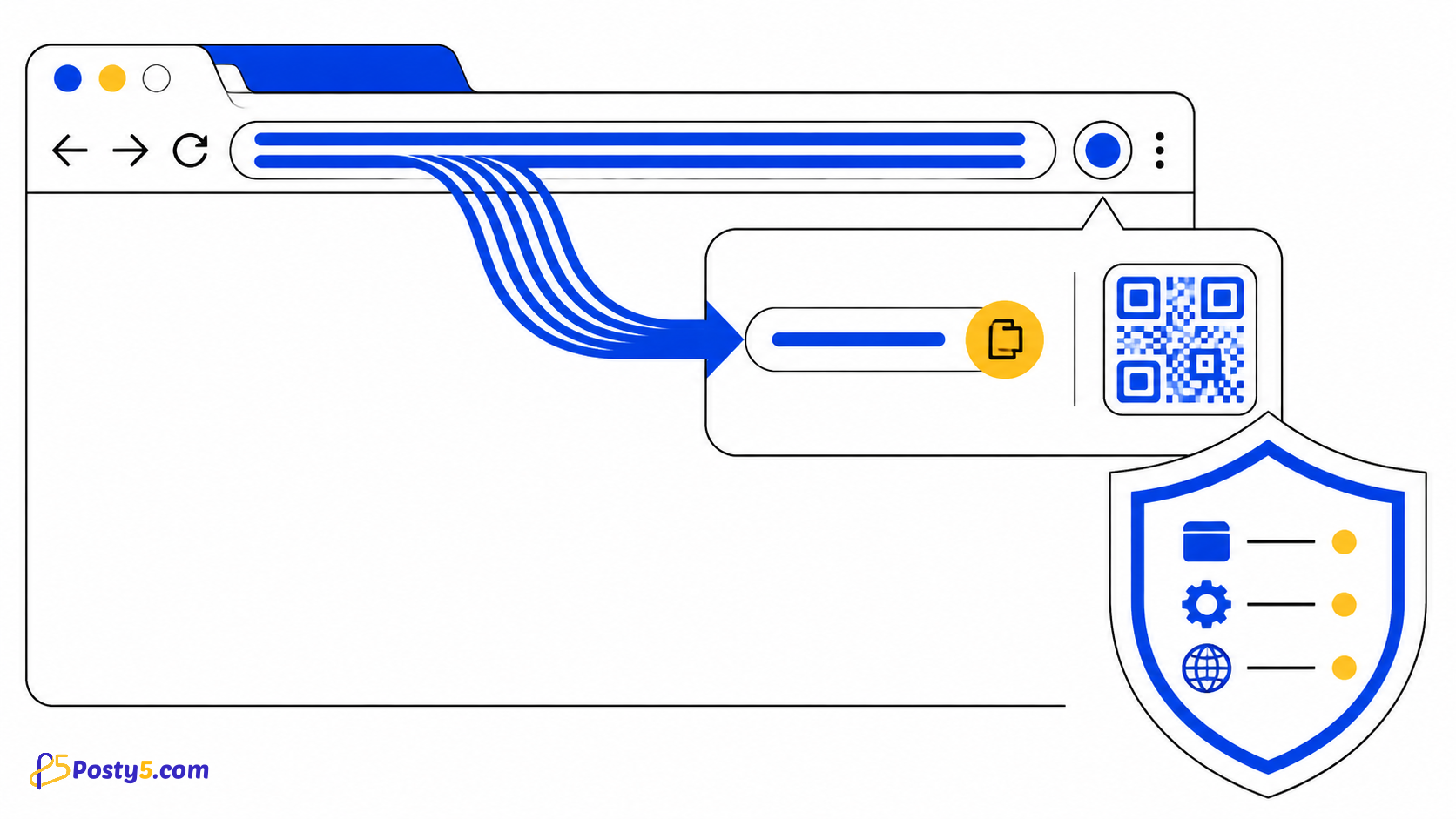
The scan follows same-domain links from the URL you choose. Broad host access is not a claim of unrelated browsing monitoring.
Limitations
External links are listed but not crawled. The export does not prove that a URL is healthy or indexed.
Frequently asked questions
How to use it
Choose the site root and decide whether queries and hashes stay distinct Run the deep scan; pause or resume when needed Filter the results and download the internal and external CSV files
Limitations
External links are listed but not crawled. The export does not prove that a URL is healthy or indexed.