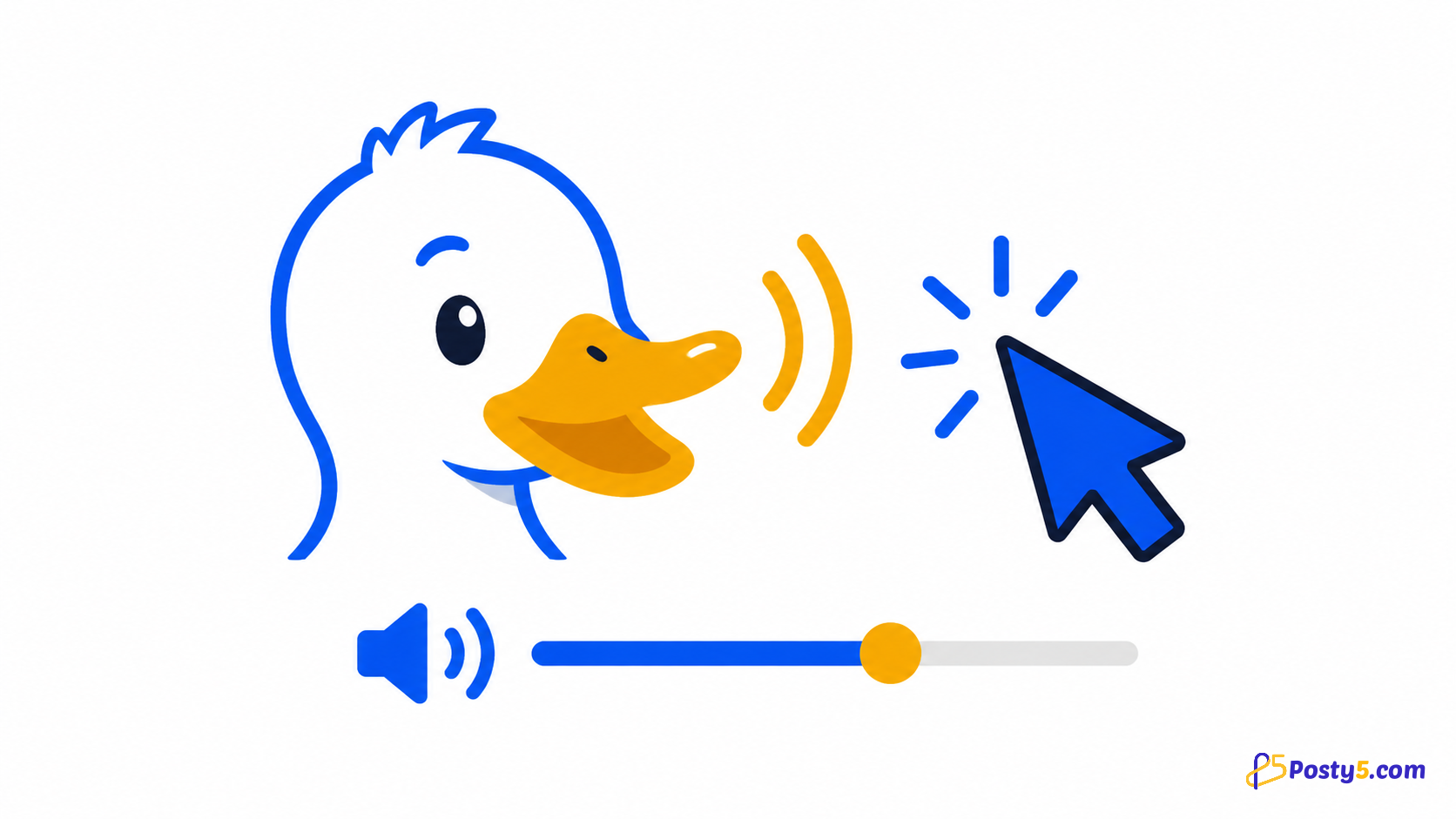
Choose a male or female duck sound, set its volume, and decide which browser actions should play it.
Install the extension
Install only from the official Chrome Web Store listing, then pin the icon if you expect to use it often.
Install from Chrome Web StoreHow to use it
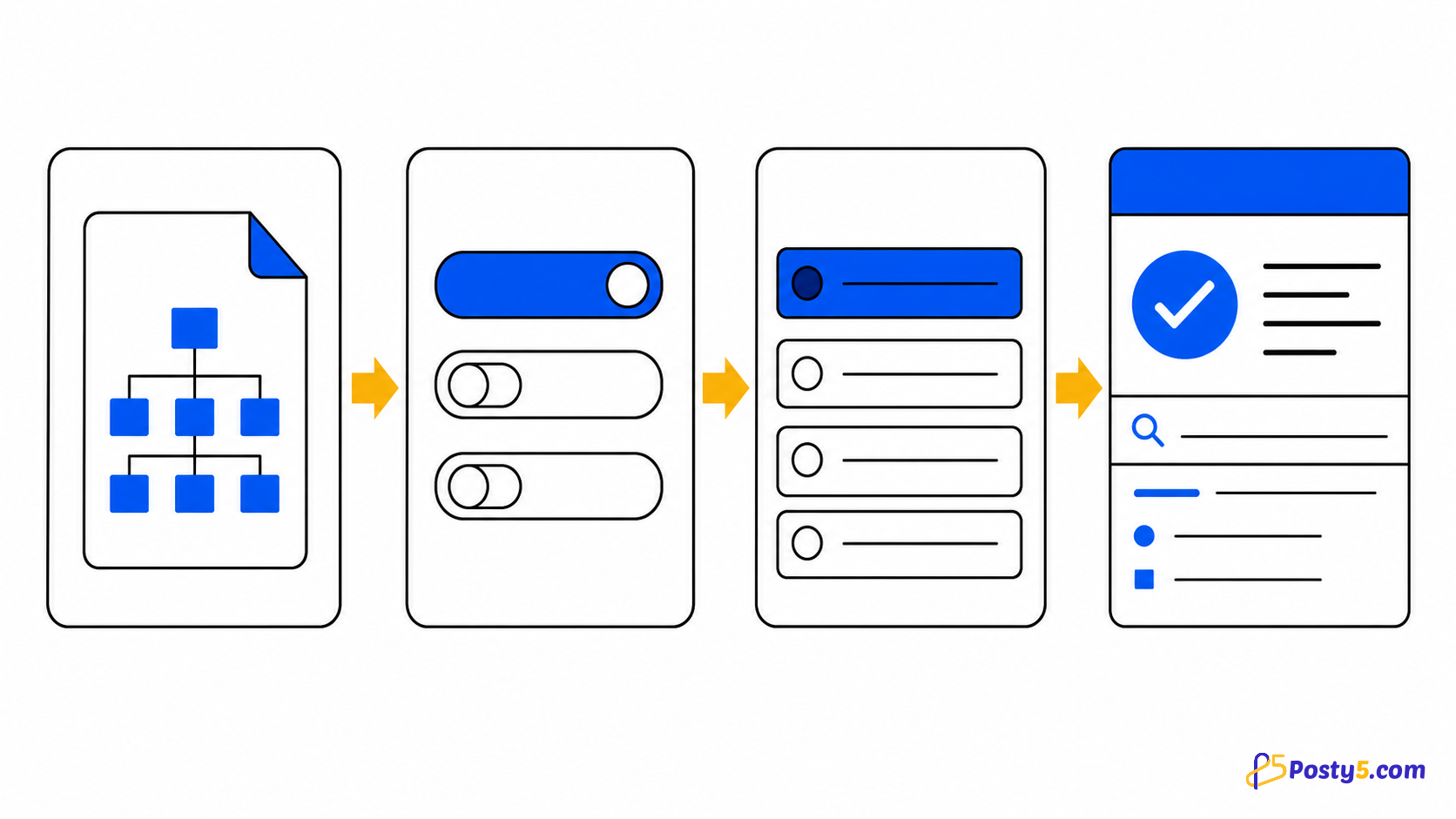
- Open the popup and choose off, any click, link clicks or keyboard
- Select the male or female sound and adjust volume
- Use normal web pages; changes are saved in Chrome
Verified capabilities
Choose a male or female duck sound, set its volume, and decide which browser actions should play it.
- Male or female duck sound
- Off · any click · link clicks · keyboard
- Volume control
- Local mode storage
Privacy and permissions
The selected mode, sound and volume are stored locally. The content script needs page access to hear the interaction you selected.
Limitations
It does not upload custom sounds, define per-site rules or continue playing after the matching action ends.
Frequently asked questions
How to use it
Open the popup and choose off, any click, link clicks or keyboard Select the male or female sound and adjust volume Use normal web pages; changes are saved in Chrome
Limitations
It does not upload custom sounds, define per-site rules or continue playing after the matching action ends.