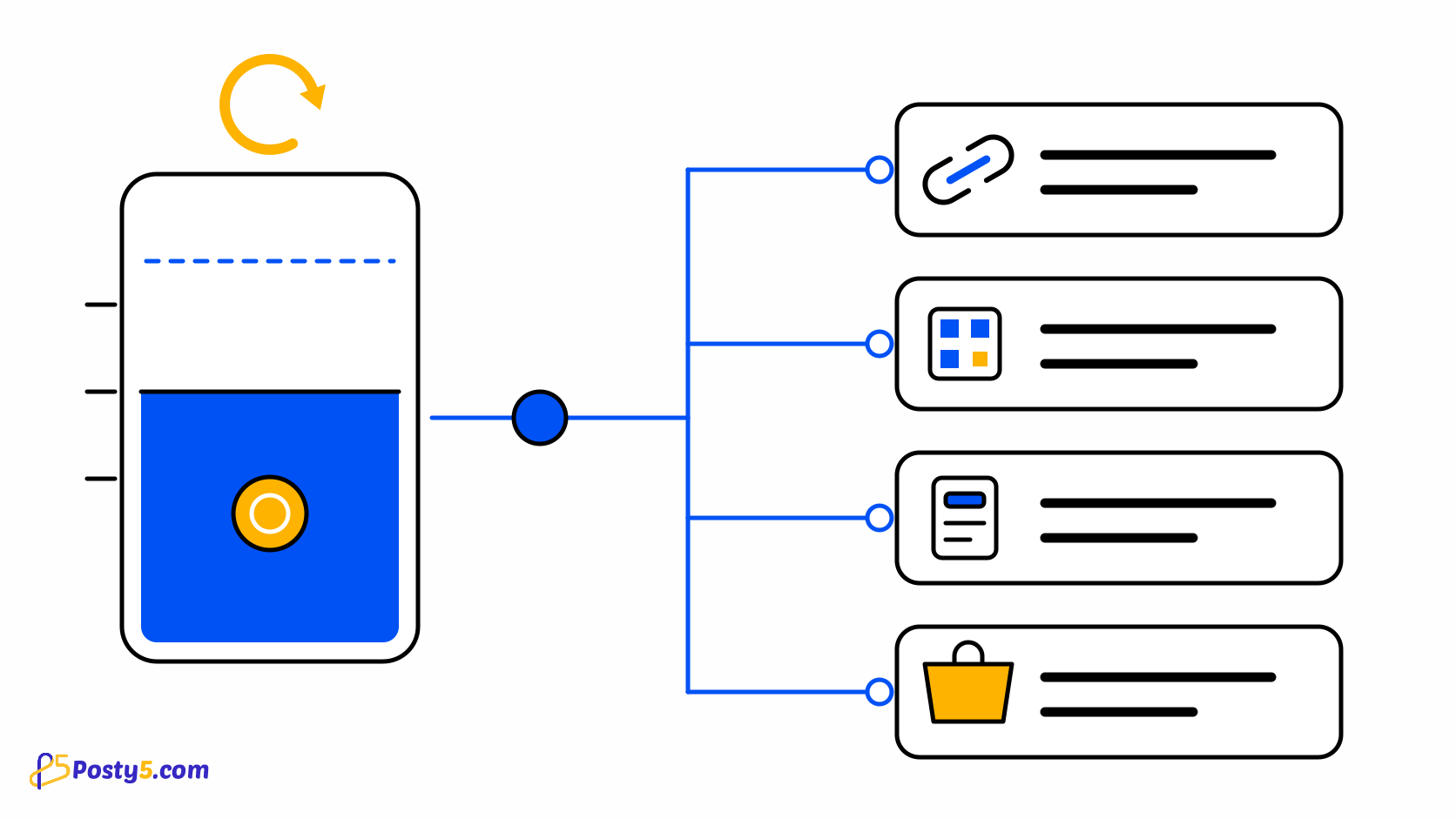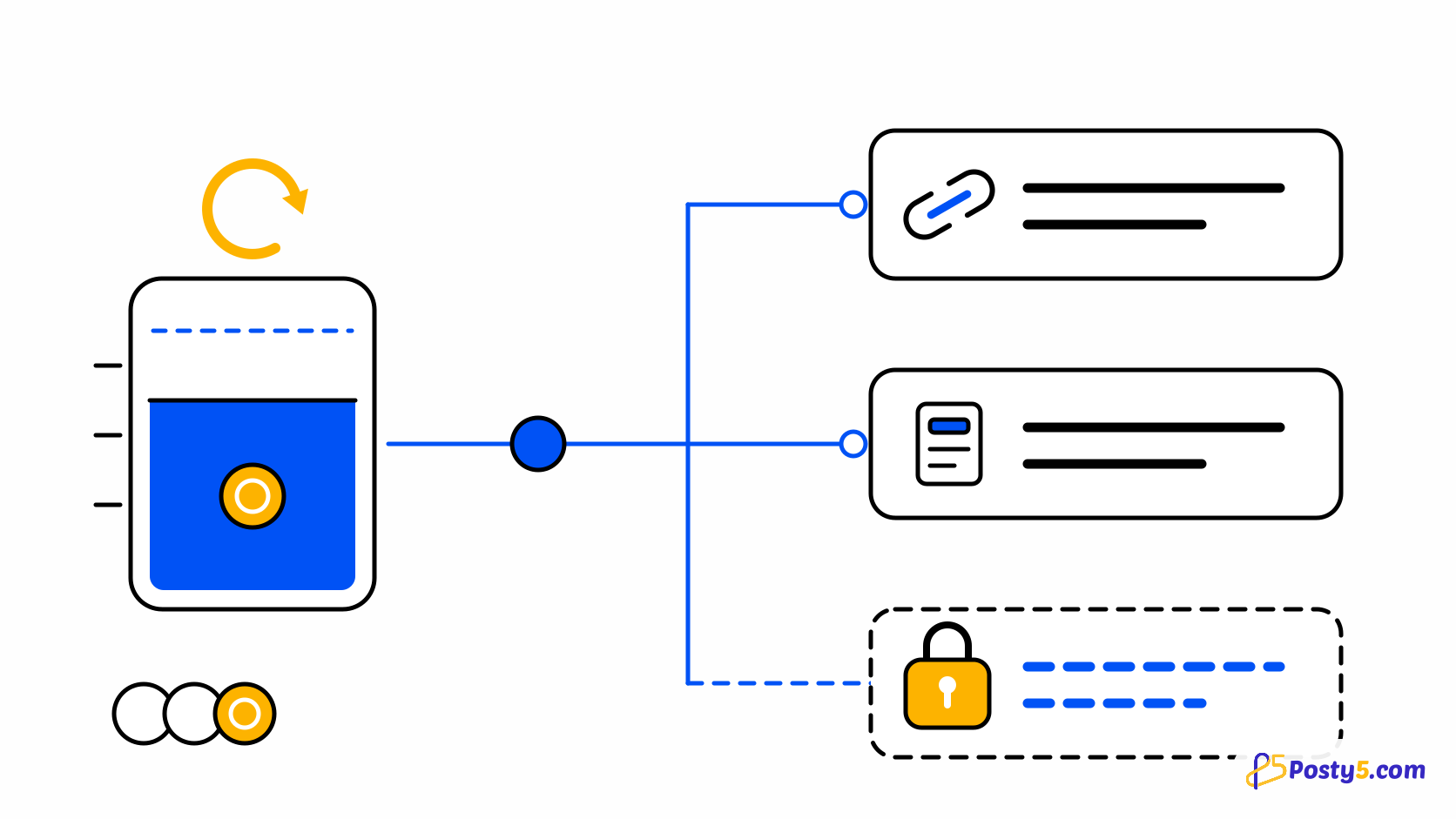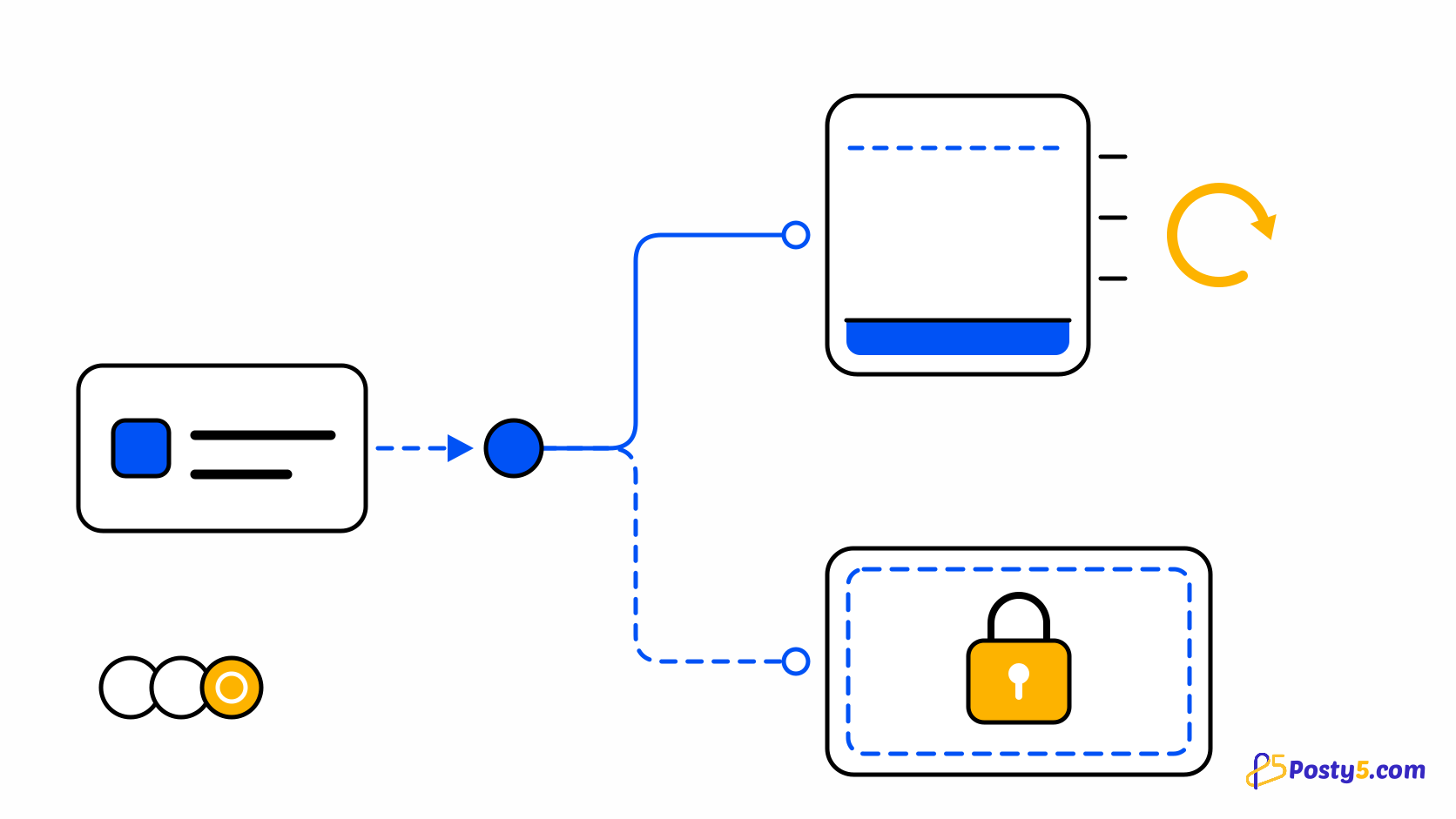
Being told you cannot do something is not one problem, it is two. Either Posty5 has no credits to charge you, or the action is not part of your plan at all. The fixes are opposite: one is solved by credits, the other only by a different plan. The wording of the message tells you which one you are looking at, so read it before acting on it.
Two refusals that look alike
An empty balance produces: "You don't have enough credits to use this feature." A feature your plan does not include produces: "This feature is not available on your current plan." The second message is never fixed by waiting for a renewal or by holding more credits — the action is switched off for that tier. Custom landing-page IDs, Google Sheets sync, page-builder image upload and custom slugs, store staff, image posts and auto-comments all behave this way on the lower plans. See what the Free plan includes.
Read the exact wording
A balance that reads above zero can still refuse a charge, and the reason is debt. Your usable balance is what remains after outstanding debt is subtracted. The account's subscription area shows debt beside the balance; that is the first number to check when the arithmetic looks wrong. Read how the shared credit budget works.
Why a positive balance can still refuse
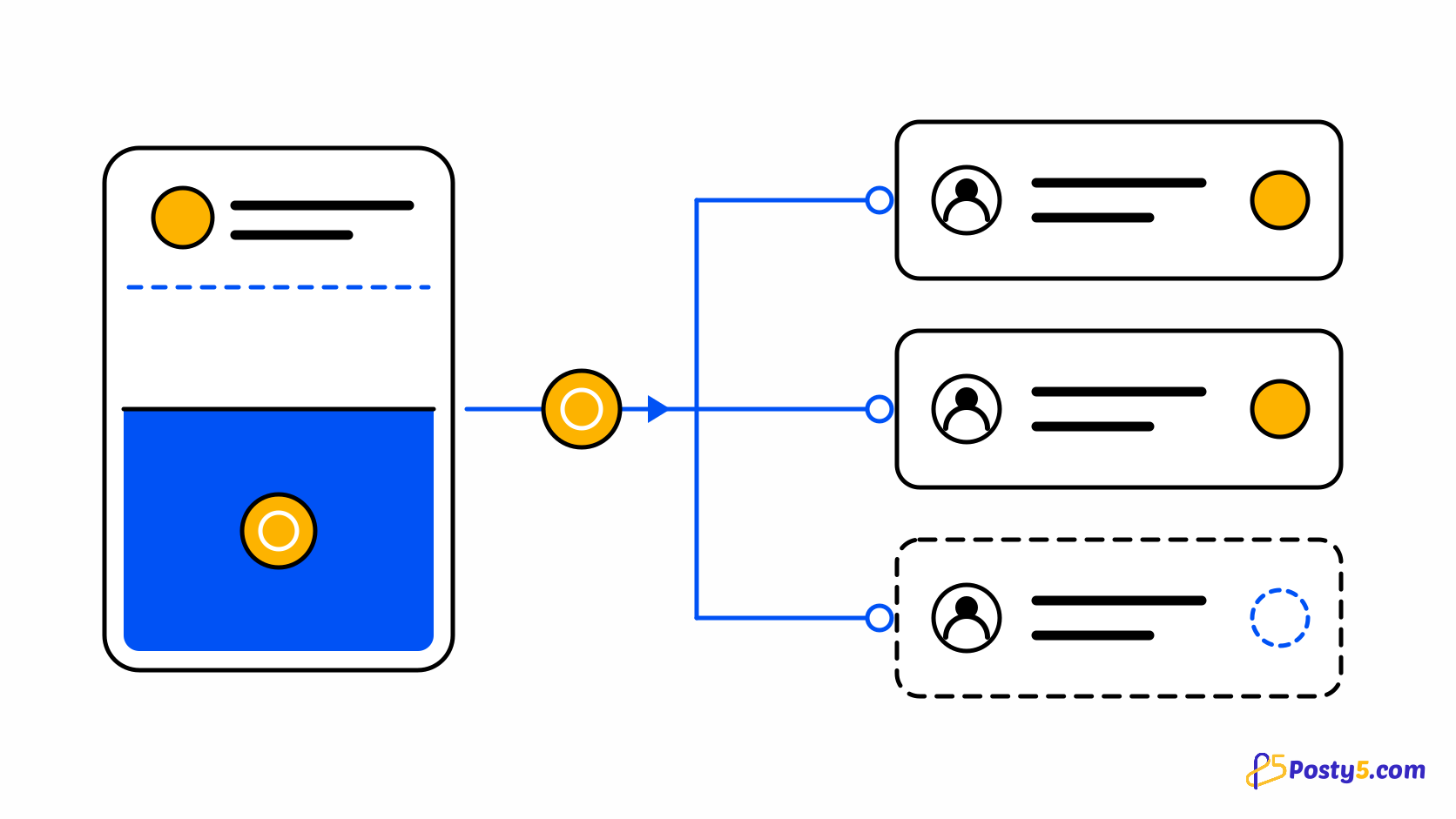
Three store actions are deliberately allowed to proceed on an empty balance: an order received, an order status change, and a manually created order. They are not free — they record their cost as debt, settled the next time credits arrive, oldest charge first. That is why a store keeps accepting orders after the balance hits zero, and also why the balance after a renewal can be lower than expected. Customer emails are not in this group: with no balance the email is skipped rather than deferred.
The store actions that run anyway
- Read the message. "Not available on your current plan" is a plan problem; "not enough credits" is a balance problem.
- For a plan problem, check which plan includes the feature before doing anything else. Buying credits will not turn it on.
- For a balance problem, open the account's subscription area and read the balance, the debt and the reset date together.
- Check the usage ledger for where the period's credits went. The per-action breakdown usually explains a surprise faster than guessing does.
- If the balance is genuinely spent, wait for the reset or move to a plan whose grant matches the work. Paid plans also carry unused credits forward.
- If a store has been taking orders on an empty balance, expect the debt to be collected from the next grant before anything else is spendable.
See what each plan includes
If the refusal names your plan rather than your balance, the plan comparison is the page that answers it.
Frequently asked questions
I have credits, but Posty5 says I do not.
Outstanding debt is subtracted from your balance before an action is priced. Check the debt figure shown beside the balance.
Will more credits unlock a feature my plan does not include?
No. A feature switched off for your tier is not a pricing problem. Only a plan that includes it will turn it on.
Does a refused action still cost anything?
No. A refused action is not charged, and charging is deduplicated, so a retried request cannot bill twice for the same operation.
Why did my store keep accepting orders with no credits?
Order received, order status change and manual orders are allowed to run on an empty balance and record their cost as debt instead.
When does the balance refresh?
At the start of each billing period. The reset date is shown in the account's subscription area.
Do unused credits carry over?
On a paid plan they carry into the next period on top of the new grant. The Free plan resets.