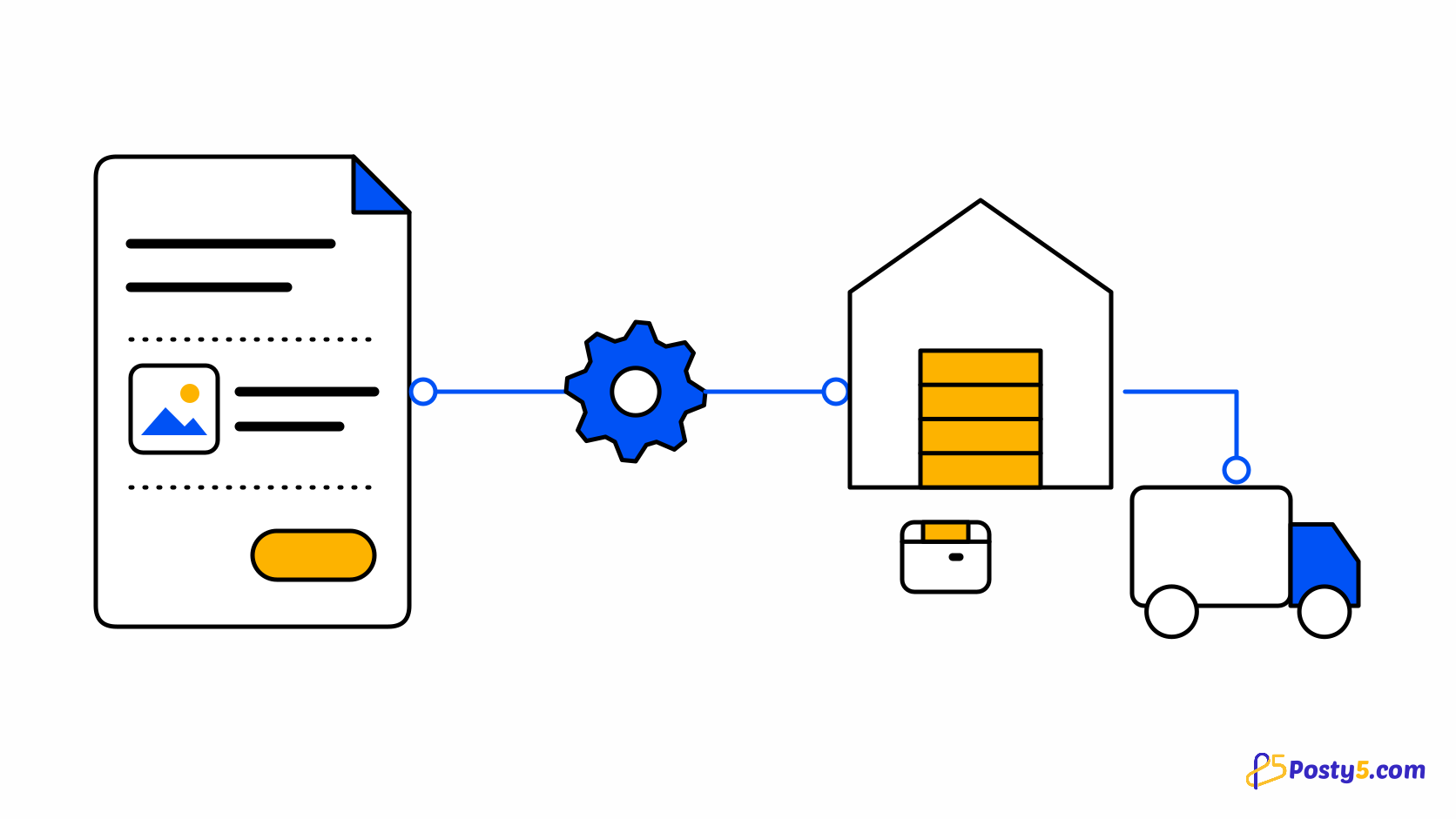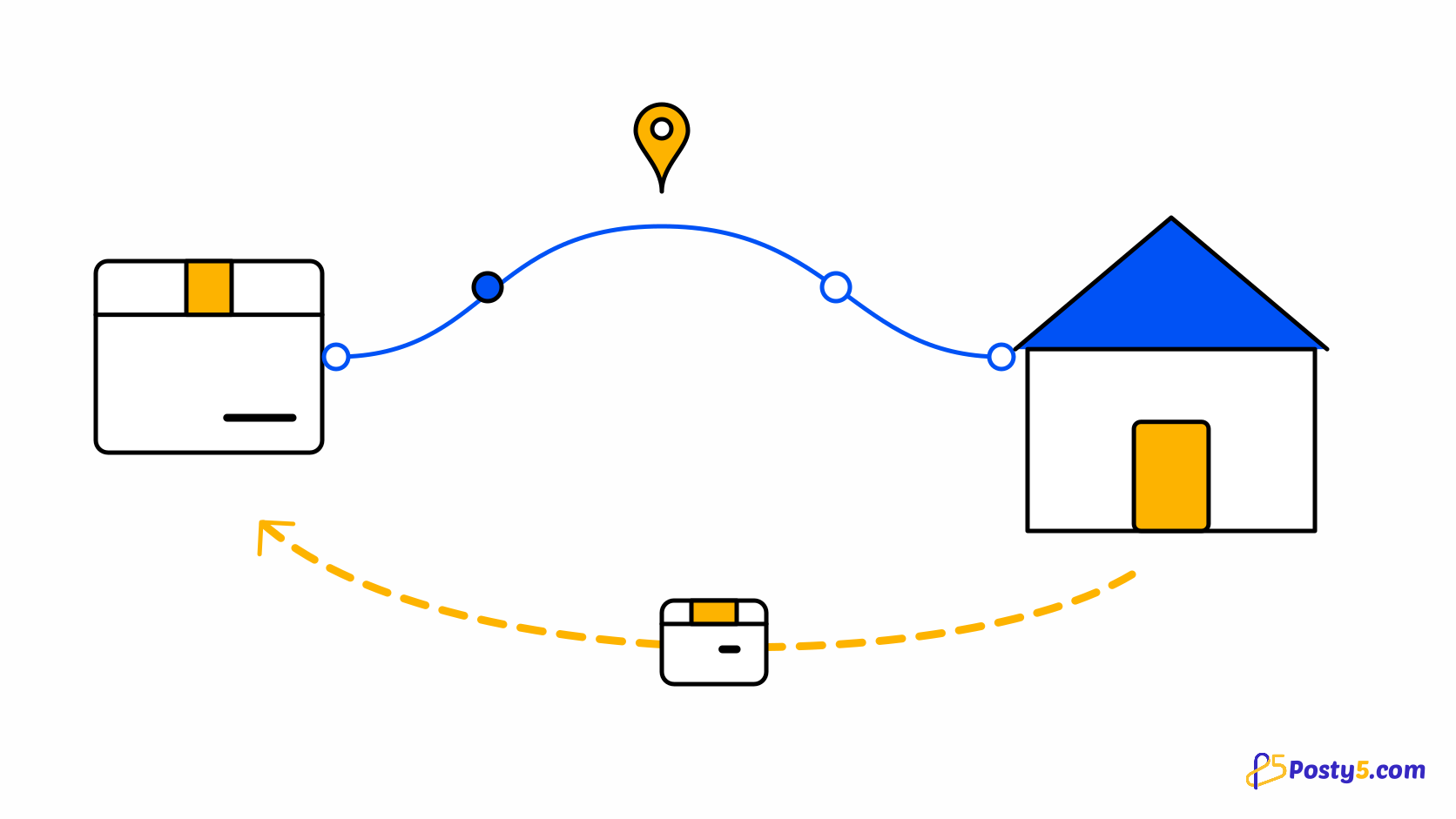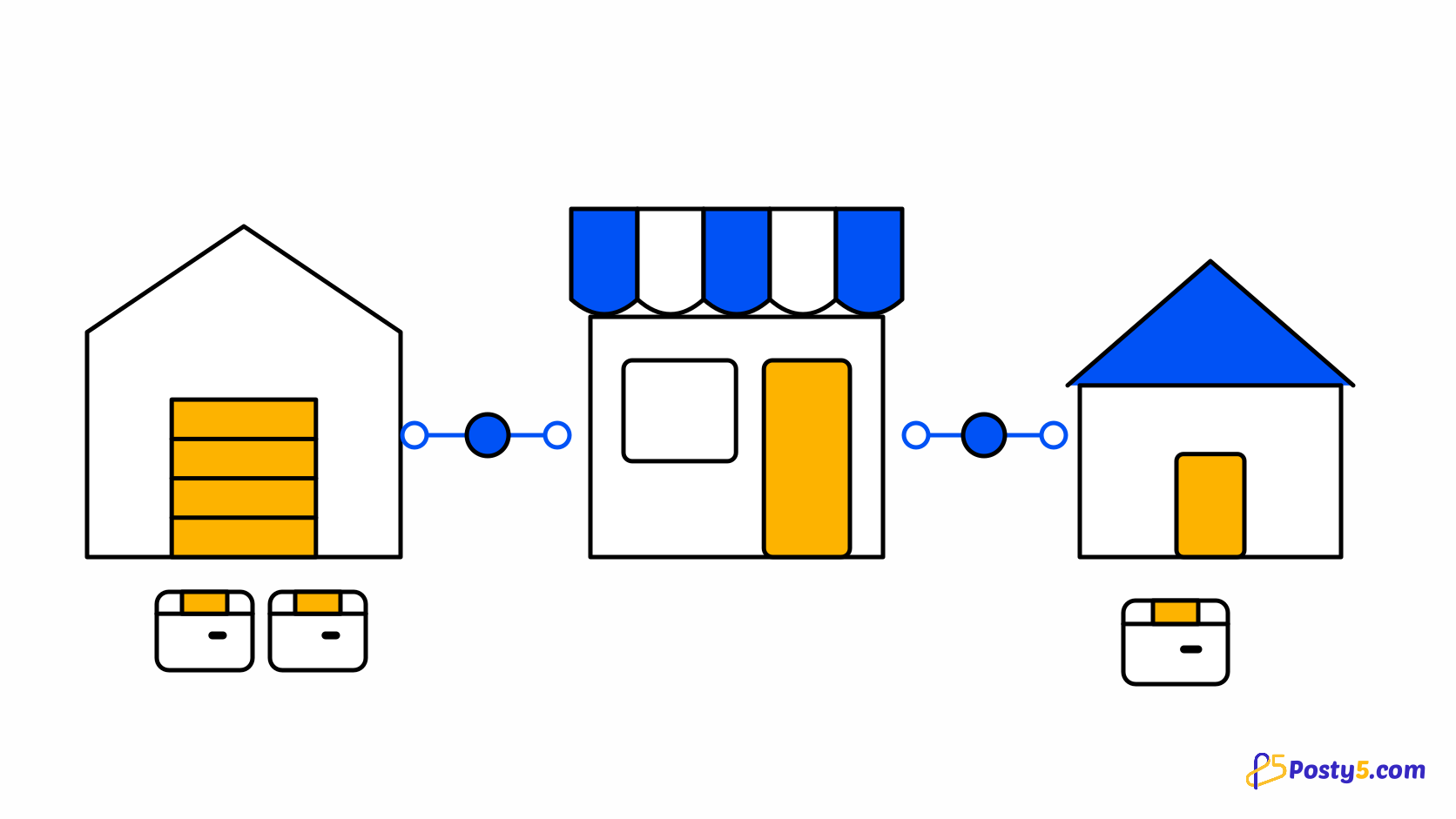
Dropshipping in a Posty5 store means selling products you never hold. A supplier keeps the stock and ships each order to your customer; your store keeps everything else — the product page, the price, the order, the payment, the customer and the conversation afterwards. You can sell supplier products next to your own, in the same store and even in the same basket. the dropshipping page.
The five steps, at a glance
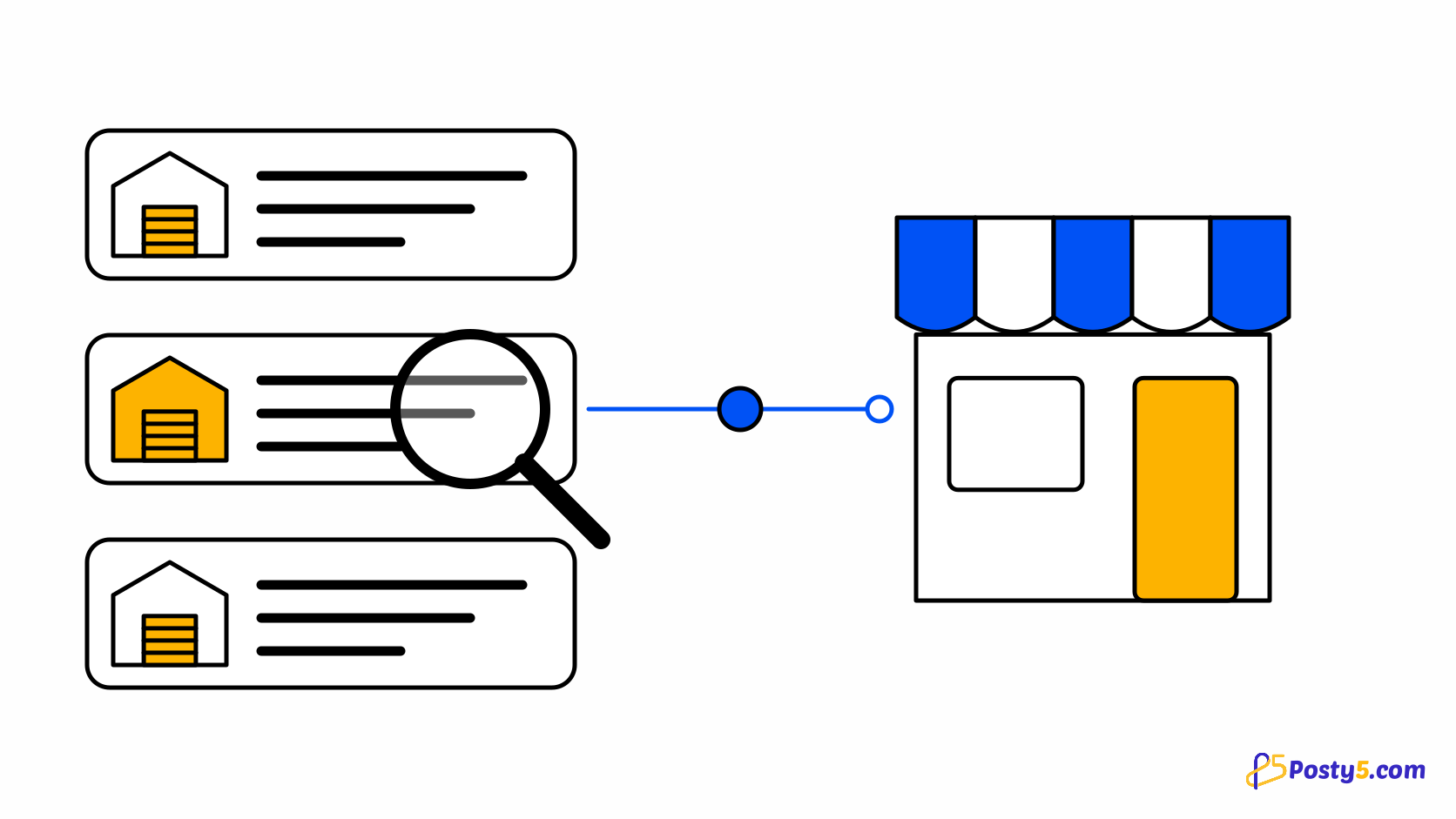
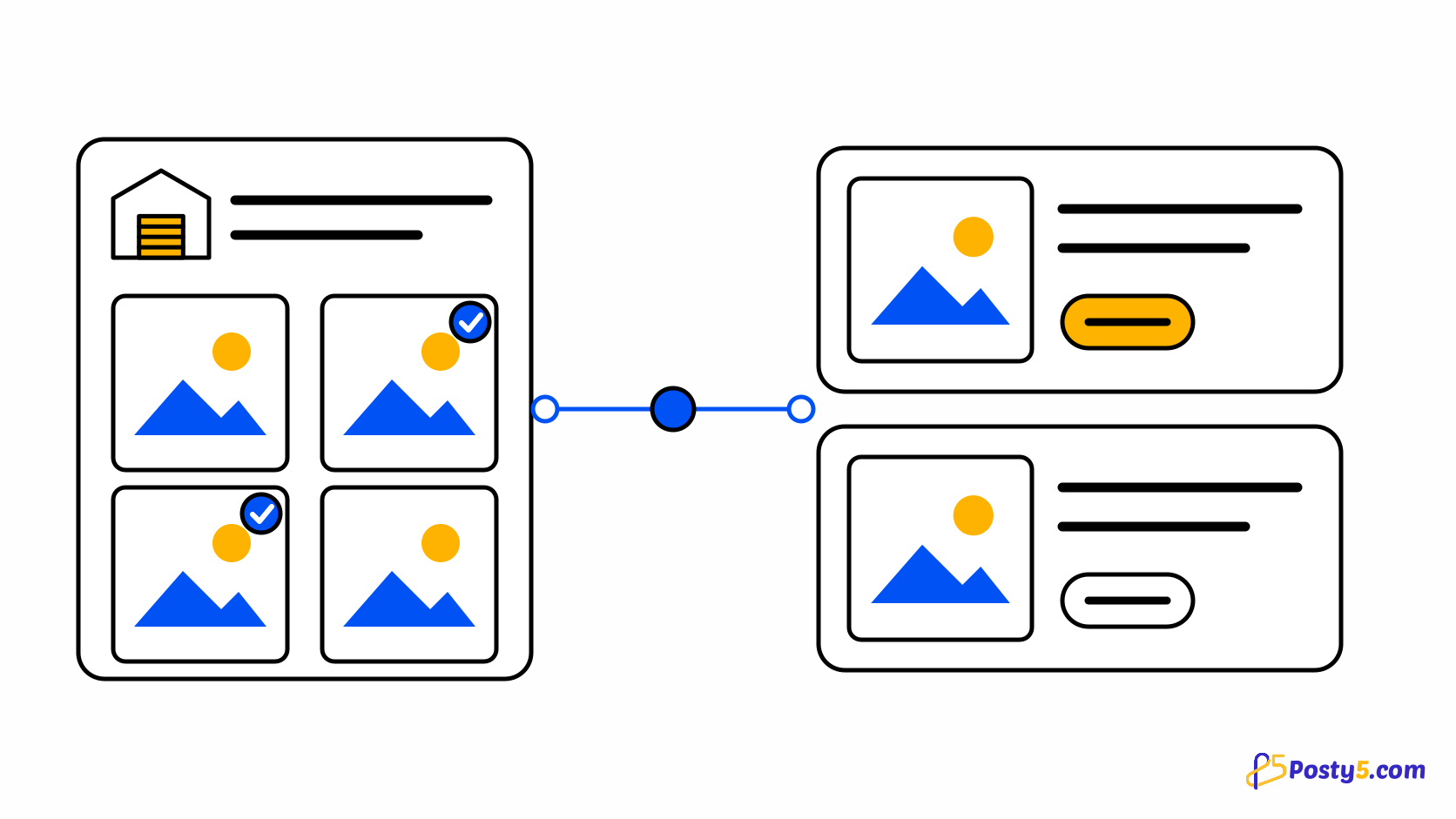
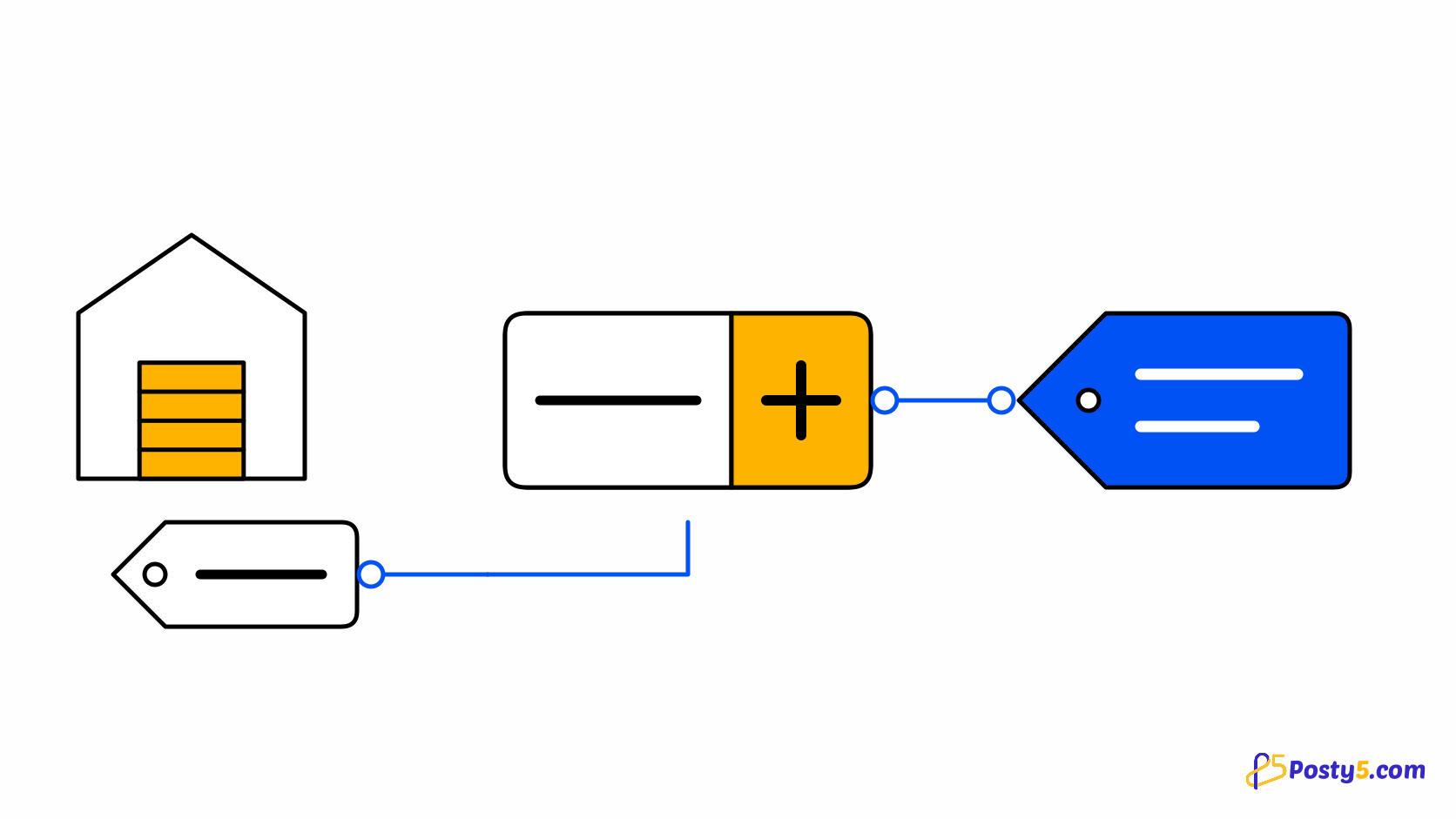
The work happens in five steps, all inside your store's control panel. First you connect your account with a supplier, by pasting the API key it gave you or, for AliExpress, by signing in. Second you set the rules: your price rule, how orders are sent and paid, the most an order may cost, and which countries to send to. Third you import products from the supplier's catalogue as drafts. Fourth you review each one — description, images, variants, price and delivery estimate — on its Fulfilment tab. Fifth you publish, and switch on automatic sending once you have followed an order from start to finish. Follow the import step by step.
Two payments, never one
The part people most often get wrong is the money, so it is worth being exact. There are two payments and they never touch. The shopper pays your store, through your own payment methods, exactly as for any other order. You pay the supplier, from your own account with that supplier — a balance or a wallet you fund yourself. Posty5 holds neither sum. When Posty5 pays a supplier for you, it does so from that supplier account, and only after the shopper's online payment has been confirmed. A cash-on-delivery or manual order waits for you instead, unless you have told the connection to send unpaid orders too. See how orders are sent and paid.
What your shopper sees
Your shopper is told plainly, without being told who your supplier is. A partner-shipped product says "Shipped by a partner on behalf of this store" on its page, and can show a short badge on product cards. At checkout a mixed basket is shown in two groups, "Ships from the store" and "Ships from a partner", but the shopper still pays once and pays one delivery fee. Afterwards the order is followed in parts, each with its own tracking. See how parts, tracking and returns work.
How much runs on its own
Every supplier connection starts on manual: nothing is sent until you press the button on the order. From there you can let orders be submitted automatically when an order is confirmed, or submitted and paid automatically. Limits sit on top — a ceiling on what an order may cost at the supplier, a ceiling on the cost as a share of the sale, and a list of countries. An order that breaks a limit, or that the supplier cannot take, stops on the Needs attention page with one reason and what to do about it. It is never pushed through on a guess. See how prices and margins work.
Which suppliers you can connect
Three suppliers can be connected today: CJdropshipping, a large general catalogue shipping from China and US warehouses; BigBuy, a European wholesaler shipping from Spain; and AliExpress, connected by signing in. All three connections are new, and none has yet been proven with a real order from start to finish — so try each one in test mode, then with one small real order, before you rely on it. See what to look for in a supplier.
Plans and credits
Dropshipping is included from the Pro plan; the Free and Starter plans do not include it. Importing a product uses the same credits as adding a product by hand, and sending, paying and tracking supplier orders use none. Compare the plans.
What it does not do
Some things are deliberately outside this release, and it is better to know before you plan around them. Returns are not sent back to the supplier through Posty5 — a returned item comes back through your store, and you settle with the supplier yourself. One product cannot be supplied by two suppliers. The shopper is never charged a separate delivery fee per part. Print-on-demand products with your own artwork are not supported, and there is no import from a product file or feed. the step-by-step guide.
Start with your store
Dropshipping is switched on inside a store you already have, under Suppliers in its control panel. Start with the store.
Frequently asked questions
Do I need to hold any stock?
No. The supplier stores the stock and ships each order. You can still sell your own products in the same store.
Who pays the supplier?
You do, from your own account with the supplier. Posty5 can make the payment for you from that account, and only after the shopper's online payment is confirmed.
Does the shopper see my supplier's name?
No, unless you choose to show it. The shopper sees that a partner ships the item on behalf of your store.
Is the order sent to the supplier automatically?
Only if you choose an automatic level. Every connection starts on manual, where nothing is sent until you press the button.
Which plan do I need?
Dropshipping is included from the Pro plan.
Are returns handled with the supplier?
Not through Posty5. A return comes back through your store, and you settle with the supplier yourself.