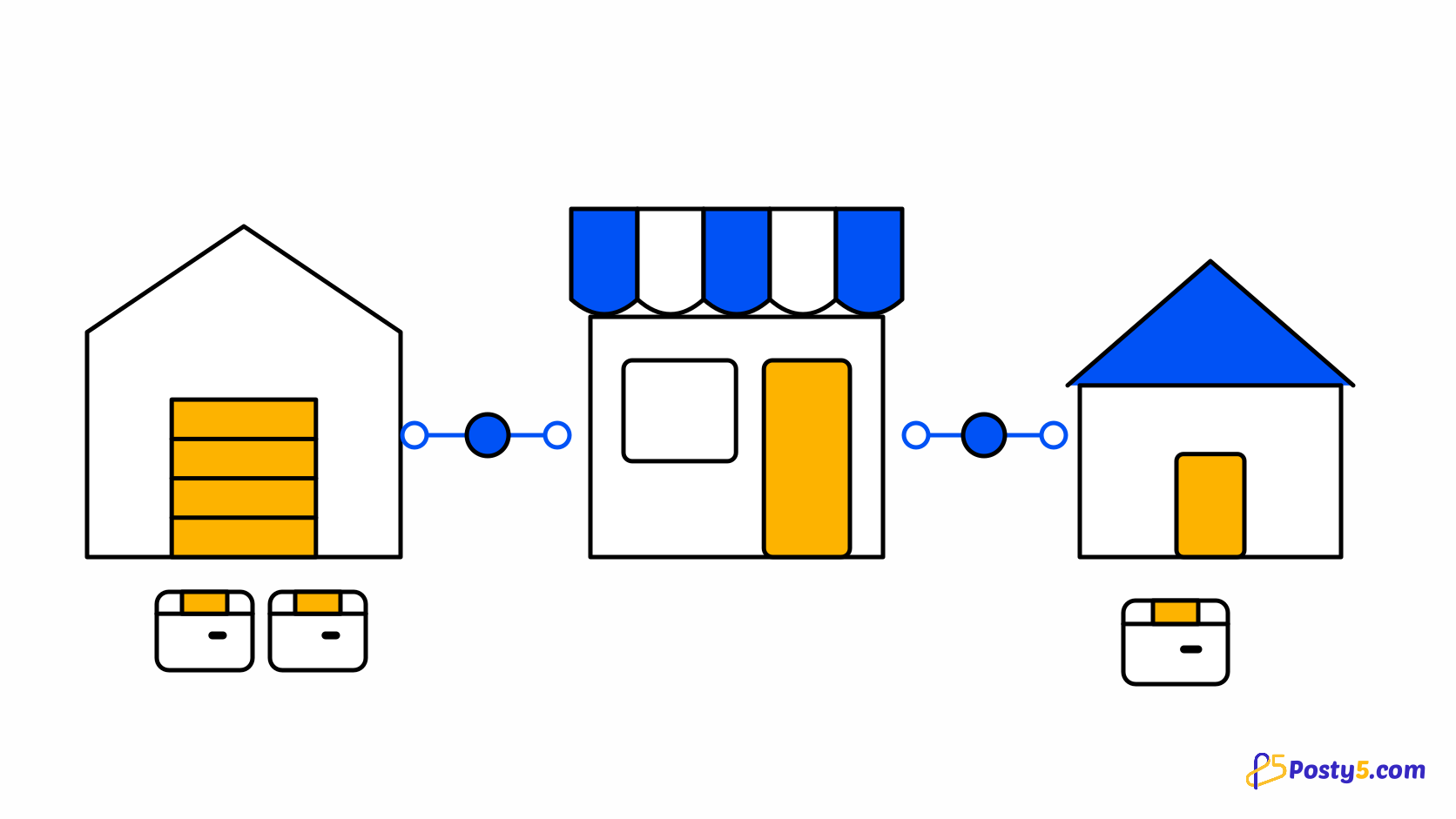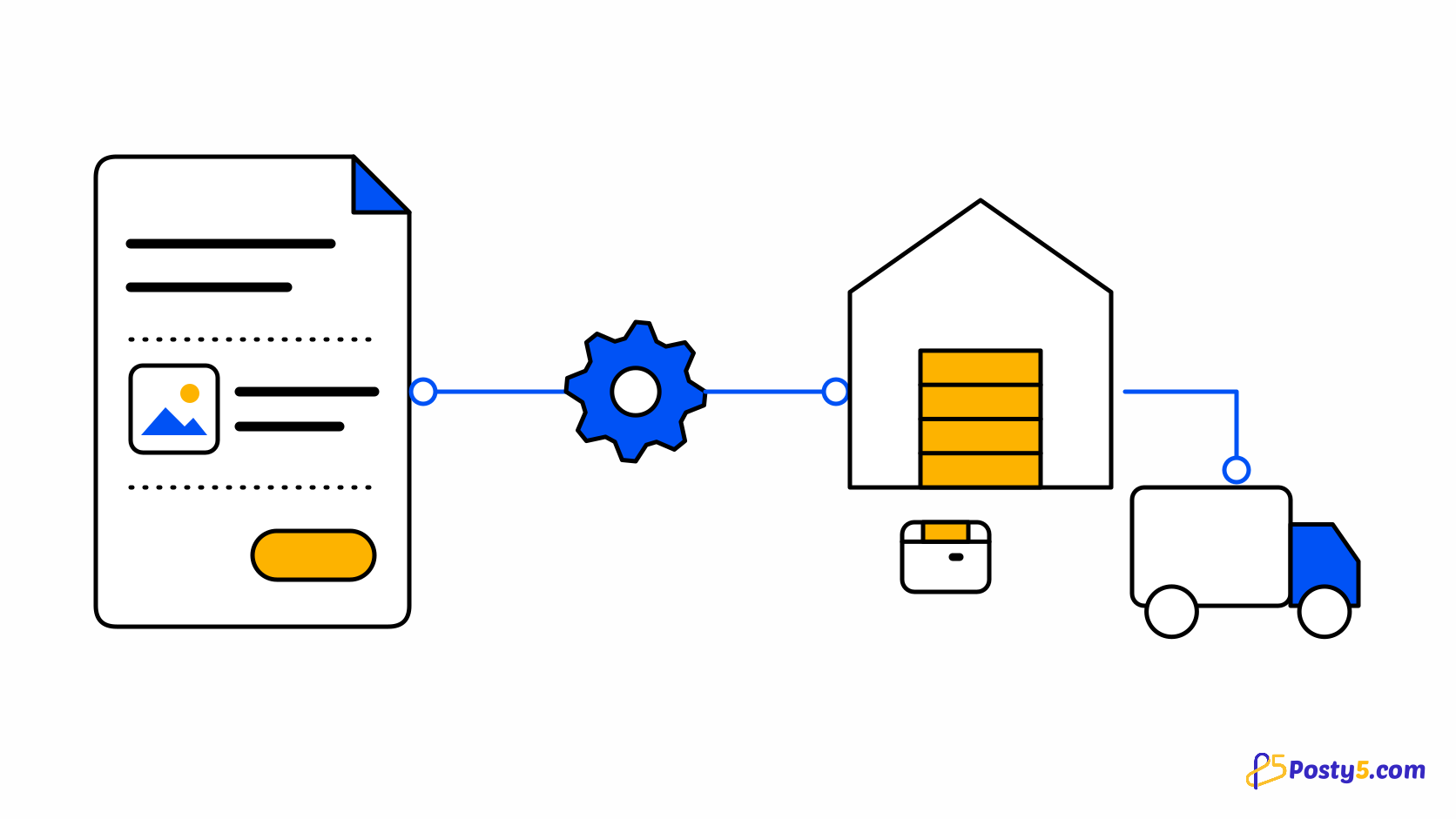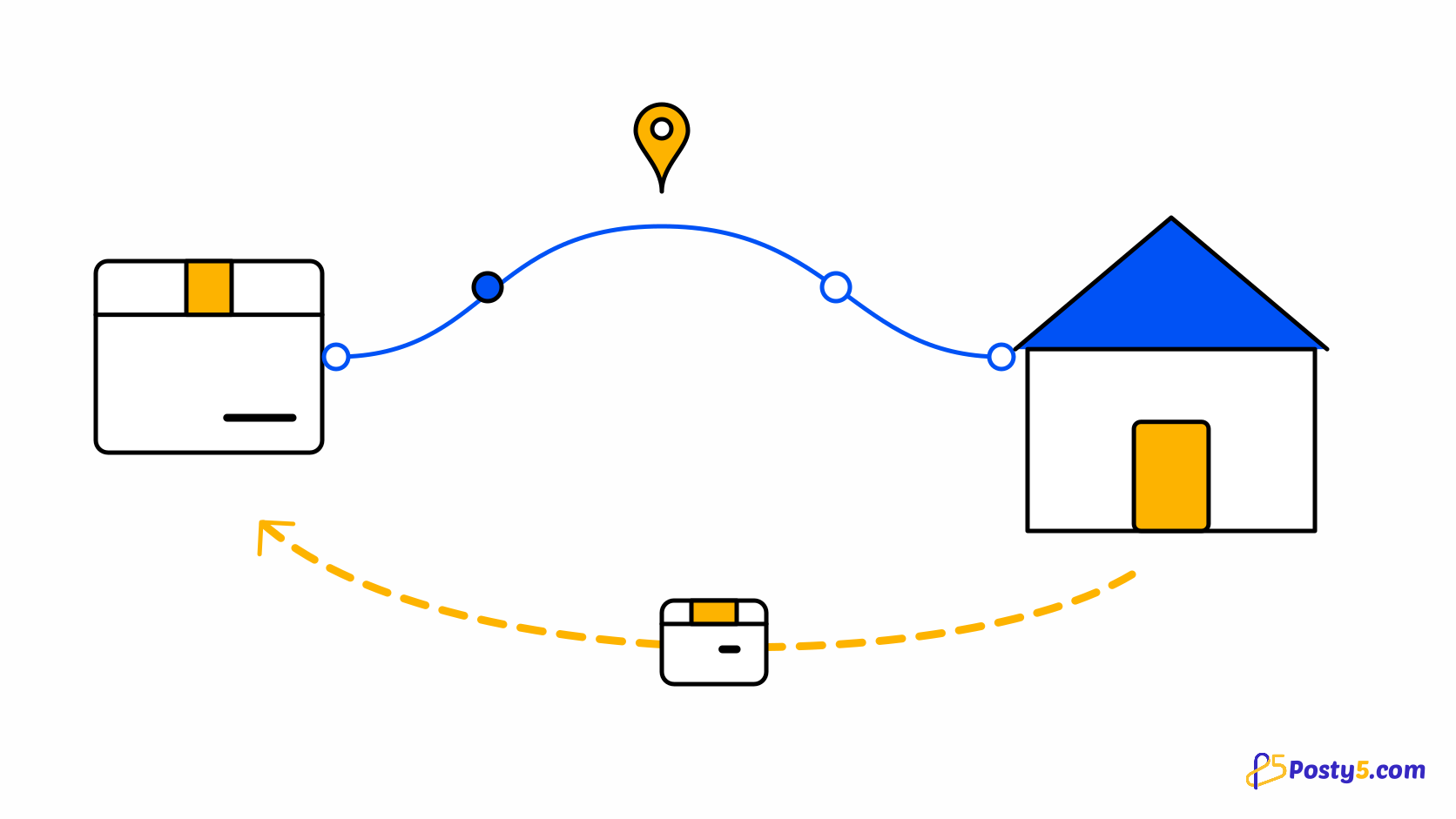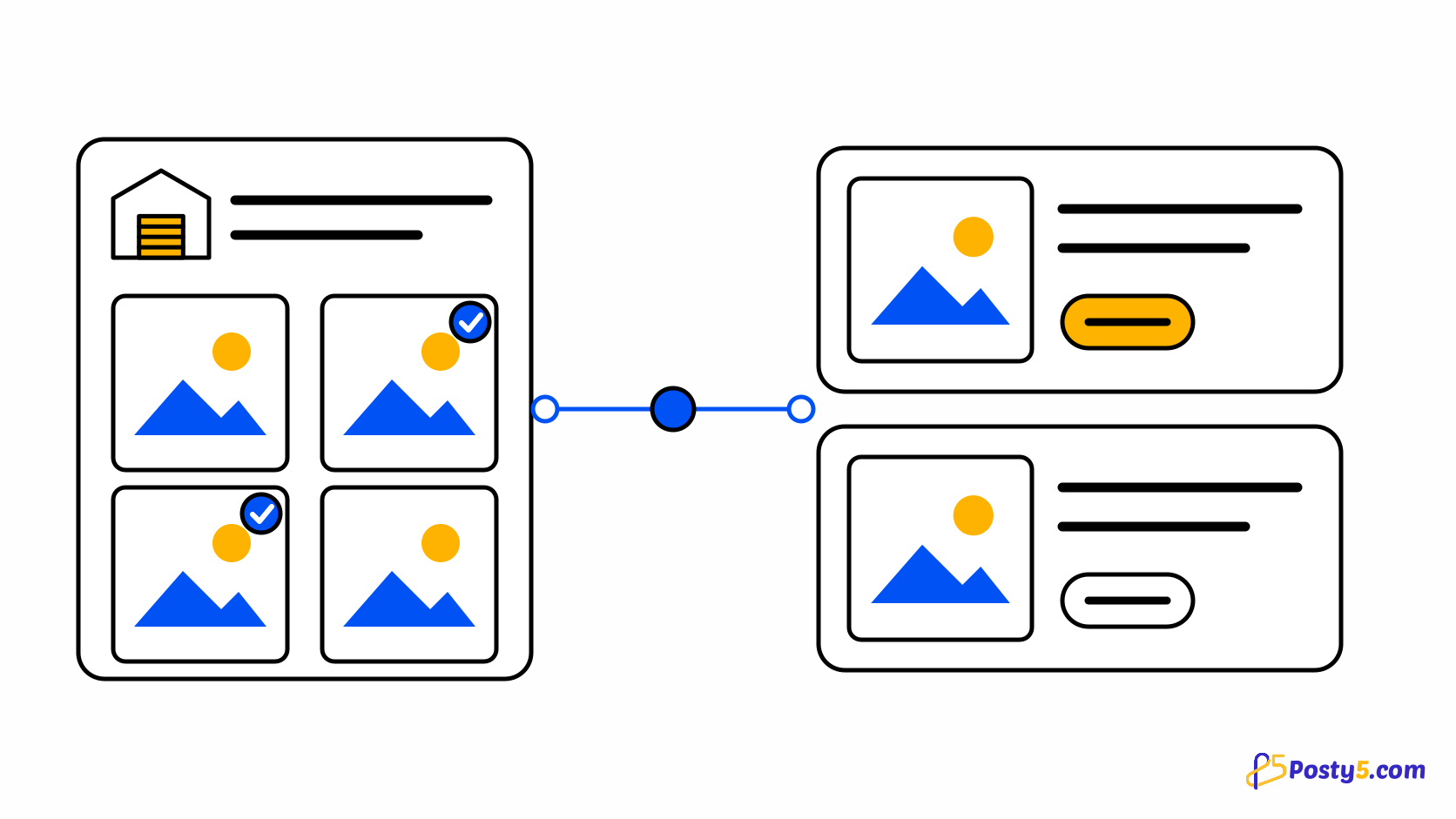
Importing is where a supplier's catalogue becomes your store's catalogue. The import brings in names, descriptions, images, variants and the supplier's cost, and prices each product with your rule. It is deliberately a two-stage job: the import gets products into your store, and a review before publishing makes them yours. Read the dropshipping overview.
Before you start
You need a supplier connection first, made on the Suppliers page of your store's control panel. It is also worth setting your default price rule before the first import, in Settings on the Dropshipping tab, so the preview shows the prices you actually mean. See what to look for in a supplier.
Import step by step
- Open Import from a supplier. In your store's control panel, open Import from a supplier and choose the connected supplier.
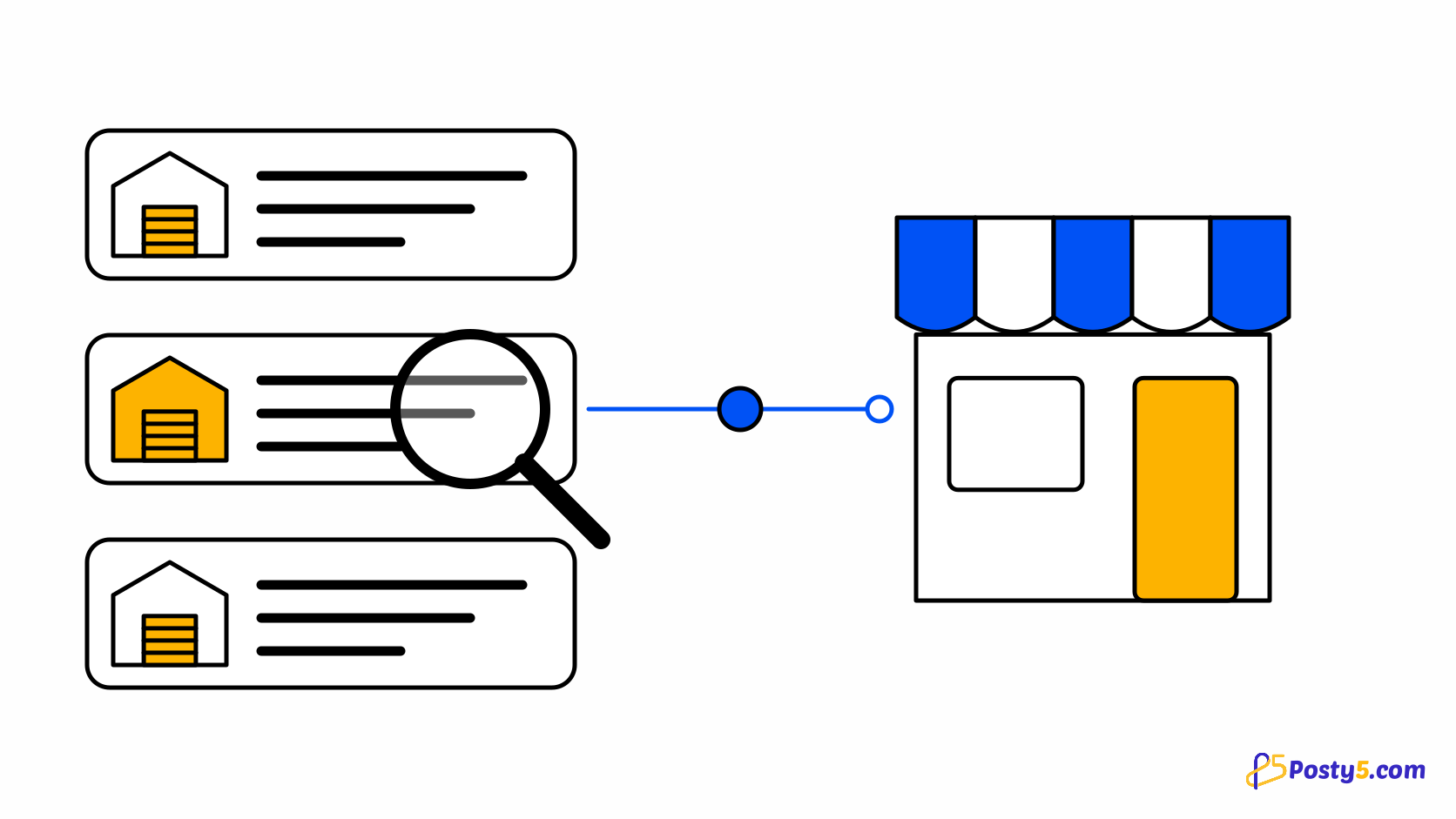
- Find the products. Search the supplier's catalogue, or paste a product link or id.
- Pick products and variants. Tick the products you want, and the variants of each you want to sell.
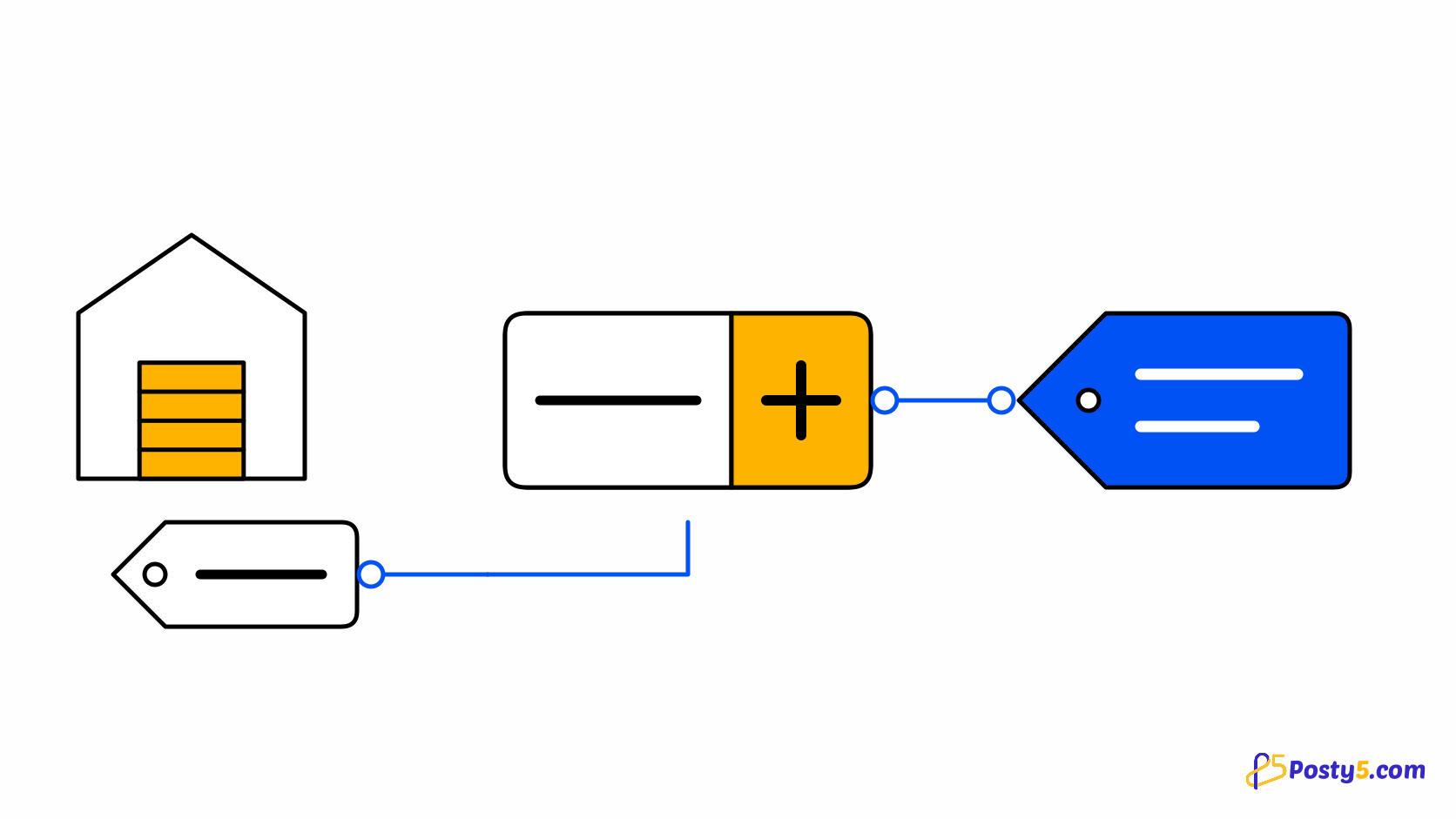
- Preview your prices. The preview prices each product with your rule and names any product you have already imported.
- Import. Choose Draft or Active and add tags if you like, then import — up to 50 products at a time. Large imports run in the background and you are told when they finish.
- Review each product. Open each product's Fulfilment tab and check its description, images, variants, price and delivery estimate.
- Publish. Make the products active once you are happy with them.
Linking a product you already sell
If you already sell a product that a supplier also carries, you do not need a second copy. On the product's Fulfilment tab you can link it to the supplier product and map its variants. Linking changes who ships it; it never changes your price, your images or your description.
Why an import can say duplicate
A supplier product can be imported into a store once. The preview names any product you have already imported before anything is created, and a second copy is only made if you confirm that it is what you want. That protects you from two listings of the same thing drifting apart.
What the import does not do
There is no import from a product file or feed from a supplier, and no one-click import of a whole catalogue: you choose what to sell. If your own catalogue lives in a spreadsheet, that is a different job with its own importer. import from a spreadsheet instead.
Start with your store
Imports run inside a store with a supplier connected. Start with the store.
Frequently asked questions
How many products can I import at once?
Up to 50 per import. Larger imports run in the background and you are told when they finish.
Do imported products go live immediately?
Only if you choose Active. Choosing Draft lets you review each one before it is visible.
Will importing change a product I already have?
No. To use a product you already sell, link it on its Fulfilment tab; linking never changes its price, images or description.
Why did the preview say duplicate?
You have already imported that supplier product. A second copy is only made if you confirm it.
Can I import from a supplier's product feed?
Not in this release. You search or paste links and choose what to import.