
Dropshipping
Sell products a supplier stores and ships for you. Connect a supplier, import with your own prices, and send each order to the supplier from your Posty5 store.
21.5K
Number of Visits
Sell what a supplier stocks
Connect your account with a supplier, import its products with your own prices, and let your store send each order to the supplier. The shopper buys from your store and pays your store.
 Your store, your customer
The shopper, the order, the payment, returns and support stay with your store.
 The supplier ships
The supplier stores the stock and ships each order to your shopper.
 Mixed baskets
Sell supplier products next to your own. An order with both is split into parts, each with its own tracking.
How it works
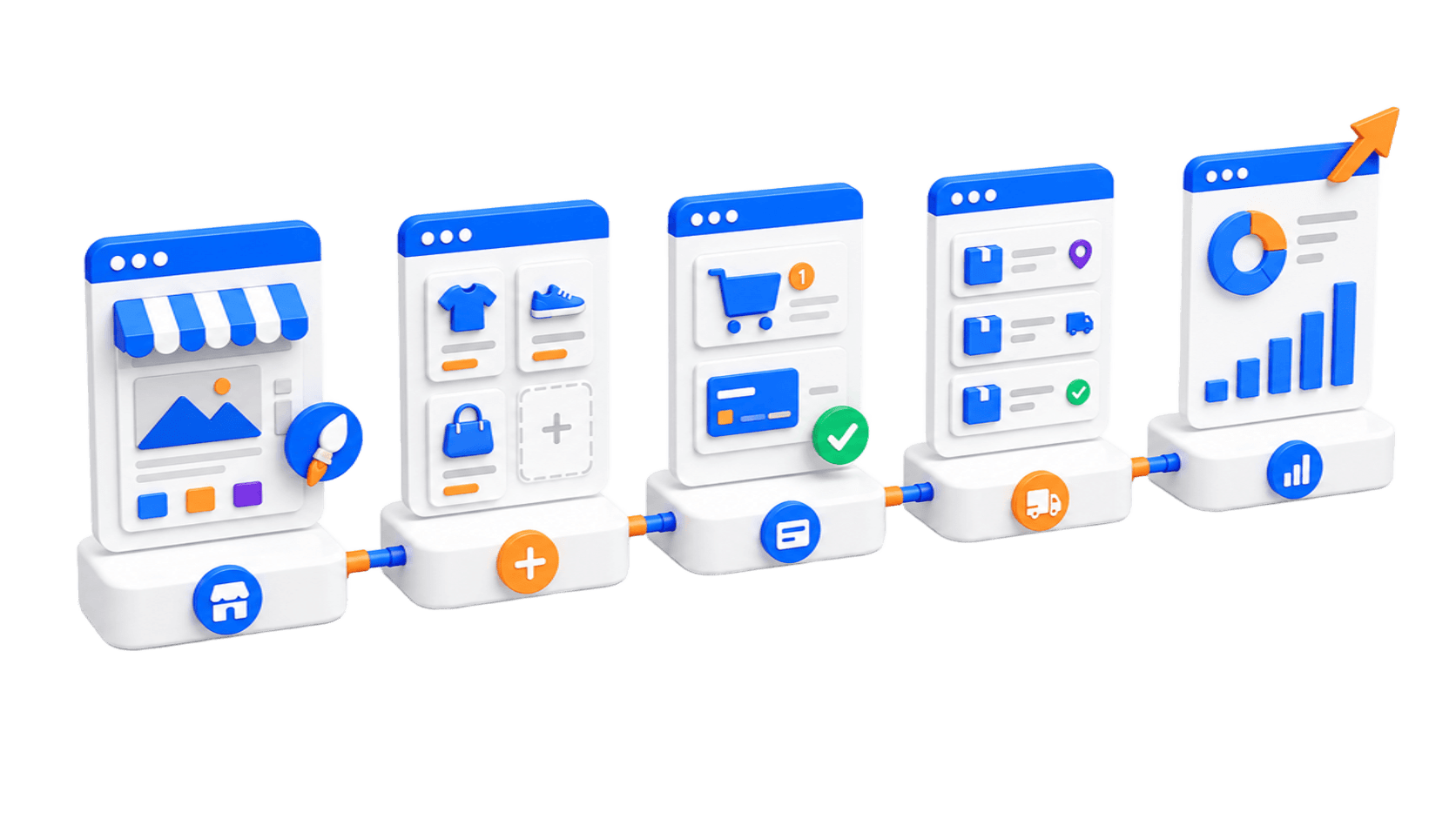
Five steps, all inside your store’s control panel.
Connect a supplier account
Open Suppliers in your control panel and connect a supplier with its API key, or by signing in. Posty5 checks the key with the supplier and stores it encrypted.
Set prices, payment and destinations
Choose your price rule, how orders are sent and paid, the most an order may cost, and which countries to send to.
Import products as drafts
Search the supplier’s catalogue or paste a product link, pick the variants, preview your prices and import up to 50 products at a time.
Review before you publish
Check each product’s description, images, variants, price and delivery estimate on its Fulfilment tab.
Publish and switch on automatic sending
Make the products active. Start with manual sending, and move to automatic sending once you have followed an order from start to finish.
Two payments, kept apart
Posty5 holds neither.
 The shopper pays your store
Through your own payment methods, exactly as for any other order. That money is yours and never goes to the supplier.
 You pay the supplier
From your own account with the supplier. Posty5 pays for you only if you choose automatic payment, and only after the shopper’s online payment is confirmed.
Cash-on-delivery and manual orders wait for you, unless you allow unpaid orders on the supplier connection.
What your shopper sees
Told plainly, without naming your supplier.
 A clear label
The product page says “Shipped by a partner on behalf of this store”. The supplier’s name stays hidden unless you choose to show it.
 One payment, one delivery fee
At checkout the basket is grouped into “Ships from the store” and “Ships from a partner”. The shopper still pays once, with one delivery fee.
 Tracking for each part
Each part has its own tracking. The order shows as shipped only when every part has shipped.
You stay in control
Nothing is sent or paid unless you allow it.
 Three automation levels
Send each order yourself, submit orders automatically, or submit and pay them automatically. Every connection starts on manual.
 Limits
Set the maximum supplier cost per order, the maximum cost as a share of the sale price, and which countries orders may ship to.
 Needs attention
An order that cannot go ahead stops and shows one reason and what to do. Posty5 never guesses its way past a problem.
 Your edits survive
The hourly sync changes only stock, cost and, if you allow it, price. Your images and descriptions stay yours.
Suppliers you can connect
Each connection is new. Try it in test mode, then with one small real order, before you rely on it.
CJdropshippingA large general catalogue, shipped from China and US warehouses and paid from your CJ balance.
Read moreBigBuyA European wholesaler shipping from Spain across Europe, paid from your BigBuy wallet when the order is created.
Read the supplier guideAliExpressConnect by signing in to AliExpress. An order may become one AliExpress order per seller.
Read the supplier guideChoose when a sale concludes
Two models, set once for your store.
StandardThe sale concludes at checkout. The shopper pays, then you buy the item from the supplier. This is the default.
Promise to sellCheckout only authorises the shopper’s payment. You buy the item first, and the shopper is charged once the supplier accepts. If the supplier refuses, the shopper is never charged.
This page describes what the software does. Whether a model makes a sale permissible is a question for a qualified scholar.
Plans and credits
Dropshipping is included from the Pro plan.
Importing a product uses the same credits as adding one by hand. Sending, paying and tracking supplier orders use none.
See plans and creditsNot in this release
- Returns to the supplier — a return comes back through your store, and you settle with the supplier yourself.
- One product supplied by two suppliers.
- A separate delivery fee for each part.
- Print-on-demand products with your own artwork.
- Importing from a product file or feed.
What is dropshipping in Posty5?+
A supplier stores and ships the products, and your store sells them. The shopper, the order, the payment, returns and support stay with your store. Posty5 sends each order to the supplier for you.
Which suppliers can I connect?+
CJdropshipping, BigBuy and AliExpress. Each connection is new, so try it in test mode and with one small real order before you rely on it.
Which plan do I need?+
Dropshipping is included from the Pro plan. Importing a product uses the same credits as adding one by hand; sending and paying supplier orders use none.
Who pays the supplier?+
You do, from your own account with the supplier. Posty5 can make the payment for you, from that account only, and only after the shopper’s online payment is confirmed.
Does the shopper’s payment go to the supplier?+
No. The shopper pays your store through your own payment methods, and that money is yours. You top up your supplier account yourself.
How is the delivery fee handled?+
The shopper pays your store’s one delivery fee, however many parts the order has. You can add the supplier’s freight estimate to a product’s extra delivery fee.
What does the shopper see?+
The product page says “Shipped by a partner on behalf of this store”. The supplier’s name stays hidden unless you choose to show it.
Is the order split, and does the shopper pay twice?+
Items shipped from different places arrive separately, so each part has its own tracking. The shopper pays once, with one delivery fee.
Ready to sell what a supplier ships?
Open your store, then switch dropshipping on in its control panel, under Suppliers.