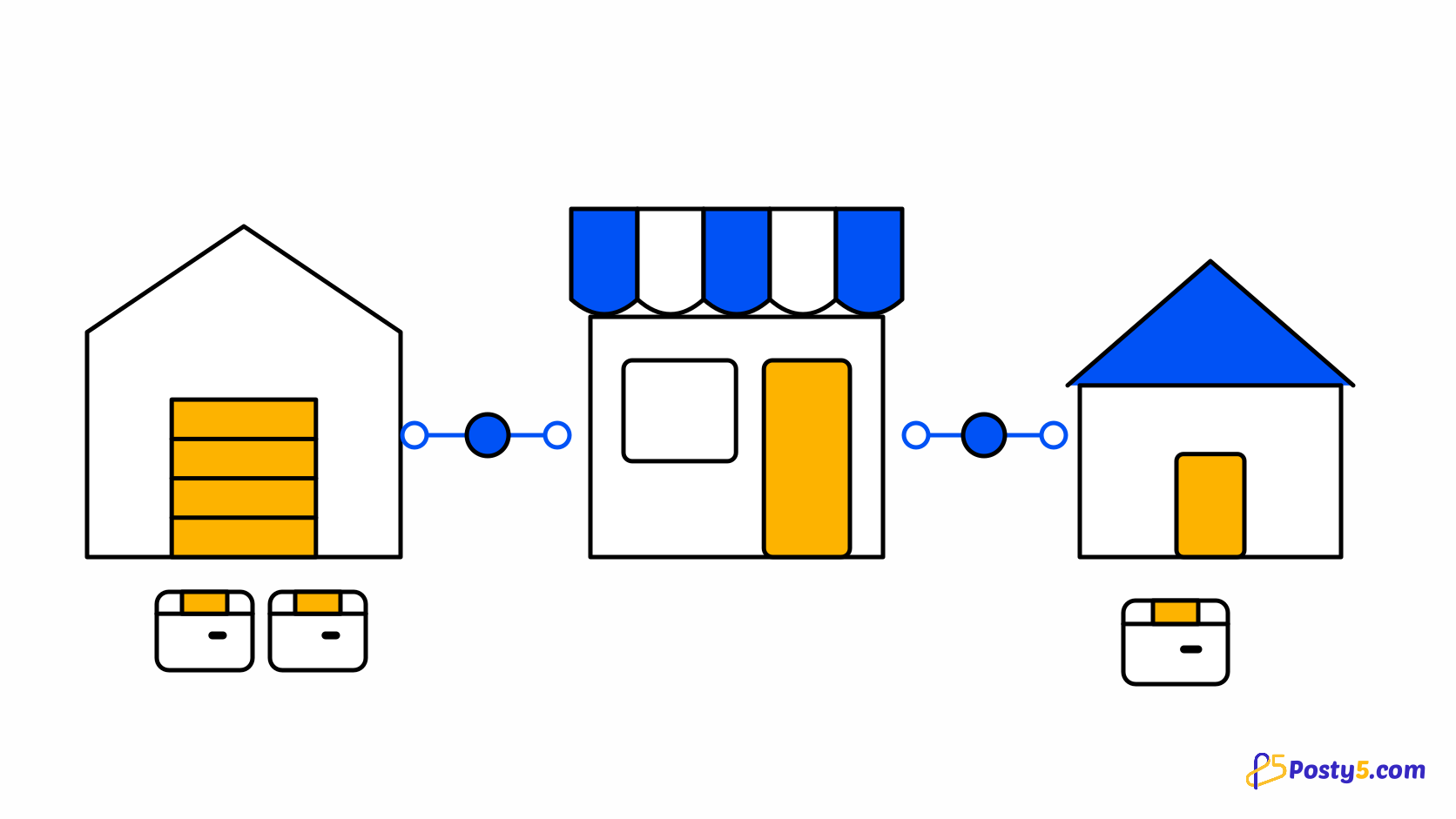
Automatic fulfilment sounds like a switch. In practice it is a set of decisions you make once, about when an order may leave your store, whether it may be paid for without you, and what should happen when something does not add up. Posty5 lets you make each of them separately, and starts every connection with none of them made.
When an order is sent
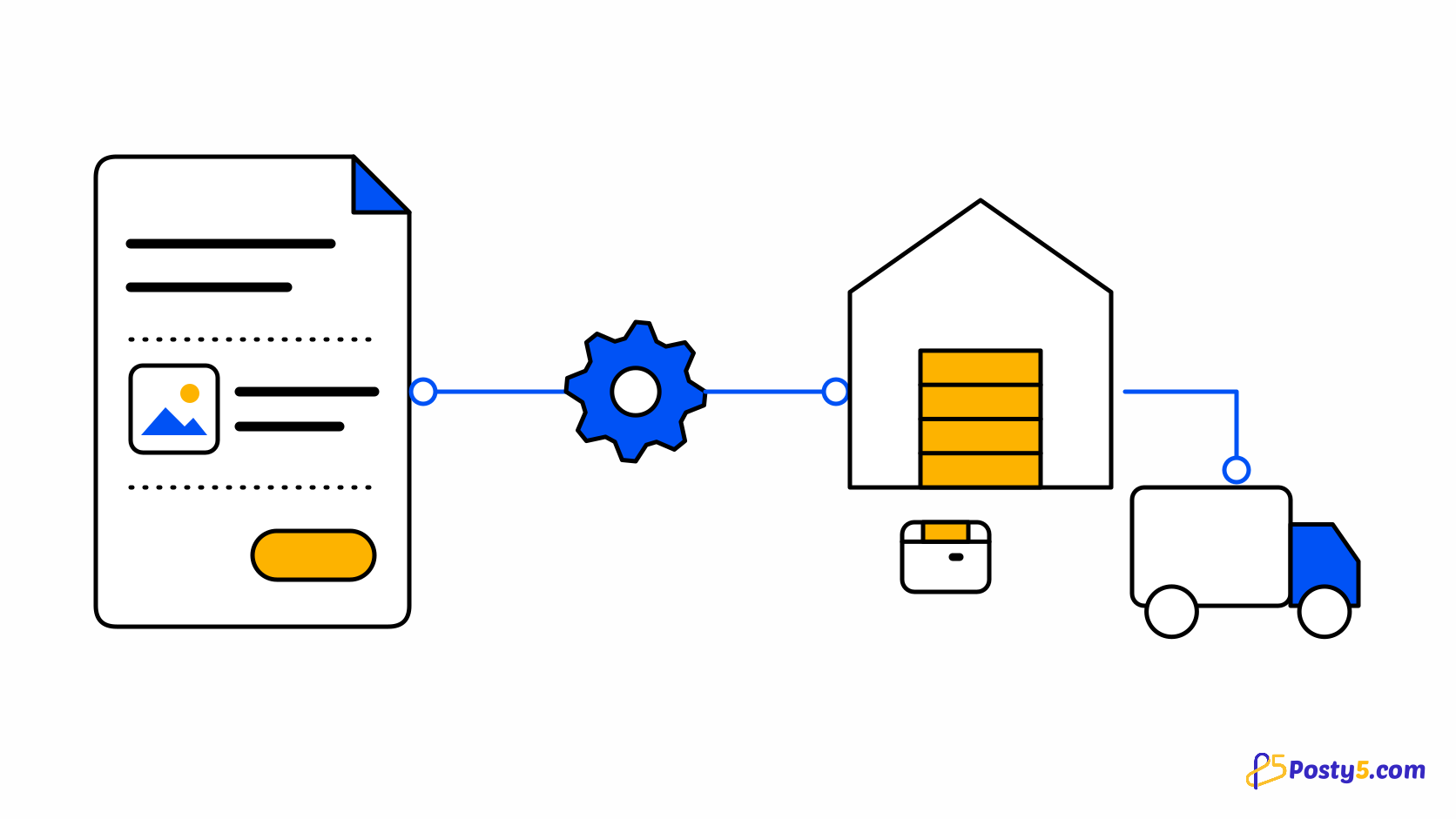
With an automatic level, the supplier part of an order is sent once, when the order becomes confirmed — whether you confirm it yourself or an online payment confirms it. On manual, nothing is sent until you press Send to the supplier on the order.
Three levels of automation
Every connection starts on manual. The next level submits orders automatically: the supplier order is created when your order is confirmed, and you pay it yourself. The top level submits and pays automatically, from your balance at the supplier; it is only offered for suppliers that can be paid that way. With BigBuy, creating an order is paying for it, so submitting already pays.
Payment waits for a confirmed payment
Automatic payment to a supplier waits for the shopper's online payment to be confirmed by the payment provider — not merely started, and not assumed from a return page. A cash-on-delivery or manual order has no such confirmation, so it waits for you with the reason that the customer has not paid yet, unless you have switched on sending unpaid orders for that connection. That is a real choice with real risk, and it is yours to make. See how store checkout works.
Limits you can set
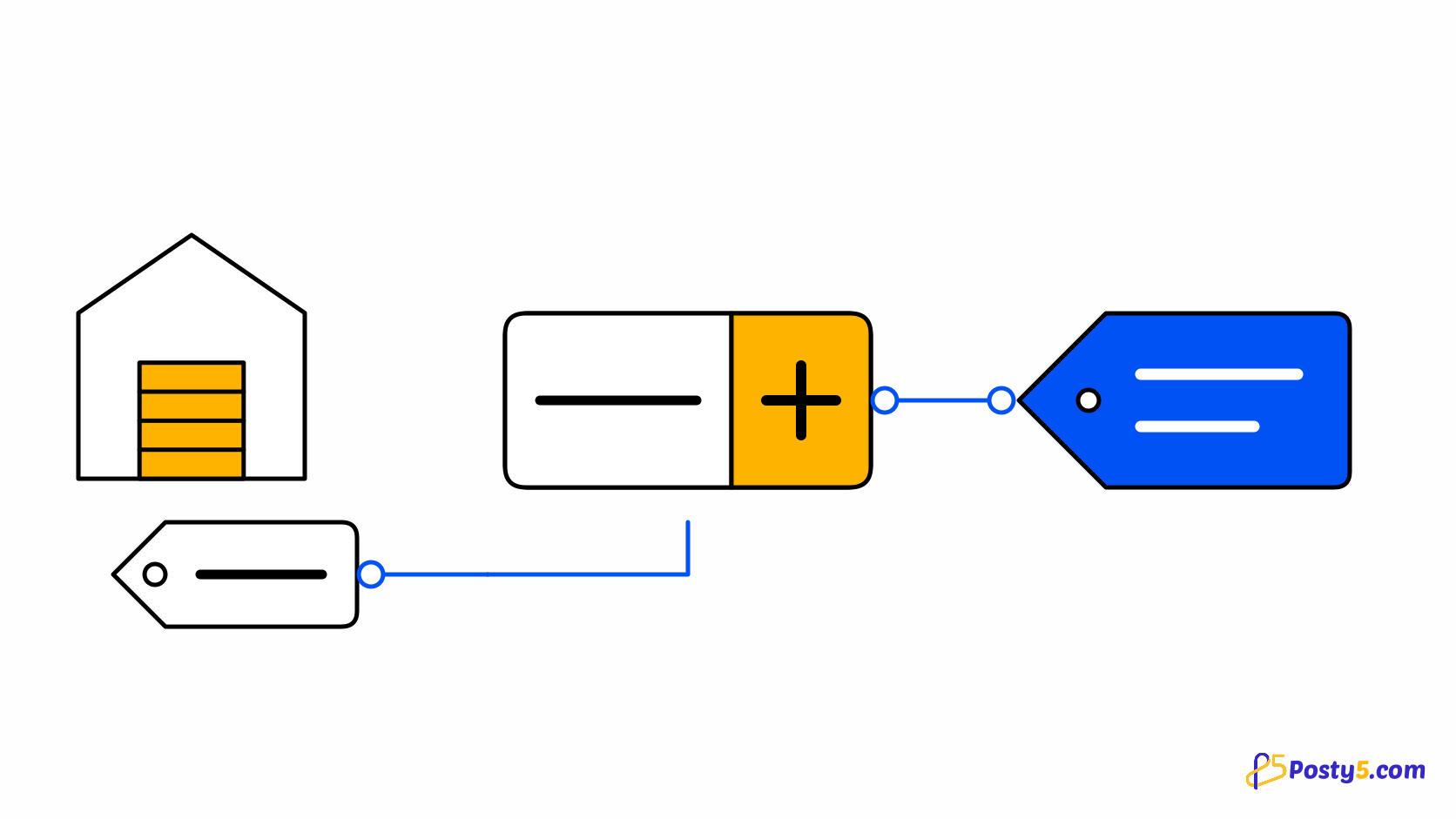
Three limits sit on each connection: the most an order may cost at the supplier, the most that cost may be as a share of what the shopper paid, and the countries orders may be sent to. They exist so that an automatic system can still say no. See how prices and margins work.
When an order needs attention
An order that cannot go ahead stops instead of guessing, and appears on the Needs attention page with one reason. The reasons are specific: your supplier balance is too low; the supplier no longer has an item; the supplier cannot deliver to the address; the cost is above your limit; the supplier's price changed; the customer has not paid yet; the payment is not settled yet; the supplier did not answer; the supplier refused the order; the supplier is no longer connected; or the connection is in test mode. Each comes with what to do, and most are fixed by one change and a retry. the step-by-step guide.
Retries never duplicate
Every supplier order carries your order number, and before creating or paying anything Posty5 asks the supplier whether that order already exists or is already paid. So a retry — yours, or an automatic one after a timeout — finds the existing order rather than creating or paying a second one.
Promise to sell
Stores can also choose a model in which the sale concludes only once the goods are secured: checkout authorises the shopper's payment, you buy the item from the supplier first, and the shopper is charged once the supplier accepts. If the supplier refuses, the shopper is never charged. It needs a payment method that can authorise first and charge later, and it describes what the software does — whether it settles a religious question is for a qualified scholar. Read the dropshipping overview.
Start with your store
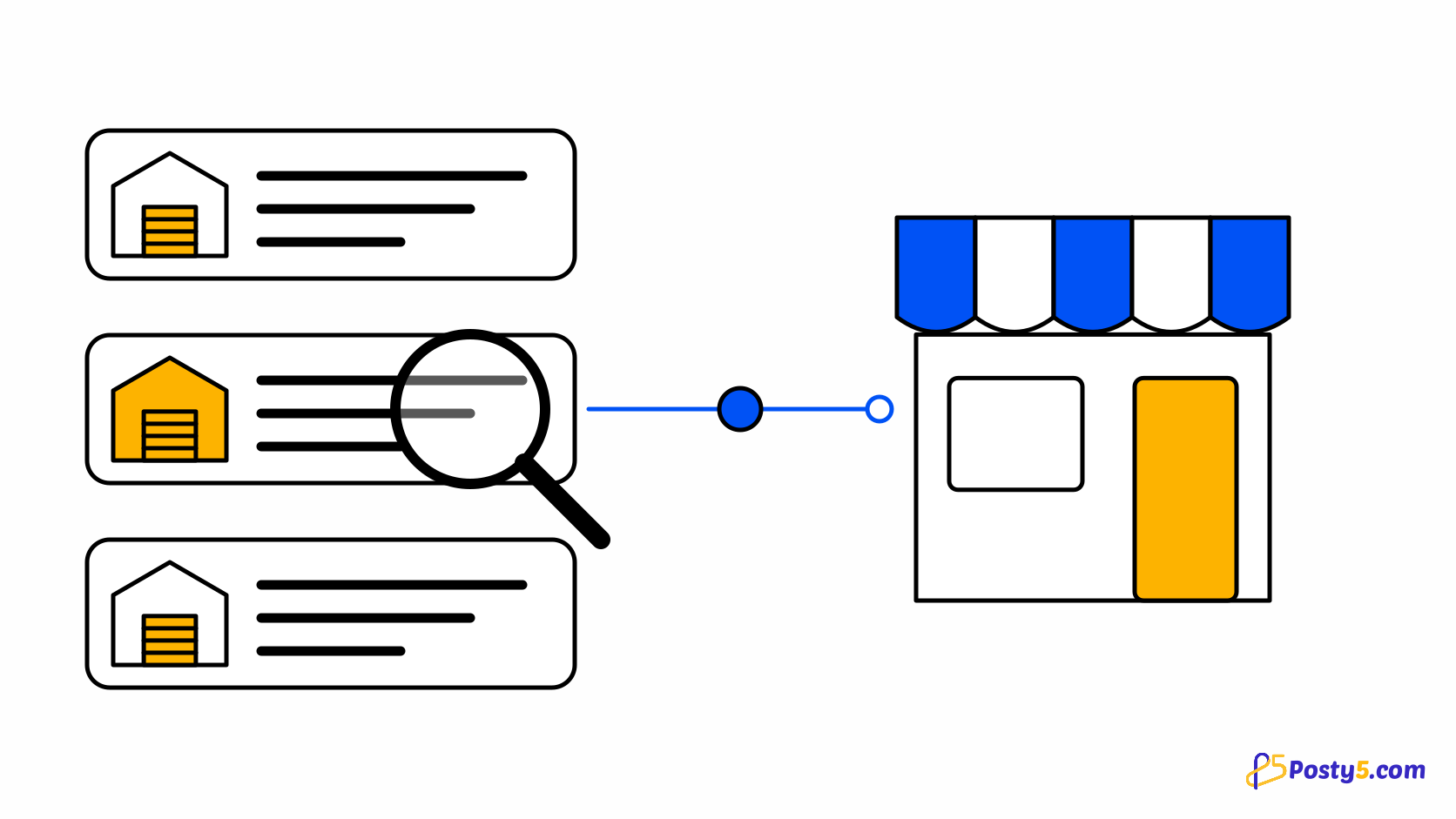
Automation is set per supplier connection, inside a store you already have. Start with the store.
Frequently asked questions
Are orders sent to the supplier the moment they are placed?
No. With an automatic level they are sent when the order is confirmed. On manual, only when you press the button.
Can cash-on-delivery orders be paid to the supplier automatically?
Only if you switch on sending unpaid orders for that connection. Otherwise they wait for you.
What happens if my supplier balance is empty?
The order stops with that reason. Top up at the supplier, then retry.
Could a retry create a second supplier order?
No. Posty5 checks with the supplier before creating or paying, so an existing order is found rather than repeated.
Does Posty5 ever hold my money or the shopper's?
No. The shopper pays your store, and you pay the supplier from your own supplier account.