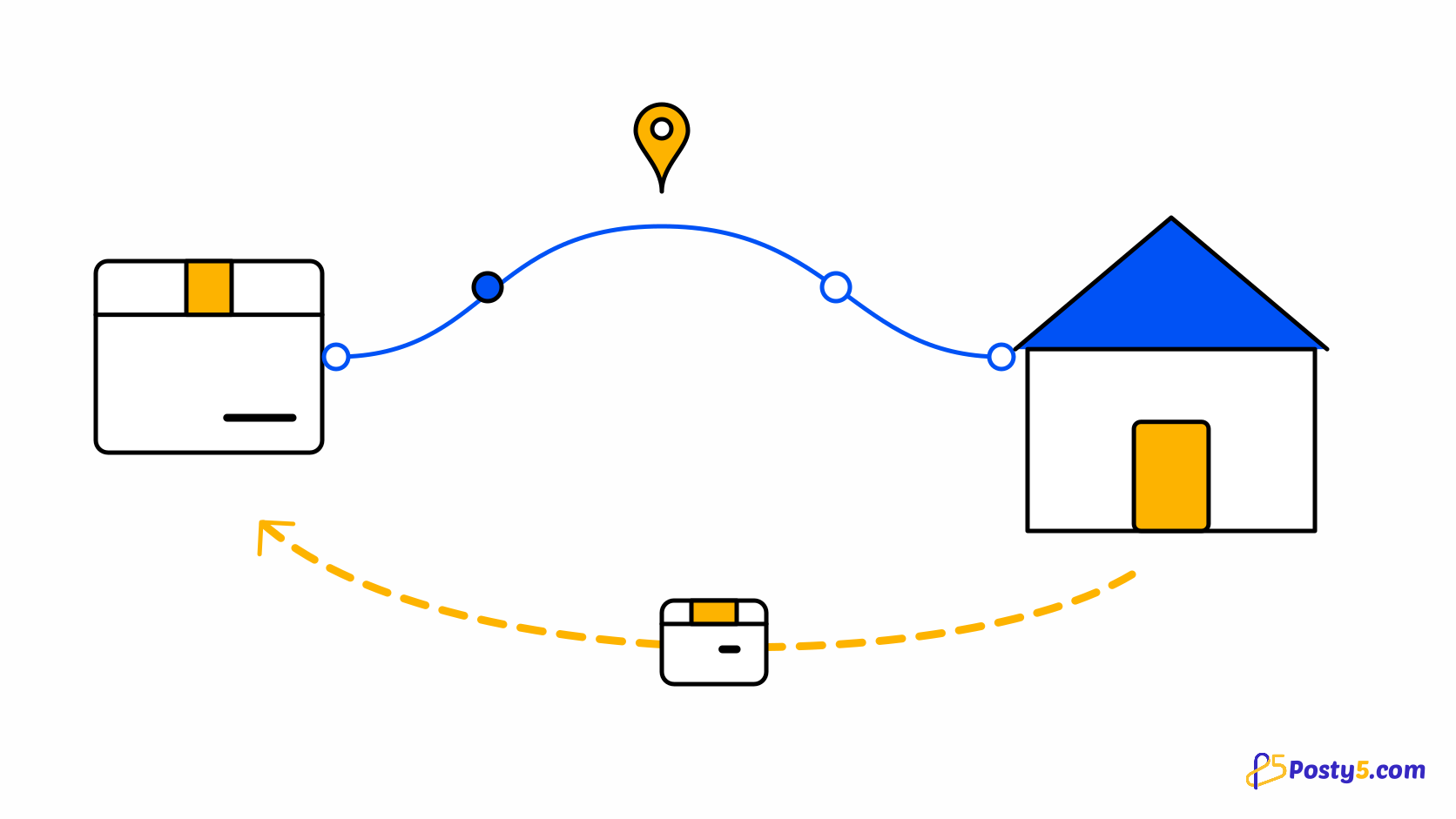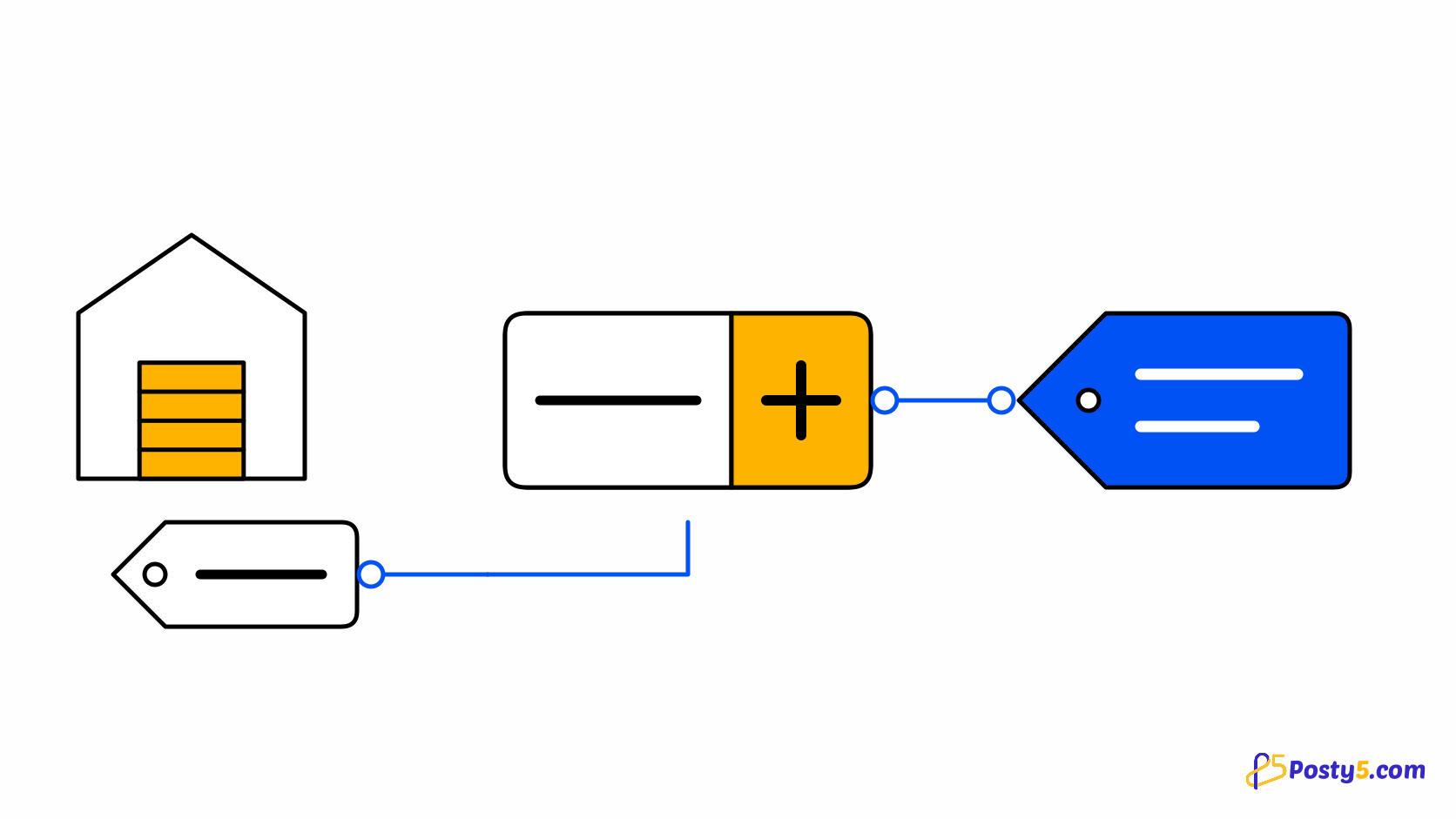
In dropshipping your margin is the gap between two prices you only half control: the supplier's cost, which can move, and your price, which you set. Posty5 does not promise you a margin. What it gives you is a rule for turning cost into price, a clear line between what sync may change and what it may not, and limits that stop an order when the numbers stop making sense.
Your price rule
Each import prices products with a rule: a percentage added to the cost, a fixed amount added to it, or a target margin. On top of that you choose how prices are rounded — for example to end in .99. Your store's default rule lives in Settings, on the Dropshipping tab; each product keeps its own copy, which you can change and recalculate on its Fulfilment tab.
Freight and the one delivery fee
Shoppers pay your store one delivery fee, whatever the basket contains; there is no separate fee per part. If you want a product's price to cover the supplier's freight, the price rule can add the supplier's freight estimate to that product's extra delivery fee. The shopper still sees and pays one delivery charge.
When the supplier's price changes
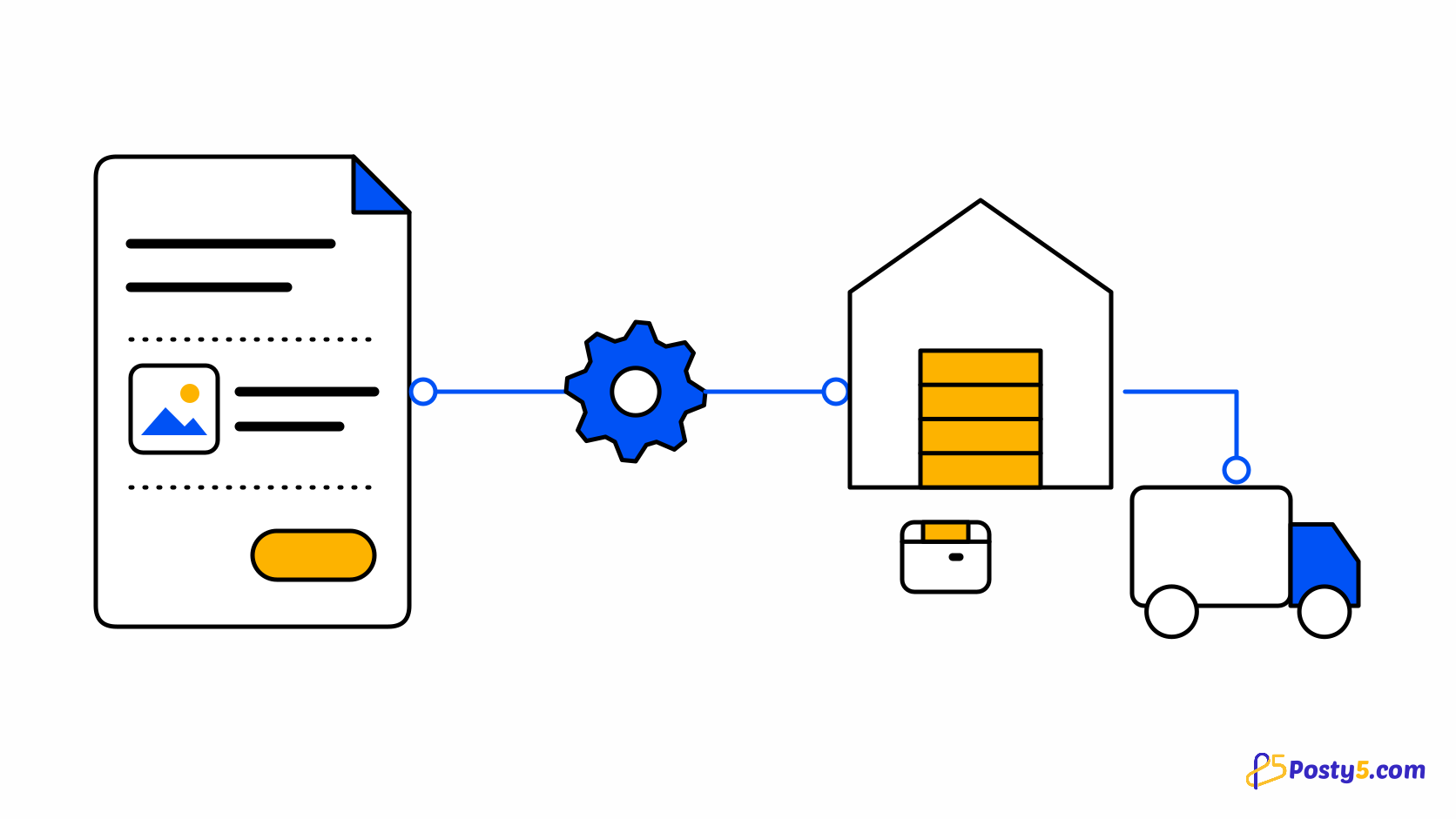
Every hour, sync keeps the product's cost in step with the supplier. Your price is not rewritten unless you have ticked Price on the product's Fulfilment tab; then it is recalculated from the product's rule whenever the cost moves. When an order is sent and the supplier's price has moved noticeably since you imported, the order stops so you can check your margin, and you decide whether to accept the new cost. See how orders are sent and paid.
Limits that protect your margin
On each supplier connection you can set the most an order may cost at the supplier and the most that cost may be as a share of what the shopper paid. An order that breaks either limit is not sent; it waits for you with the reason, so an unexpected price rise costs you a decision rather than a loss.
Currencies
Supplier costs arrive in the supplier's currency — CJdropshipping prices in US dollars, for example — and are converted to your store's currency. If a cost cannot be converted, the product is flagged so you can set its price yourself.
What your reports see
Your reports use each product's cost, which sync keeps current. The supplier's freight and fees are not added to the reports yet, so treat them as a view of product margin rather than of every cost of an order. Read the dropshipping overview.
Start with your store
Price rules and limits are set inside a store with a supplier connected. Start with the store.
Frequently asked questions
Does Posty5 set my prices?
No. It applies the rule you choose to the supplier's cost, and you can change any price afterwards.
Will sync change my price?
Only if you tick Price on the product's Fulfilment tab. Otherwise sync updates the cost and leaves your price alone.
Is the shopper charged a delivery fee per supplier?
No. The shopper pays your store's one delivery fee, however many parts the order has.
What if the supplier raises its price?
The cost updates, your price only moves if you allowed it, and an order sent after a noticeable change stops so you can decide.
Do reports include supplier freight?
Not yet. Reports use each product's cost, which sync keeps current.