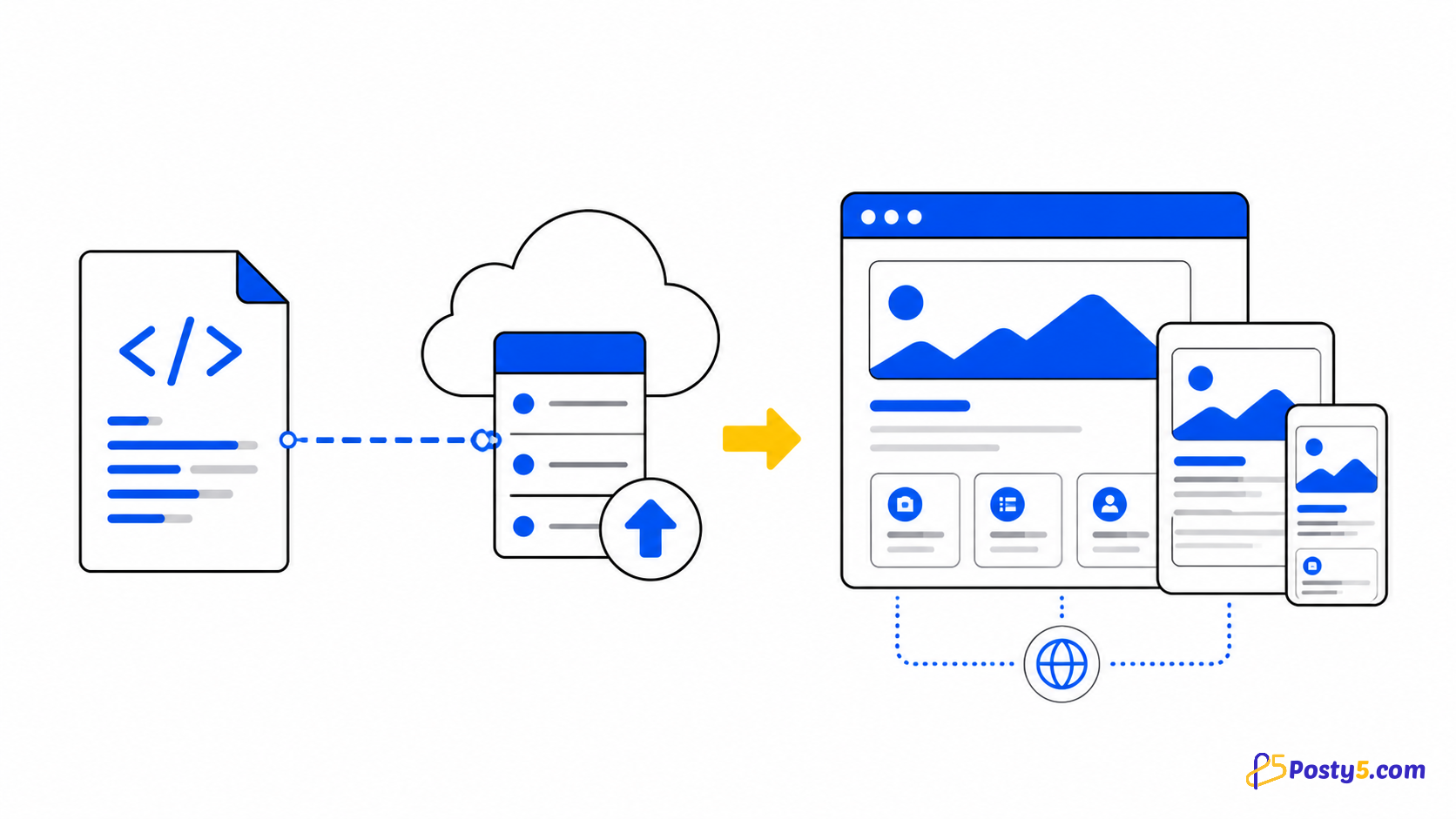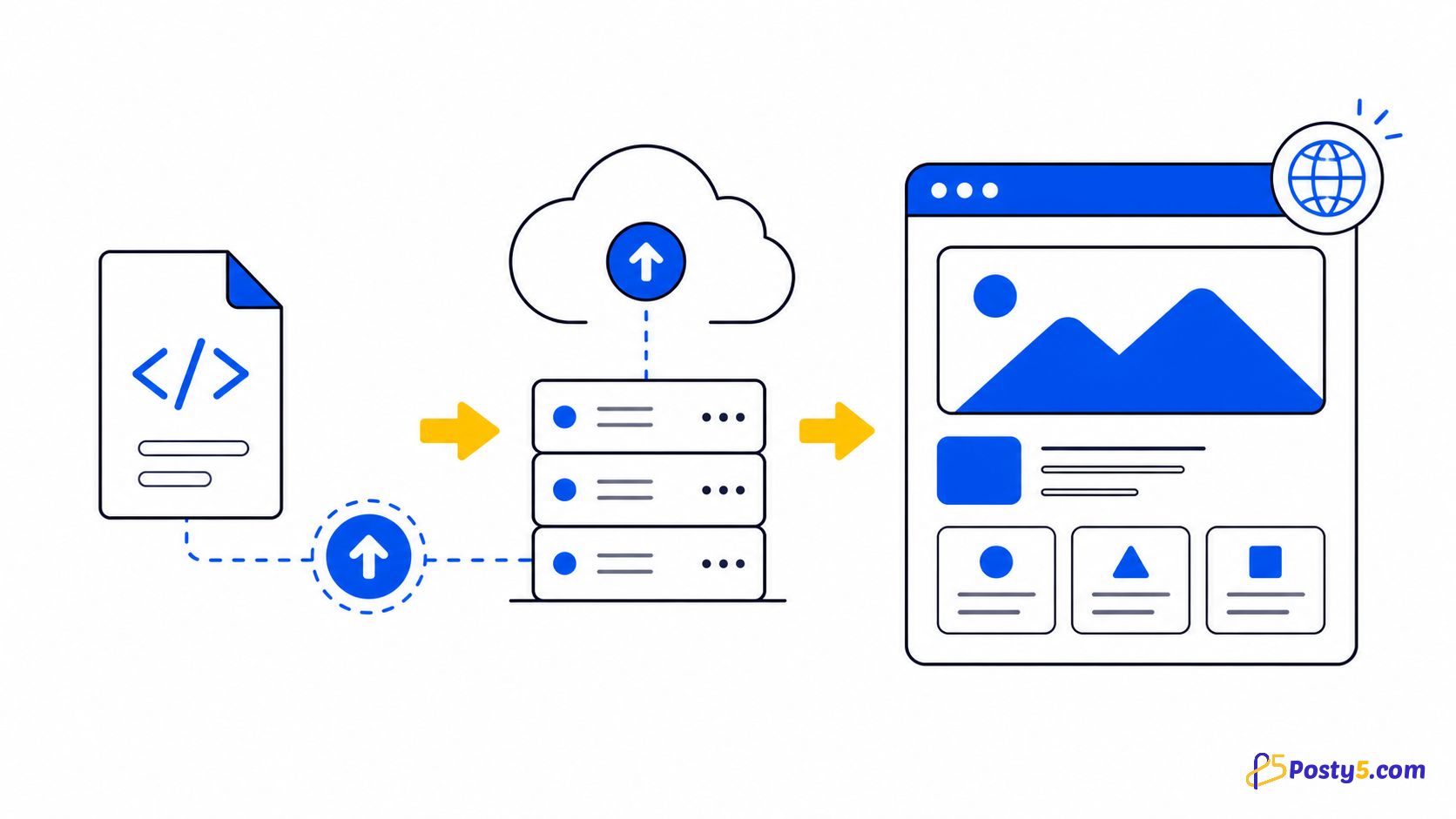
A static contact form can look complete while having nowhere to send its data. On a page rendered by Posty5, the platform captures an ordinary HTML form without your own backend endpoint or a third-party script. This applies only to Posty5 HTML Hosting and Page Builder pages—not to the same file hosted elsewhere.
What “no backend” means
Posty5 injects its form handler when it renders the page. The handler watches every form, prevents the browser’s normal submit navigation, collects named fields and sends the entry to Posty5. You do not add an action URL, hidden integration field or JavaScript library.
One mechanism for two page types
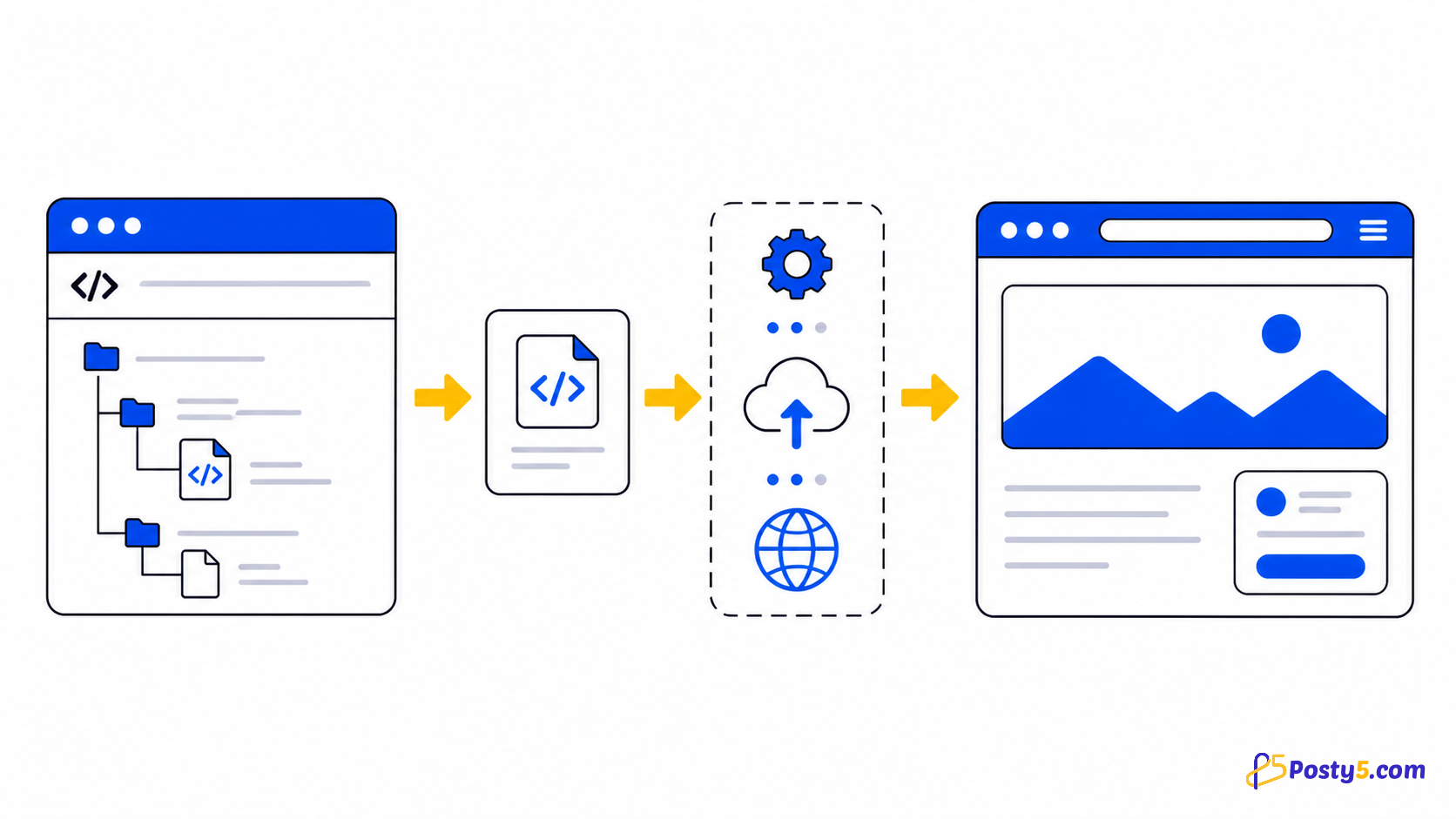
The same capture mechanism works on HTML Hosting pages and Page Builder pages. The renderer identifies the page source and associates each entry with the correct page.
Write a form that produces useful entries
Give every input, textarea and select a name. Add an id or name to the form itself so two forms on one page are easy to distinguish. Keep field names readable because they identify the captured values and exported columns.
<form id="contact-form" name="contact">
  <label for="full-name">Full name</label>
  <input id="full-name" name="full_name" type="text" required>

  <label for="email">Email address</label>
  <input id="email" name="email" type="email" required>

  <label for="message">Message</label>
  <textarea id="message" name="message" required></textarea>

  <button type="submit">Send</button>
</form>
More than one form can appear on a page. Posty5 stores the form id as __form_id__ and its name as __form_name__. File inputs are skipped and are not included in the captured data.
What the visitor sees
During submission, the page shows a loader. A success or error toast then appears using an available landing-page language translation, with English as the fallback. After a successful submission, the form is reset.
Where submissions go
HTML Hosting entries appear in the dashboard’s HTML Hosting Form Submissions area. Page Builder entries appear in its Form Submissions area. From there you can inspect the submitted fields, manage the entry status and review available counters such as total and latest submissions.
Open HTML HostingExport and automation options
The dashboard includes Excel export. A Google Sheets connection can also appear when it is available to the account. For programmatic workflows, Posty5 provides an npm SDK package and an n8n node for reading submissions; this is not a promise of webhook delivery.
Important boundaries
Do not rely on this workflow for file uploads: file values are ignored. The current implementation also does not verify spam filtering, CAPTCHA, email notifications, webhooks, retention periods or server-side validation rules. Add browser validation where useful and review incoming entries in the dashboard.
Frequently asked questions
Do I need an action attribute?
No. On a Posty5-rendered page, the injected handler captures every form.
Where do the entries appear?
They appear in the relevant HTML Hosting or Page Builder submissions area in the dashboard.
Can I export submissions?
Yes. Excel export is available, and a Google Sheets option may appear when available to the account.
Can I use more than one form?
Yes. Give each form a different id or name so its entries are identifiable.
Does this work on a page hosted elsewhere?
No. The capture script is added when Posty5 renders an HTML Hosting or Page Builder page.
Are file uploads captured?
No. File values are skipped by the current form handler.
Publish a page with a working form
Prepare the form, publish the page with Posty5, then send one test entry and confirm it in the dashboard. Read the complete HTML Hosting guide.
Open HTML HostingContinue through the HTML Hosting guides
These guides cover the same verified one-page hosting workflow from different angles.
- Read: How to Host an HTML Page Online with Posty5
- Read: How to Publish an HTML Page from GitHub
- Read: HTML Hosting Runtime Variables: Update Content Without Re-uploading
- Read: How to Host a Campaign Landing Page from One HTML File
- Read: Hosted HTML Page Not Showing? Causes and Fixes
- Read: HTML Hosting Form Submissions