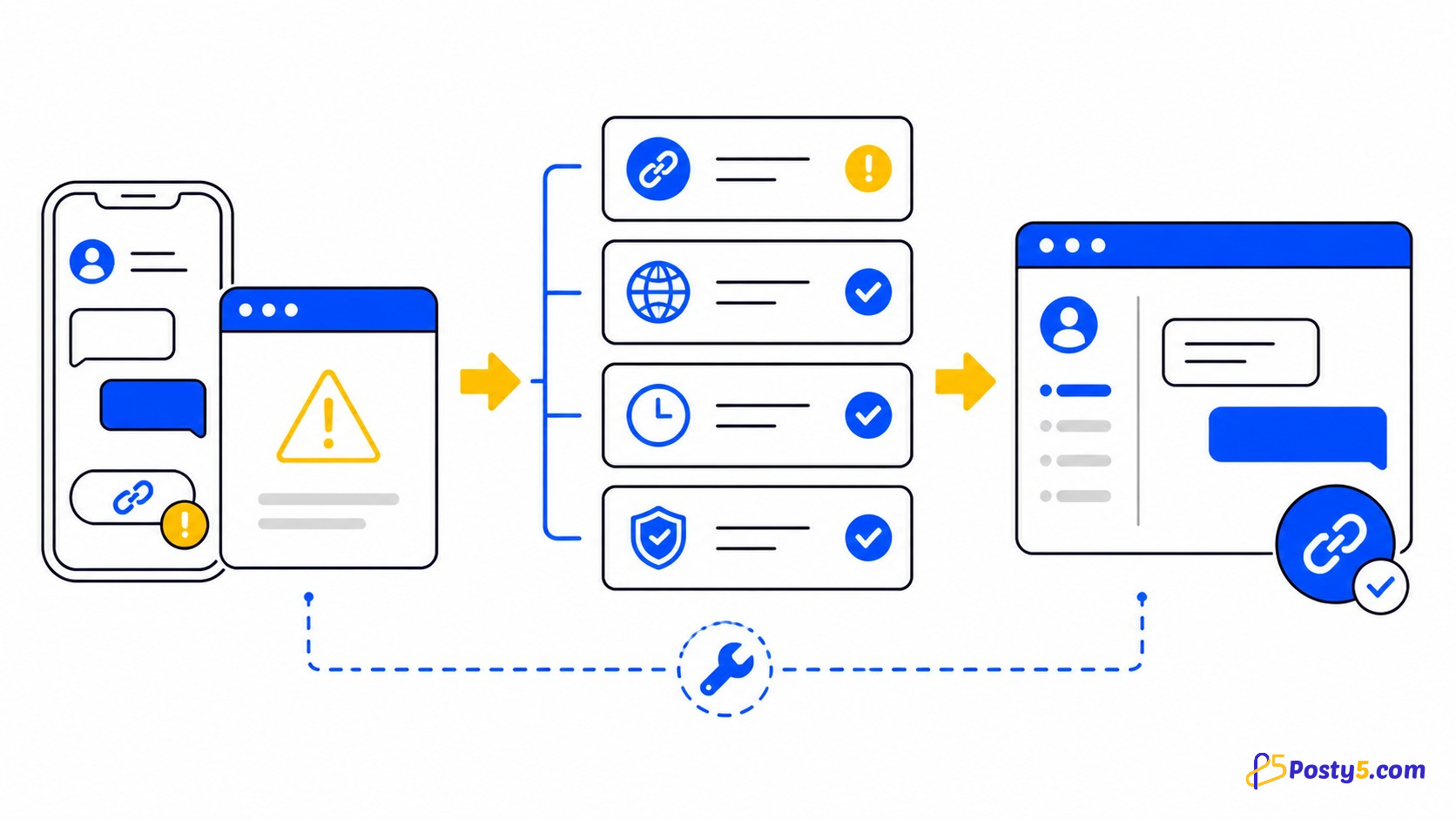
A WhatsApp route that will not open usually fails for one of two reasons: the phone number is not in a usable international format, or a phone-only destination was shared with a desktop visitor. Start by locating the layer where the failure occurs instead of rebuilding everything at once.
Cause 1: the number format is rejected
Posty5 validates the number field and blocks Start Chat and Create Short Link when it is invalid. Use the country prefix first, remove the leading zero used only in the local format and prefer digits without punctuation.
| Illustrative local form | International structure | Change |
|---|---|---|
| 0100 000 0000 | +20 100 000 0000 | Replace the local 0 with +20. |
| 07700 900000 | +44 7700 900000 | Replace the local 0 with +44. |
| 0151 00000000 | +49 151 00000000 | Replace the local 0 with +49. |
The repeated digits above are formatting examples, not customer-support numbers.
Cause 2: a mobile destination was shared publicly
This is the most important device-specific check. When Start Chat is pressed on a phone,
Posty5 creates an app route beginning
whatsapp://send. When pressed
on a computer, it creates a web destination beginning
https://web.whatsapp.com/send.
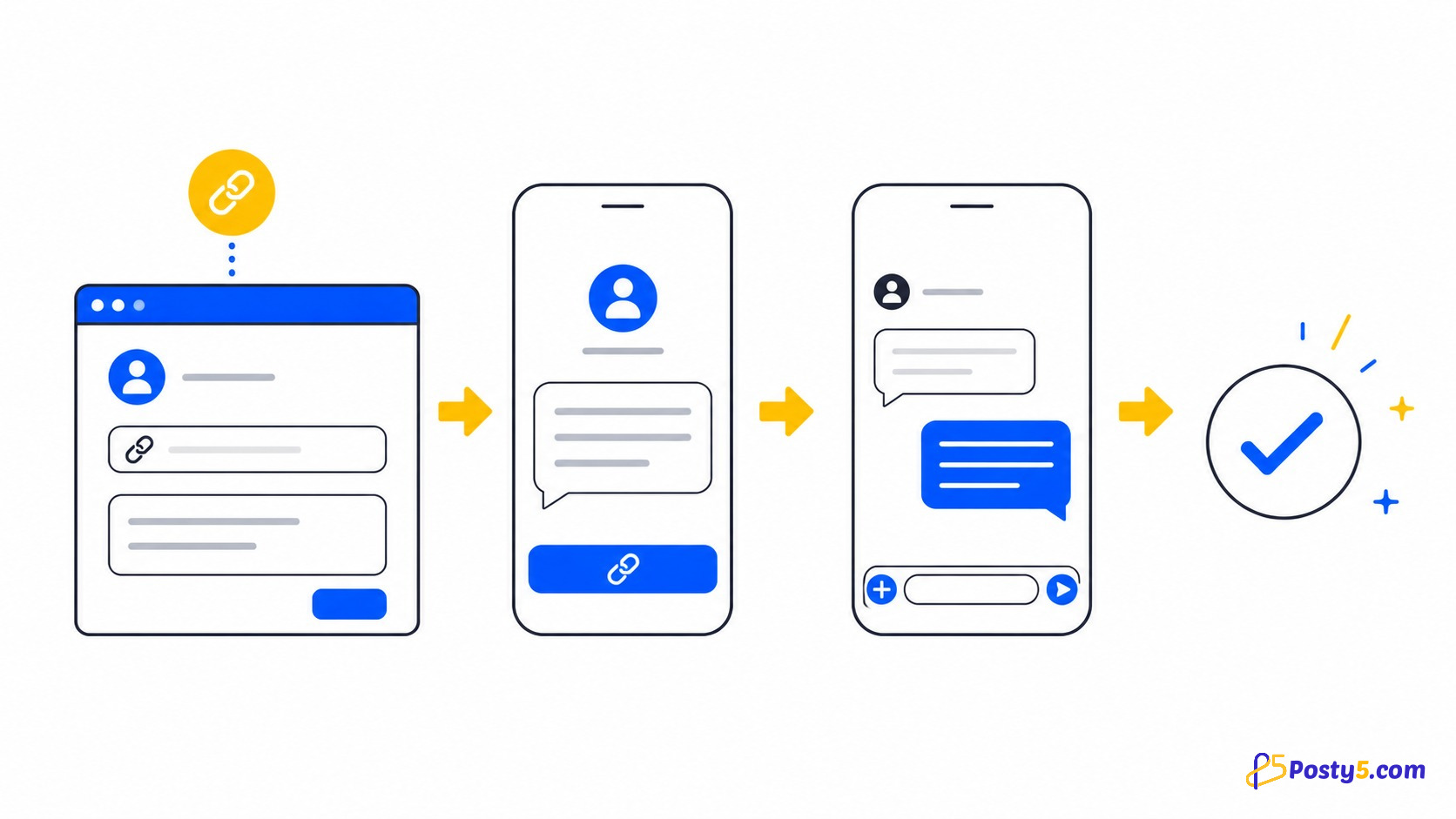
A phone can understand the app route, but a desktop browser may not. For a website, social profile or email, return to the generator and use Create Short Link. The source code deliberately passes the web form to the shortener regardless of the device used to create it.
Generate a new shareable routeCause 3: the number cannot receive a WhatsApp chat
Posty5 checks the shape of the number, not whether WhatsApp has an active account for it. A well-formatted destination can therefore open and still fail inside WhatsApp. Confirm the full number with its owner and test it by starting a normal WhatsApp conversation before publishing the route again.
Cause 4: the prepared message is missing
Posty5 encodes the message into the destination, but WhatsApp controls how that text appears on each app and web version. First make the message one short line, create a fresh route and test it on a second device. Remember that the customer still chooses whether to send or edit the prepared text.
If the message field was left empty, Posty5 uses “Hi”. If even that does not appear, isolate the device or WhatsApp version rather than changing the number repeatedly.
Cause 5: the short link is the failing layer
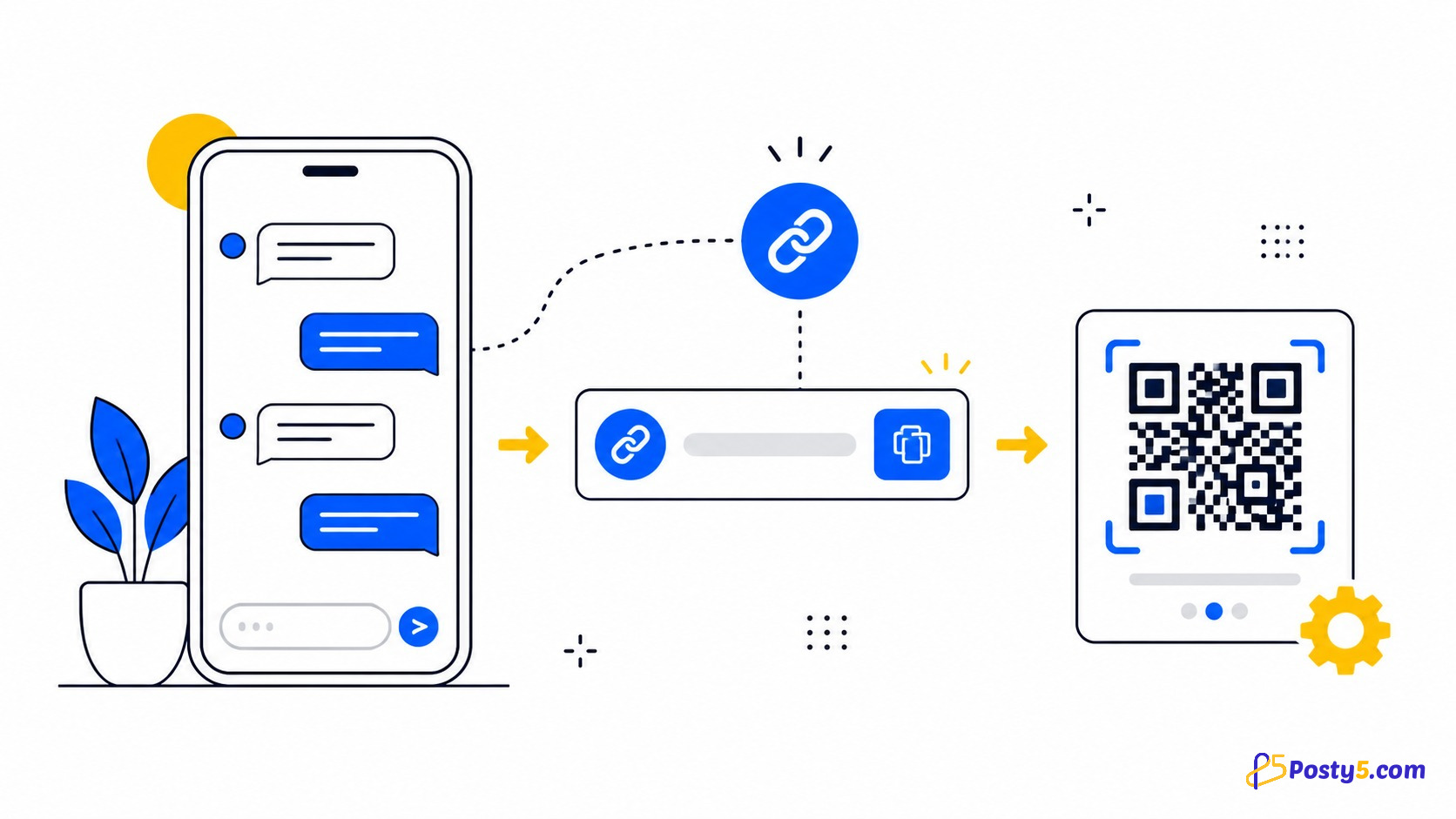
A Posty5 short link adds a redirect between the visitor and the WhatsApp destination. If it was deleted or no longer resolves, the underlying chat route may still be correct. Test Start Chat directly in the WhatsApp generator. If that works, create a fresh short link and replace the published one.
For a printed QR code, also scan the final printed copy. A code can fail because of size, contrast, damage or quiet-space problems even when its destination is valid.
A reliable test sequence
- Test Start Chat before creating a short link.
- Confirm the exact number with its country prefix.
- Create Short Link for anything that desktop visitors may open.
- Test once on a phone and once on a computer.
- Ask someone who has never messaged the number to test it.
- If it is printed, scan the paper or packaging rather than the QR preview on screen.
The fifth step matters because your own phone may already know the chat and hide a problem that a first-time customer sees.
What Posty5 cannot diagnose
The generator does not verify whether a number is registered with WhatsApp, inspect the customer’s device, read WhatsApp error messages or see whether a message was sent. It can validate its own input and create the device-specific destination; failures inside WhatsApp must be checked on the affected device.
Frequently asked questions
Why does the link work on my phone but not on a computer?
You may be sharing the phone-only whatsapp:// destination. Use Create Short Link, which wraps the desktop web destination.
Why does Posty5 say the number is invalid?
Check the country prefix, remove the local leading zero and try digits without spaces or punctuation.
Why is the message not already written?
Posty5 requests pre-filling through the destination, but WhatsApp controls how it appears. Test a short one-line message on another device.
Why does it work for me but not my customer?
Check the shared destination type and ask a first-time tester to try it. Your own device may already know the chat.
Can Posty5 confirm that a number uses WhatsApp?
No. The generator validates the number’s format but does not query WhatsApp account registration.
Generate a fresh route
Correct the number, use the web-safe short-link action and test on two devices before replacing the published link.
Open the generator