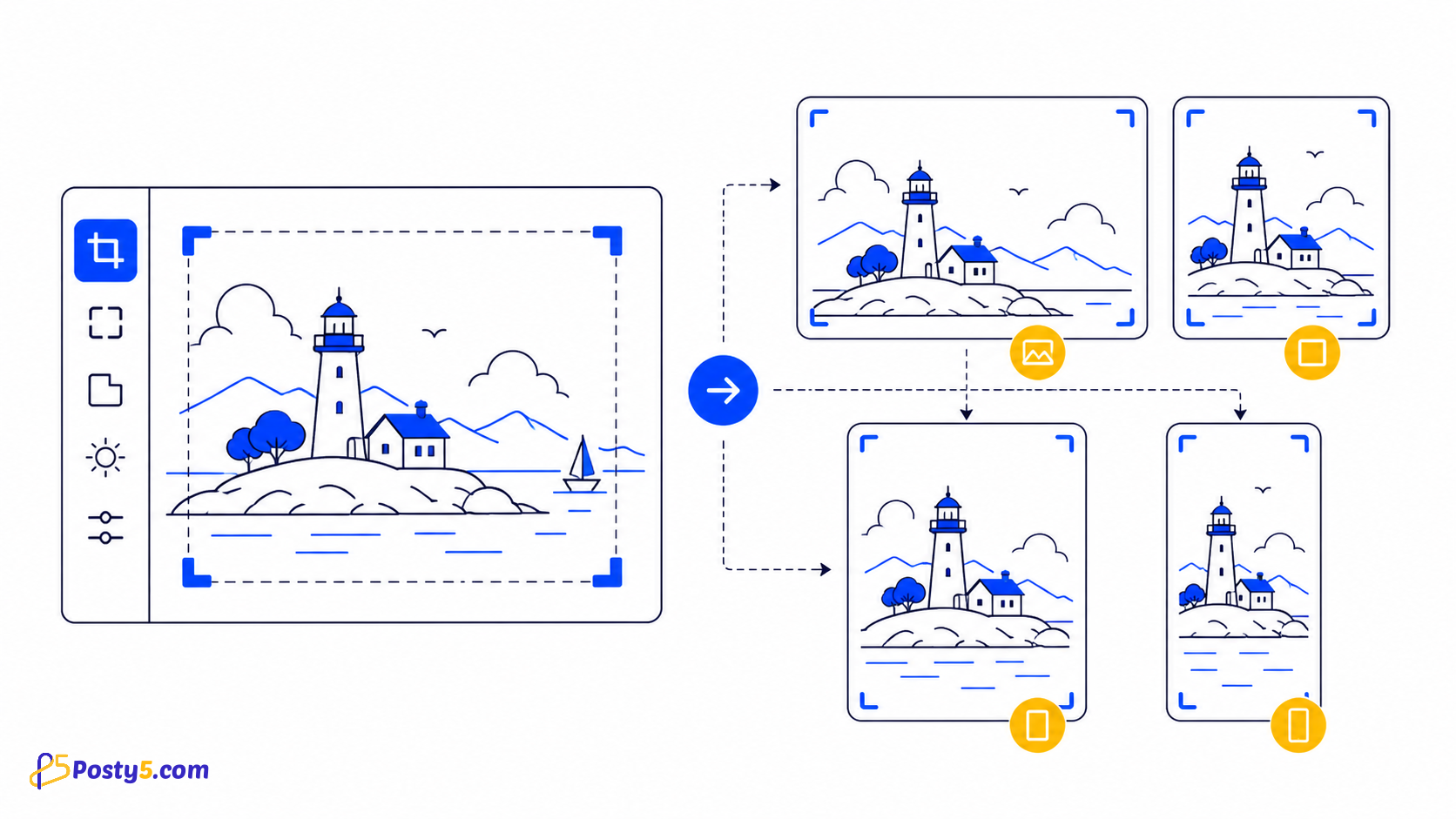
Social placements often need different shapes, but a ratio is not the same as a permanent platform preset. Posty5 gives you generic crop ratios, so first confirm the current requirement for the exact placement and then prepare a fresh crop from the original image.
Available ratios
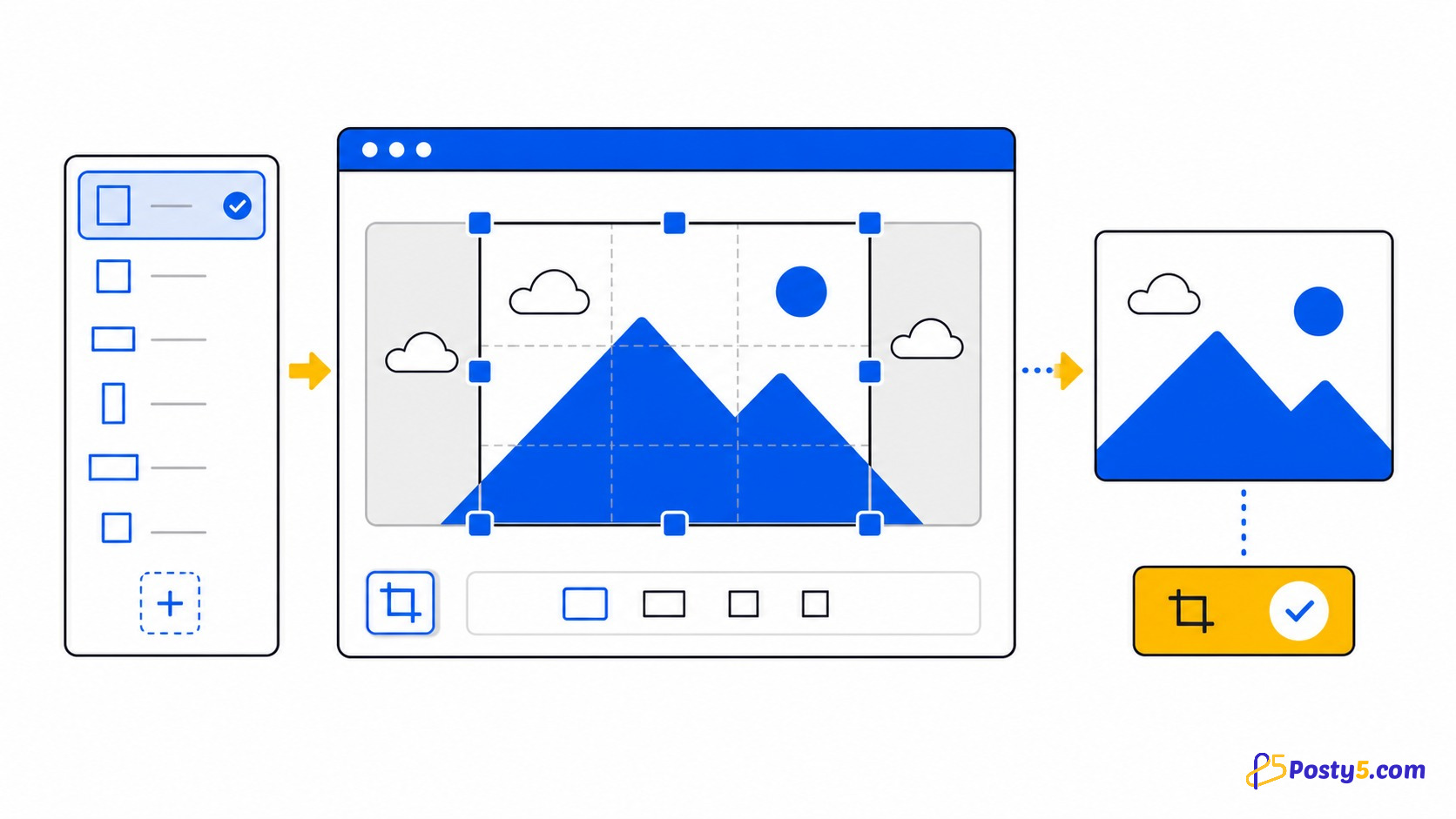
The selector contains Free Size, 16:9, 4:3, 1:1 and 2:3. The fixed ratios set output widths of 1024, 768, 576 and 384 respectively. These are generic choices; the interface does not label any of them for a particular social network.
A repeatable crop workflow
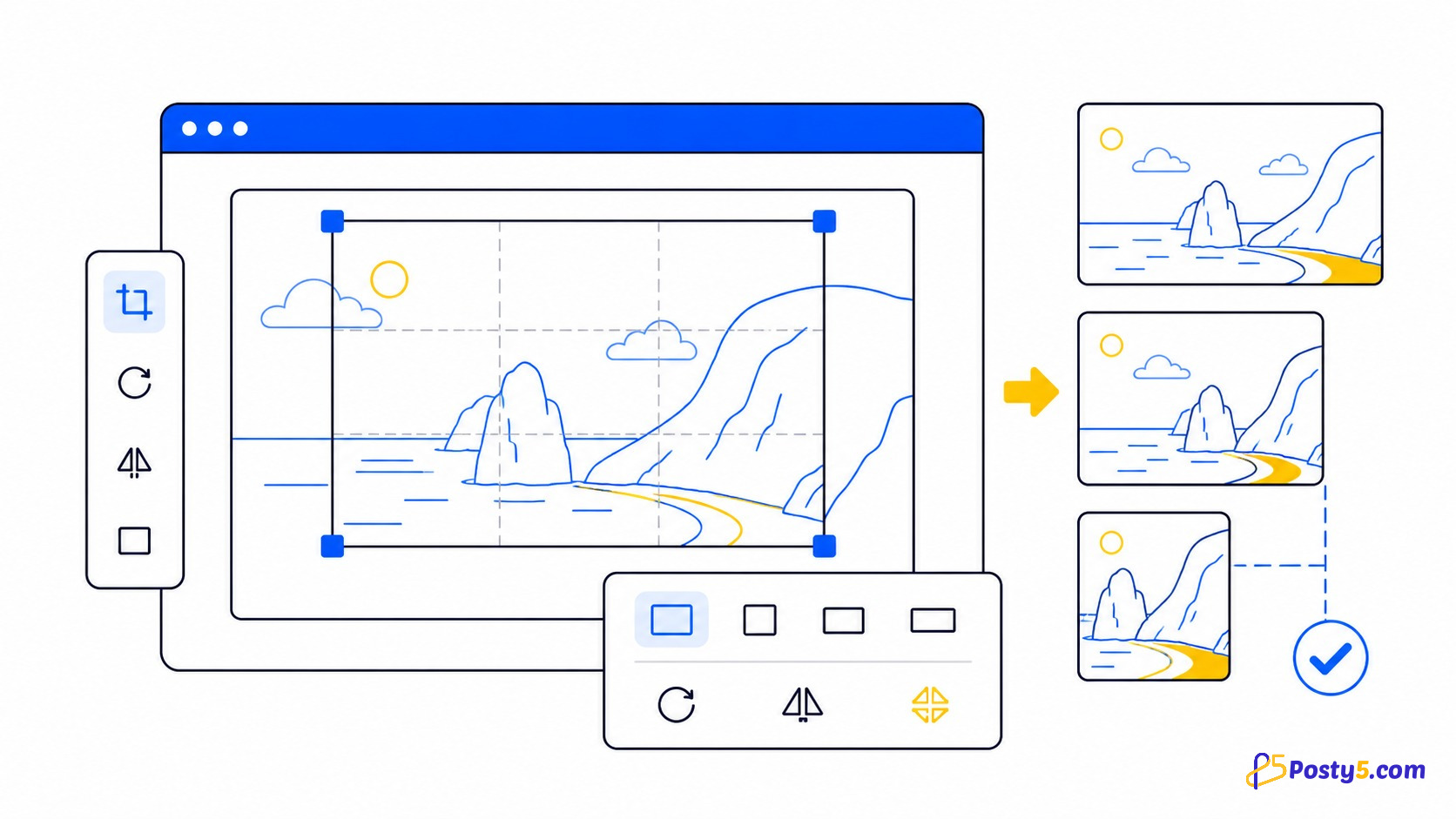
Upload one image, choose a ratio, move and zoom the subject, and rotate or flip only when needed. Check the crop coordinates and dimensions in the preview, crop the image, then download the result. Return to the original before making a second placement so repeated crops do not compound.
Compose for each shape
For square crops, protect the central subject and leave breathing room. Landscape crops need meaningful detail across the width. Portrait crops need extra care at the top and bottom. Use Free Size when the destination requires a shape outside the four fixed ratios.
What the tool does not automate
The tool works on one image in the browser. It does not detect faces, remove backgrounds, compress a batch or provide named network presets. Platform specifications can change, so verify the destination instead of treating an old dimension chart as permanent.
Frequently asked questions
Which ratios are available?
Free Size, 16:9, 4:3, 1:1 and 2:3.
Does Posty5 have Instagram or TikTok presets?
No. It provides generic aspect ratios rather than network-specific presets.
Is ratio the same as pixel size?
No. Ratio describes shape; pixel dimensions describe resolution.
Can I create several versions?
Yes. Start each crop from the original image.
Is the image uploaded to a server?
The current crop is generated in the browser.
Do I need an account?
No. The public crop tool opens without an account.