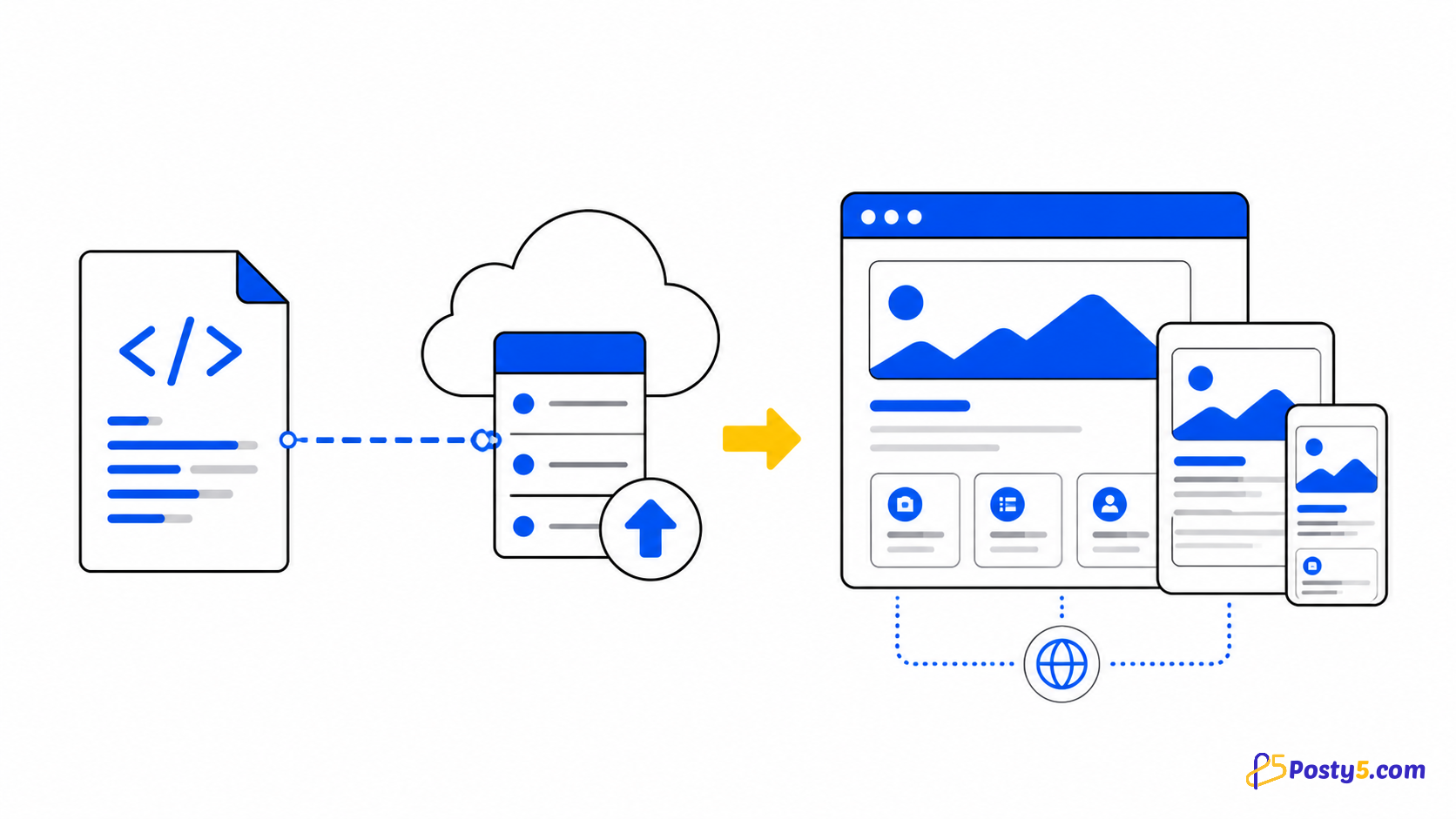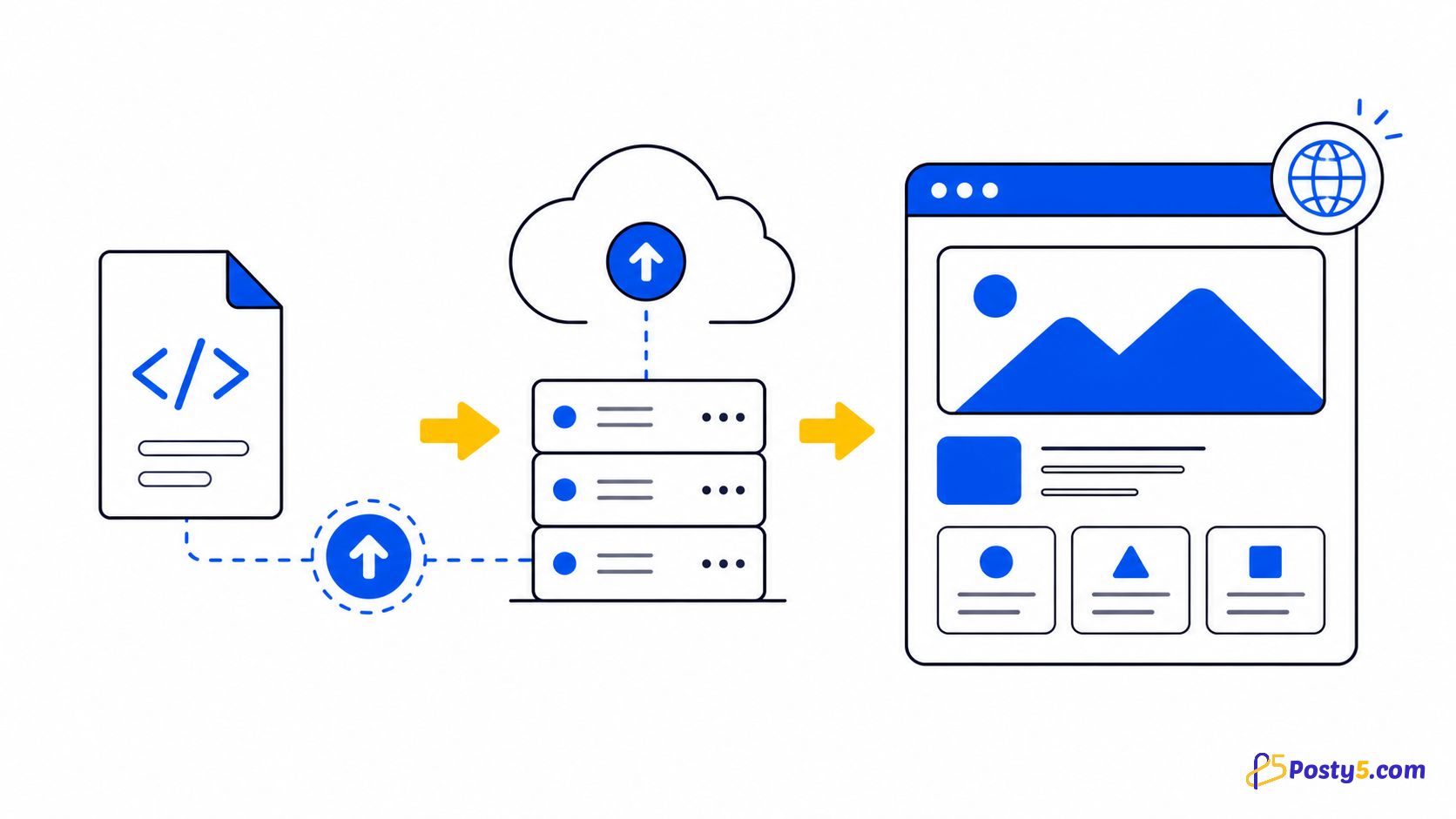
You can publish a finished HTML page without configuring a web server. Posty5 turns one self-contained HTML file into a managed public page, while keeping the one-page boundary clear.
Prepare the page
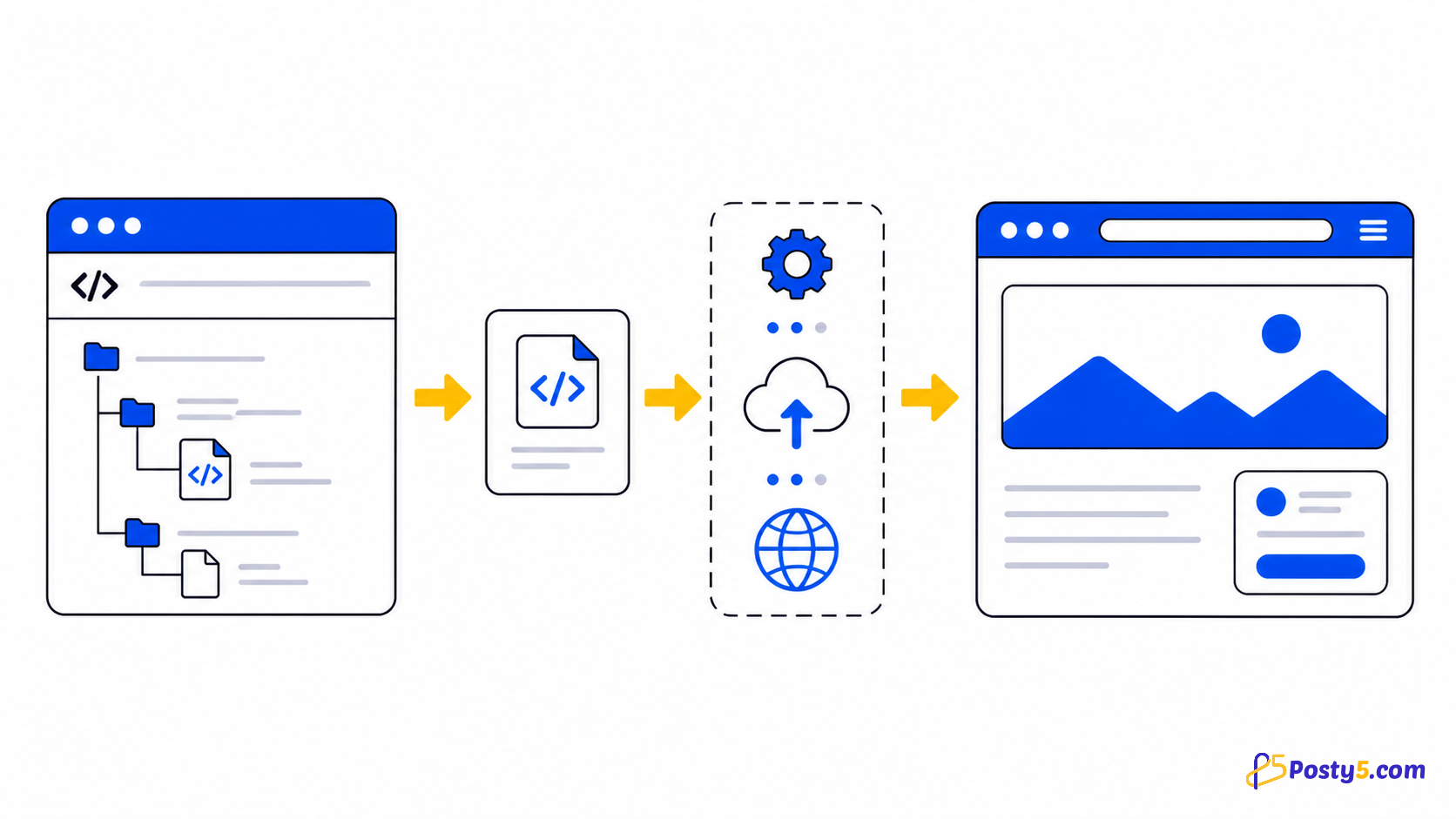
Posty5 HTML Hosting publishes one standalone HTML document. Keep CSS and JavaScript inside it when practical, and point images or other external assets to publicly reachable URLs.
This is not folder, ZIP or multi-page hosting. It does not add server-side code, a database, private repository access or custom-domain configuration.
Publish step by step
- Prepare one self-contained HTML file.
- Open HTML Hosting in the Posty5 Dashboard.
- Choose file upload and select the HTML file.
- Publish and open the generated page link.
- Test the page and update the source when needed.
Test the public result
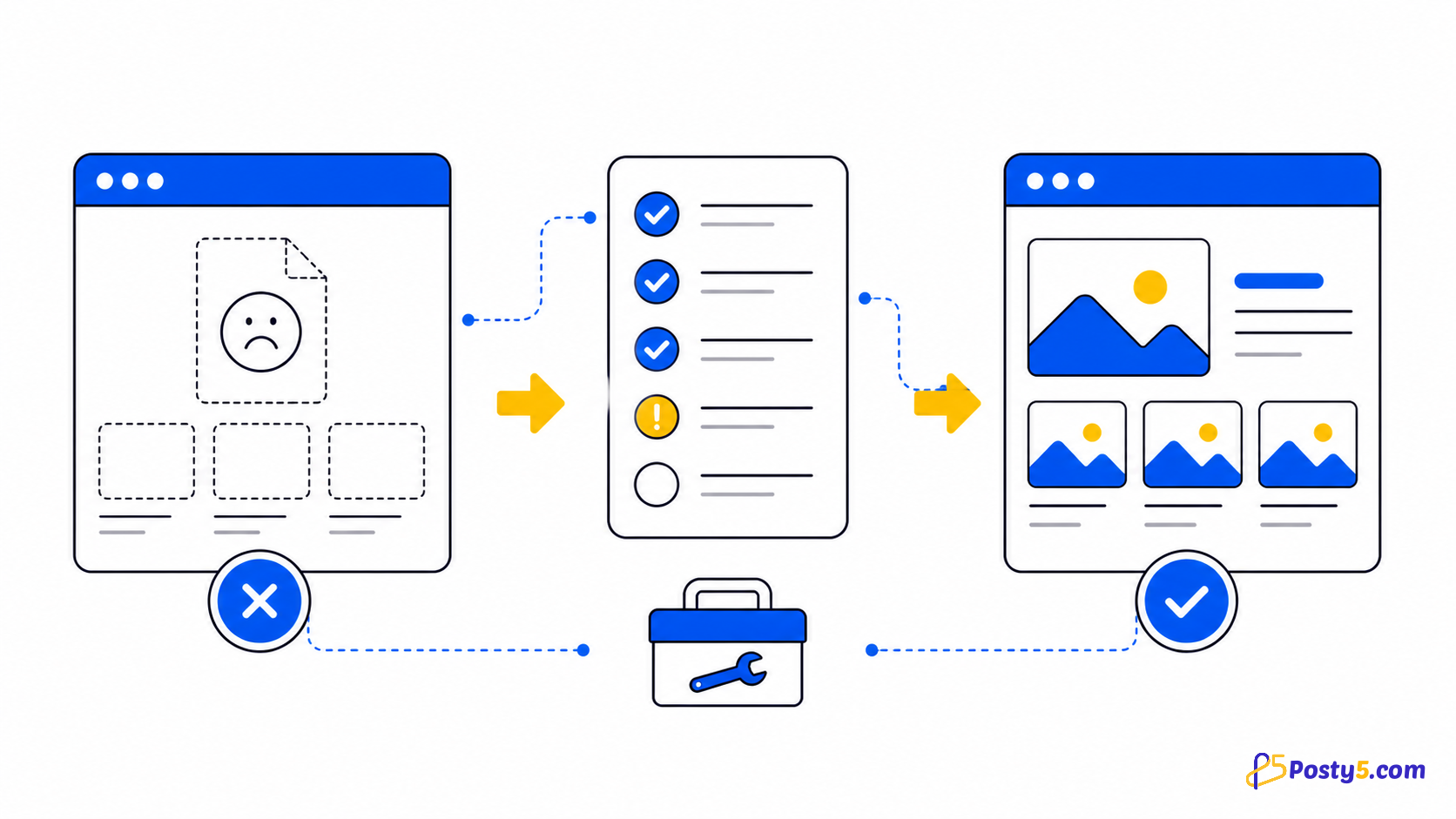
Open the generated page on desktop and mobile. Test every link, image, style, script and form before sharing it.
Update it later
You can replace the uploaded file or GitHub source later. If the public page still shows an older version, use the page's Clean cache action and test again.
Frequently asked questions
Can I upload a folder or ZIP file?
No. Posty5 publishes one HTML document, not a folder or ZIP project.
Do I need a server?
No web-server setup is required; you do need a Posty5 account to create and manage the page.
Can I update the page later?
Yes. Replace the uploaded file or GitHub source, then clean the cache if an older copy remains.
Why are local images missing?
Use public URLs. Local paths and other project files are not uploaded with the single HTML document.
Continue through the HTML Hosting guides
These guides cover the same verified one-page hosting workflow from different angles.
- Read: How to Host an HTML Page Online with Posty5
- Read: How to Publish an HTML Page from GitHub
- Read: HTML Hosting Runtime Variables: Update Content Without Re-uploading
- Read: How to Host a Campaign Landing Page from One HTML File
- Read: Hosted HTML Page Not Showing? Causes and Fixes
- Read: HTML Hosting Form Submissions