A video that fits one social platform can be too long for another. Posty5 handles long-form video as its own post type, measures the real duration on the server, and checks every selected destination before creating the post. The long-video workflow supports files up to 60 minutes and is available on Pro and higher plans; see the pricing page for current plan access instead of relying on a copied price. The useful decision is not simply whether the file uploads, but which connected accounts can receive that exact duration and how you will handle the destinations that cannot.
Know the length rules before you upload
At the time of writing, YouTube accepts up to 12 hours, Facebook up to 4 hours, and Instagram Reels up to 15 minutes. TikTok supplies a limit for each connected creator, so the value shown inside Posty5 is the live authority for that account. These are platform limits, not a promise that every destination will accept a full 60-minute file. Review the Social Media Publisher guide for the complete workflow.
Start with either an uploaded video file or a direct video-file URL. Reusing an existing Facebook, YouTube, TikTok, or Instagram post URL belongs to the short-video workflow and is not a long-video source. Posty5 publishes the media you provide; prepare the final cut before uploading. For short-form media, follow the four-platform video guide.
Publish a long video step by step
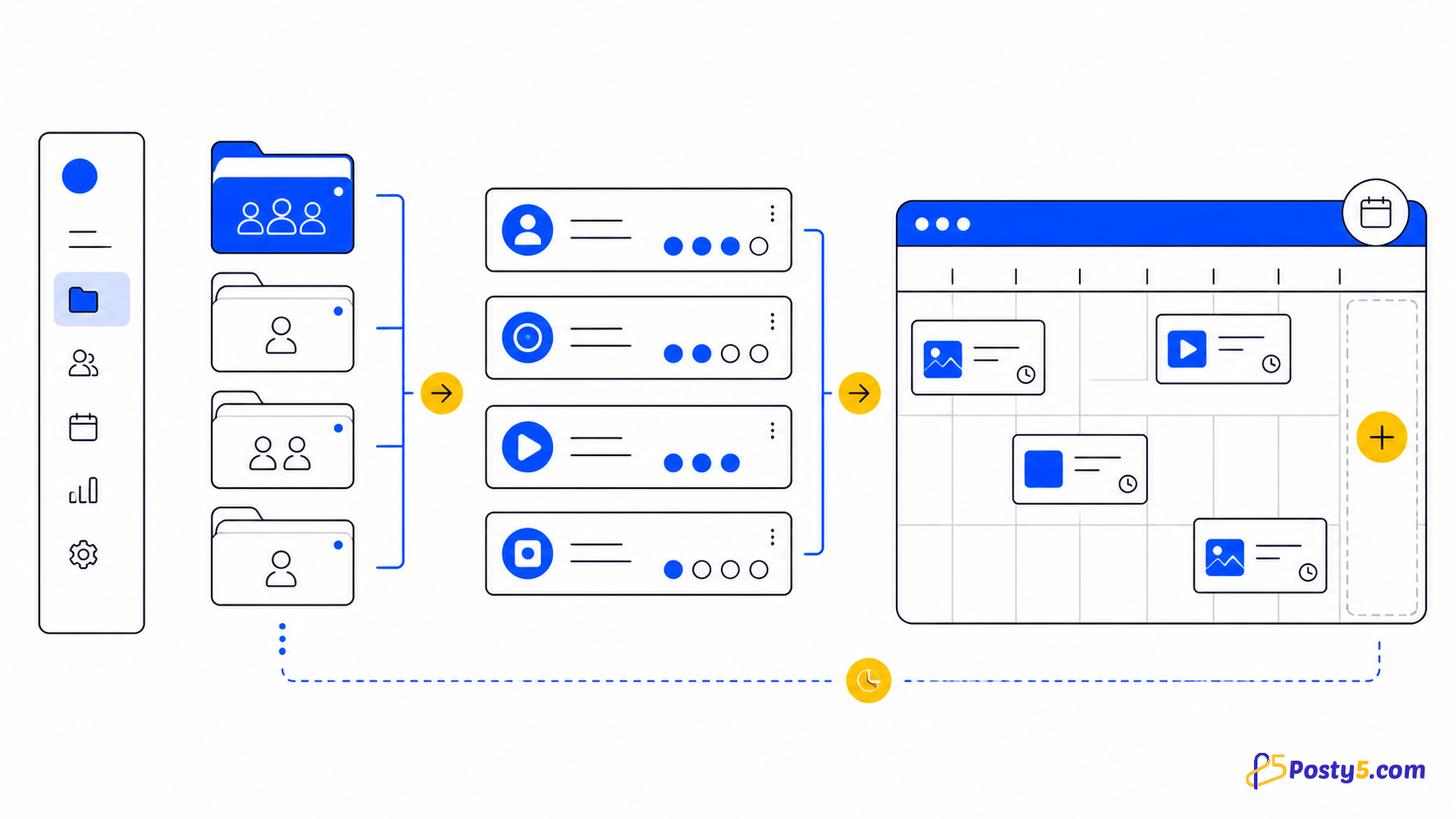
- Connect the YouTube, Facebook, Instagram, or TikTok accounts you intend to use, then group related accounts in a workspace when they belong to one brand or client.
- Create a new post and choose the long-video type. This is separate from the short-video and image choices.
- Upload the finished file or paste a direct video URL. You do not enter a duration: Posty5 reads it from the media on the server.
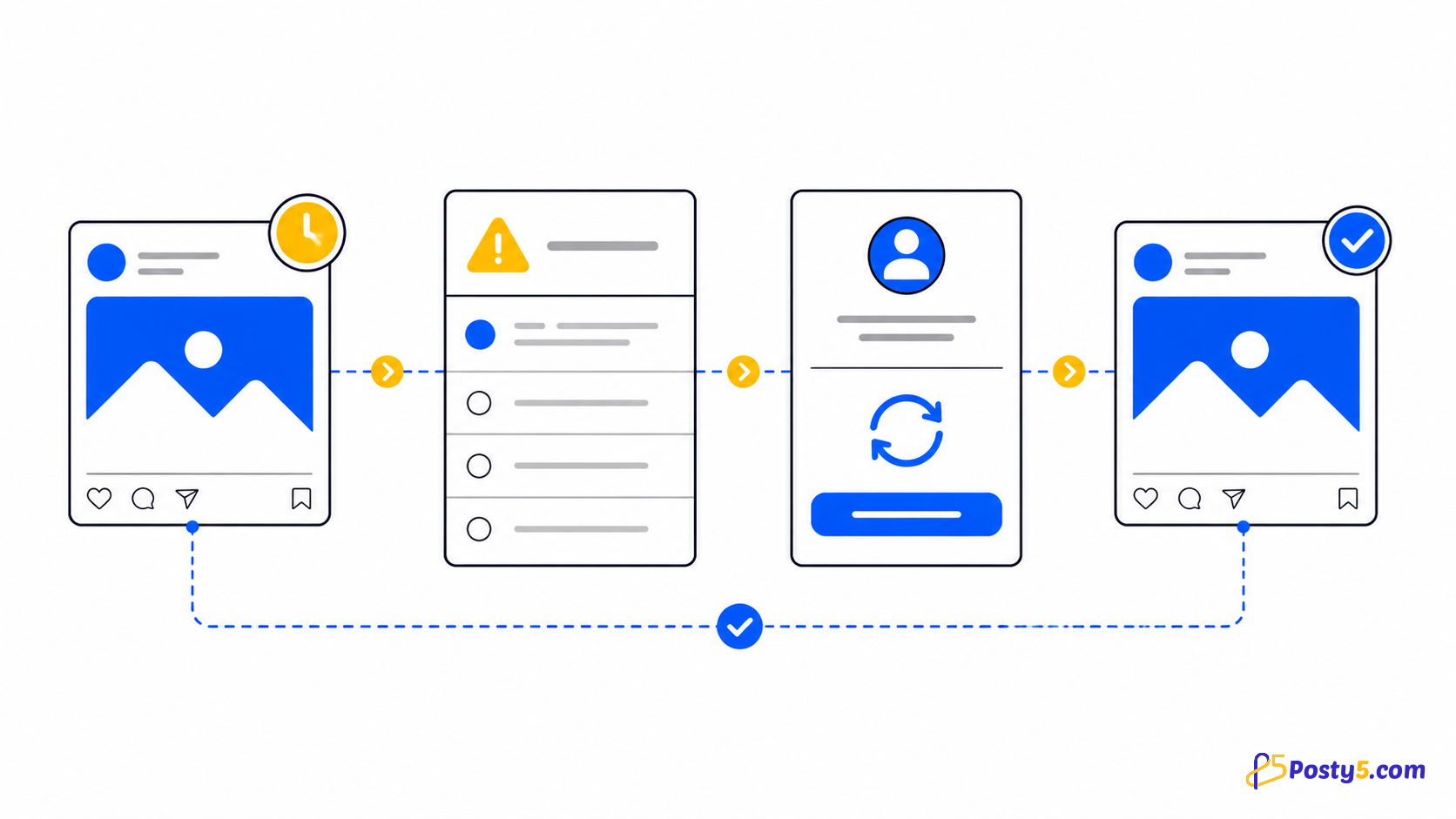
- Select a workspace or an individual connected account, then review the duration verdict for every destination.
- Remove an incompatible target or return with a shorter file. For TikTok, use the limit reported for the selected creator.
- Publish now or choose a future time. Posty5 uses the same queue and per-platform status flow as other social video posts.
Publish when the destinations are ready
Publish a video of up to 60 minutes to connected social accounts, check which destinations accept its length, and follow each platform status.
What happens when a destination rejects the length
When you send to a workspace, Posty5 keeps the destinations that accept the duration and reports the accounts it dropped. That lets a 60-minute video continue to YouTube or Facebook while an incompatible Instagram destination is excluded. When you target only one account and its limit is too low, the post is refused outright because there is no second destination that can succeed. Review the destination list rather than assuming that selecting a workspace guarantees identical delivery. If every selected account must receive the same creative, prepare a shorter master that fits the strictest connected destination. If the long version matters more, deliberately publish it only where the duration check passes and create a separate short cut for the remaining channel. You can also review the scheduling guide.
Track, retry, or remove the post
Read each destination status independently. A target can be pending, processing, processingInPlatform, retrying, done, failedByPlatform, or another recorded state while the others follow their own path. If a destination fails, use the status guide to decide whether to wait, repair the connection or source, and retry; a published post can also enter the removal flow. Do not treat one successful destination as proof that all selected accounts received the video. Open the post record, compare the status beside every account, and act only on the target that needs attention. This preserves successful deliveries while you investigate an expired connection, an invalid source, or a platform-side refusal. Use the publishing-status guide for a more precise diagnosis.
Important boundaries
Posty5 does not trim, edit, transcode, live-stream, or accept HLS/DASH as a long-video source. The dashboard does not promise pausable or resumable uploads, and upload time depends on the file and connection. Files over 60 minutes are rejected after their duration is measured, with the limit and the excess identified. Platform rules can change, so recheck the verdict shown before each post.
Frequently asked questions
How long can a Posty5 long video be?
The Posty5 long-video ceiling is 60 minutes. The server measures the media rather than trusting a duration supplied by the browser or caller.
Which platforms accept a full hour?
At the time of writing, YouTube and Facebook limits are above one hour. Instagram Reels is limited to 15 minutes, while TikTok depends on the connected creator.
What happens if one account cannot accept the video?
A workspace post continues to valid targets and reports the dropped ones. A post aimed at one incompatible account is refused.
Can I schedule a long video?
Yes. Long videos use the same publish-now or scheduled queue and per-platform statuses as other video posts.
What happens to the file after publishing?
Posty5 sends the supplied media through the publishing workflow. The product does not promise editing, trimming, transcoding, or permanent media storage in this article.
Can I change the scheduled time?
Use the post controls before publication when the current post state allows an update. Always verify the displayed time in your own timezone.