QR Code Generator Alternative: What Posty5 Offers
Compare the workflow
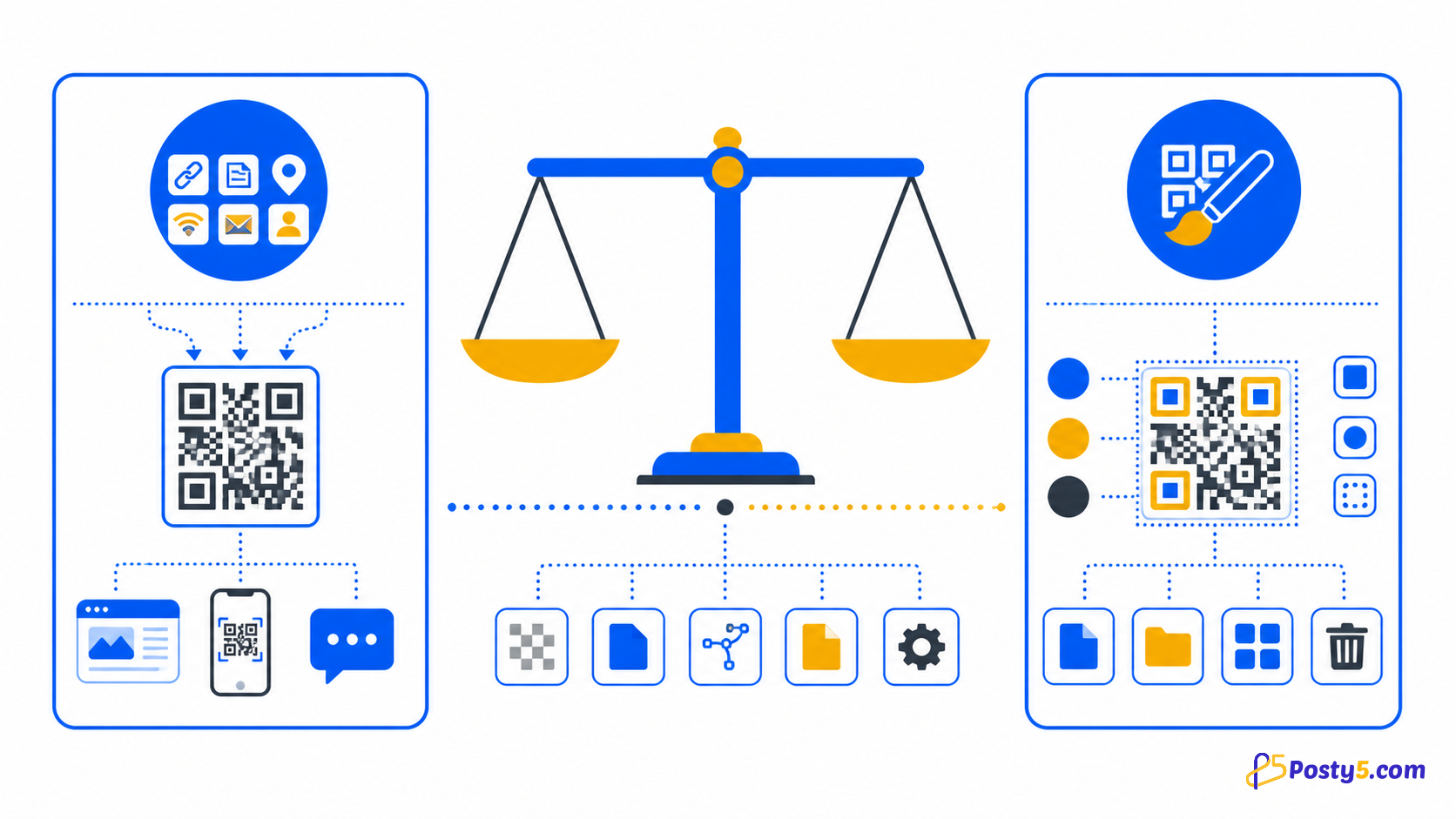
Adobe Express currently documents a URL-focused static generator with several download formats, while QRCode Monkey documents more content and export choices. Posty5 focuses here on seven targets, detailed styling, PNG download and optional saved-record management.
Comparison and technical references were last reviewed on 20 August 2026. DENSO WAVE explains that stronger error correction improves recovery but makes the symbol denser.
Posty5
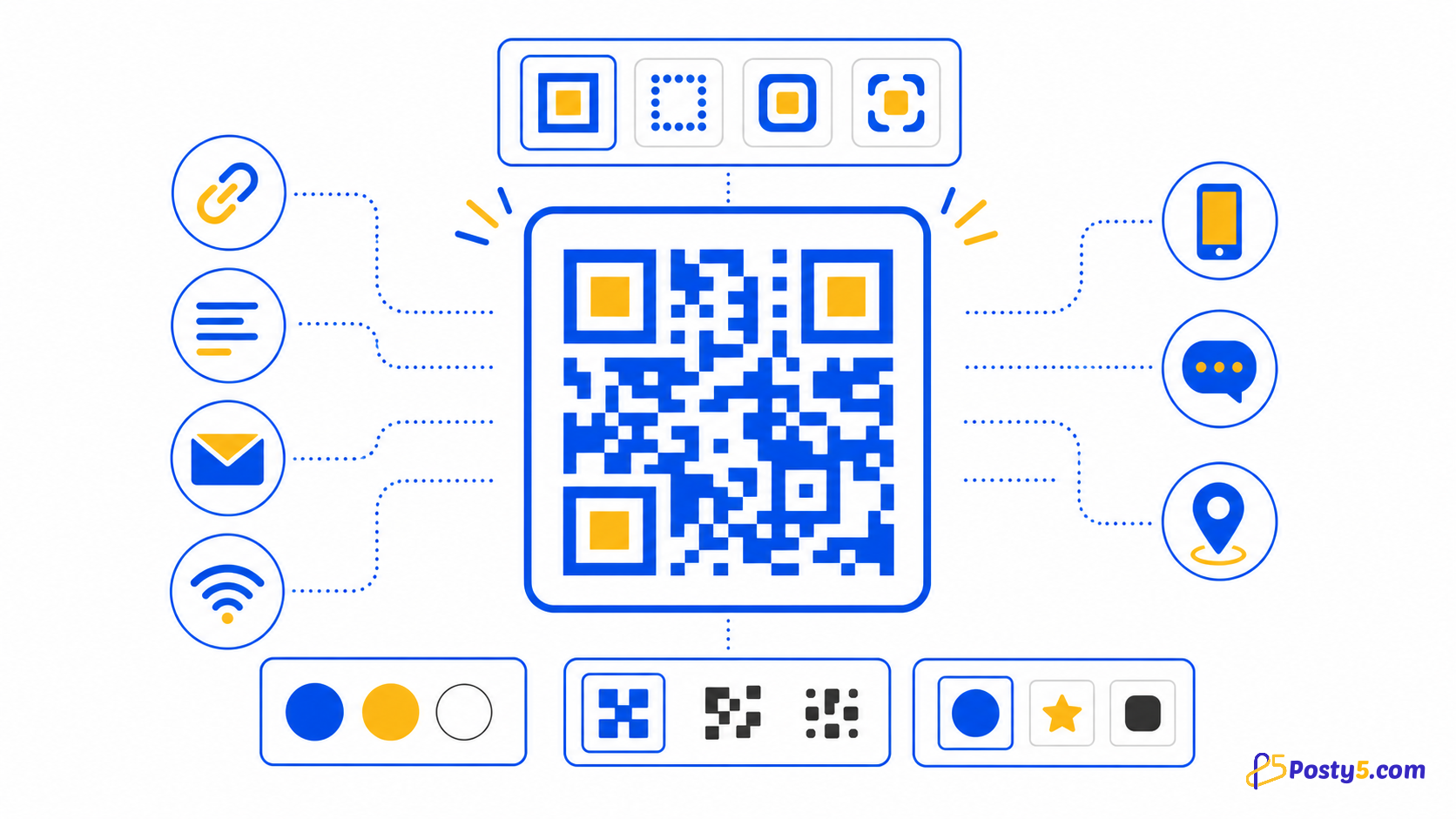
Fourteen types are supported: free text, email, Wi-Fi, phone call, SMS, URL and location, plus contact card (vCard), calendar event, WhatsApp, review, social profiles, app store and file (PDF or image). App store and file codes are always dynamic.
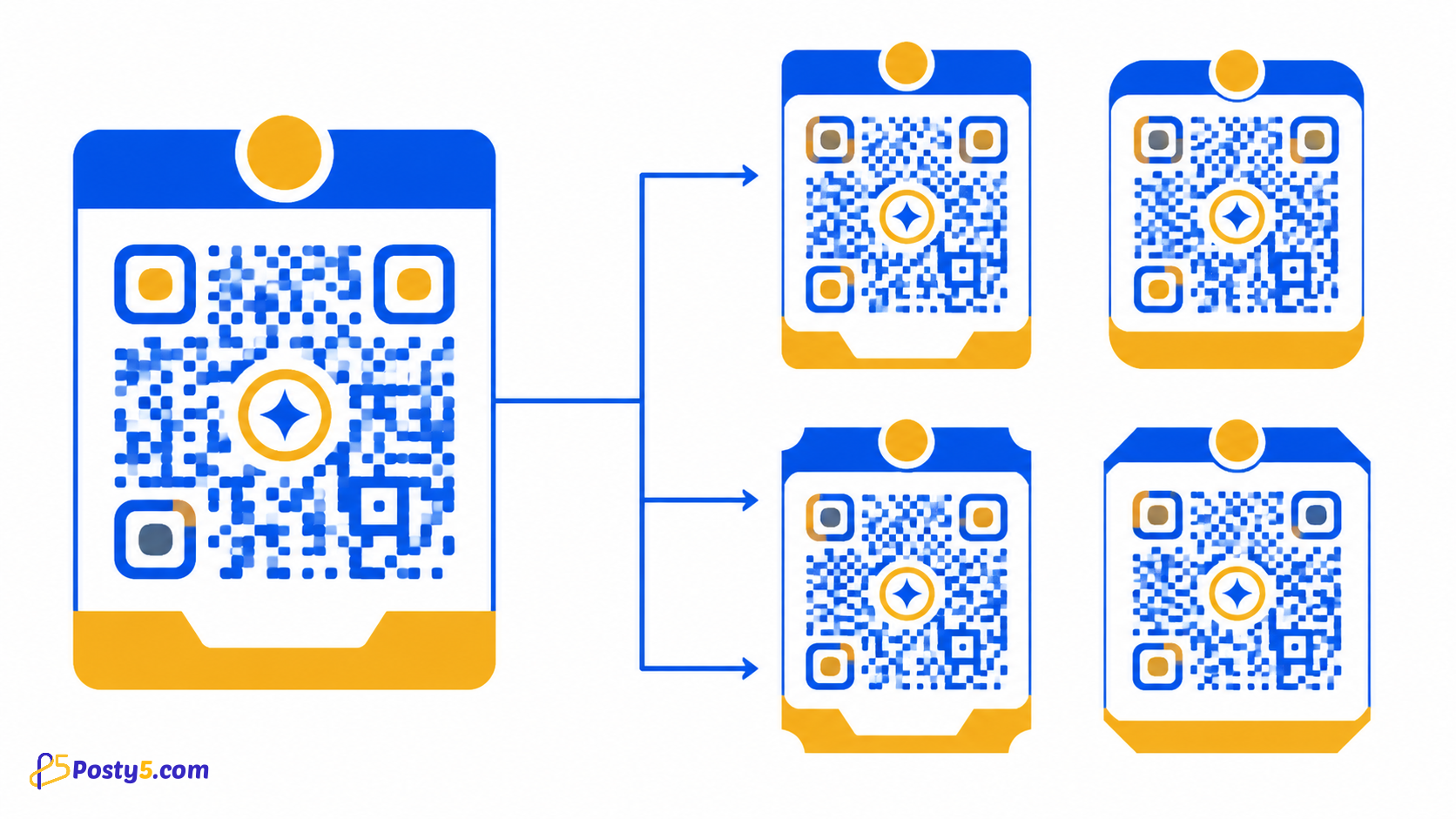
Design controls include foreground, background and quiet-zone colours, individual corner markers, dot scale, title, size and error-correction level.
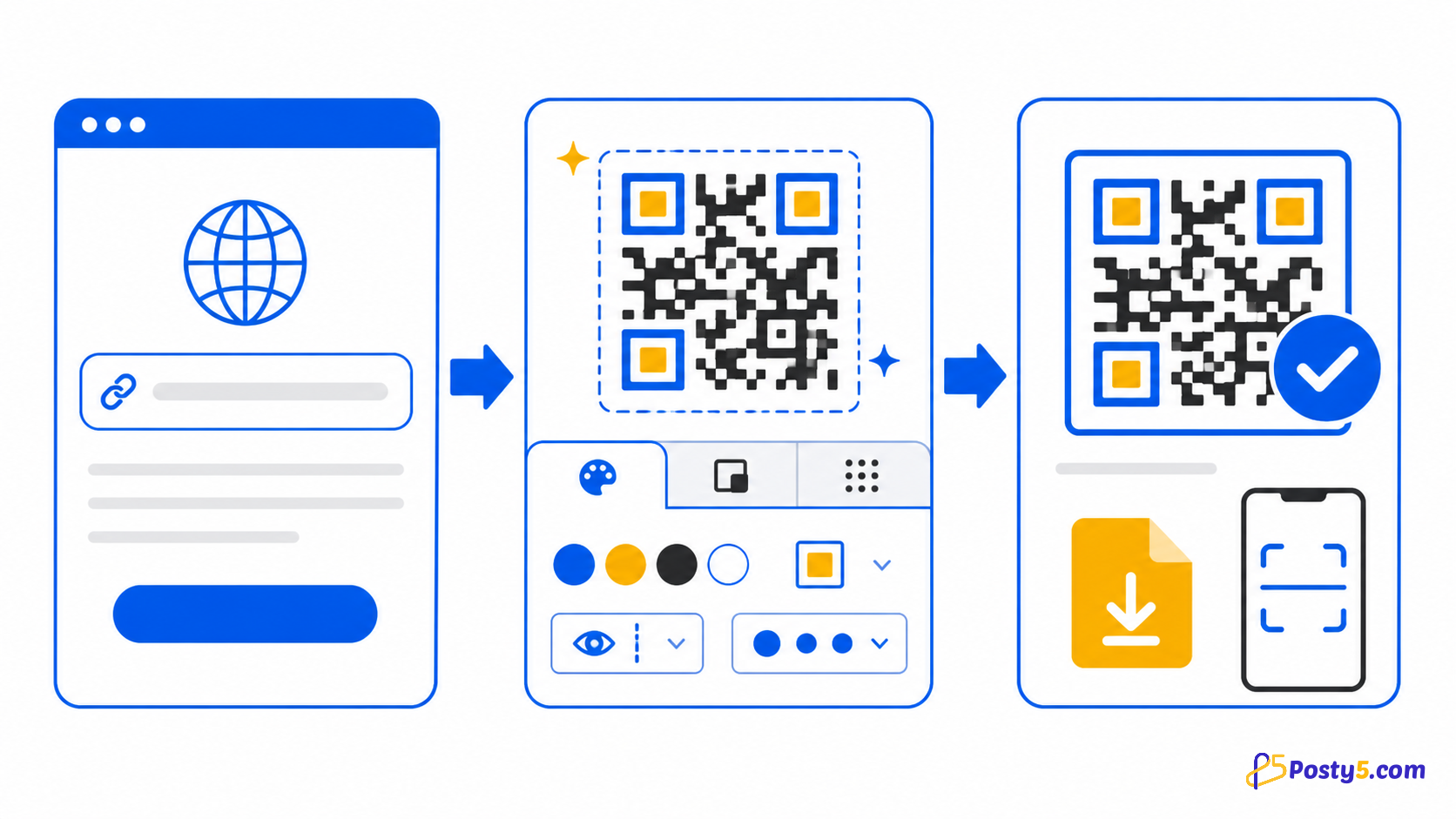
Posty5 builds the preview in your browser and downloads it as a PNG without requiring an account. Signing in is required only when you want to save and manage the QR record.
Practical uses
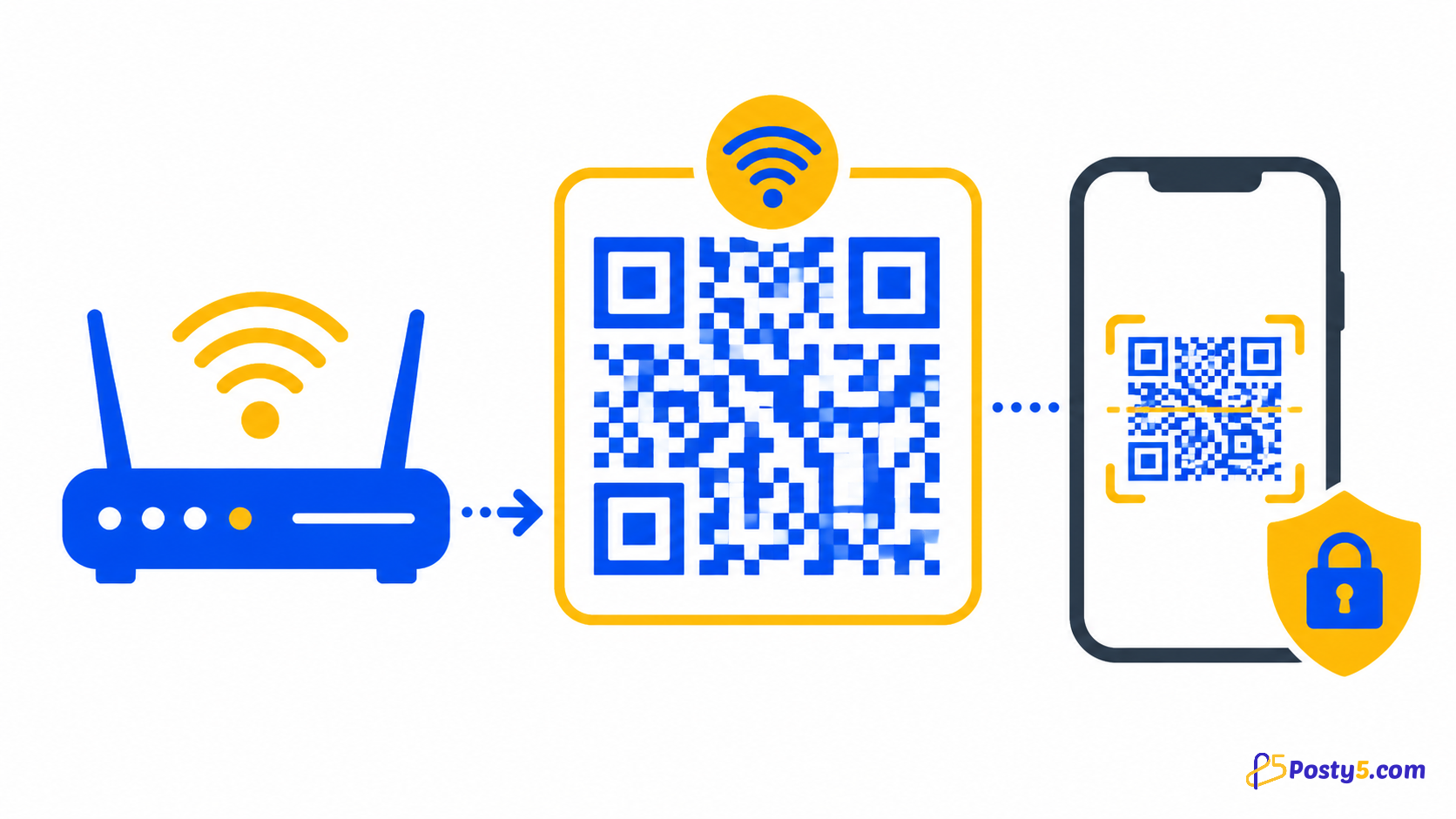
- A Wi-Fi QR needs the network name, authentication type and password. Test it with a guest device before placing it on tables or signs.
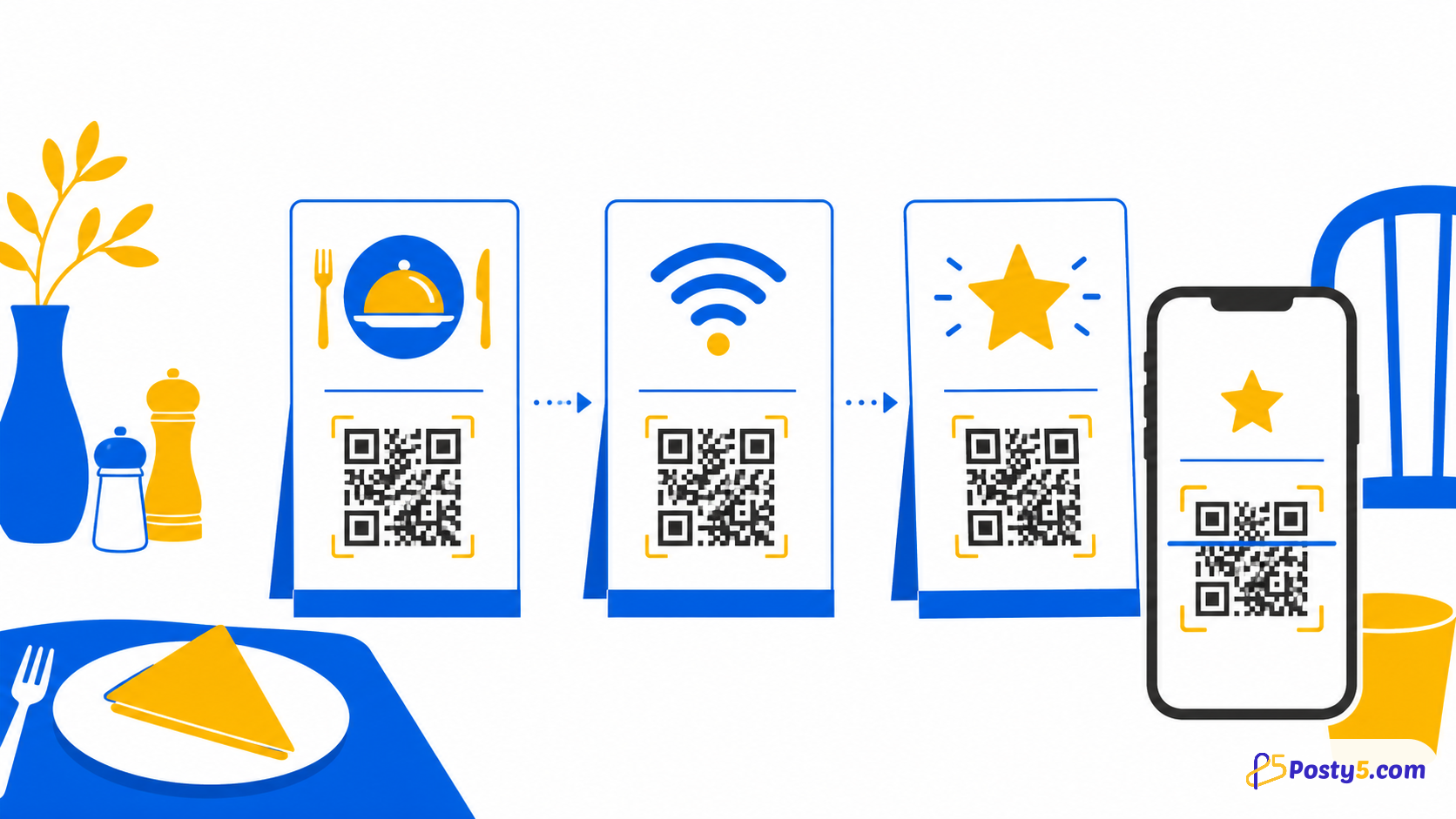
- Restaurants can connect a menu page or a PDF menu, guest Wi-Fi and a review page. Use separate labelled codes so customers know what each scan opens.
- Events can link registration, venue location, schedules and feedback, and an event code lets guests add the date to their phone's calendar. Put each code near the moment when the visitor needs that action.
Prepare for print
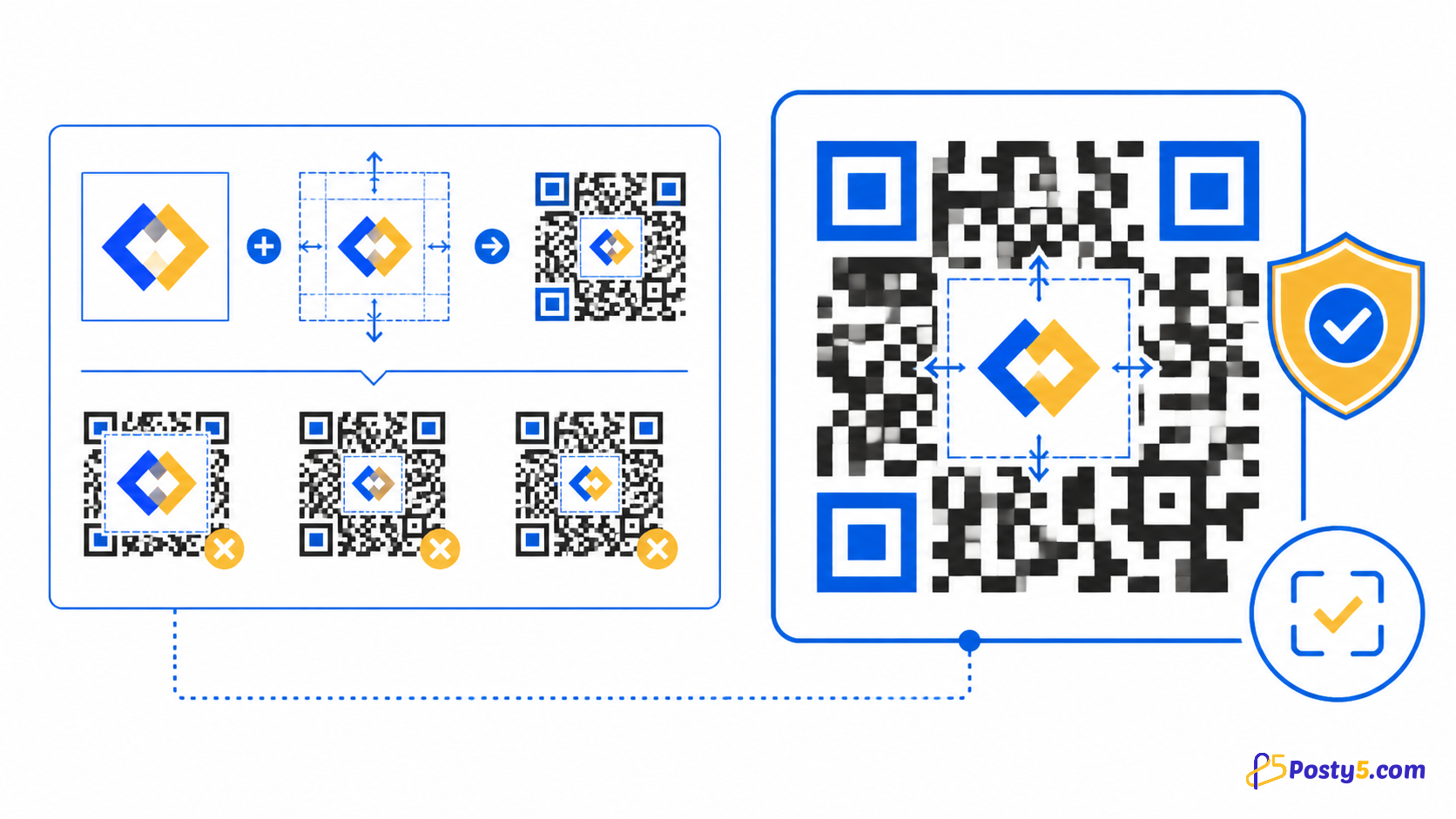
Keep strong contrast, preserve a clear quiet zone, test the final printed size on more than one phone and repeat the test after adding a logo or changing colours.
Posty5 output from the public generator is verified as PNG. Do not assume SVG, PDF, JPEG, vector export or editable destinations after printing.
Frequently asked questions
What Posty5 creates?
Fourteen types are supported: free text, email, Wi-Fi, phone call, SMS, URL and location, plus contact card (vCard), calendar event, WhatsApp, review, social profiles, app store and file (PDF or image). App store and file codes are always dynamic.
Design without hurting scans?
Design controls include foreground, background and quiet-zone colours, individual corner markers, dot scale, title, size and error-correction level.
Prepare for print?
Keep strong contrast, preserve a clear quiet zone, test the final printed size on more than one phone and repeat the test after adding a logo or changing colours.
Save and manage?
Saved records can be listed, searched, edited and deleted. Posty5 shows how many times the code's Posty5 page was opened and when; scans of a downloaded or printed image are not counted.
Continue through the QR Code guides
- Read: Posty5 QR Code Generator: Create and Customise QR Codes
- Read: How to Create a QR Code in Three Steps
- Read: How to Add a Logo to a QR Code Without Breaking It
- Read: How to Create a Wi-Fi QR Code for Guests
- Read: QR Code Design Templates: Reuse One Branded Style
- Read: QR Codes for Restaurants: Menus, Wi-Fi and Reviews
- Read: QR Codes for Events: Registration, Directions and Feedback
- Read: QR Code Not Scanning? Causes and Fixes