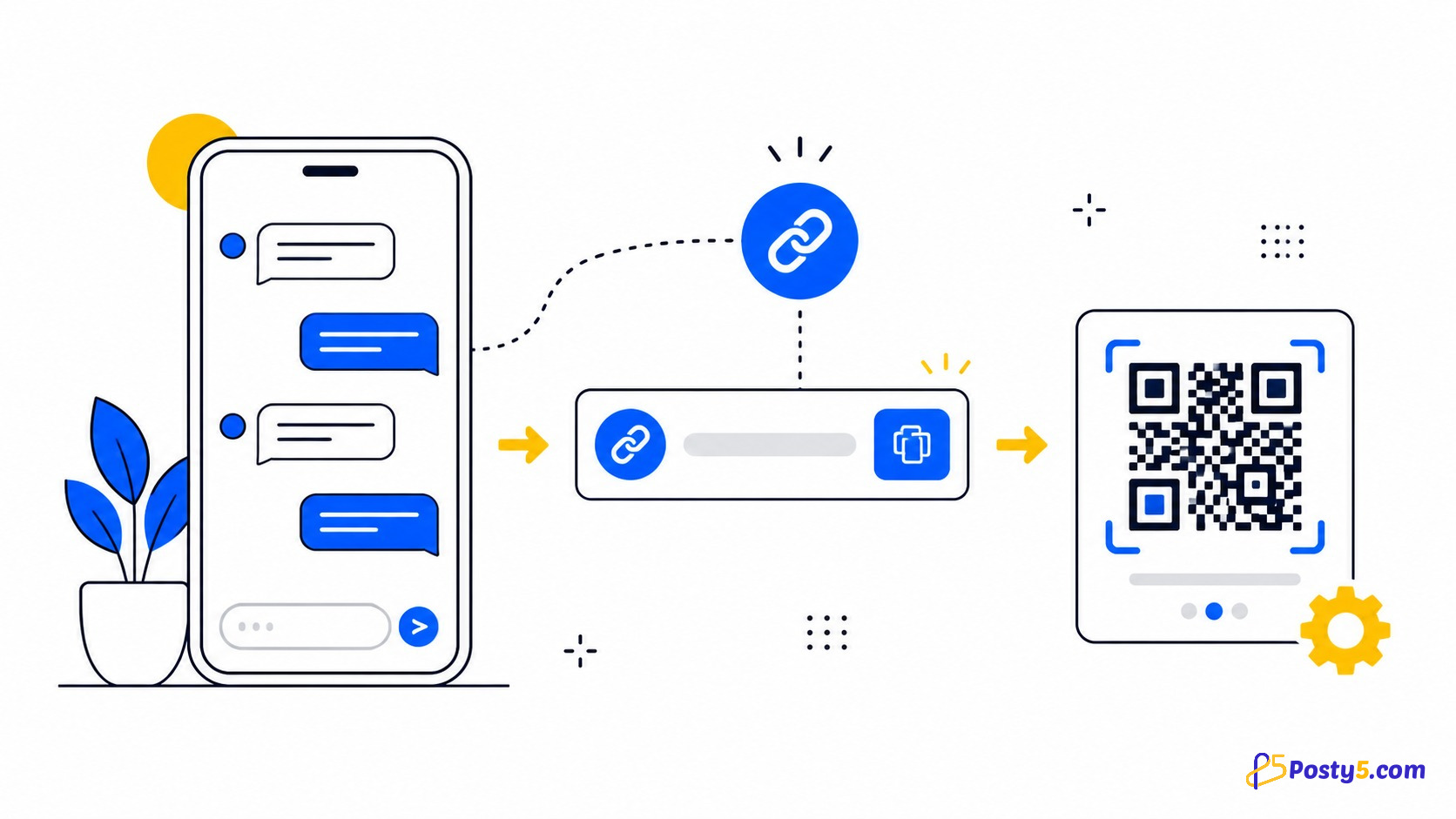
A phone number in a bio or on a receipt makes the customer do the work: copy it, save a contact, open WhatsApp, find the contact and explain where they found you. A click-to-chat route removes those steps. The most useful setup is not one generic link everywhere, but a separate opening message for each place a customer can find your business.
That simple distinction turns a stream of “Hi” messages into conversations with context. Posty5 creates the route and its QR code; you continue the conversation in WhatsApp.
One placement, one opening message
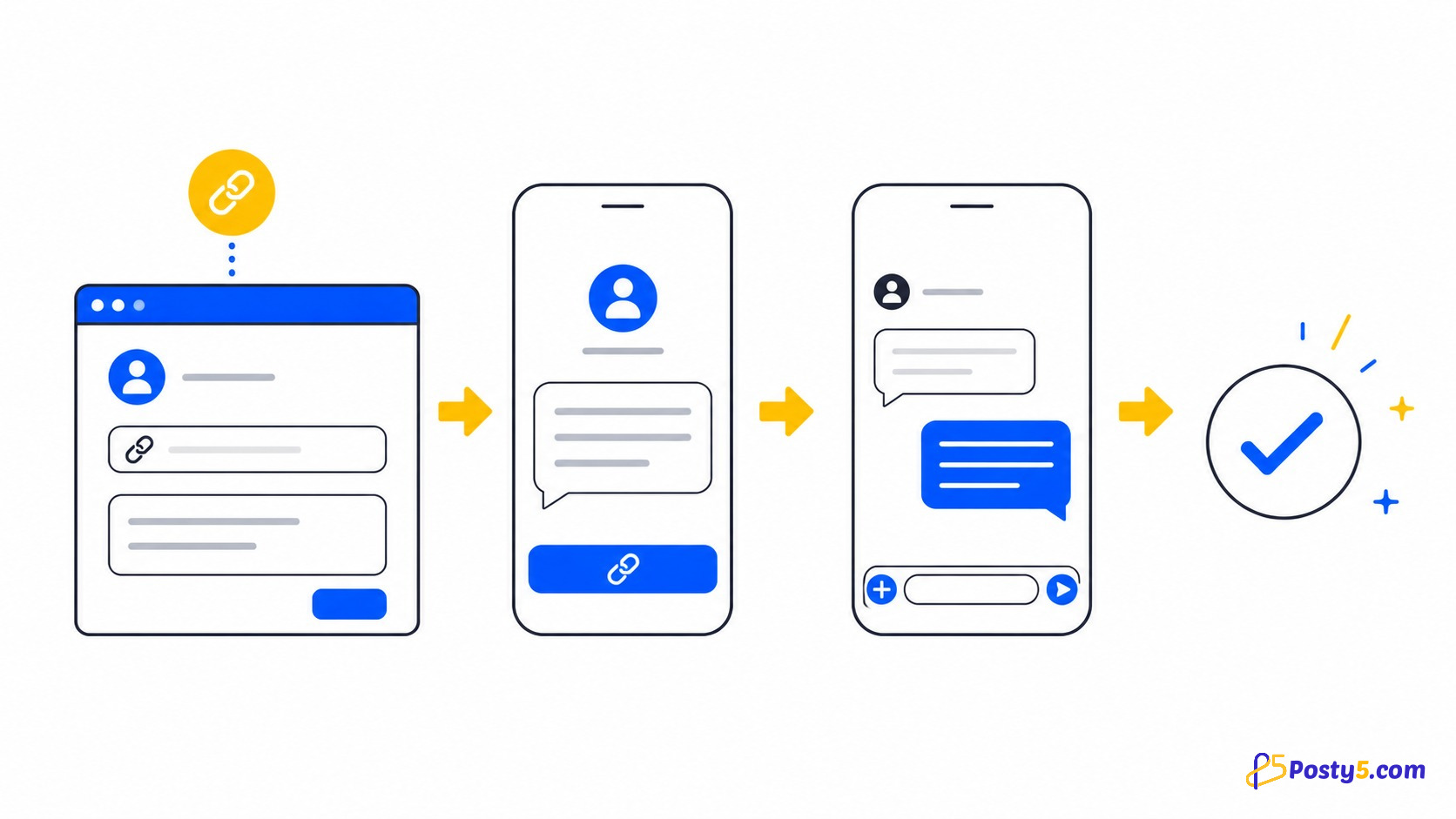
The message field is free text. A link in your social bio can begin with “I found you on Instagram,” while a QR code on a product box can name that product. When the customer sends the prepared text, the conversation itself tells you which placement brought them in.
Start with a list of your contact points. Create each version with the Posty5 WhatsApp Link Generator, then use Create Short Link for digital placements and Download for a QR code in print.
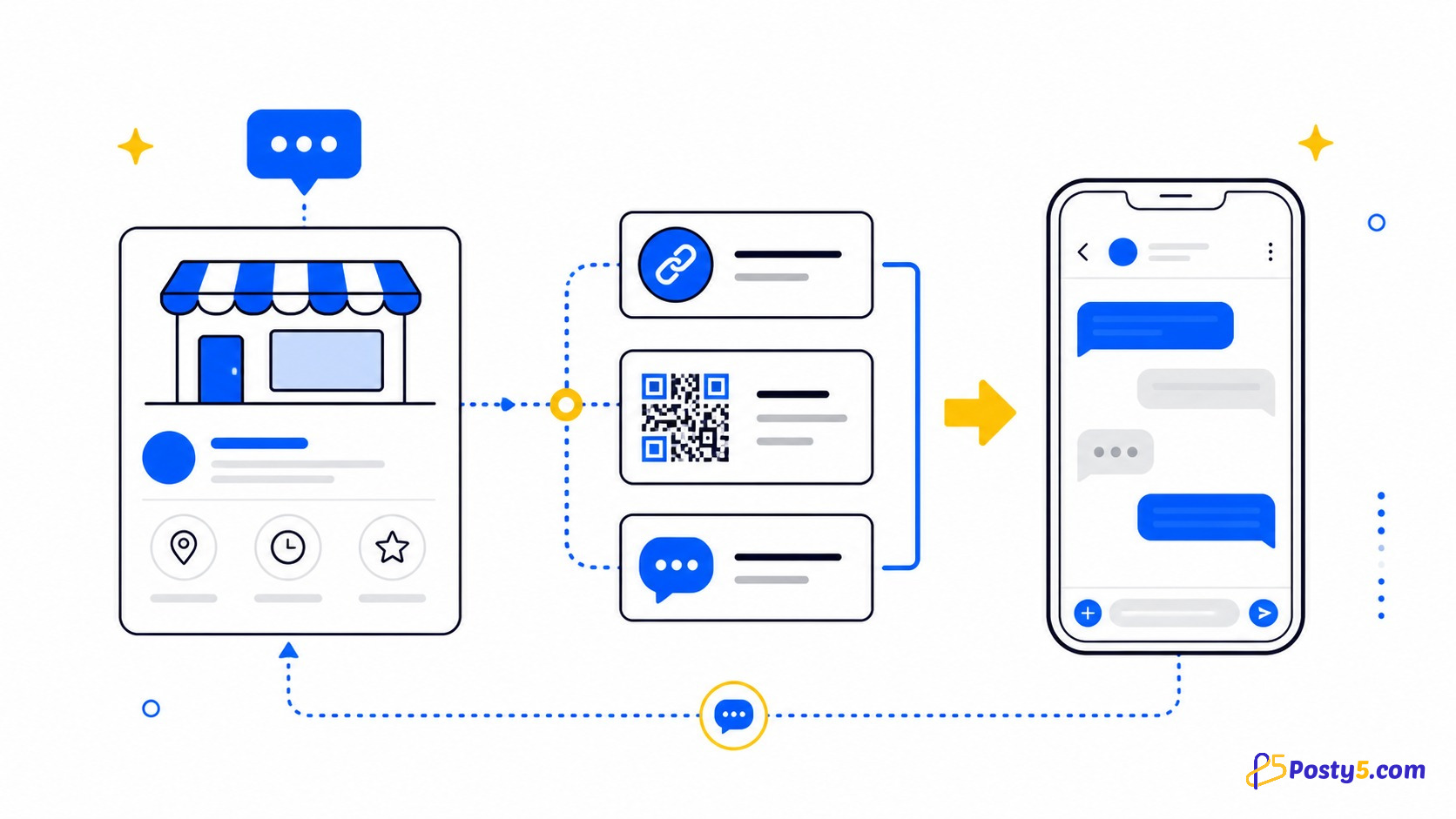
Messages for six common placements
| Placement | Suggested first message | Output |
|---|---|---|
| Social profile | Hi, I found your profile and I’d like to ask about… | Short link |
| Service page | Hi, I’m reading your photography page and would like to ask about availability. | Short link |
| Product packaging | Hi, I’m contacting you about the product in this box. | QR code |
| Receipt or invoice | Hi, I have a question about my recent order. | QR code |
| Shop window | Hi, I’m outside the shop and would like to ask whether an item is available. | QR code |
| Email signature | Hi, I received your email and would like to continue the enquiry on WhatsApp. | Short link |
The customer can edit the text before sending it. Your goal is to provide context, not to write their entire question for them.
Create the first placement linkUse short links to compare placements
Create a separate Posty5 short link for each digital placement. If you manage links in an account, a shared tag can group the campaign and a distinct reference ID can identify the bio, website, email or sign. The visit count then shows how often each short link opened.
Use QR codes for physical placements
A printed customer cannot tap a URL, so give them a QR code. Posty5 renders the same chat destination as a QR preview and lets you download it. Keep enough empty space around the code, avoid placing it over a busy photo and test the final printed size with more than one phone.
Use different QR codes for packaging, a receipt and a shop window when you want each one to carry a different opening message. The message is the reliable context inside the chat; do not present the QR itself as conversation analytics.
Three practical examples
Home baker
The bio message names the cake range, while a box QR names the product the customer received.
Salon
Each service page uses a message naming the treatment, so the owner can answer availability immediately.
Independent shop
A window QR lets people ask about stock when the shop is closed without copying the displayed number.
What this setup does not do
Posty5 generates links and QR codes. It does not provide automatic replies, a chatbot, WhatsApp catalogues, customer records, payments, message scheduling or a shared team inbox. It also does not read the chat. If you need those capabilities, evaluate them separately rather than expecting them from a click-to-chat route.
Do you need WhatsApp Business?
The Posty5 route targets a phone number and does not require a specific business-only integration. WhatsApp Business is a separate WhatsApp product. This article does not rely on its features, limits or eligibility, so the placement method remains about the link itself: number, message, short link and QR code.
Frequently asked questions
How can customers message me without saving my number?
Give them a click-to-chat short link online or a QR code in print. It opens the intended chat directly.
Can I tell where a customer found me?
Use a different prepared message for each placement. The message can name the bio, page, package or window.
Can I track how many people messaged me?
No. A short link can count opens, but it cannot confirm that a conversation started.
Can customers pay through the link?
No. The route opens a WhatsApp conversation; it is not a checkout or payment link.
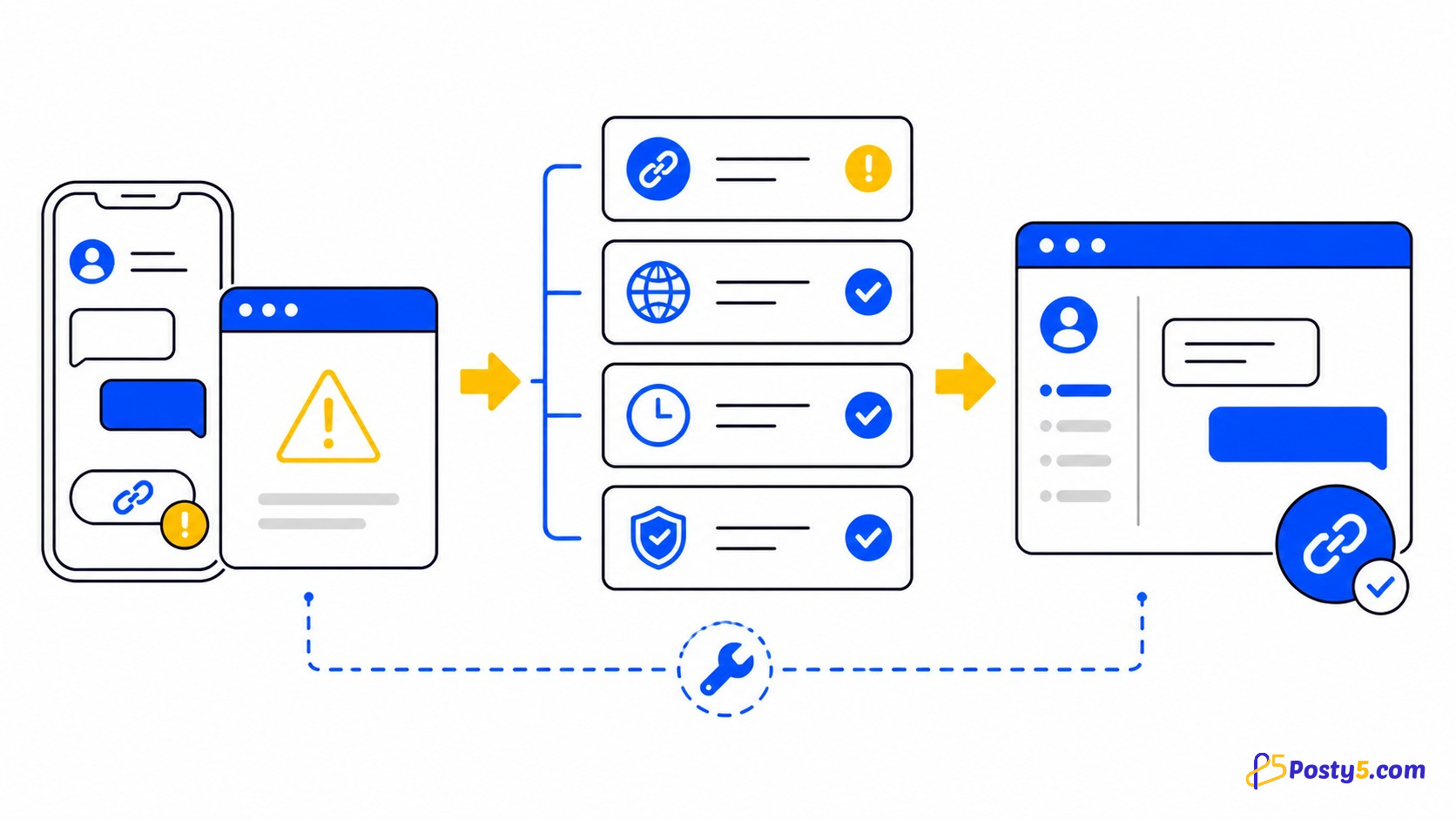
What if a customer says the link is broken?
Use the WhatsApp link troubleshooting guide to separate number, device and short-link problems.
Create one clear route first
Choose your busiest placement, write a message that names it and test the result before expanding the system.
Open the generator