Posty5 reads the selected image into the page and crops it with code running on your device. No request carries the image to Posty5, and the public tool opens without an account. The other side of that privacy is simple: nothing is stored, so download or copy the result before closing the tab.
Choose a crop shape
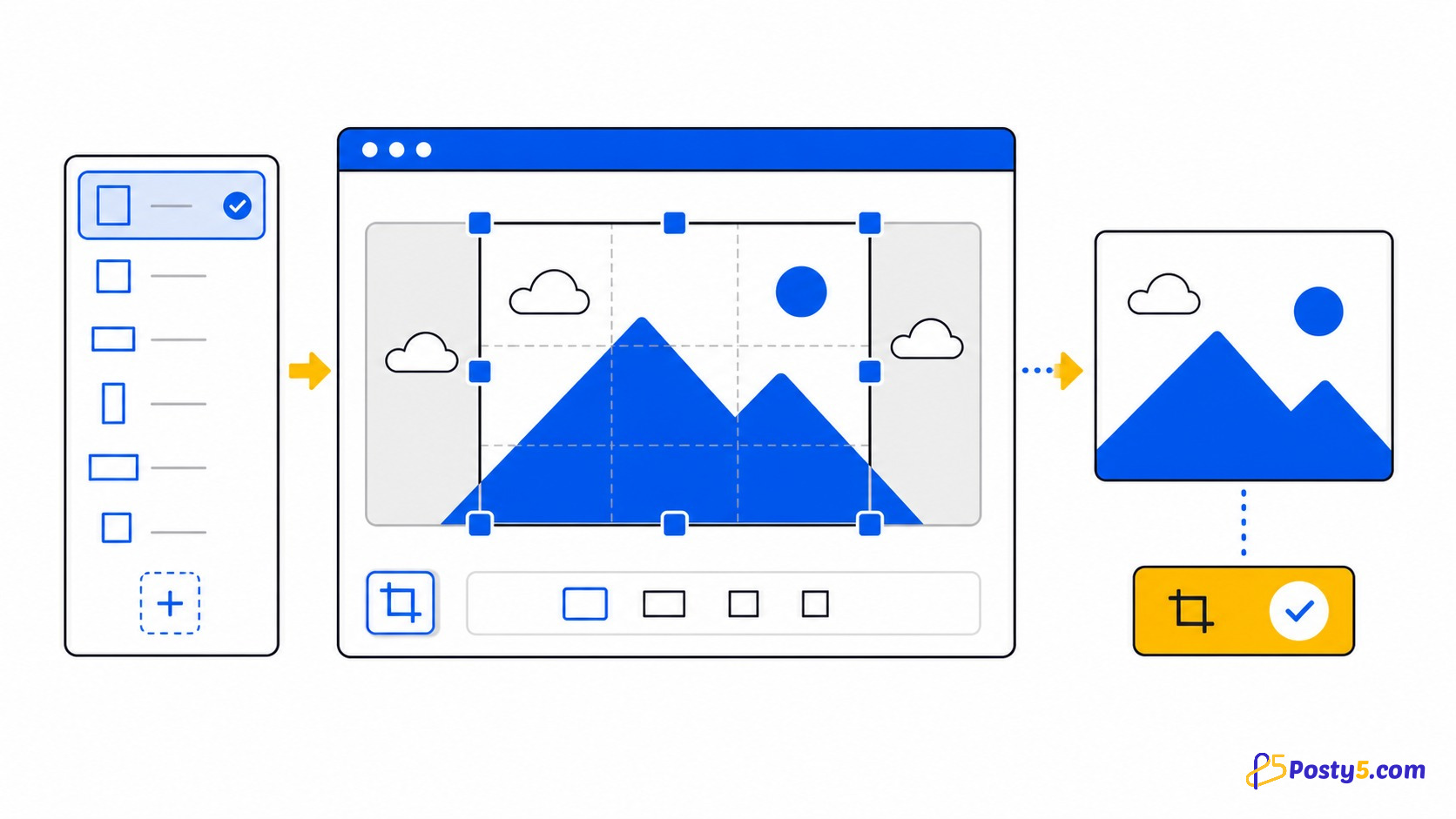
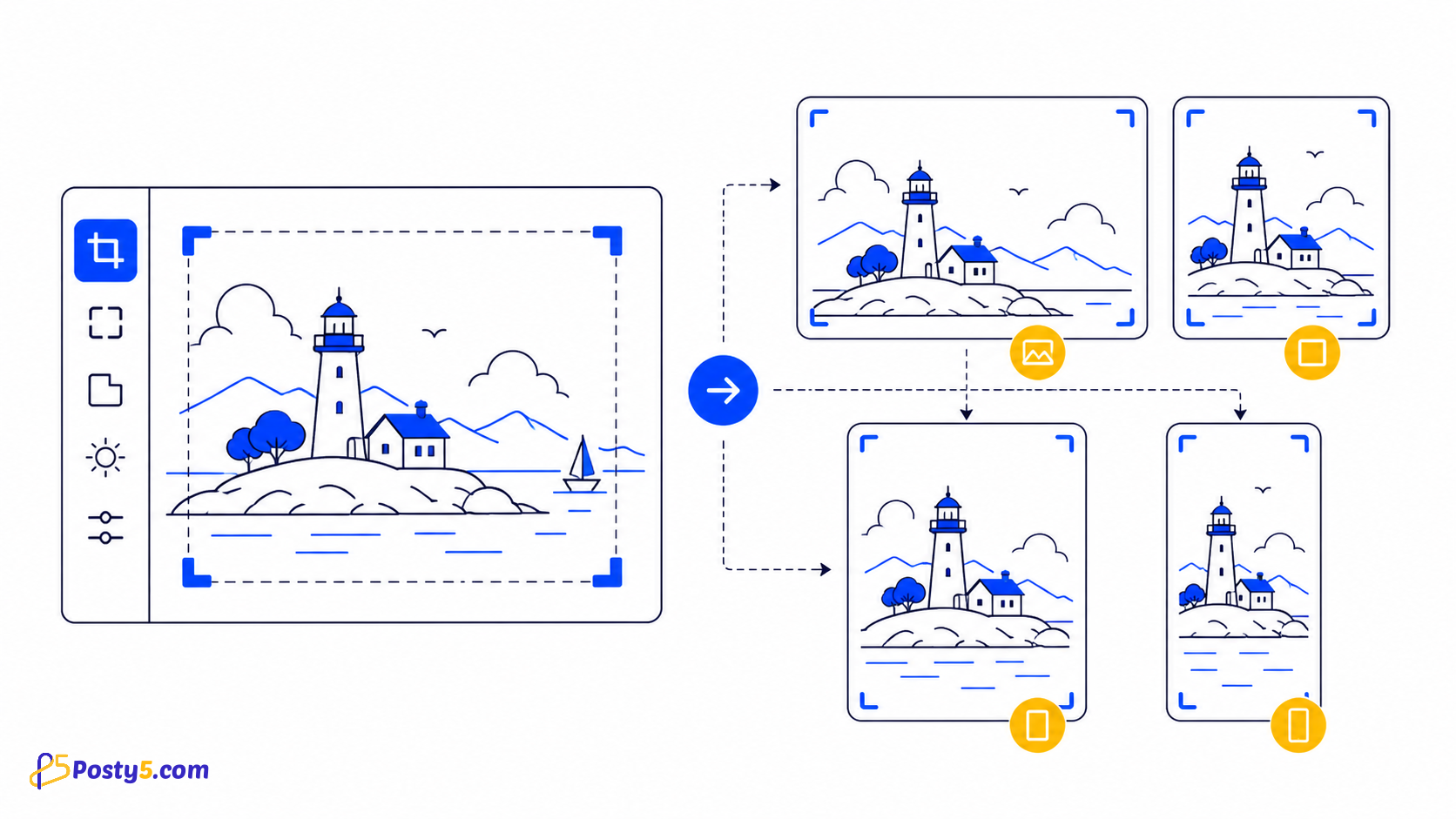
| Free Size | 16:9 | 4:3 | 1:1 | 2:3 |
Adjust the image
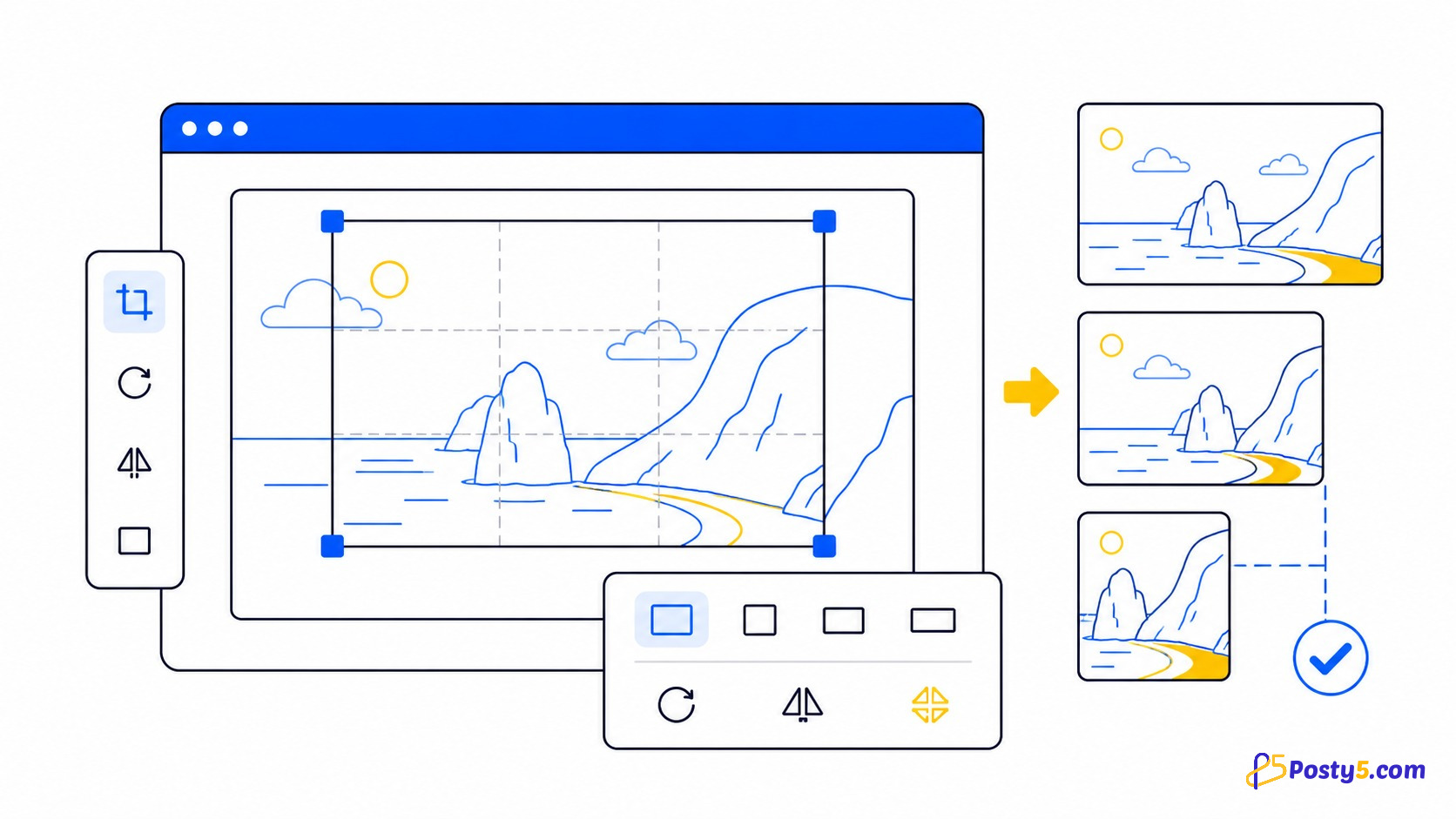
Drag and resize the crop box, zoom in or out, rotate left or right in 45-degree steps, flip horizontally or vertically, or reset the edit. The current interface does not contain a field for typing an exact export width.
Save, download or copy the result
Press Save to generate the output. You can then download the image or copy its base64 data URI, a ready-made HTML tag, or a CSS background-image rule. A data URI is useful for a small embedded asset, but large embedded images make HTML or CSS much heavier.
Crop an image in four steps
- Choose an image from your device.
- Pick Free Size, 16:9, 4:3, 1:1 or 2:3.
- Move the crop box and use zoom, rotation or flip if needed.
- Press Save, check the preview and then Download or copy the code.
What the tool does not do
It does not offer format conversion, compression settings, batch cropping, filters, retouching or background removal. The generated canvas data is PNG, and very large images still depend on your browser and device memory.
Frequently asked questions
Is my photo uploaded?
No. The file is read and processed in the browser; it is not sent to a Posty5 image-processing endpoint.
Which ratios are available?
Free Size, 16:9, 4:3, 1:1 and 2:3.
Can I rotate or flip the image?
Yes. The visible controls include zoom, 45-degree rotation, horizontal and vertical flip, and reset.
Is the crop saved?
No. Download or copy the output before closing the tab.