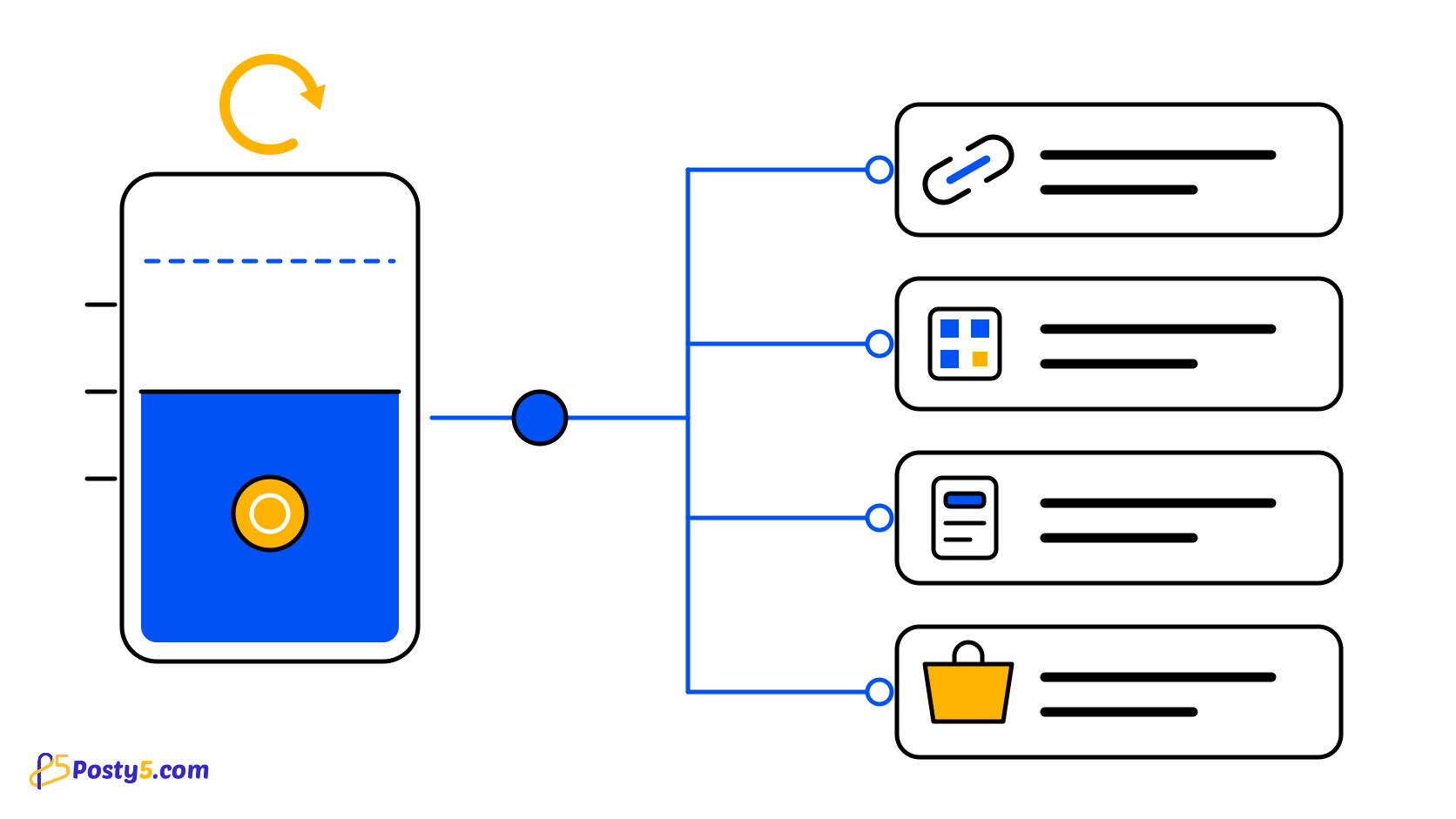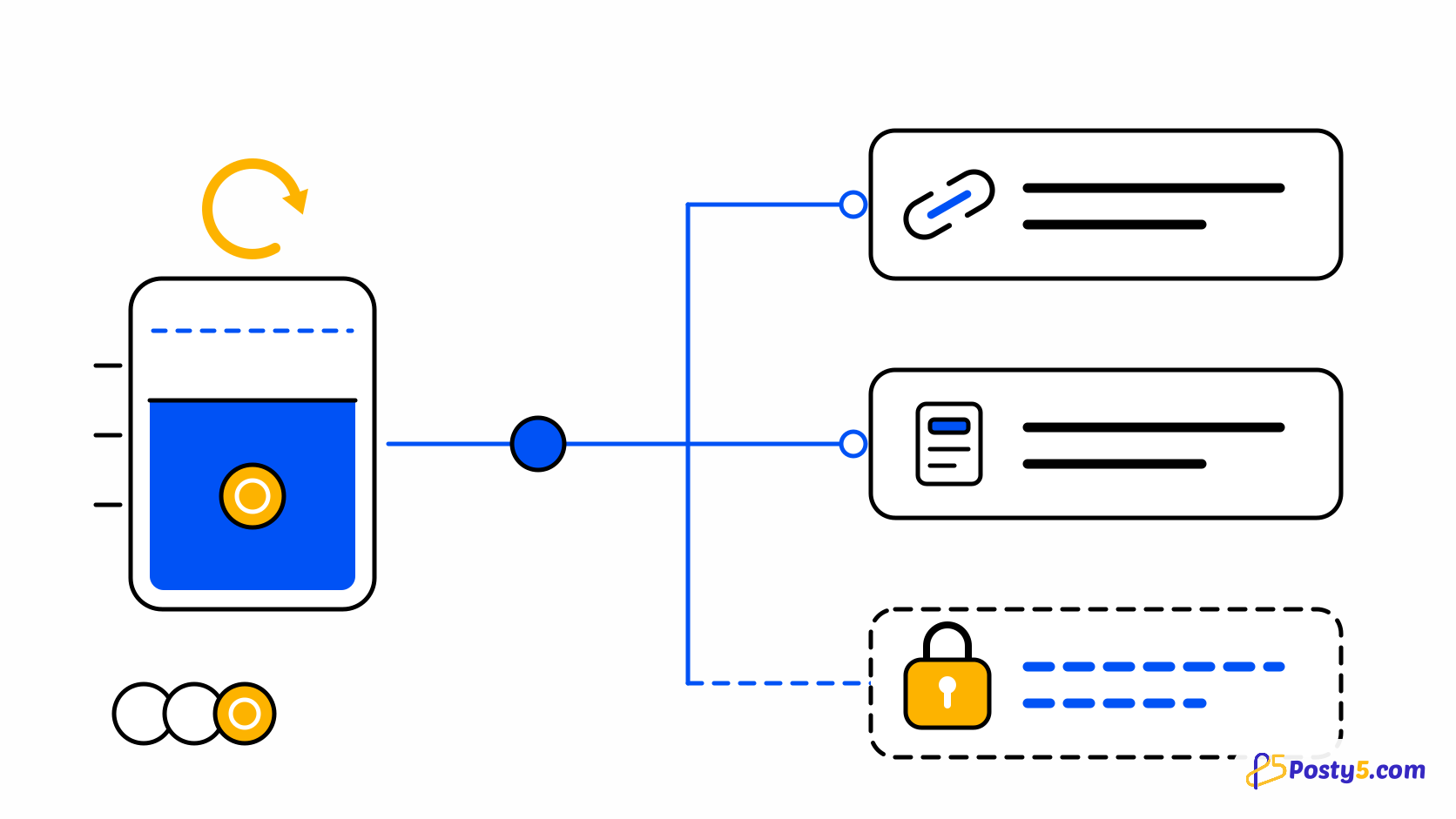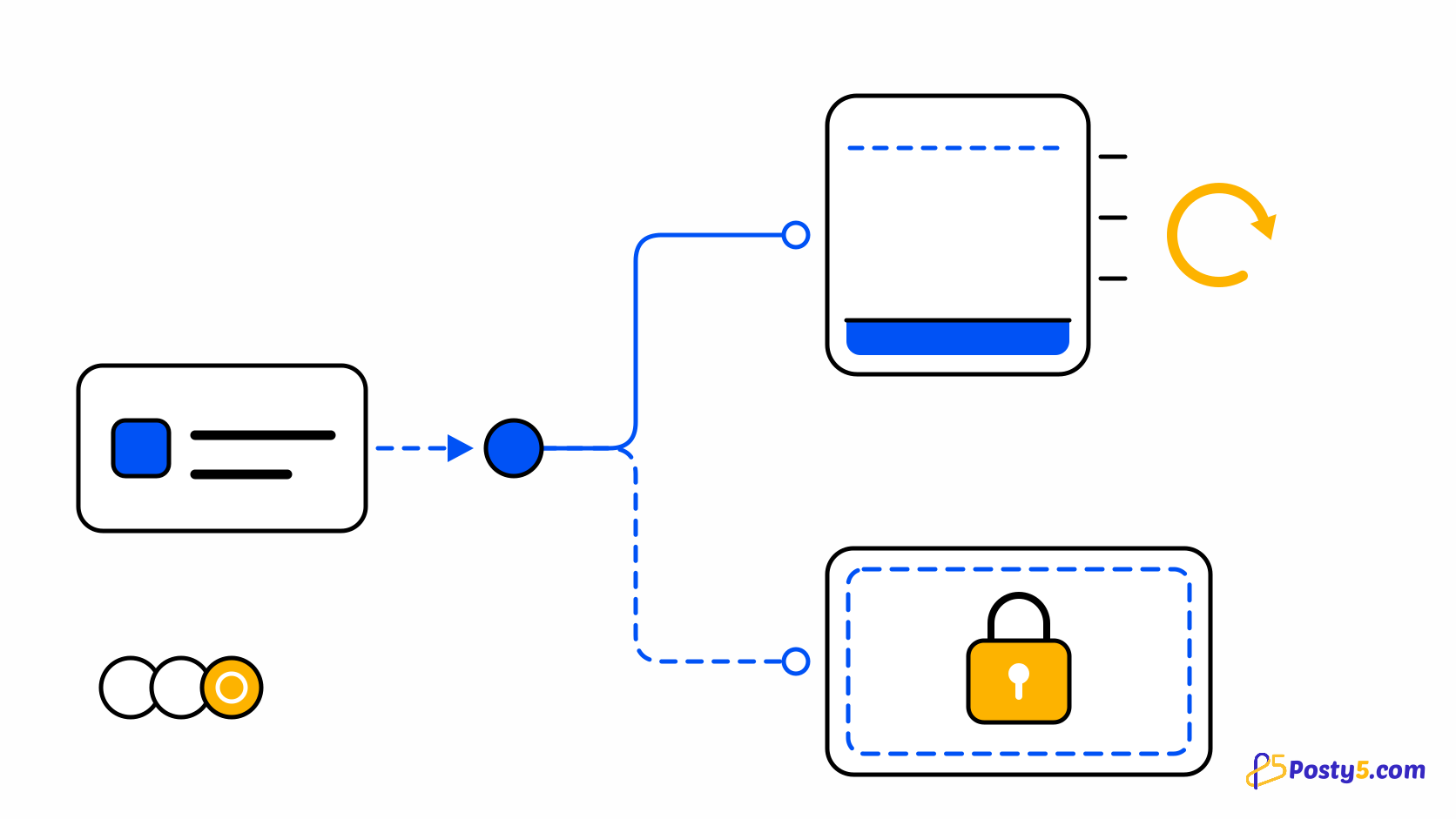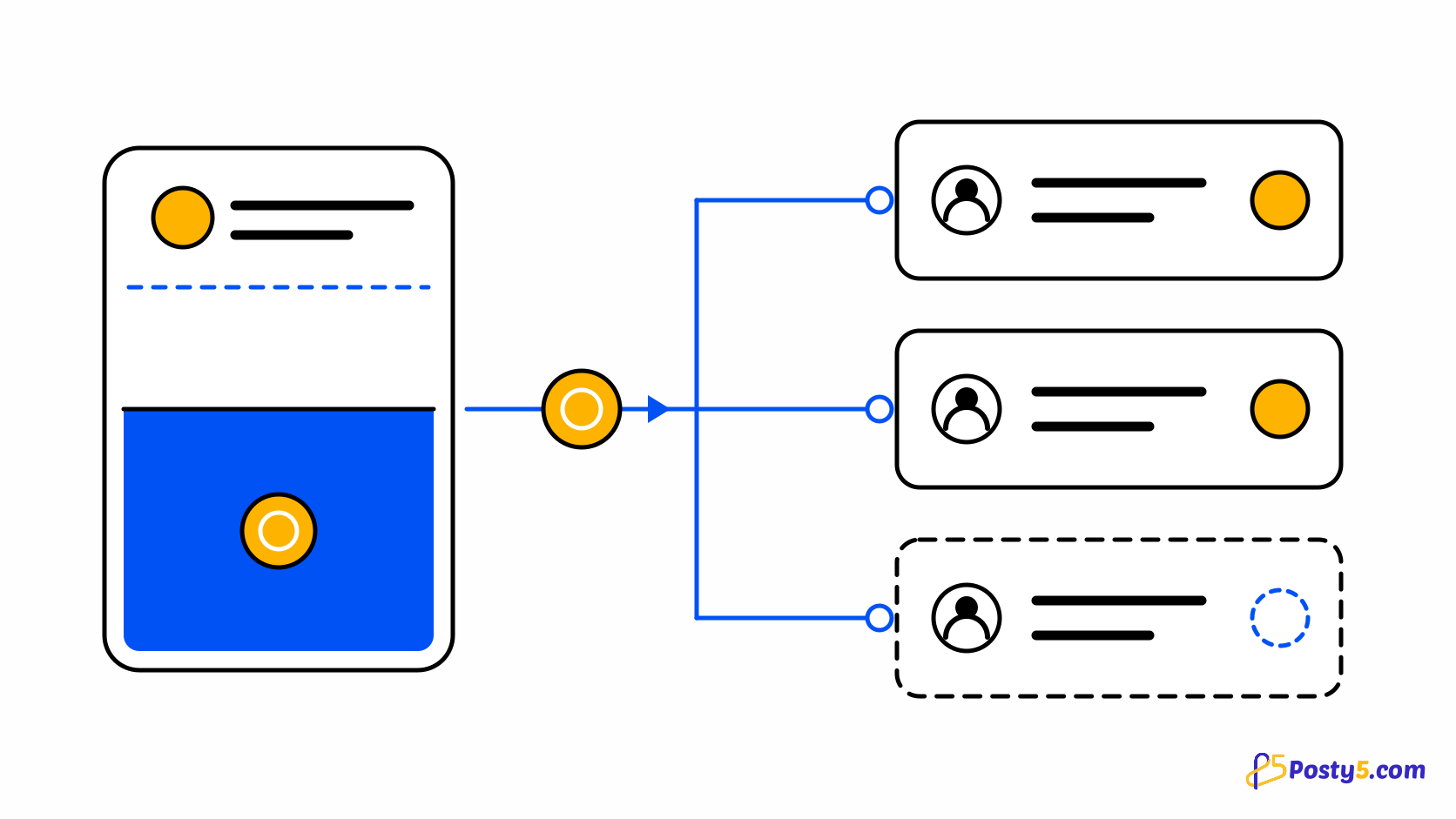
Posty5 runs on one shared credit budget: every tool draws from the same balance. A credit transfer lets that budget cross from one account to another. An agency can fund the accounts its clients run themselves, and a team can keep one budget in the account that pays for it and pass credits to the people who do the work. The credits leave the sender's balance and arrive in the recipient's at once, and the transfer itself costs no credits. Read how the shared credit budget works.
Who can send and who can receive
| Plan | Can send | Can receive |
|---|---|---|
| Free | No | One transfer |
| Starter | No | Any number |
| Pro | No | Any number |
| Business | Yes | Any number |
Sending is part of the Business plan, and only while that plan is active. If a Business plan has ended, renew it to send again. On Free, Starter and Pro the action is shown locked. Receiving is open to any active Posty5 account with a verified email address. A Free account can receive one transfer; after that it can receive more only on a paid plan. See what the Free plan includes.
How to send credits
Transfers are sent from the web dashboard, in two steps: the details, then a review.
- Open "My Subscription" and select "Transfer credits".
- Enter the "Recipient email", the number of "Credits" and, if you like, a "Note for the recipient" of up to 140 characters.
- Check the review step. It shows the recipient's name and email partly hidden, the amount, and your balance after the transfer.
- Select "Send 500 credits" to confirm — the button repeats the amount you entered. The recipient gets the credits at once, and you both receive an email.
- Each transfer is a whole number of credits, at least 100, and at most your available balance.
- There is no fee. The recipient receives exactly the amount you send.
- Your monthly credits are used first, then your extra credits, the same order as any other use of credits.
Before you press Send
A transfer cannot be cancelled. Once you send it, the credits are no longer yours to take back, so the review step is the moment to check. Compare the partly hidden name and email with the person you meant, and read the amount twice. If Posty5 answers "This account can't receive credits right now.", the email does not match an active Posty5 account, or it belongs to a Free account that has already received its one transfer. For privacy, Posty5 does not say which.
What happens to the credits you receive
- Received credits are added to your "Extra credits", next to any credits you bought.
- They never expire and stay with you when you change plans.
- They are used after your monthly credits.
- If your account owes credits, the received credits pay that off first, and the rest is added to your balance.
Where to see your transfers
- "My Subscription", then "Credit transfers", lists the credits you sent and received, with their status.
- "Credit usage" shows each transfer as "Transfer sent" or "Transfer received". Sent credits are not counted as spending.
- The recipient also gets a notification in Posty5, and both of you get an email.
If you sent credits to the wrong account
You cannot cancel a transfer yourself. If you sent credits to the wrong account, contact Posty5 support. Support can review the transfer and, where appropriate, take back the credits the recipient has not spent and return them to you. That is a review, not a guarantee: credits the recipient has already used cannot come back.
For developers
With an API key you can read whether the account can send or receive transfers and list its transfers, through the API, the SDKs and MCP. Sending is only possible from your Posty5 account, never with an API key.
Compare the plans
Sending credits is part of the Business plan; every plan can receive them. Compare what each plan includes.
Frequently asked questions
Which plan do I need to send credits?
The Business plan. Free, Starter and Pro accounts can receive credits but cannot send them.
How many transfers can a Free account receive?
One. To receive more, upgrade to any paid plan.
Can I cancel a transfer?
No. Check the recipient on the review step. If you sent credits to the wrong account, contact Posty5 support.
Why does it say this account can't receive credits?
The email does not match an active Posty5 account, or it belongs to a Free account that has already received its one transfer. For privacy, Posty5 does not say which.
Do received credits expire?
No. They stay with you when you change plans.
Does sending credits cost credits?
No. There is no fee, and the recipient receives the full amount.
Can I send credits with an API key or MCP?
No. You can read your transfers through the API, the SDKs and MCP, but sending is only possible from your Posty5 account.
I owe credits. What happens when I receive a transfer?
The received credits pay off what you owe first, then the rest is added to your balance.