This guide explains Posty5 vs Linktree: Choose the Right Page Builder from the current Posty5 implementation, so the steps match the editor rather than assumptions.
What the page includes
The verified structure for this page covers:
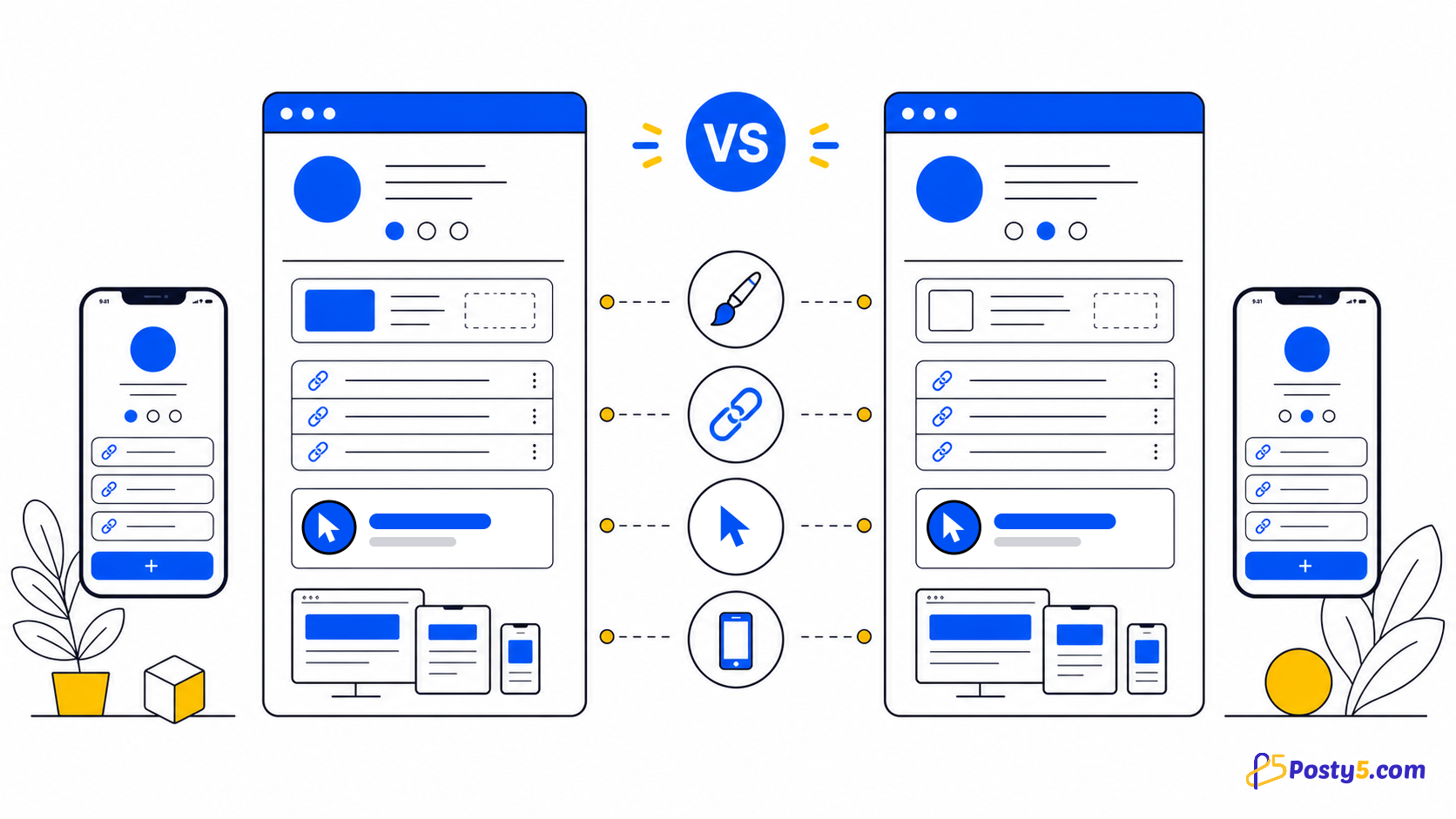
- Posty5 page-template breadth and forms
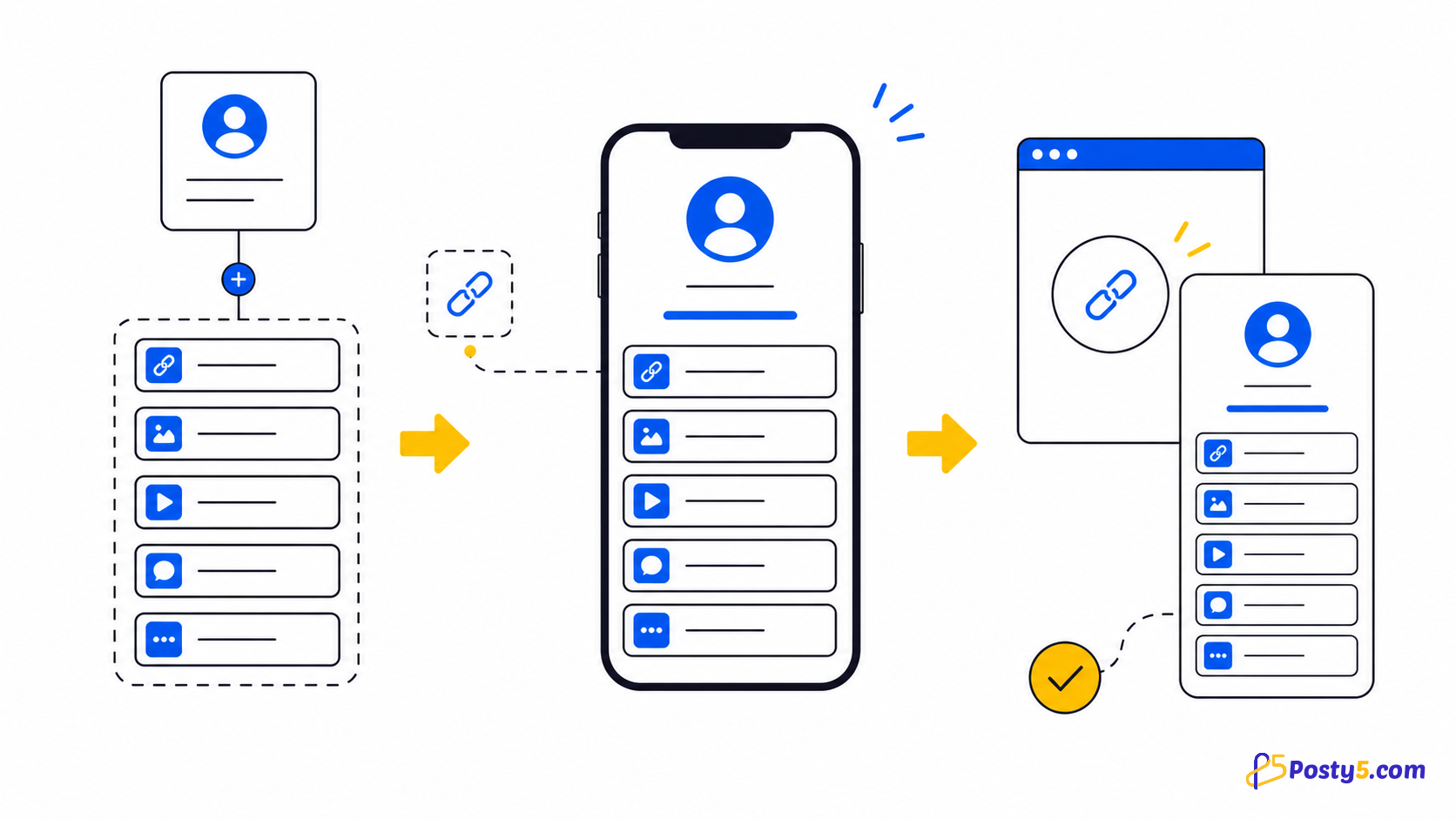
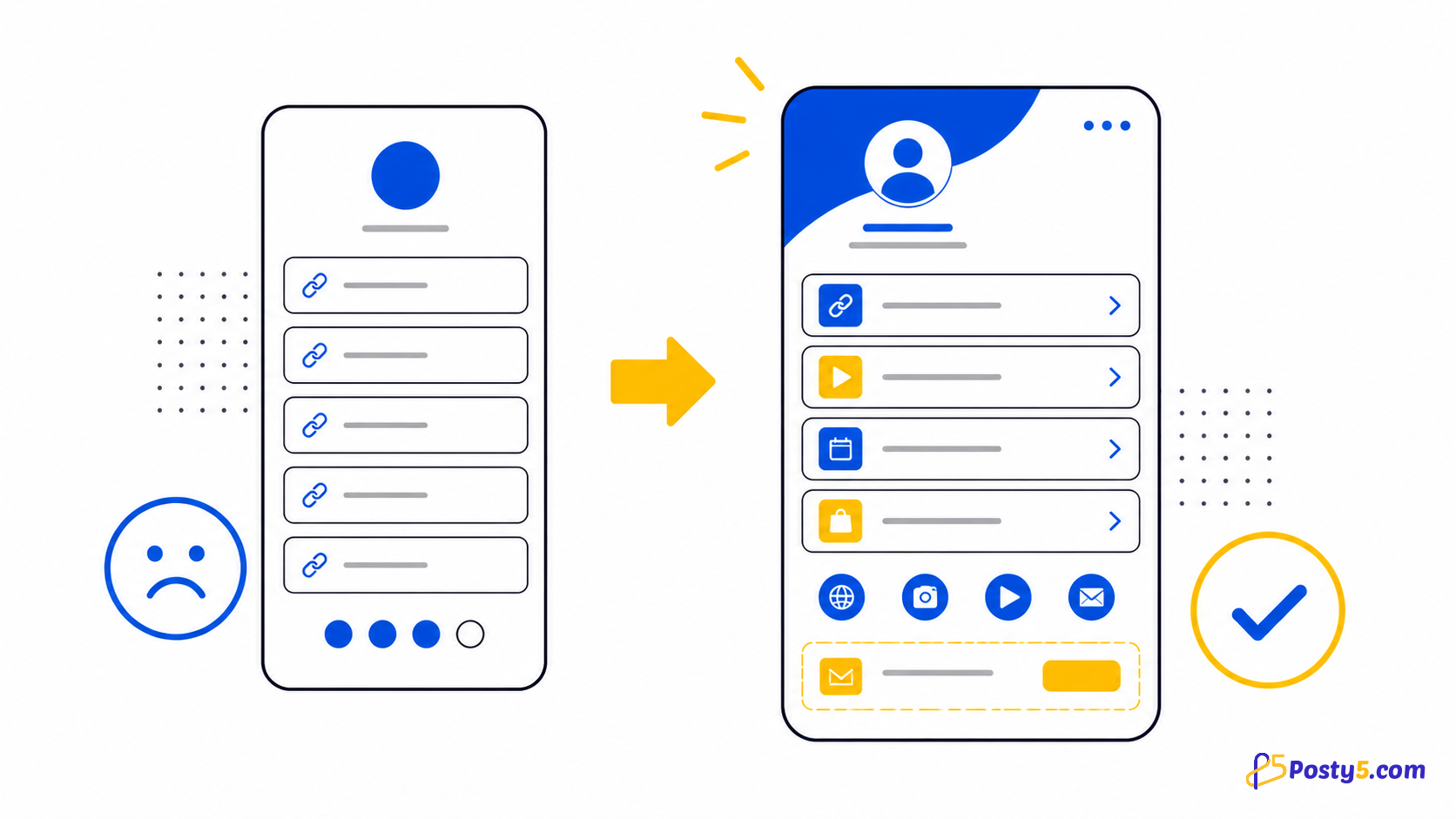
- Linktree bio links, themes, analytics and contact forms
- publishing and address differences
- a decision based on the page goal
Choose the right template and structure
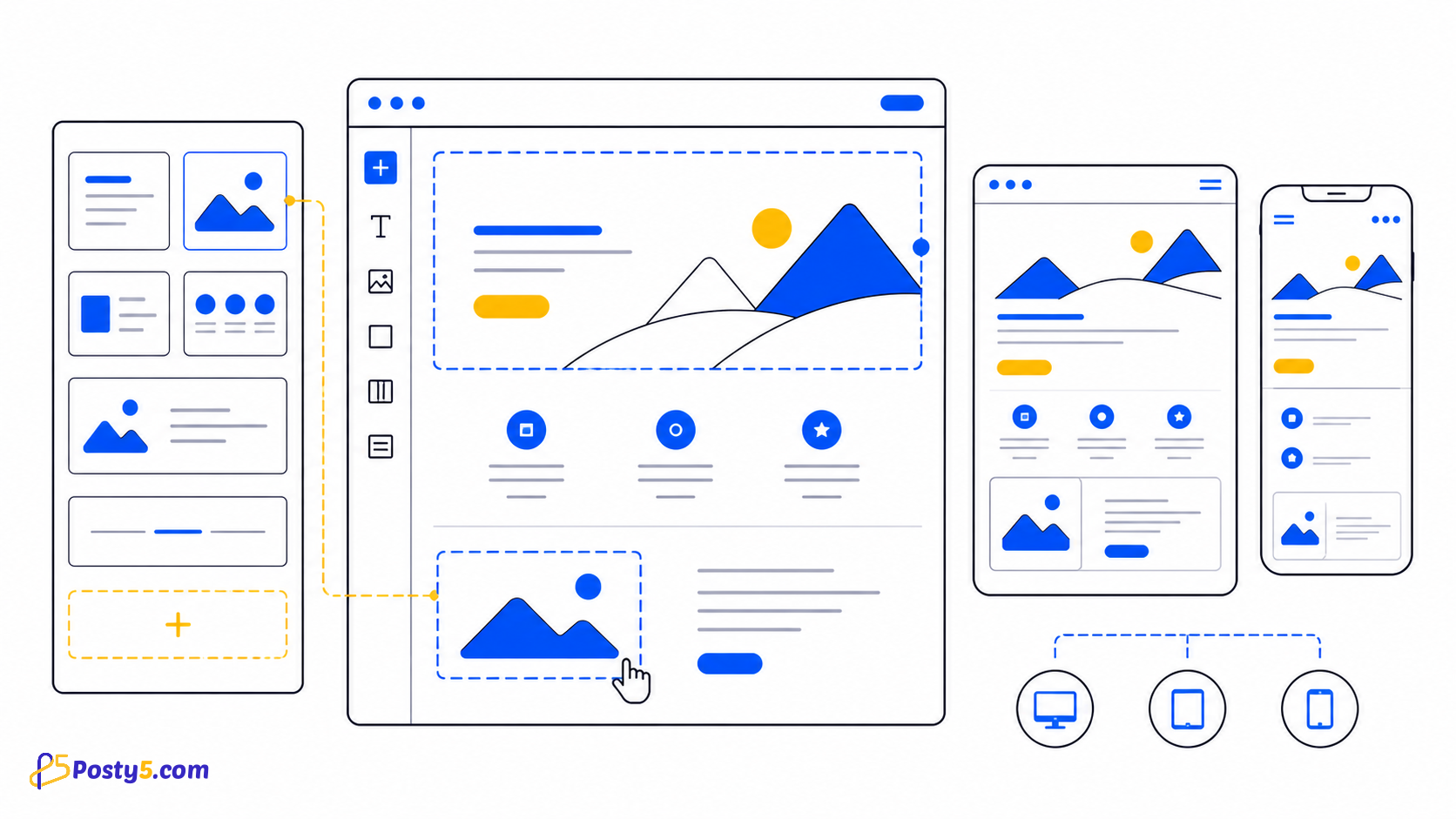
Select the closest template and variant for the page goal. Complete Page Info and give every visible section real content.
Build and publish step by step
Use this repeatable editor sequence:
- Define the exact page goal and the sections it needs.
- List required forms, analytics, domain and layout behavior.
- Verify those requirements in each provider’s current official documentation.
- Build a small draft and test mobile layout, links and form behavior.
- Choose the workflow that removes the fewest important requirements.
Review before sharing
Open every link, check images and dates, read the page on a narrow screen, and verify a real submission in the dashboard when the template includes a form.
Open Page BuilderComparison sources and review date
Last reviewed August 14, 2026. The comparison uses current official help pages and does not rank either service.
Important boundaries
Features and policies can change. Recheck each provider’s official documentation for current domains, forms, analytics and publishing rules; this comparison intentionally avoids prices.
Frequently asked questions
Do I need to write code?
No. The workflow uses a selected template and structured editor fields.
Can I edit the page after publishing?
Yes. Reopen the page, update its fields and publish the corrected version.
Can I choose the slug?
A custom slug must pass format and availability checks; access to custom choices can depend on the account plan.
Do all templates include a form?
No. Form fields and submission review apply only to templates that include a form.
Should I test the mobile view?
Yes. Preview both widths, then test the actual published address.
Which template should I choose?
Choose the template whose fields match the page goal; do not select by appearance alone.
Continue through the Page Builder guides
These guides cover the same Page Builder workflow from different angles: